Facebook Background Text Posts in Social Planner
Social Planner now supports Facebook-style background text posts, so users can create colorful text-only Facebook posts without switching to Facebook manually.
What changed
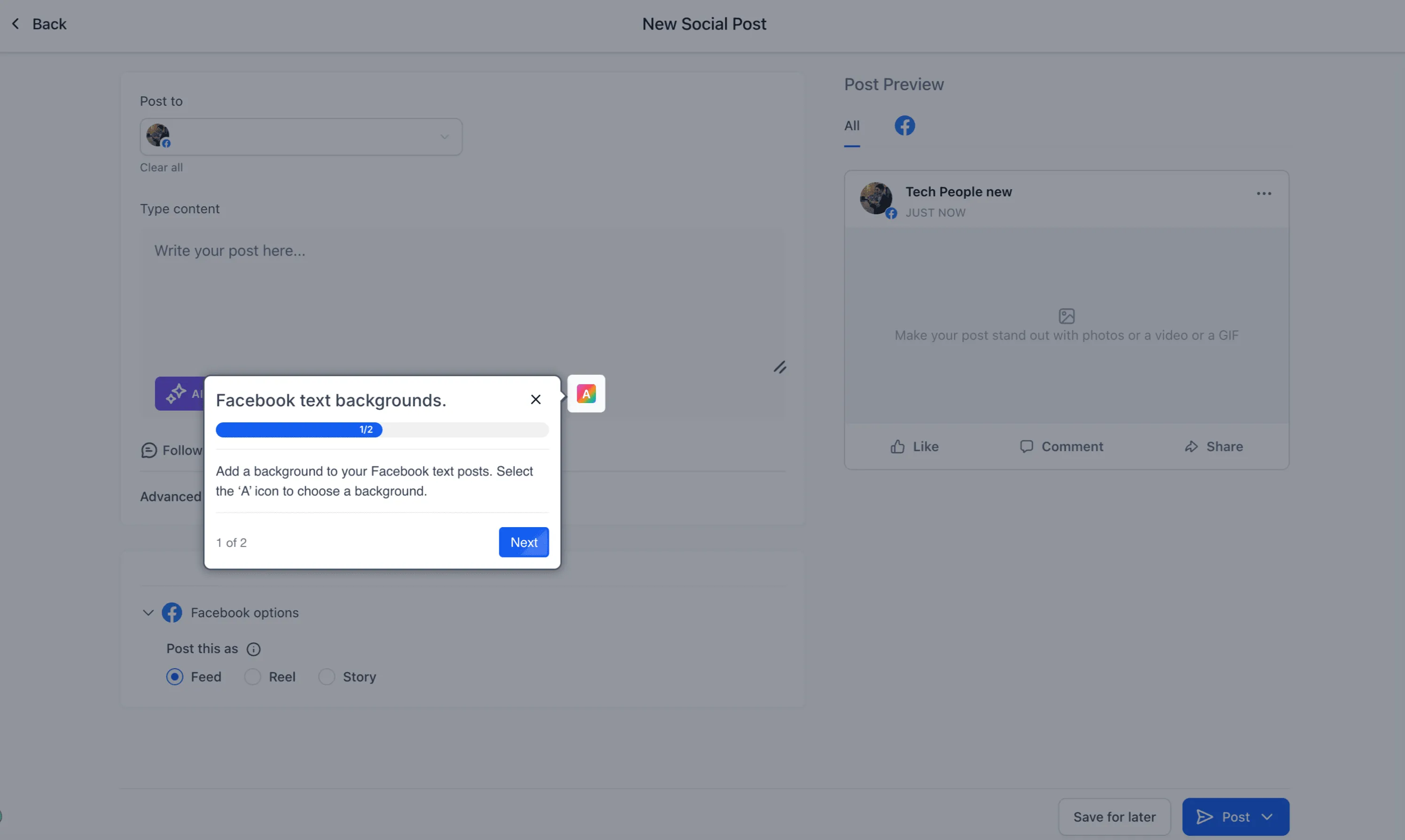
When Facebook is selected in the post composer, a Text Background option appears for eligible posts. Users can:
- Browse available background presets
- Select a background instantly
- Preview the style while editing
- Publish immediately or schedule the post
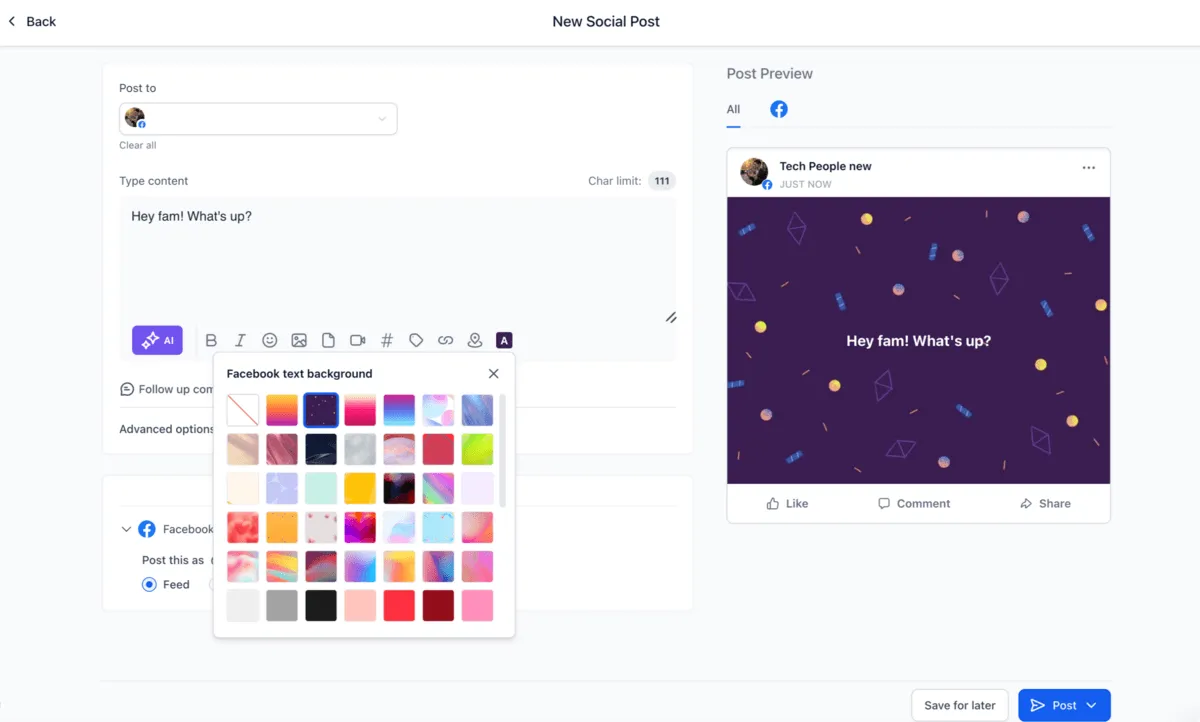
Facebook-style preview while editing
The composer preview now reflects the native Facebook background post experience. Background changes appear live, and text automatically resizes based on caption length so users can better understand how the post will look when published.
Automatic handling for post compatibility
Backgrounds are supported only for text-only Facebook posts. Social Planner automatically manages this behavior:
- Adding images or videos disables the background option
- Editing a scheduled post with media removes the selected background
- Background selection remains available for eligible text-only Facebook posts
How to use it
- Go to Marketing and open Social Planner.
- Create a post and select Facebook as the platform.
- Click Text Background.
- Choose a background preset.
- Add your caption.
- Publish immediately or schedule the post.
Why it matters
This update helps teams create more visible Facebook text posts from the same Social Planner workflow they already use for publishing and scheduling. It also reduces the need to recreate native Facebook background posts manually.
In Case You Missed It
For another Social Planner update, read about Bluesky Comment Management Added to Social Planner.
Need Help Applying This Update?
Want help turning this update into a working part of your CRM, marketing, or automation setup?
Get Started or schedule a demo and we’ll help you map the right next step.