Fix Email Setup Issues with AI
SMBcrm now includes AI-powered one-click fixes for common email setup issues in the email builder. This helps users correct validation problems faster before sending or scheduling emails.
What Changed
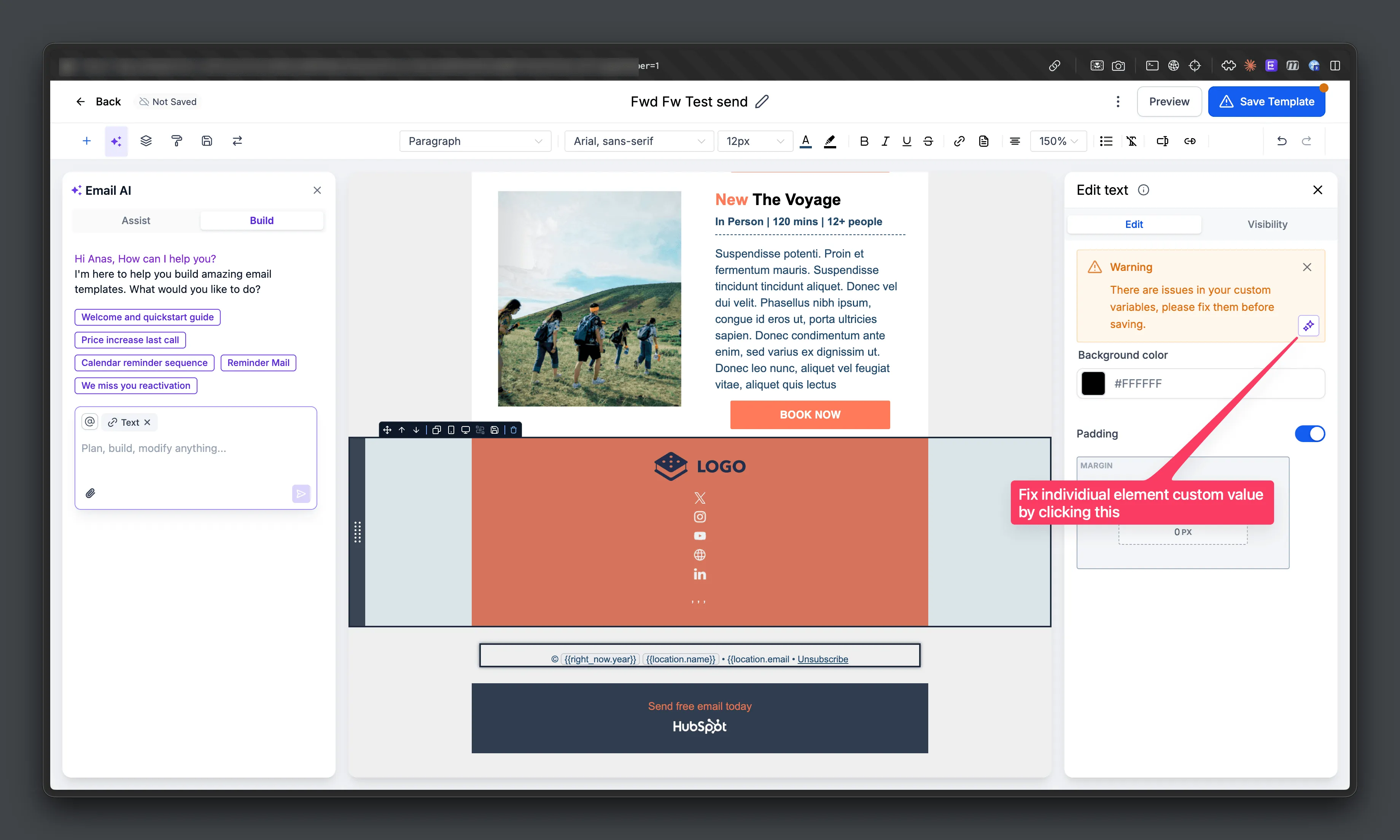
When an email has setup issues, Email AI can now apply a fix with one click. Supported examples include:
- Invalid custom value syntax
- Missing subject lines
- Missing preview text
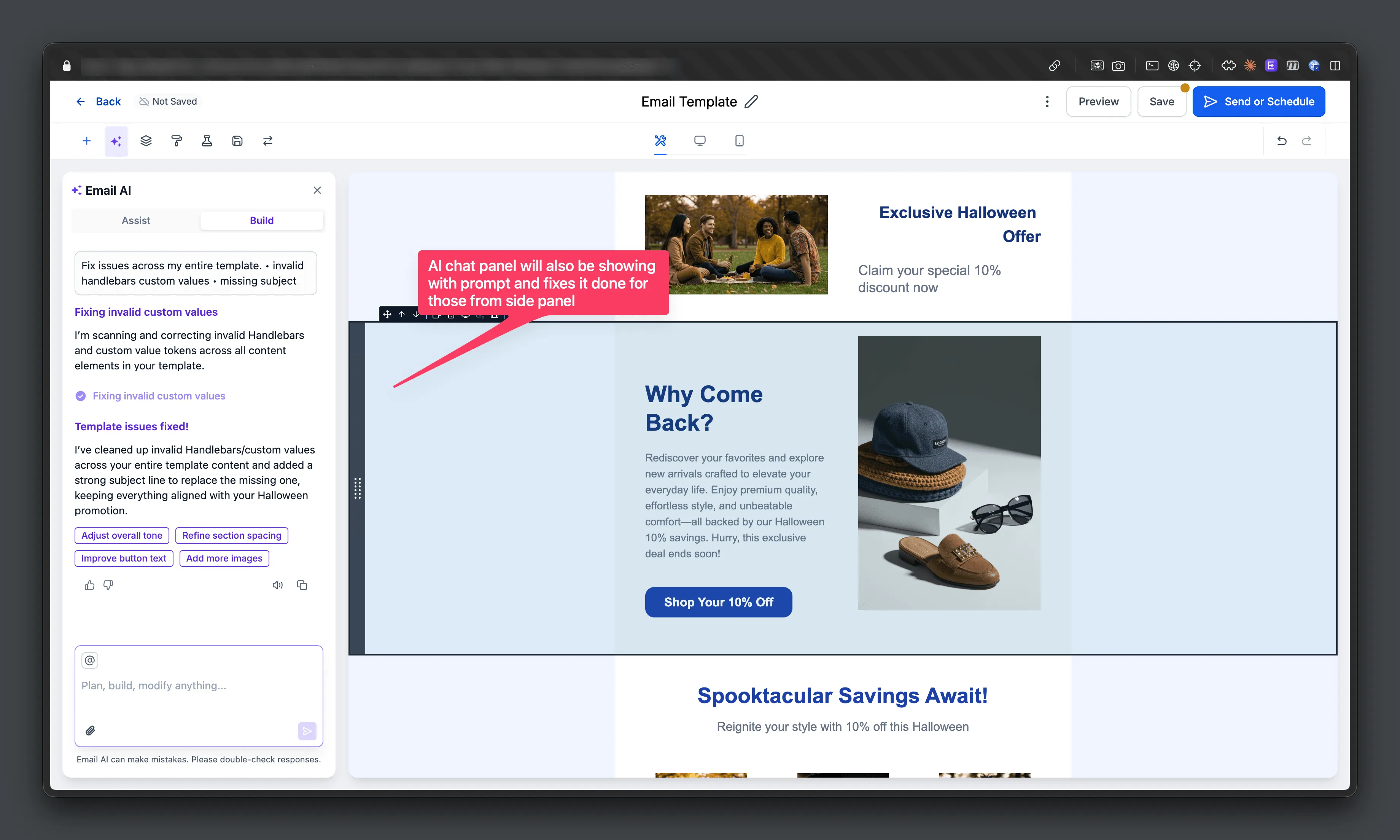
When needed, the AI also creates the required variant and logs the changes directly in the Email AI chat window.
This update supports faster setup inside SMBcrm communication workflows while giving users more visibility into changes made by AI features.
Why It Matters
The update reduces manual debugging for email configuration errors and helps users resolve invalid setups before sending. It also keeps a clear chat history of AI-generated changes so users can review what was updated.
How to Use It
- Enable Email AI in Beta Labs.
- Create a campaign with an issue, such as incorrect custom field syntax or a missing subject line or preview text.
- Click Send, Schedule, or open the Checklist.
- When validation errors appear, select Fix with AI.
- Review the Email AI chat window to see the explanation and logged changes.
In Case You Missed It
You may also want to review how contact tag updates now require confirmation.
Coming Soon
The source also notes that Beautify with AI is coming soon. It is described as a one-click way to improve mobile responsiveness, alignment, spacing, and overall email layout consistency.
Need Help Applying This Update?
Want help turning this update into a working part of your CRM, marketing, or automation setup?
Get Started or schedule a demo and we’ll help you map the right next step.