LinkedIn Integration Moves to Marketplace Framework
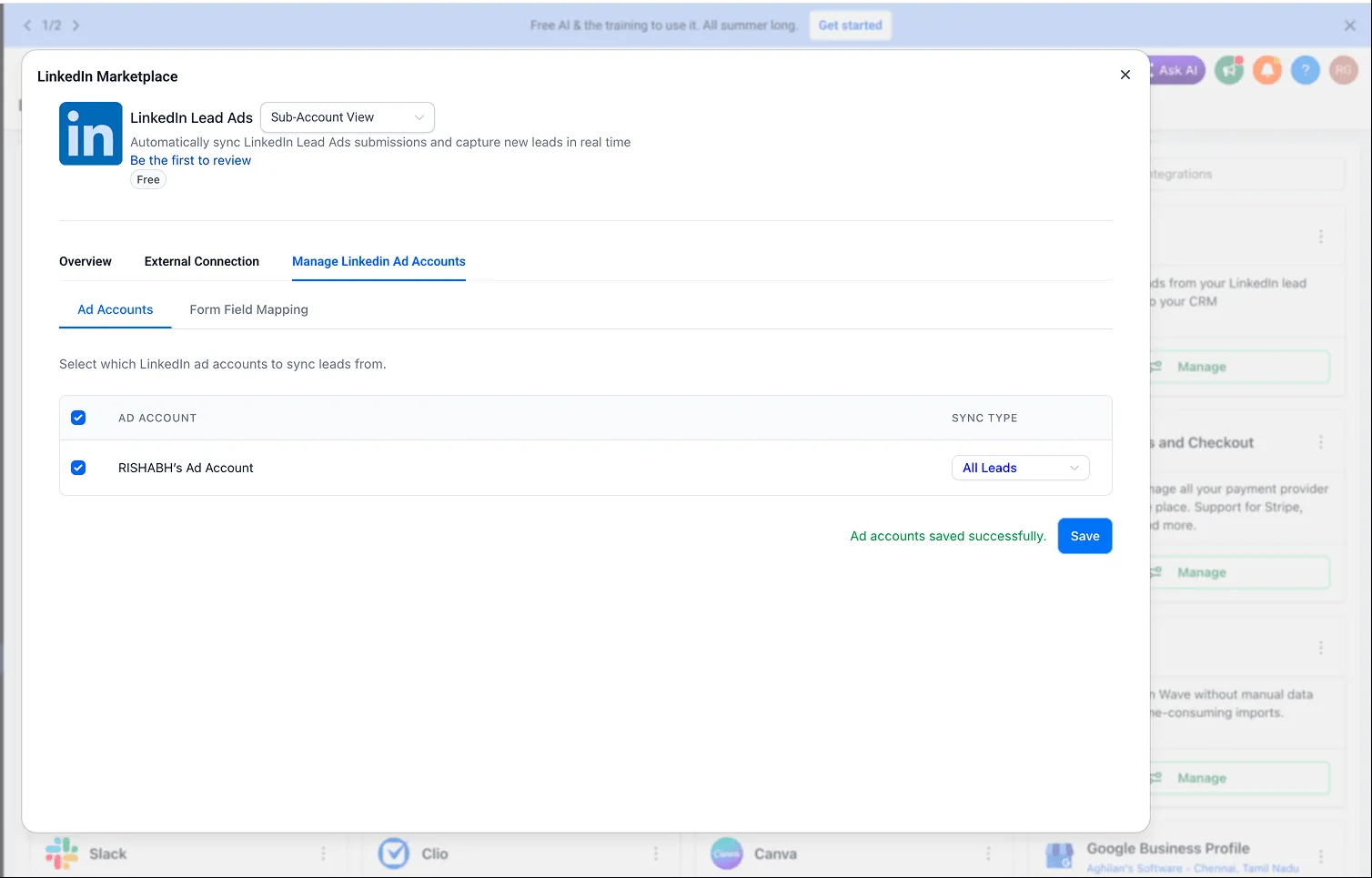
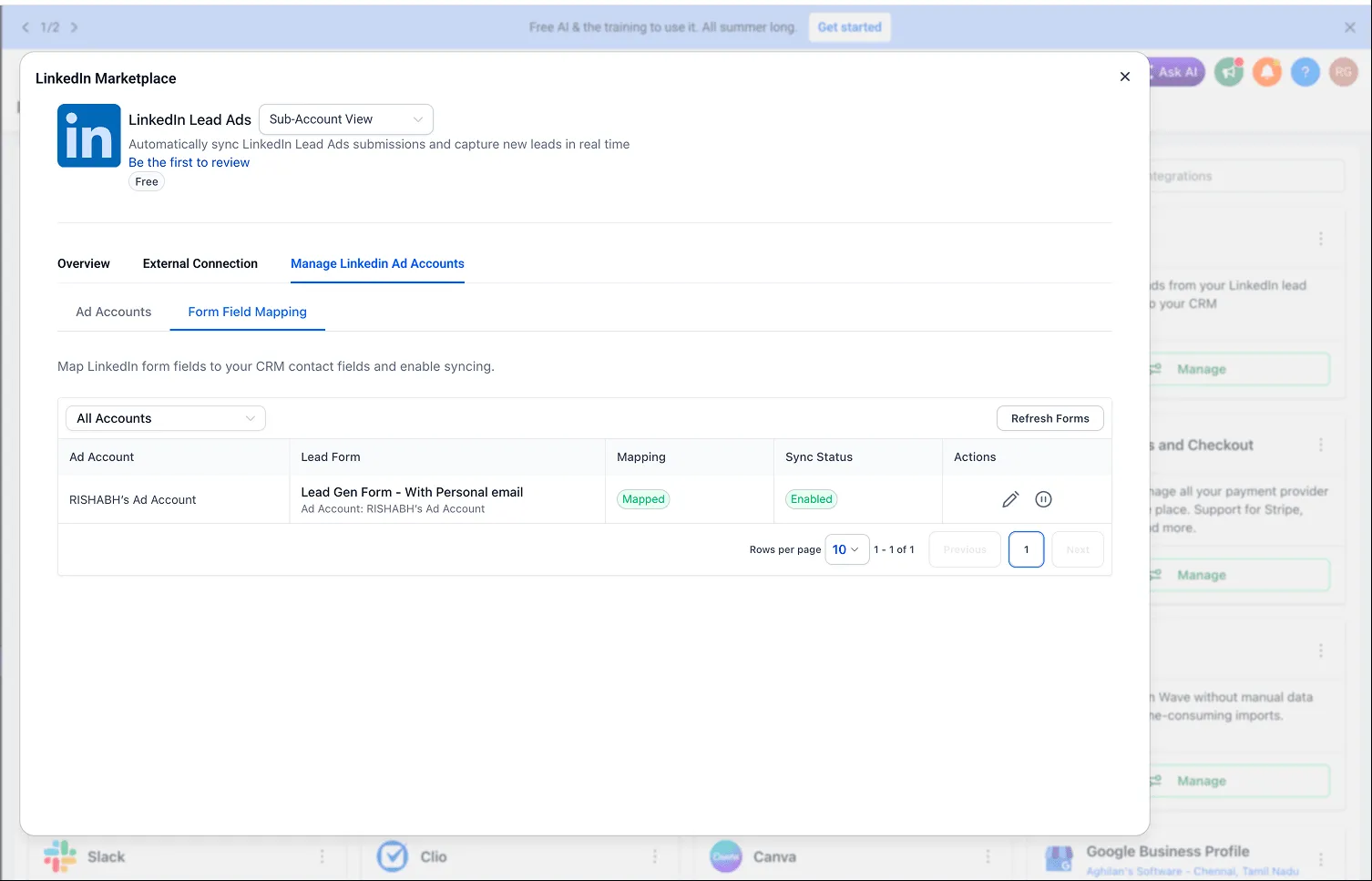
The LinkedIn integration has been migrated to the Marketplace framework through Labs under LinkedIn Marketplace Migration. This update improves how LinkedIn accounts are connected and managed behind the scenes while keeping the current user experience unchanged.
What Changed
- LinkedIn connections now use Marketplace authentication flows for improved credential handling and account security.
- The integration now runs on a scalable Marketplace foundation designed to support future LinkedIn enhancements.
- The migration lays the groundwork for future multi-account LinkedIn support within the same account.
- Existing LinkedIn connections continue to work without requiring users to reconfigure their setup.
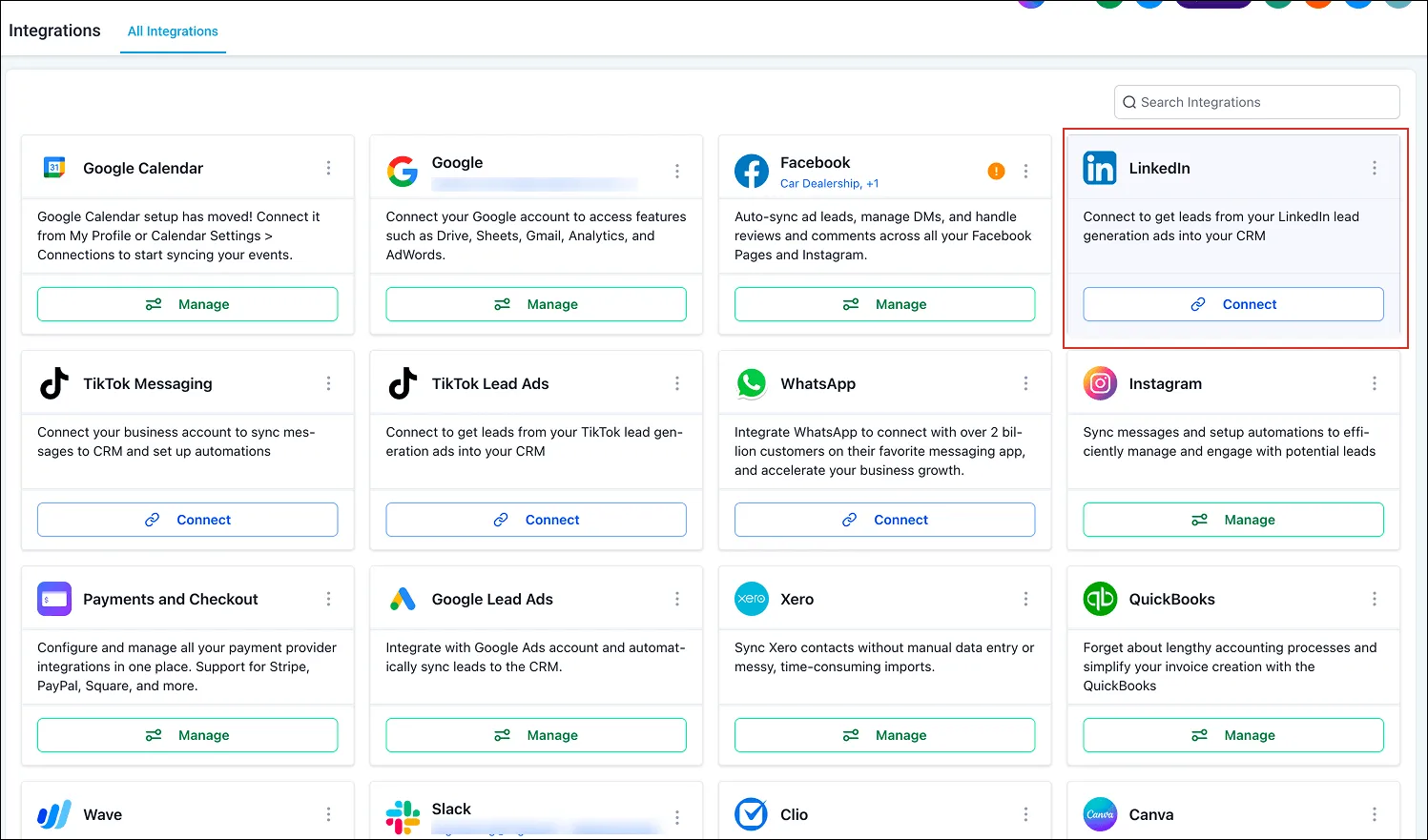
How It Works
New LinkedIn connections are connected through the Marketplace architecture. Existing users can continue using LinkedIn functionality as before, with no changes to current workflows.
Once the feature is out of Labs, existing LinkedIn users are expected to be automatically migrated to the Marketplace-based integration. Older connections remain on the existing architecture for now, with future migration planned without user action.
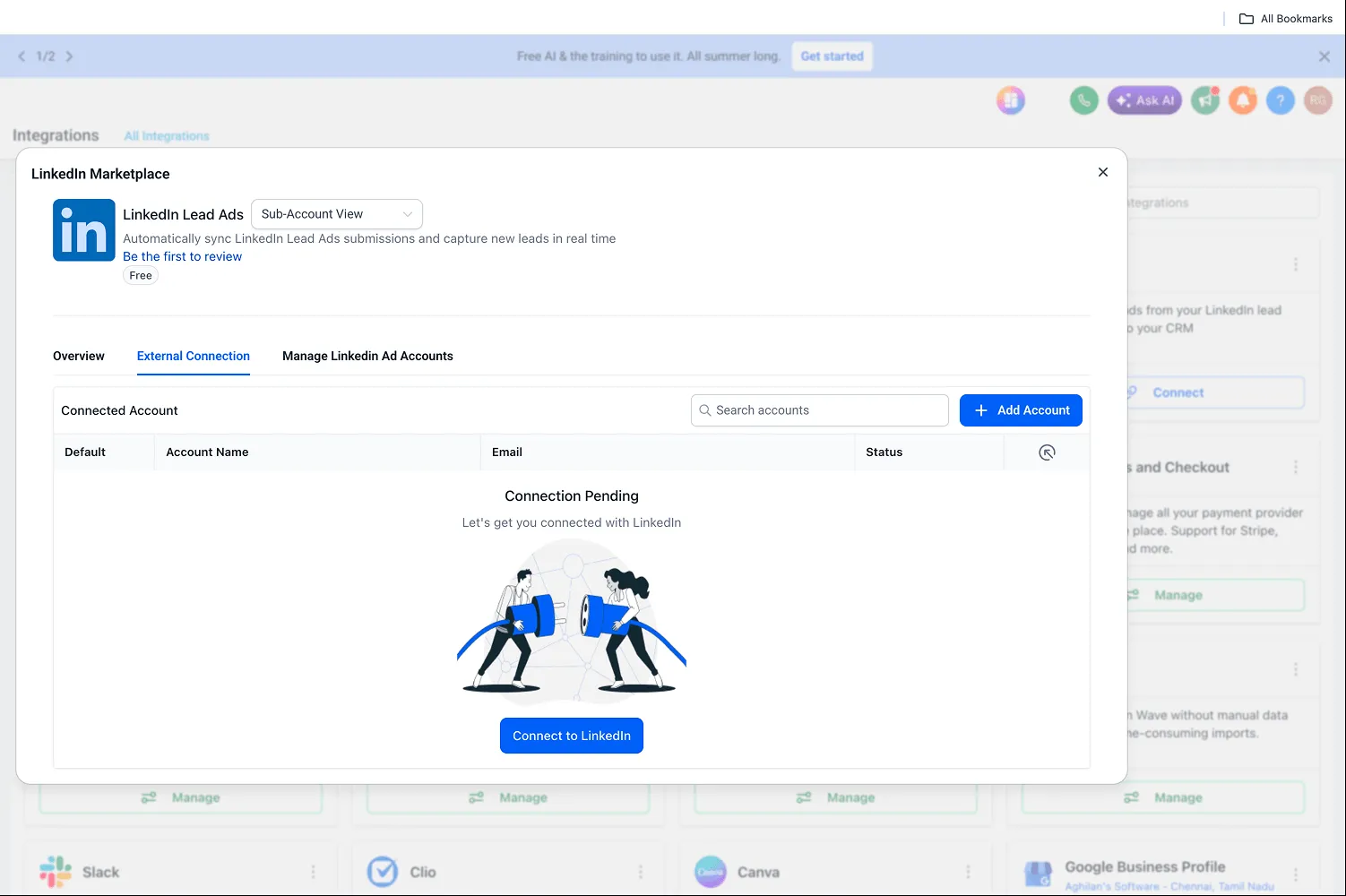
Why It Matters
This migration provides stronger authentication controls, improved reliability and maintainability, and a foundation for upcoming LinkedIn capabilities, including future multi-account support.
In Case You Missed It
For another recent update, see Upload and Download Folders in Media Center.
Release Images
Need Help Applying This Update?
Want help turning this update into a working part of your CRM, marketing, or automation setup?
Get Started or schedule a demo and we’ll help you map the right next step.