Ask AI Connectors let you connect other apps and manage their tools from the SMBcrm Mobile app, without returning to your computer. These connections extend Ask AI’s capabilities to the apps your team uses.
What you can manage
- Connected apps: View each app, its connected account count, and how many tools are enabled.
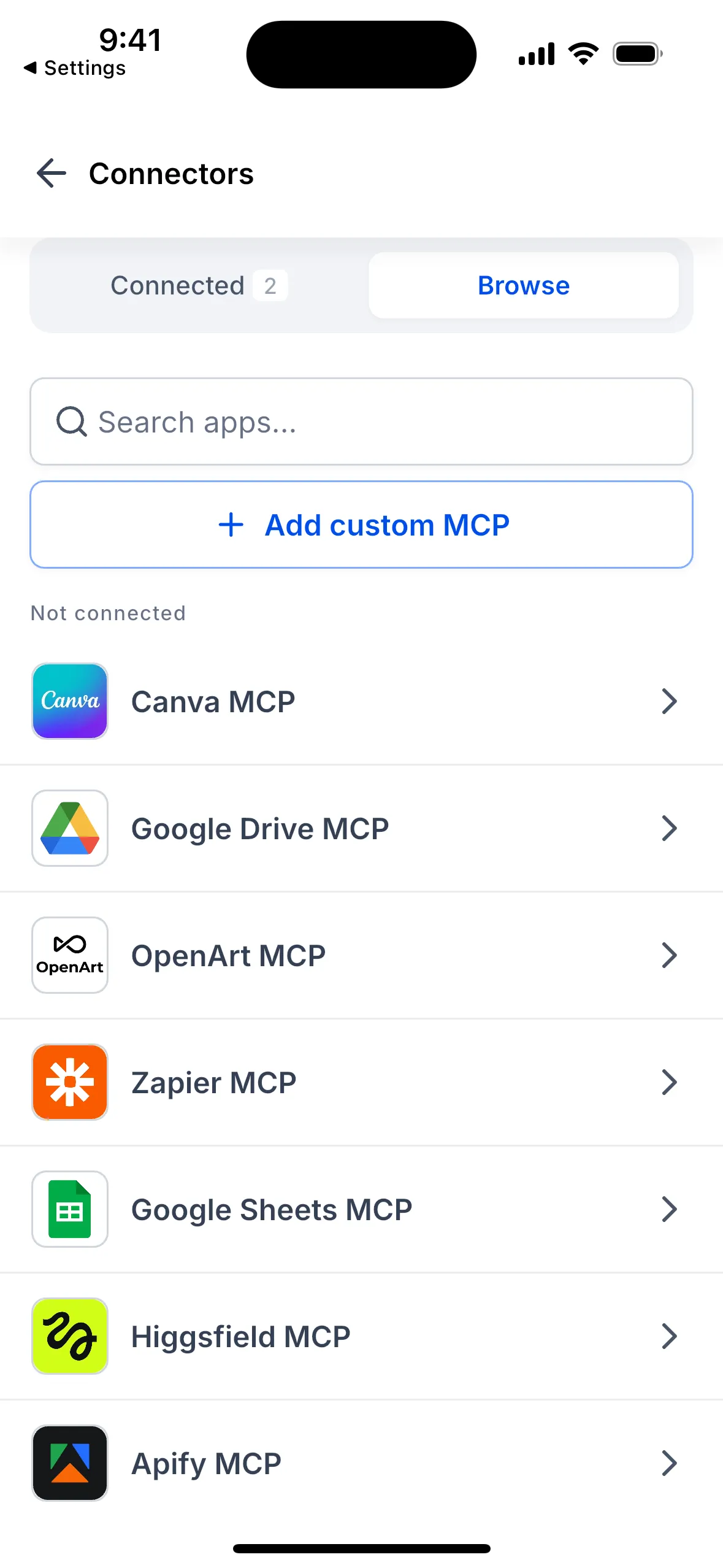
- App catalog: Search the Browse tab and connect an app. Most apps use their own sign-in page in a secure in-app browser; other connection methods vary by app.
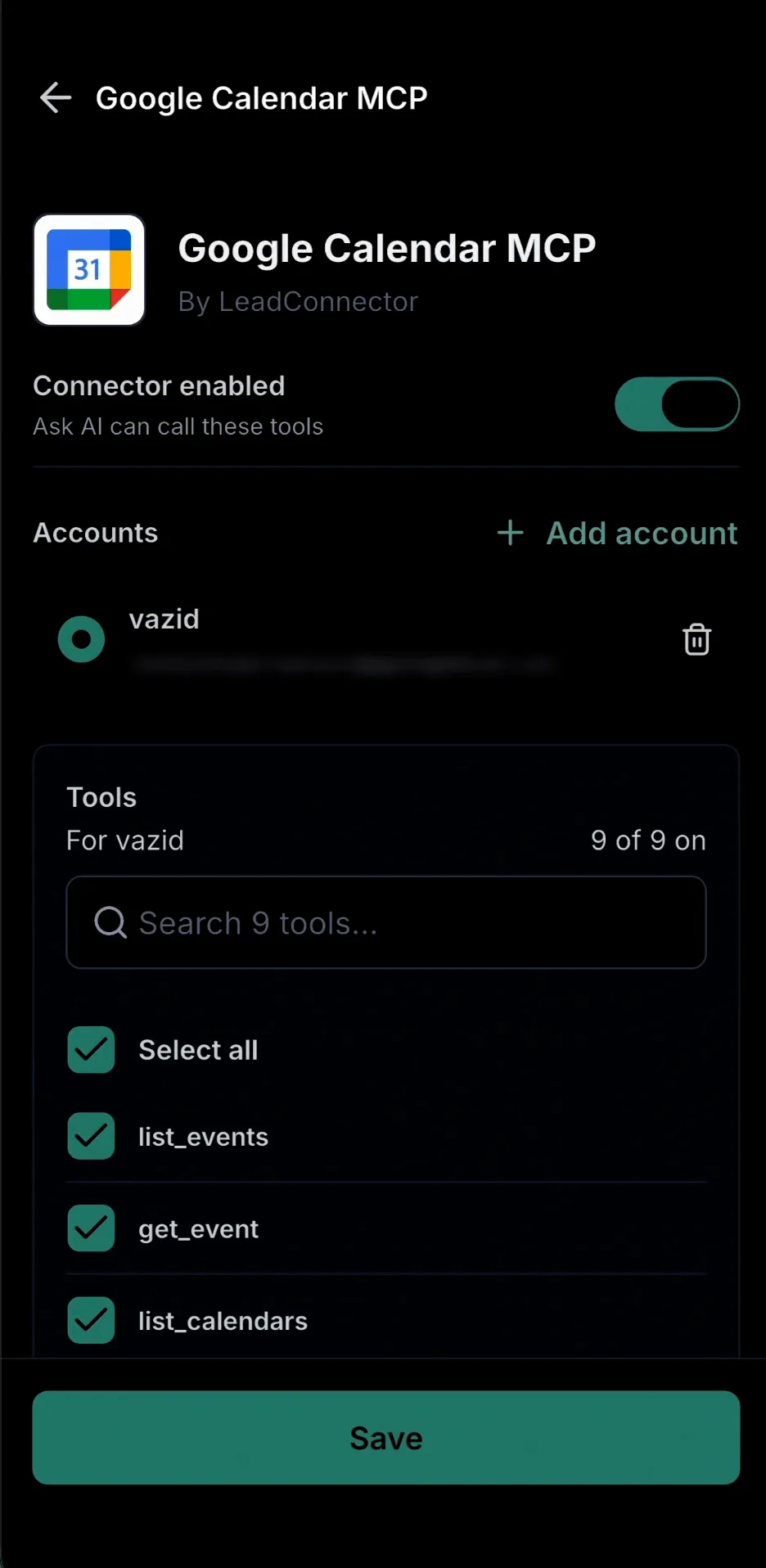
- Tool permissions: Choose exactly which tools Ask AI may use, or use Select all.
- Custom MCP servers: Add a server with a name and URL. MCP, or Model Context Protocol, lets AI assistants communicate with other apps.
- Web and mobile connections: Apps connected on either platform appear on the other.
You can also reconnect expired accounts from your phone. Connected accounts are private to you and are not visible to other users in your SMBcrm account.
How to connect an app
- Open Ask AI in the SMBcrm Mobile app and tap the Chat history icon at the top right.
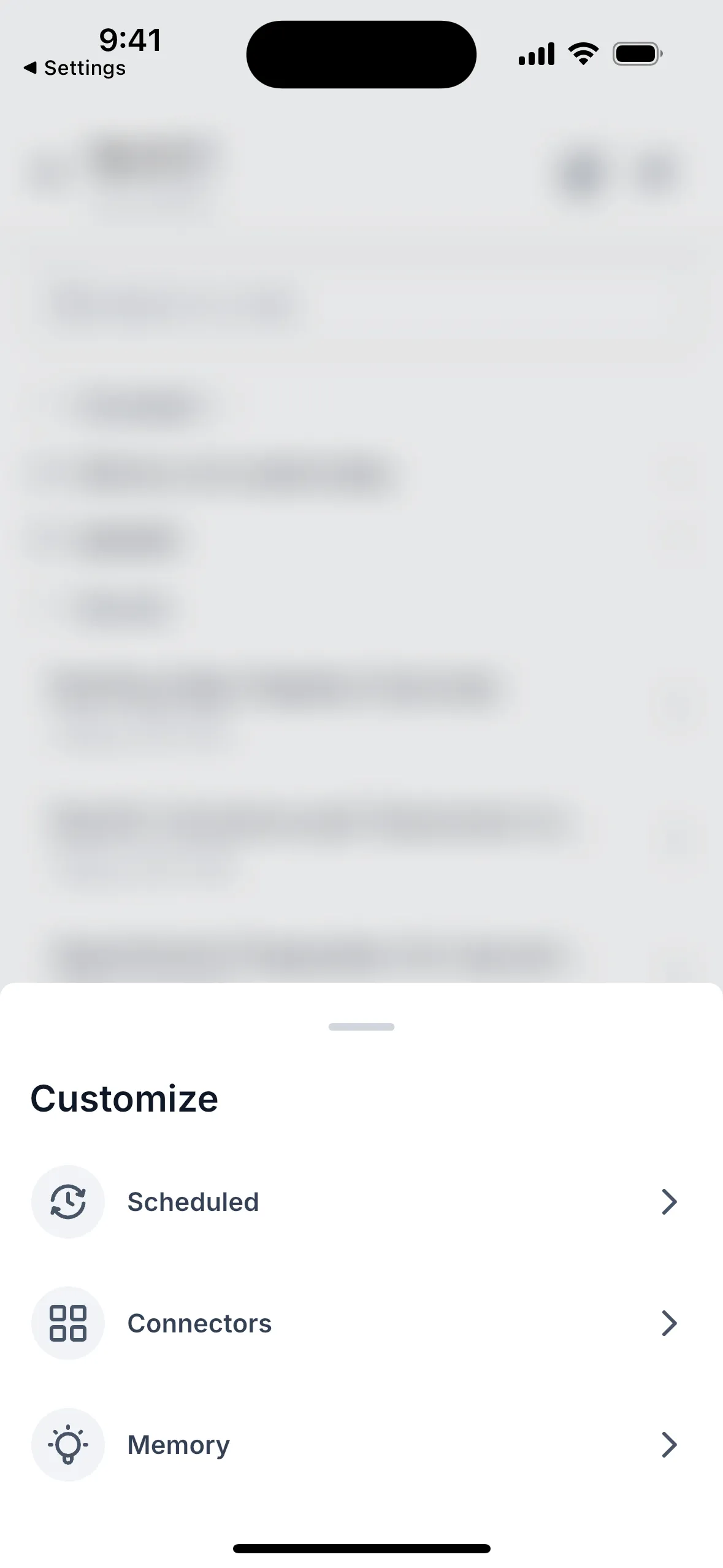
- Tap Customize, then Connectors.
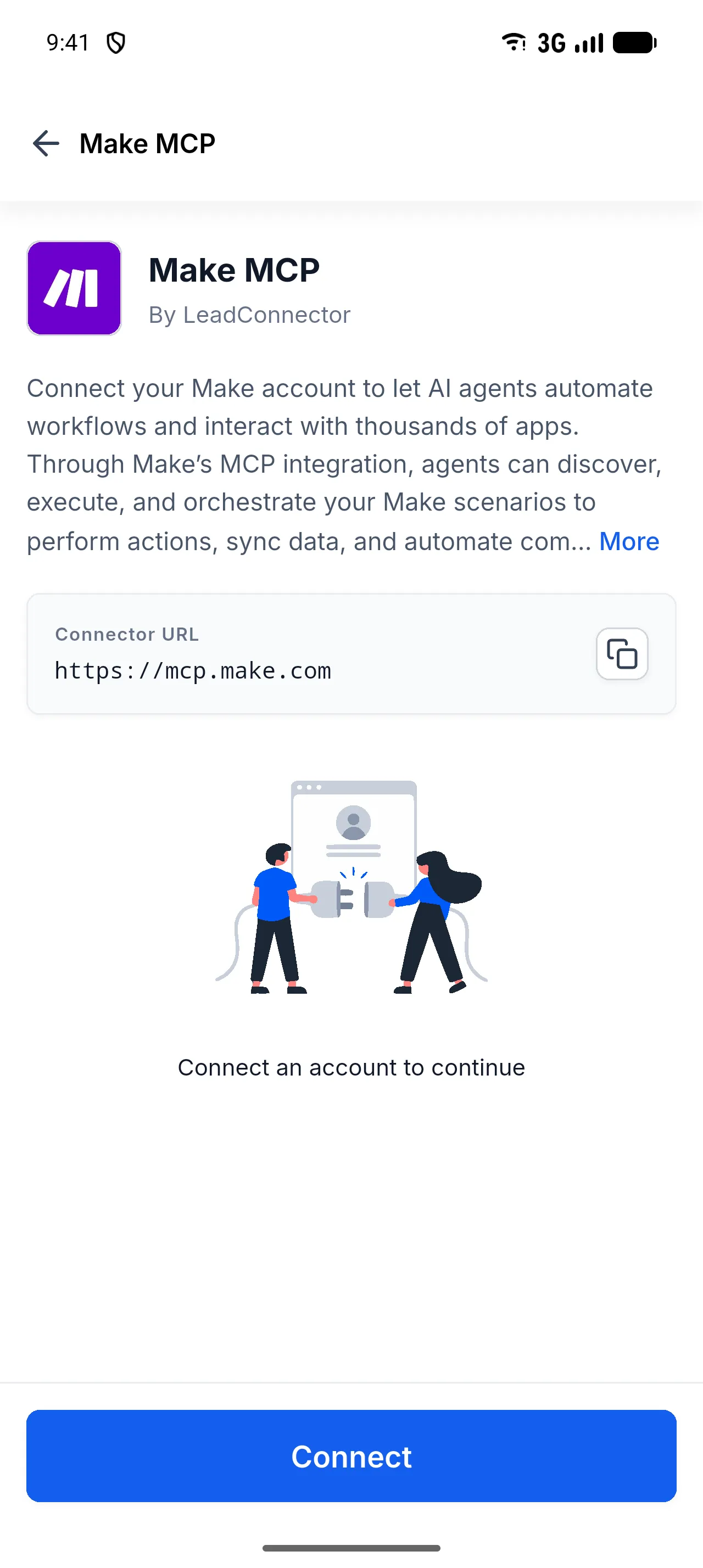
- Open Browse, choose an app, and tap Connect. Complete the requested sign-in steps.
- Select the connected account and choose the tools Ask AI may use.
- Leave Connector enabled on and tap Save, then return to Ask AI.
Important details
- A connector needs a connected account and at least one selected tool to be enabled.
- Tool selections apply to the app, regardless of which connected account is in use.
- Tapping Back without saving discards changes without a warning.
- Connectors are configured within an individual SMBcrm account. If you are in agency-level administration, switch to an account first.
- Custom MCP server URLs must start with
https://orhttp://. Client ID, client secret, and a copyable Redirect URL are also available. - Deleting a custom MCP server permanently removes every account connected to it.
- When offline, the last loaded list remains visible with a refresh error. Tap Try again after reconnecting.
Version and availability
The source lists this feature as public for users with Ask AI access in SMBcrm Mobile app version 4.27.0 and later, but the store release date is not confirmed. Visit the SMBcrm Mobile app page for mobile app access.
Some Connectors text may still appear in English when using other languages in version 4.27.0. Skills, which are available on the web, are not yet included in Customize on mobile.
Release Images
Need Help Applying This Update?
Want help turning this update into a working part of your CRM, marketing, or automation setup?
Get Started or schedule a demo and we’ll help you map the right next step.