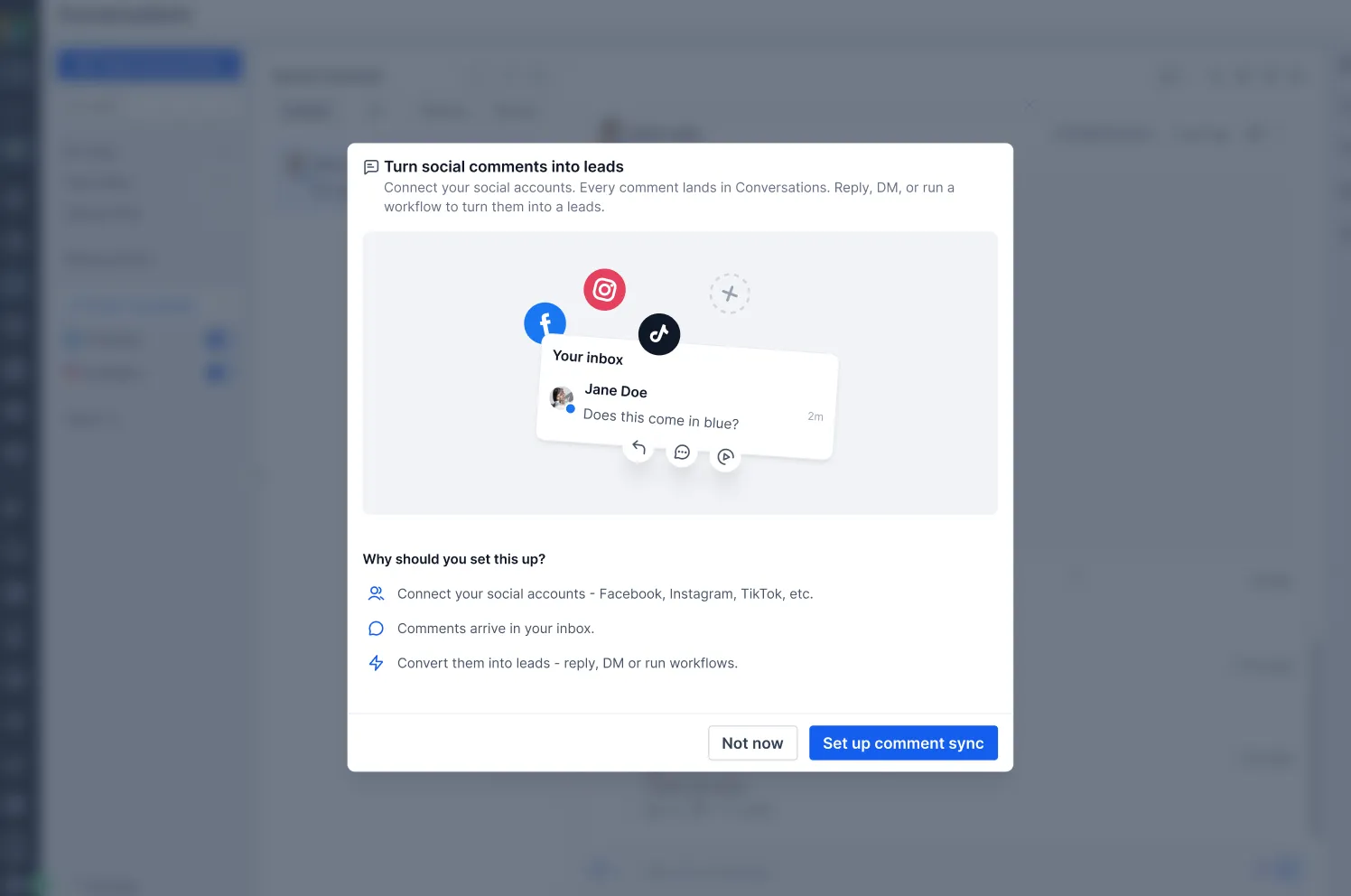
Comments on posts published through Social Planner now appear in the Conversations Team Inbox alongside SMS, email, and direct messages. Teams can manage customer communications without switching between the inbox and social platforms.
Review Comments With Post Context
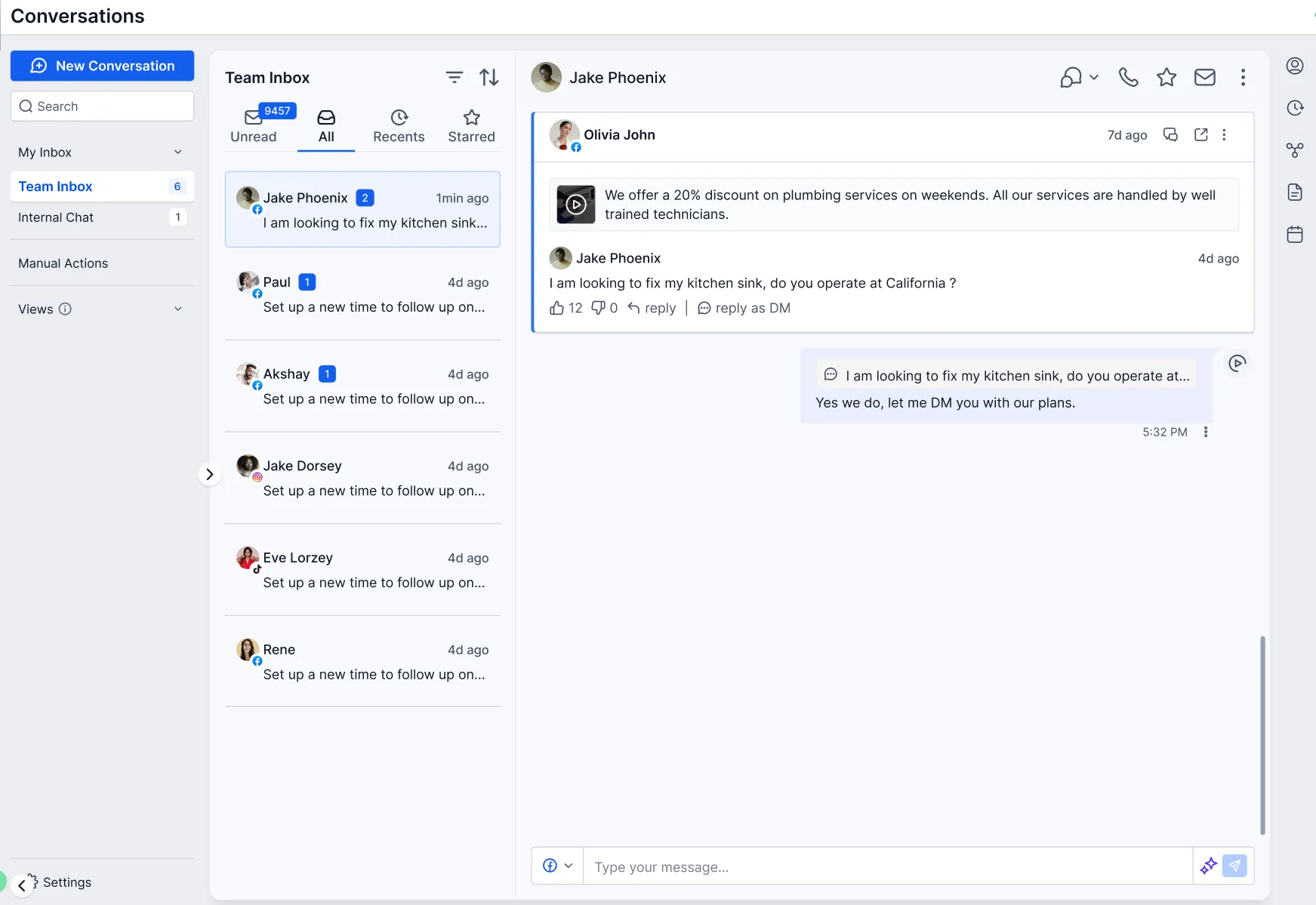
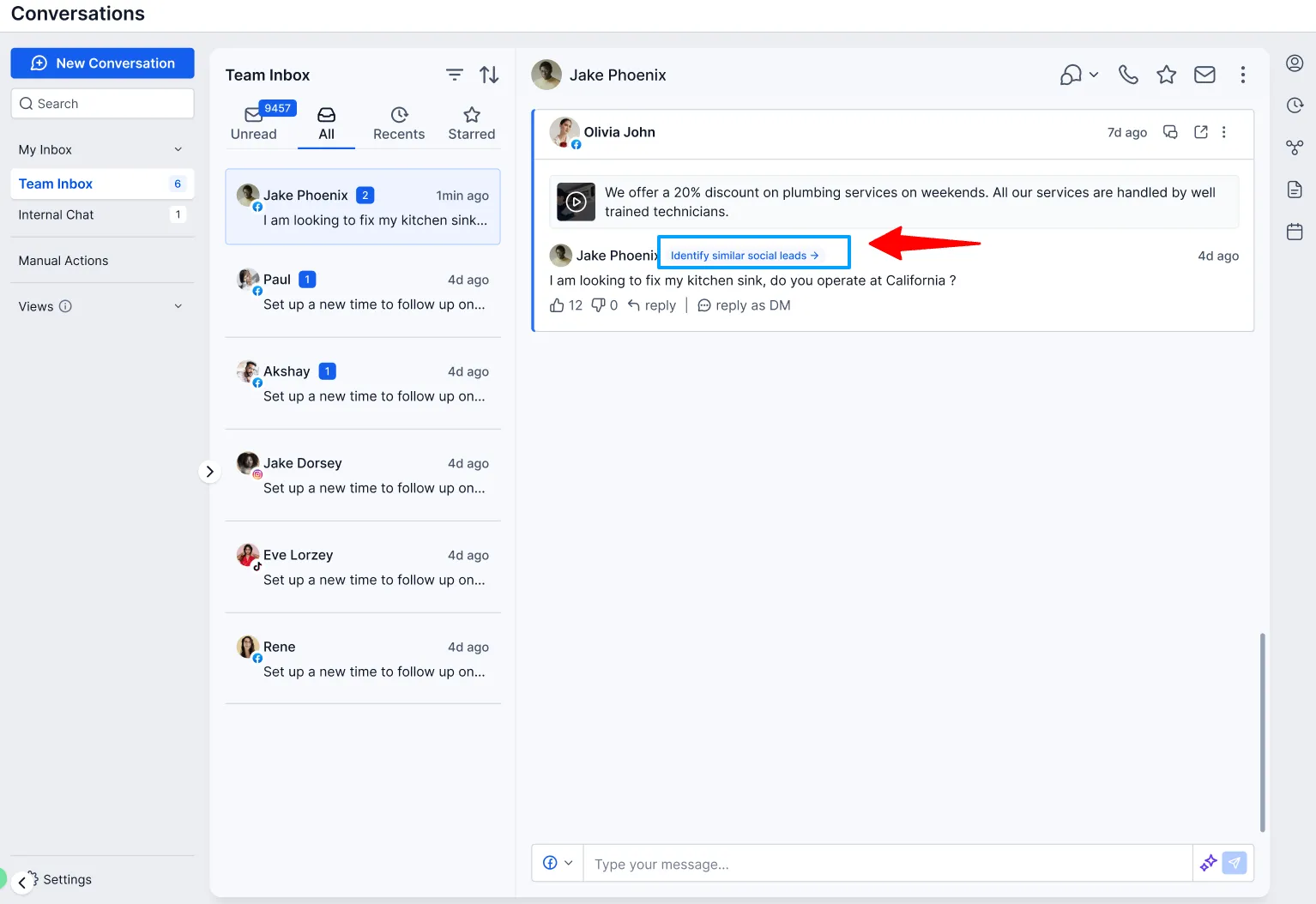
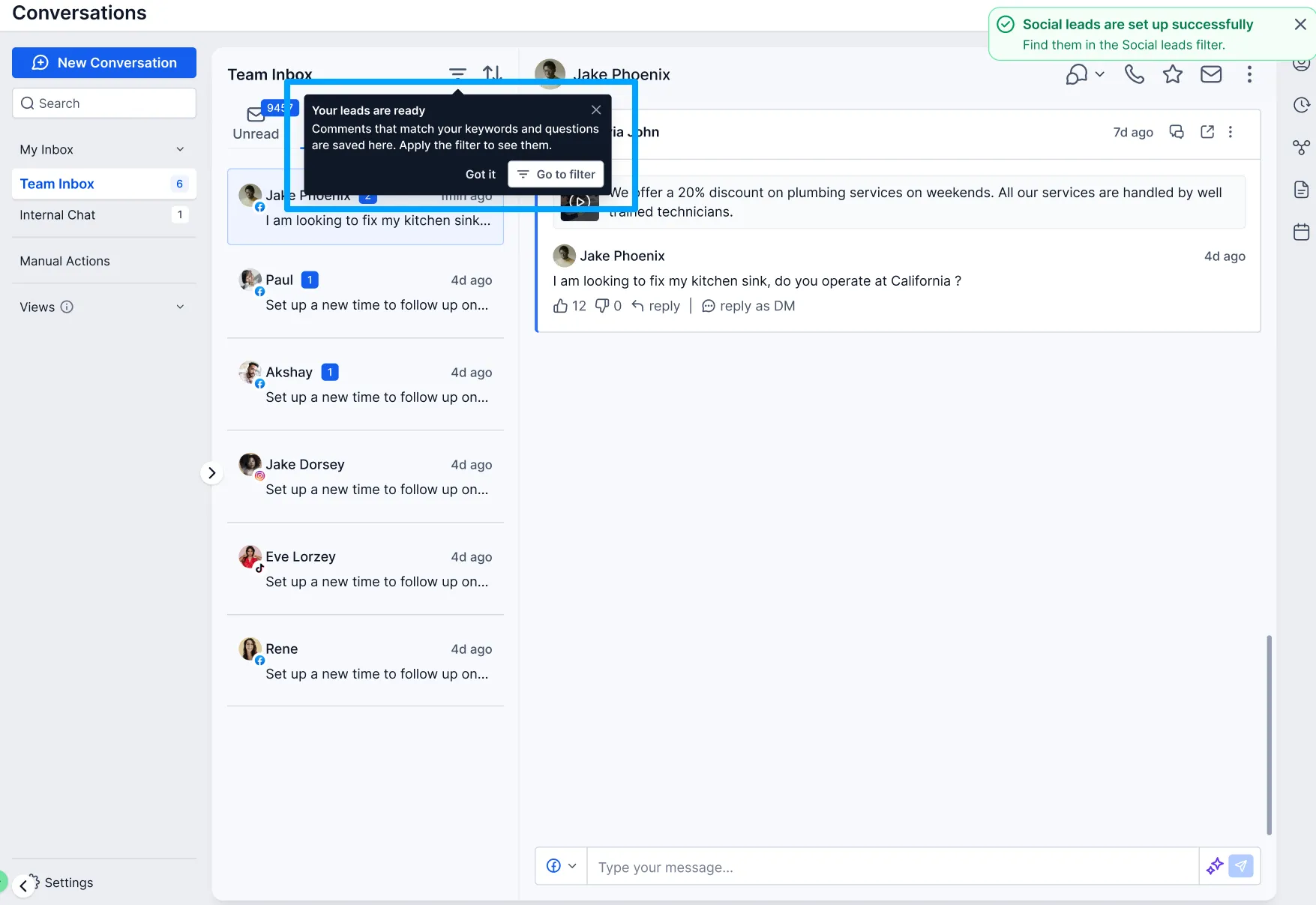
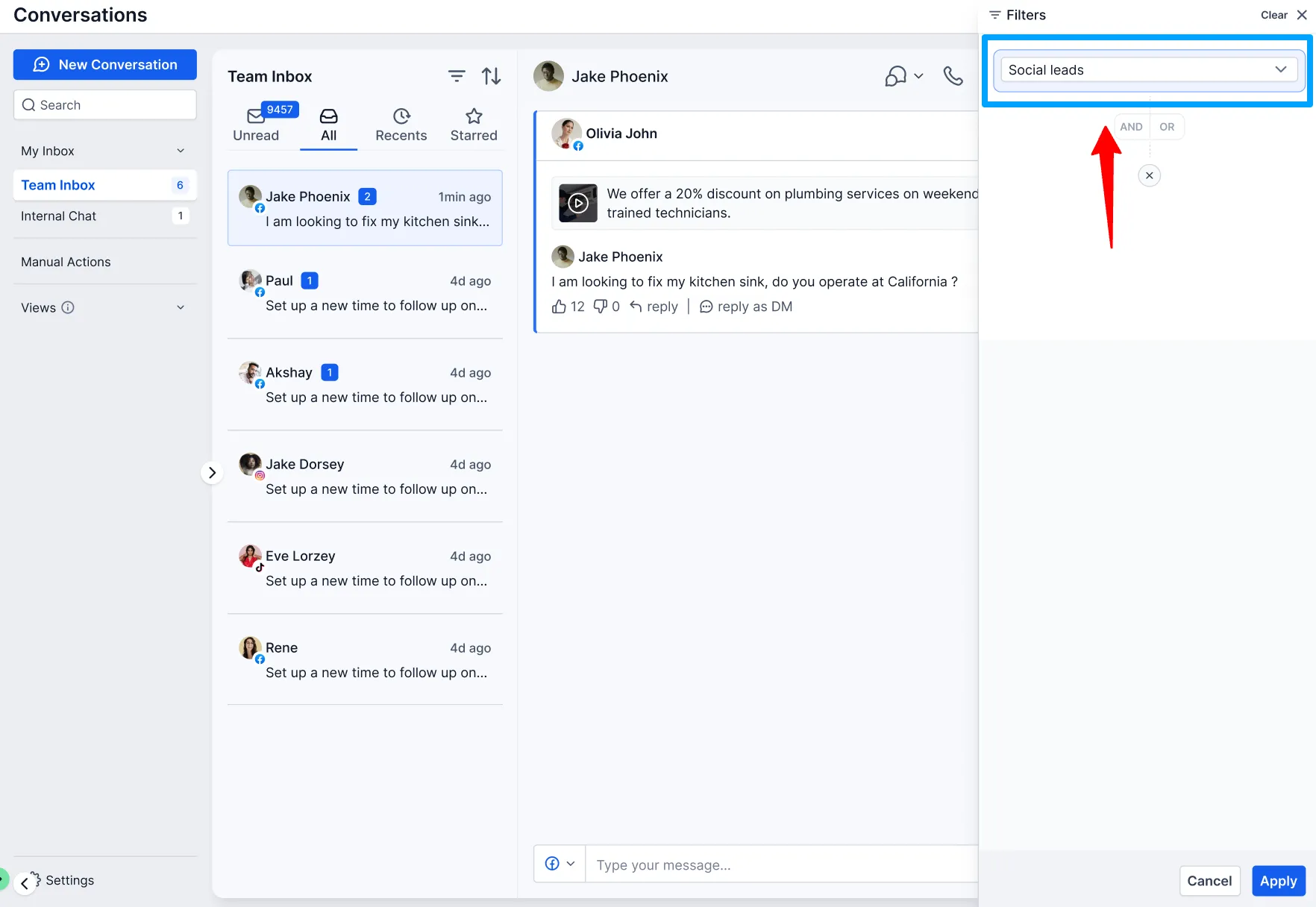
Use the Social Comments filter to find social comment conversations. Each conversation includes the commenter’s name or social handle, comment preview, platform, and timestamp.
The original post is also available for context, including its thumbnail, caption, social account, platform, and a View Post link.
Reply and Capture Contacts
From Conversations, your team can:
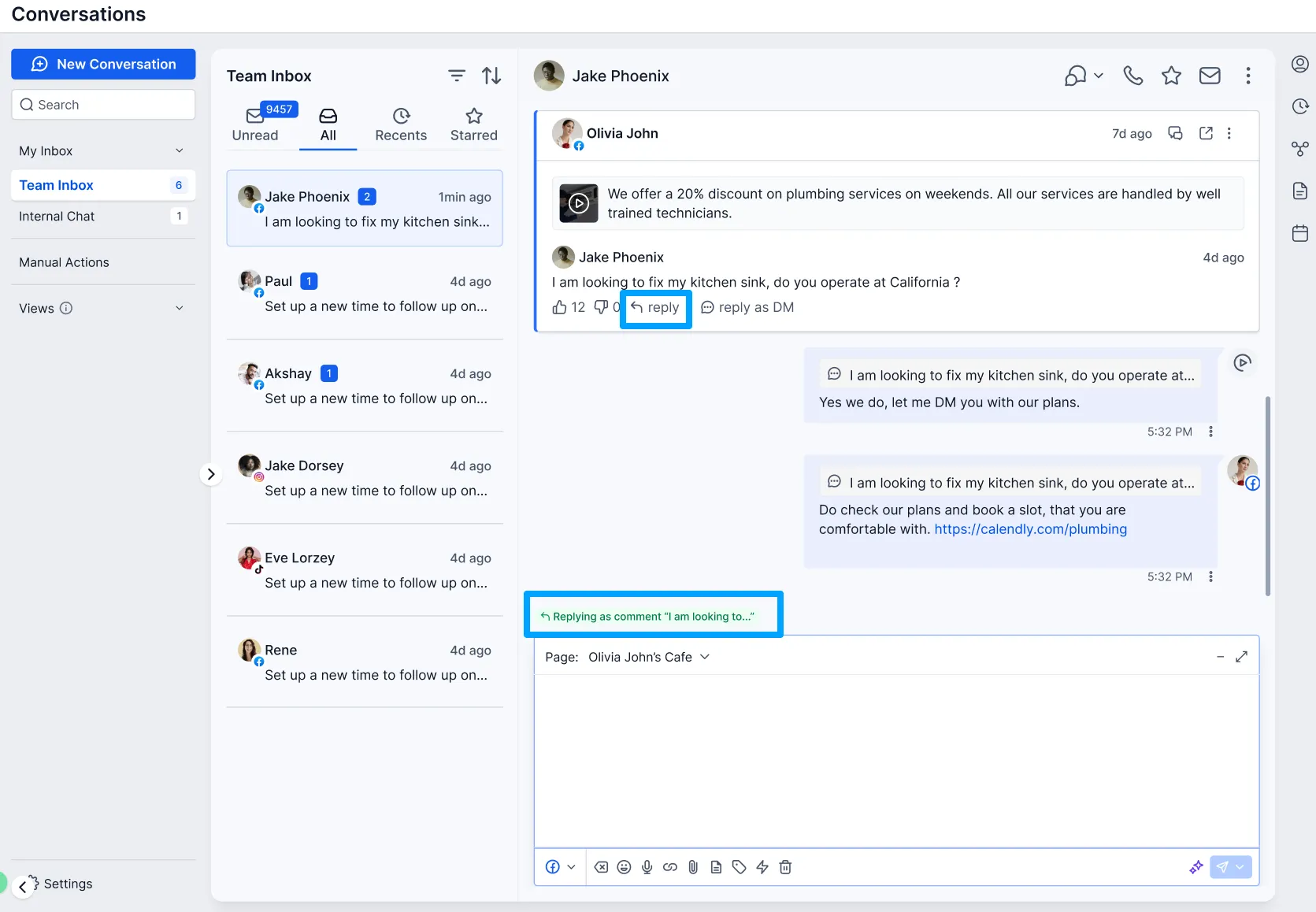
- Reply publicly beneath the original comment.
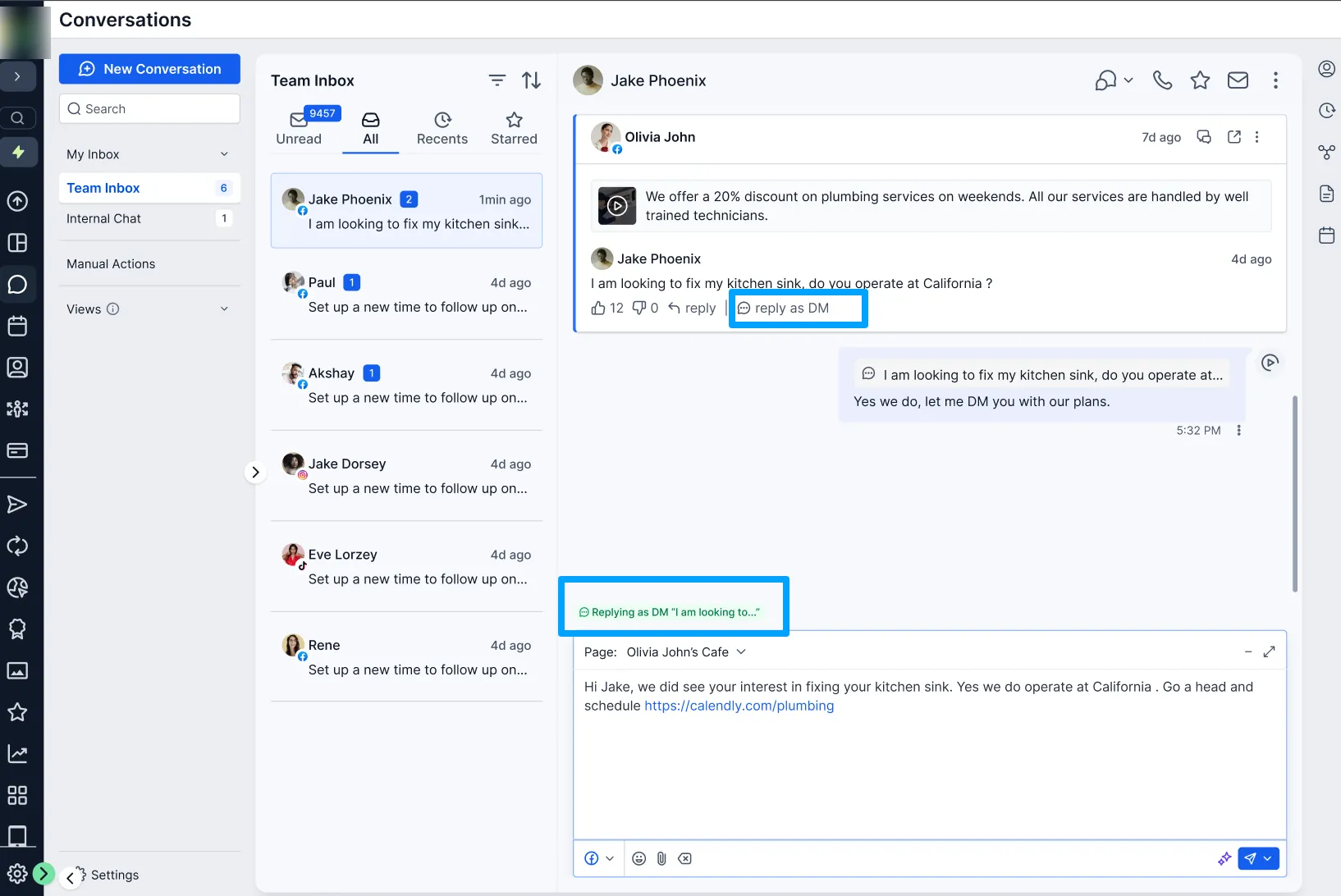
- Send a private message through a standard DM thread in the inbox.
- Capture commenters as contacts automatically. New commenters become contacts, while repeat commenters are matched to their existing contact to prevent duplicates.
This connects social engagement with your CRM contact management workflow.
Prioritize Buying Intent
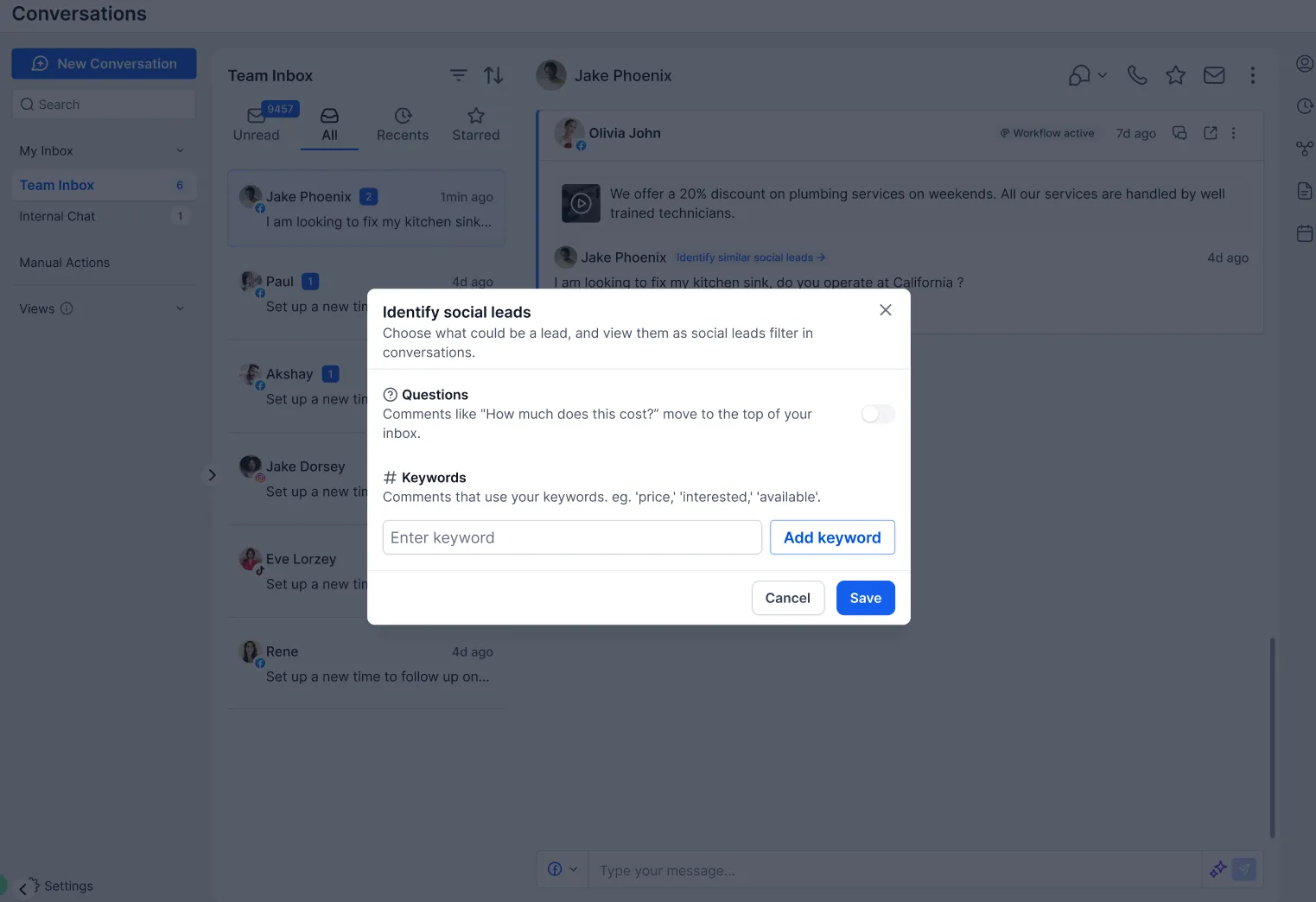
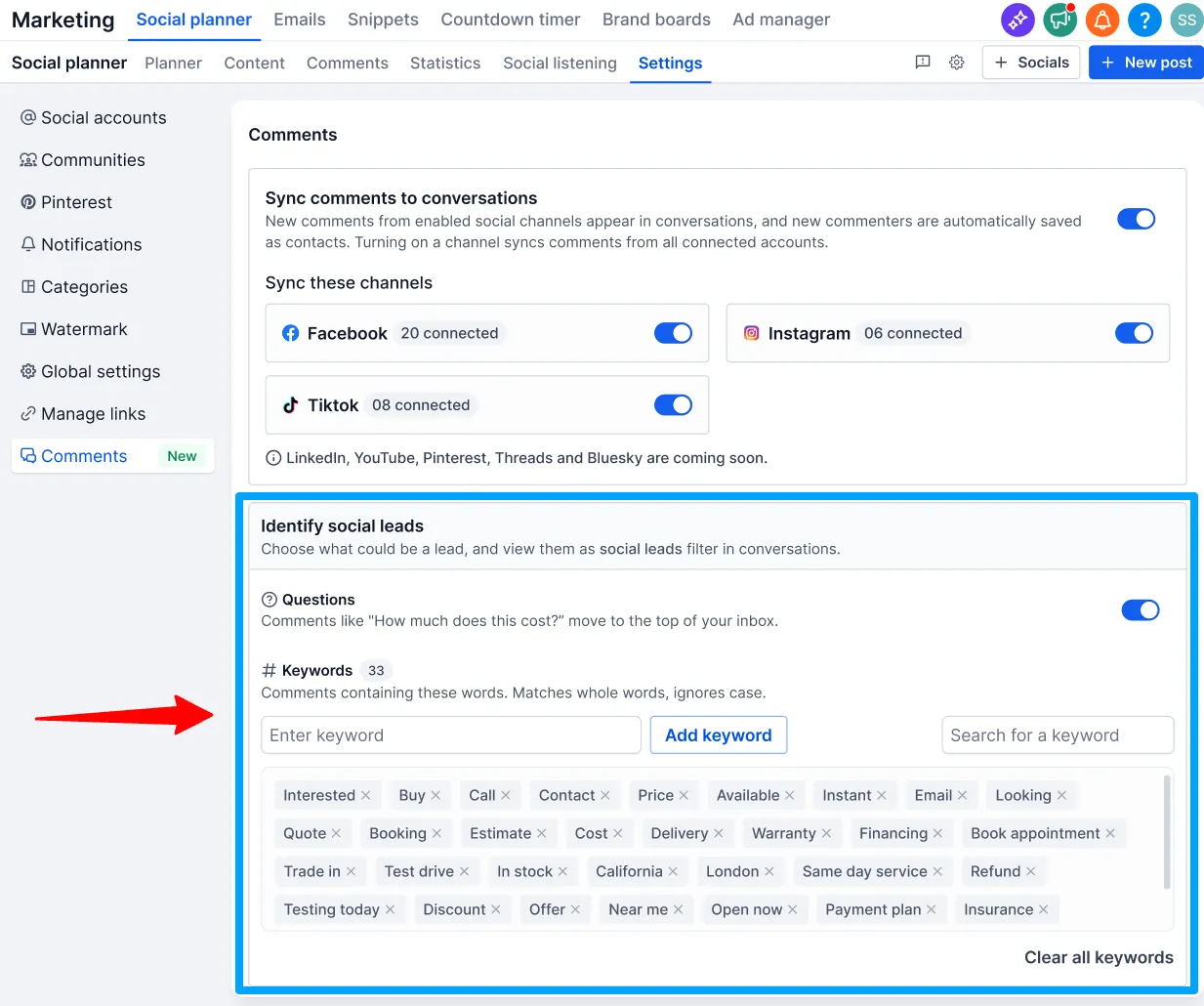
Add buying-intent keywords such as “price,” “interested,” or “how much” to prioritize relevant comments. You can also prioritize comments containing questions. These settings are available in Social Planner Settings as well.
Configure Comment Sync
Agency admins can control comment sync for eligible accounts under Agency Settings → Social Comments.
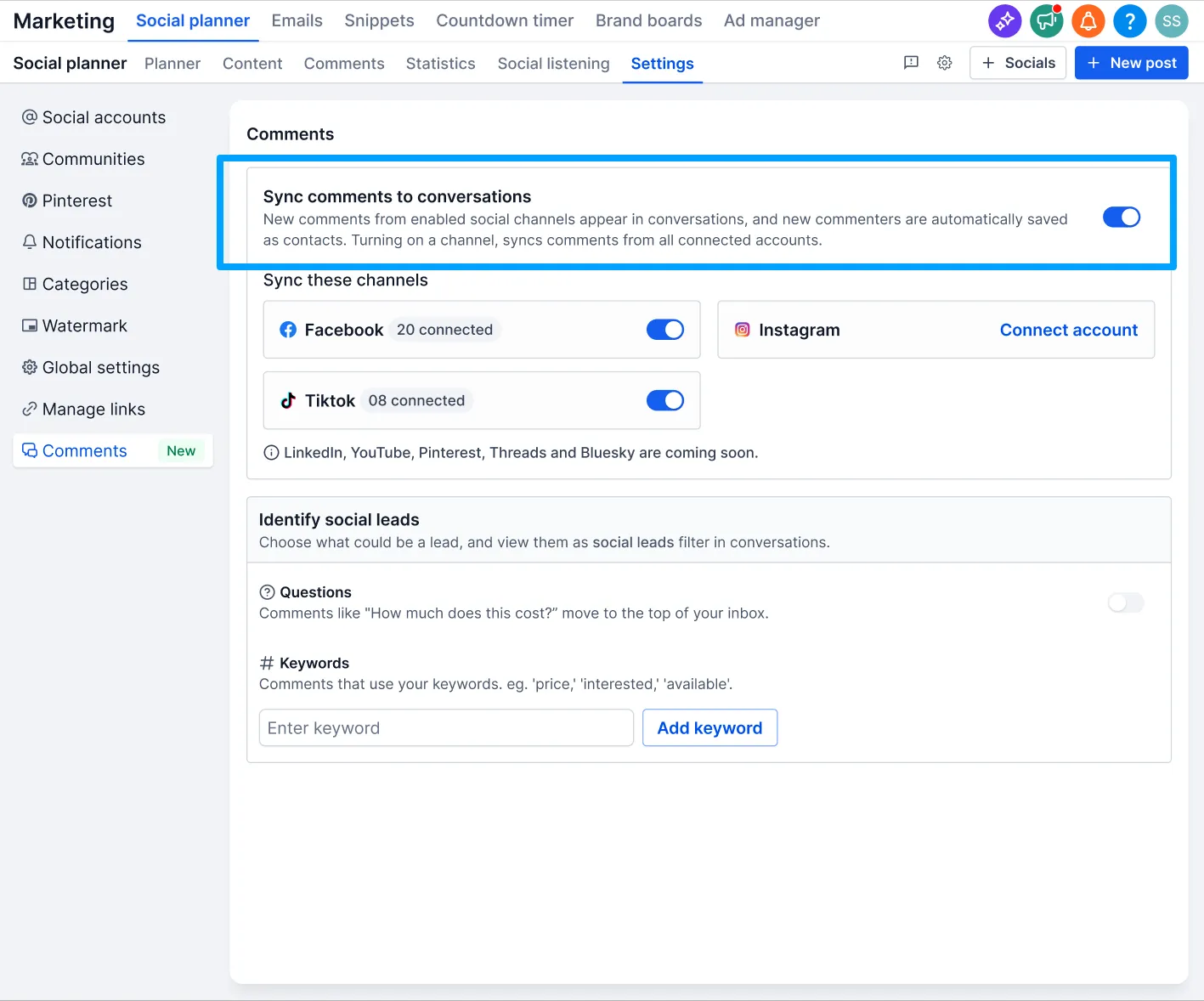
Within an account, choose which connected platforms sync comments under Marketing → Social Planner → Settings → Comments.
Facebook, Instagram, and TikTok are supported at launch. LinkedIn, YouTube, Pinterest, Threads, Bluesky, and Community are listed as coming soon.
Important Details
- Only comments on posts published through Social Planner sync to Conversations.
- Enabling sync automatically creates contacts for new commenters.
- Disabling sync stops new comments from syncing but does not delete existing contacts, conversations, or workflows.
- Existing comment workflow triggers and comment management in Social Planner continue to work as before.
- If a social account connection expires, reconnect it in Social Planner Settings to resume syncing.
- Instagram DM and Instagram interactive messenger workflow actions are not supported for Instagram accounts connected through Facebook in Social Planner.
Release Images
Need Help Applying This Update?
Want help turning this update into a working part of your CRM, marketing, or automation setup?
Get Started or schedule a demo and we’ll help you map the right next step.