SMBcrm workflows can now use Mistral AI actions for chat completion, embeddings, and image analysis. This helps teams automate multilingual replies, semantic search, and structured data extraction inside workflows.
This update extends Automation with AI steps that can use your own Mistral API key. Outputs are available as workflow variables, so you can use them in later steps across AI features, messaging, data updates, and conditional logic.
What’s Included
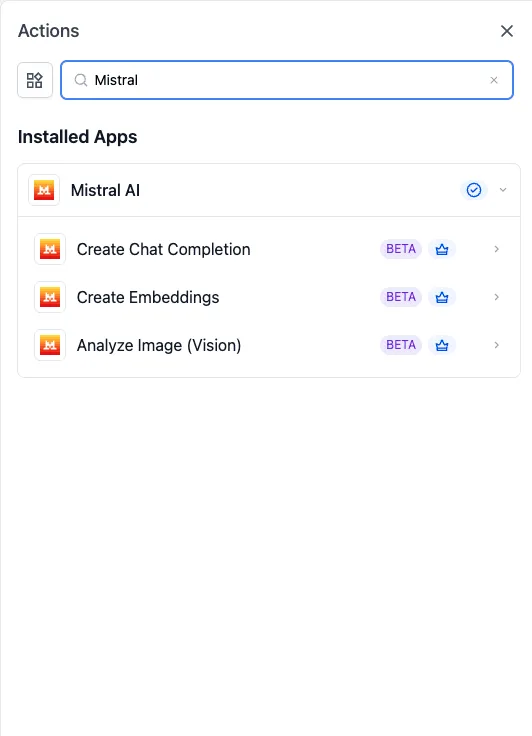
The integration includes three workflow actions:
- Create Chat Completion for text generation
- Create Embeddings to turn text into a 1024-dimension vector for semantic search, classification, or clustering
- Analyze Image (Vision) to send an image and prompt to a vision-capable model and receive a structured natural-language response
All three actions are released as Beta.
Why It Matters
These actions make it easier to bring AI into automations without sending work to a separate tool.
Common use cases include:
- Drafting replies in a contact’s preferred language
- Matching inbound questions to the closest FAQ or knowledge base content
- Extracting structured data from receipts, IDs, screenshots, charts, and product photos
- Passing AI outputs into email, SMS, internal notifications, custom fields, or later workflow branches
Setup
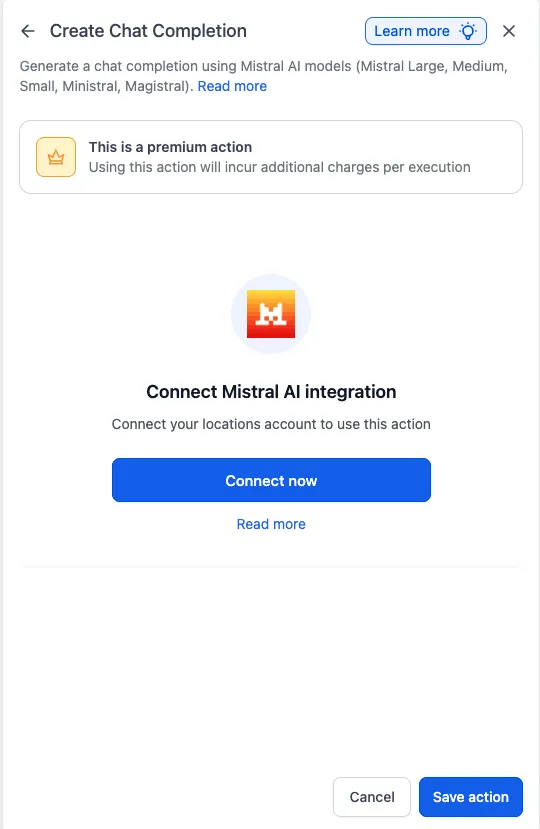
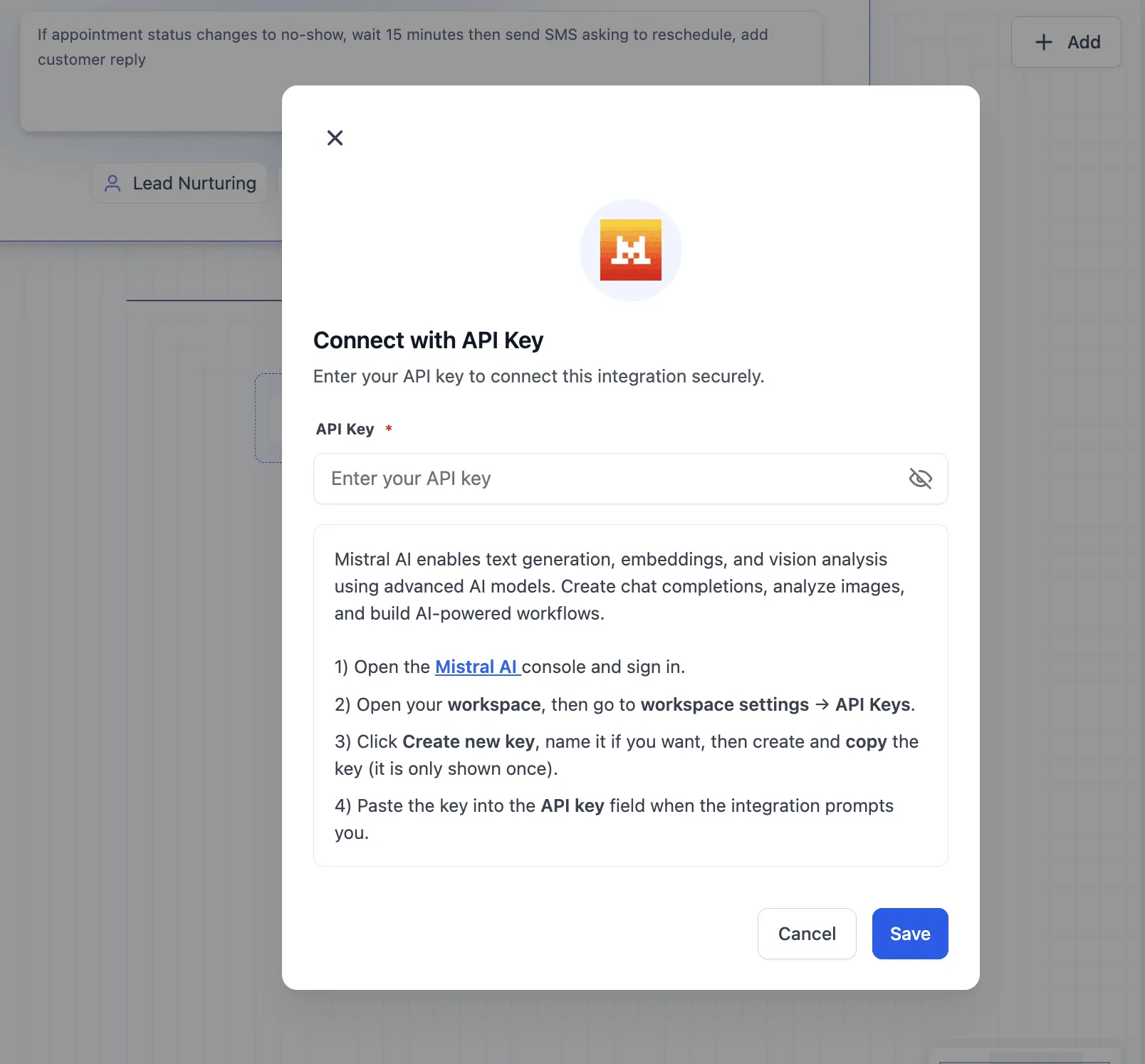
Before using any Mistral AI action, connect the integration with your Mistral API key.
You can connect it in either place:
- Workflow Builder by adding a Mistral AI action and selecting Connect Now
- Settings > Integrations by locating Mistral AI and saving your API key
Action Details
Create Chat Completion
Use this action to generate text from a prompt. You can include workflow variables in both the system prompt and the main prompt.
Typical uses include:
- multilingual customer replies
- AI-assisted drafting for follow-up messages
- generating structured or formatted text for downstream steps
You can choose from supported Mistral model families in the action settings and adjust options such as temperature and max tokens when available.
Create Embeddings
This action converts text into a 1024-dimension vector.
It can support:
- semantic FAQ matching
- retrieval workflows
- text classification
- clustering and vector database use cases
Analyze Image (Vision)
Use this action to send an image URL and prompt to a vision-capable model.
It can help with:
- receipt parsing
- document and ID extraction
- interpreting screenshots or charts
- processing image-based intake flows
Current Limits
There are no triggers for this integration in this release. Mistral AI is action-only for now, which means workflows can call Mistral models from a step, but cannot start from a Mistral event.
Notes for Use
- These actions require your own Mistral API key.
- Mistral usage is billed through your Mistral account.
- All three actions use premium workflow actions at the standard automation rate.
- Action outputs are exposed as workflow variables rather than stored as separate records by default.
- Errors and timeouts appear in the workflow execution log.
In Case You Missed It
You can also read about Custom Date Reminders Now Support More CRM Record Types.
Need Help Applying This Update?
If you’d like help rolling this out in SMBcrm, visit Support or request a demo.