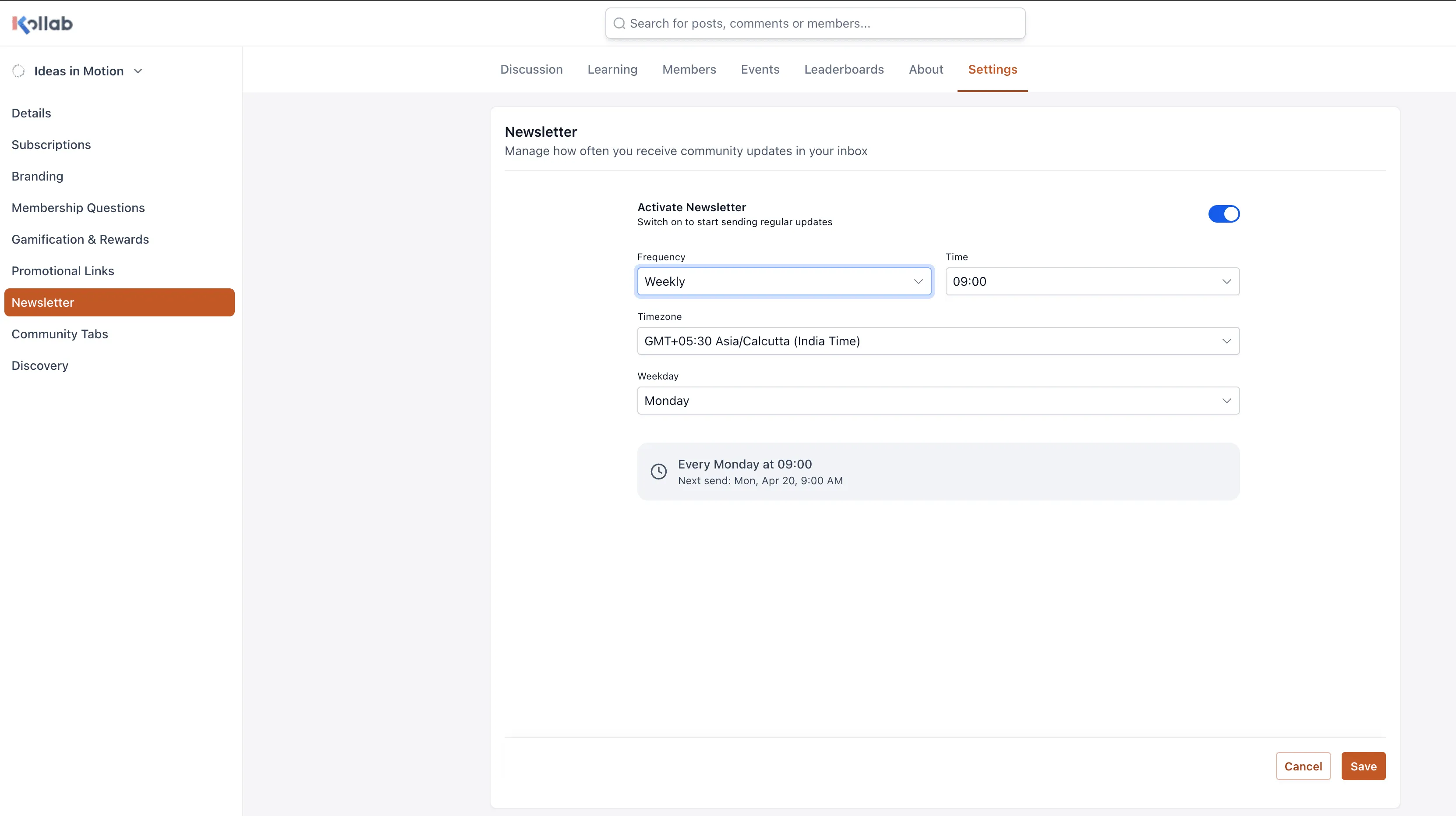
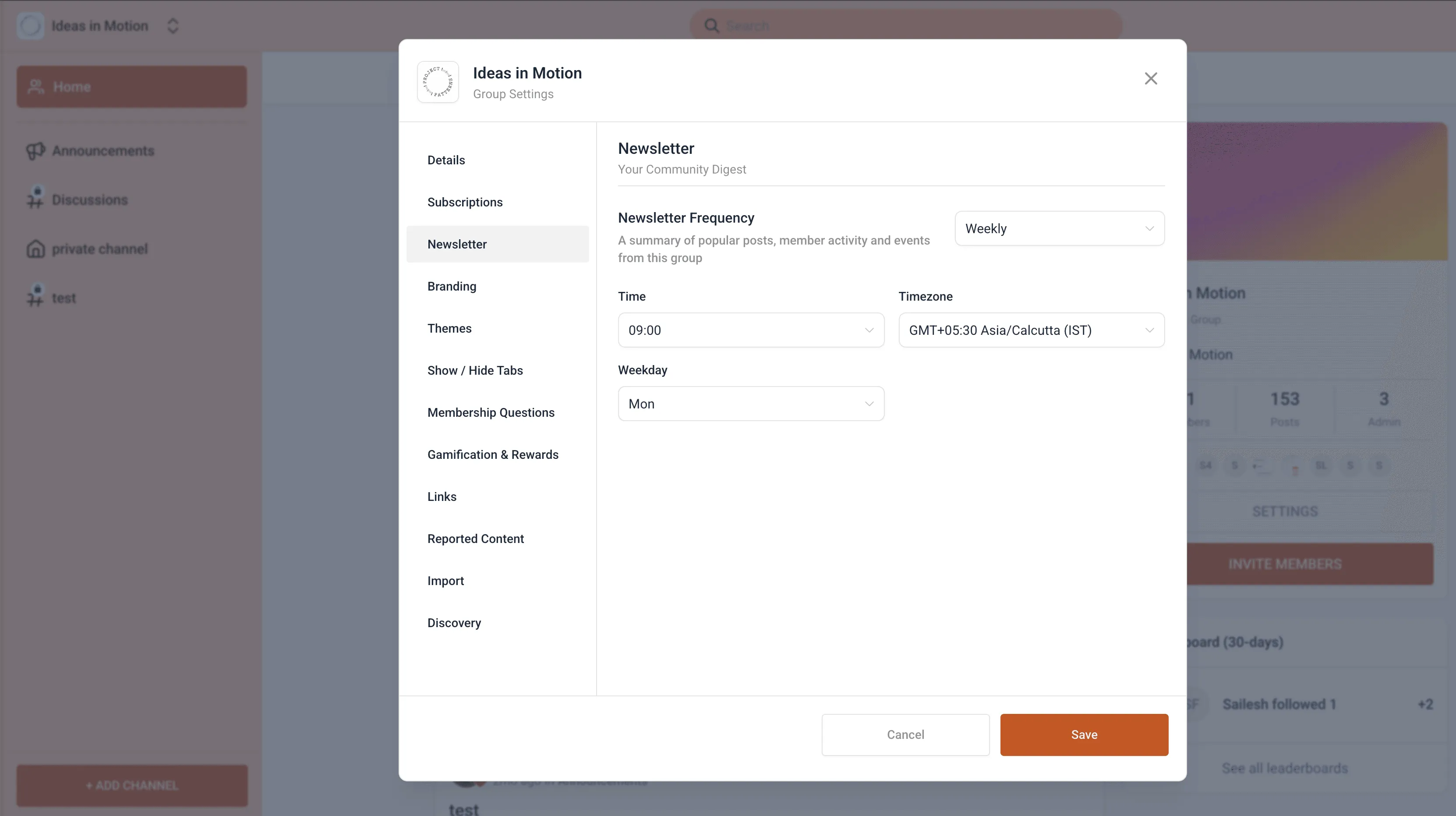
Community admins can now choose when newsletters are sent, including the time, day, date, and timezone. This gives each account more control over newsletter scheduling and member engagement.
What Changed
Newsletter sending is no longer limited to one default send time for every community. You can now configure newsletter timing based on what works best for your members.
Available scheduling options include:
- Daily: Set your preferred time and timezone
- Weekly or bi-weekly: Pick the day, time, and timezone
- Monthly: Choose a date from 1 to 27, or the last day of the month, plus the time and timezone
This update gives membership-based accounts more flexibility when planning communications for their audience. For more on SMBcrm’s Memberships & Education tools, visit the feature page.
Why It Matters
Choosing the right send time can help you:
- Reach members when they are more likely to engage
- Improve opens and clicks through better timing
- Support audiences across multiple timezones
- Manage newsletter schedules with more control and less manual adjustment
In Case You Missed It
You can also read about Funnels Can Now Be Added as Course Lessons.
Need Help Applying This Update?
If you’d like help rolling this out in SMBcrm, visit Support or request a demo.