Opportunity Smart Lists make it easier to save and reuse the opportunity views your team uses most. Instead of rebuilding filters, sorting, and visible fields each time, you can save a view once and open it again whenever you need it.
This update is part of CRM & Sales and is currently available in Labs.
What changed
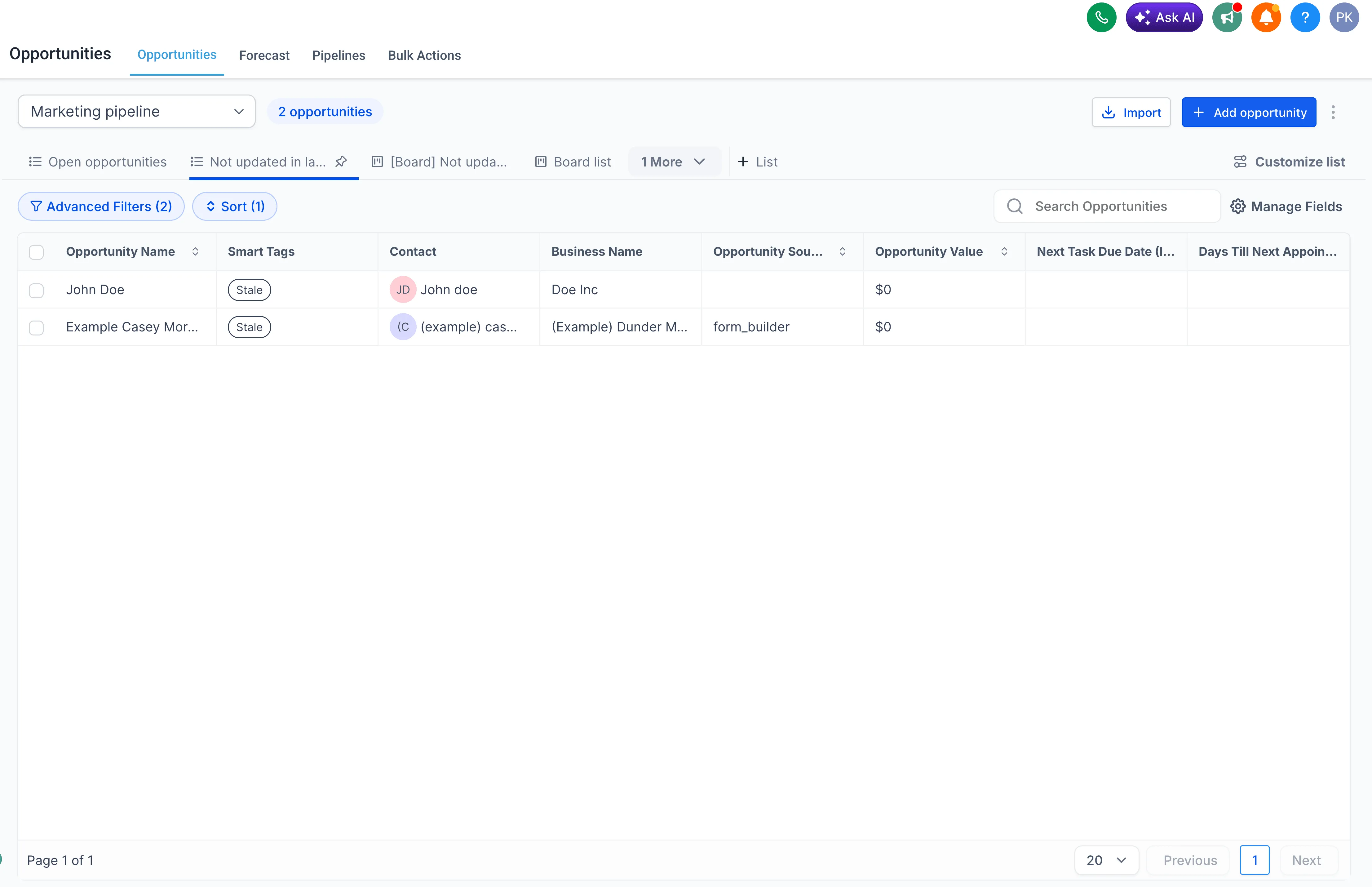
You can now create Smart Lists inside Opportunities and use them in either Board view or List view.
With Smart Lists, you can:
- Save advanced filters, sort order, and visible fields
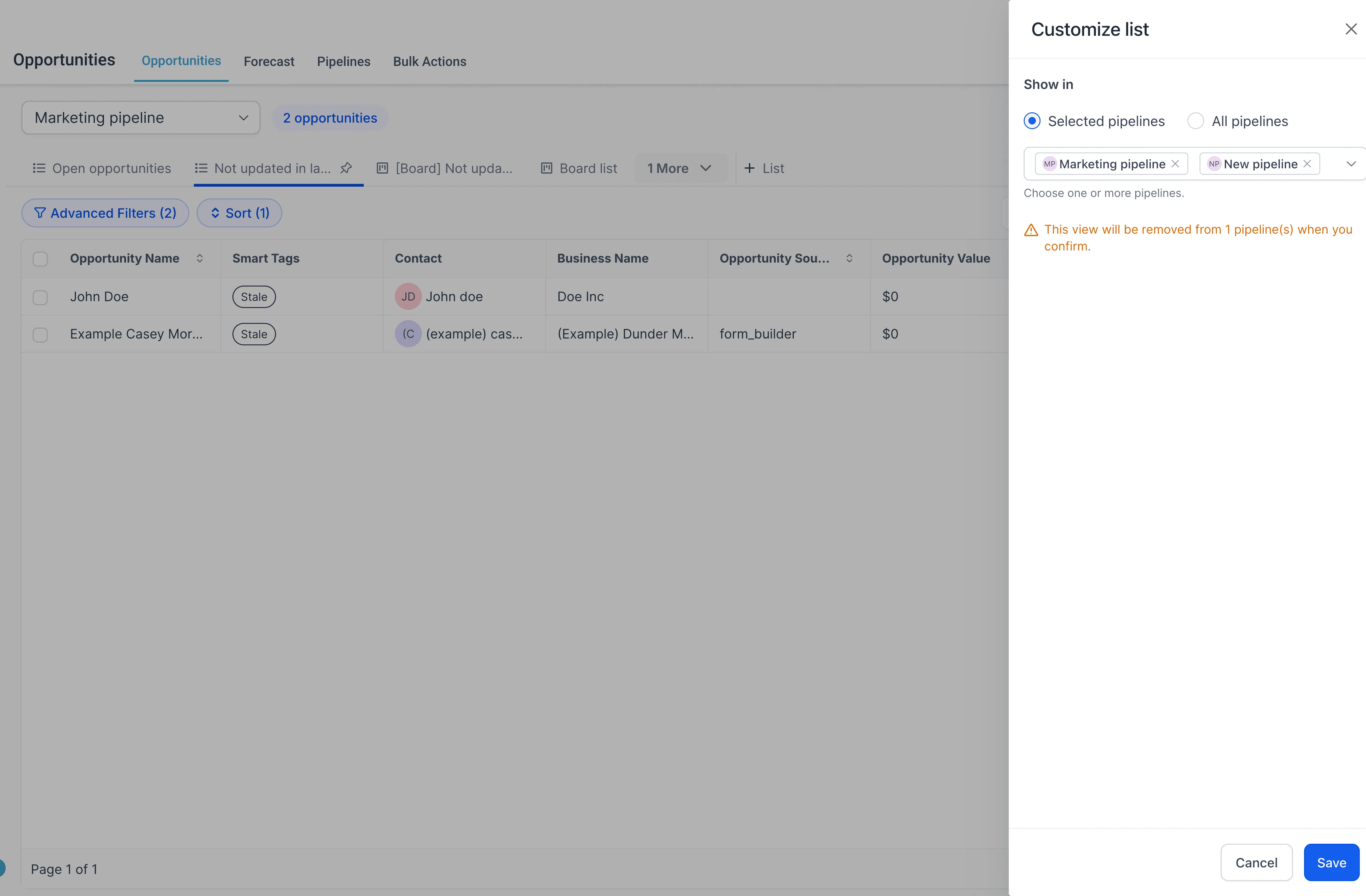
- Create views for all pipelines or only selected pipelines
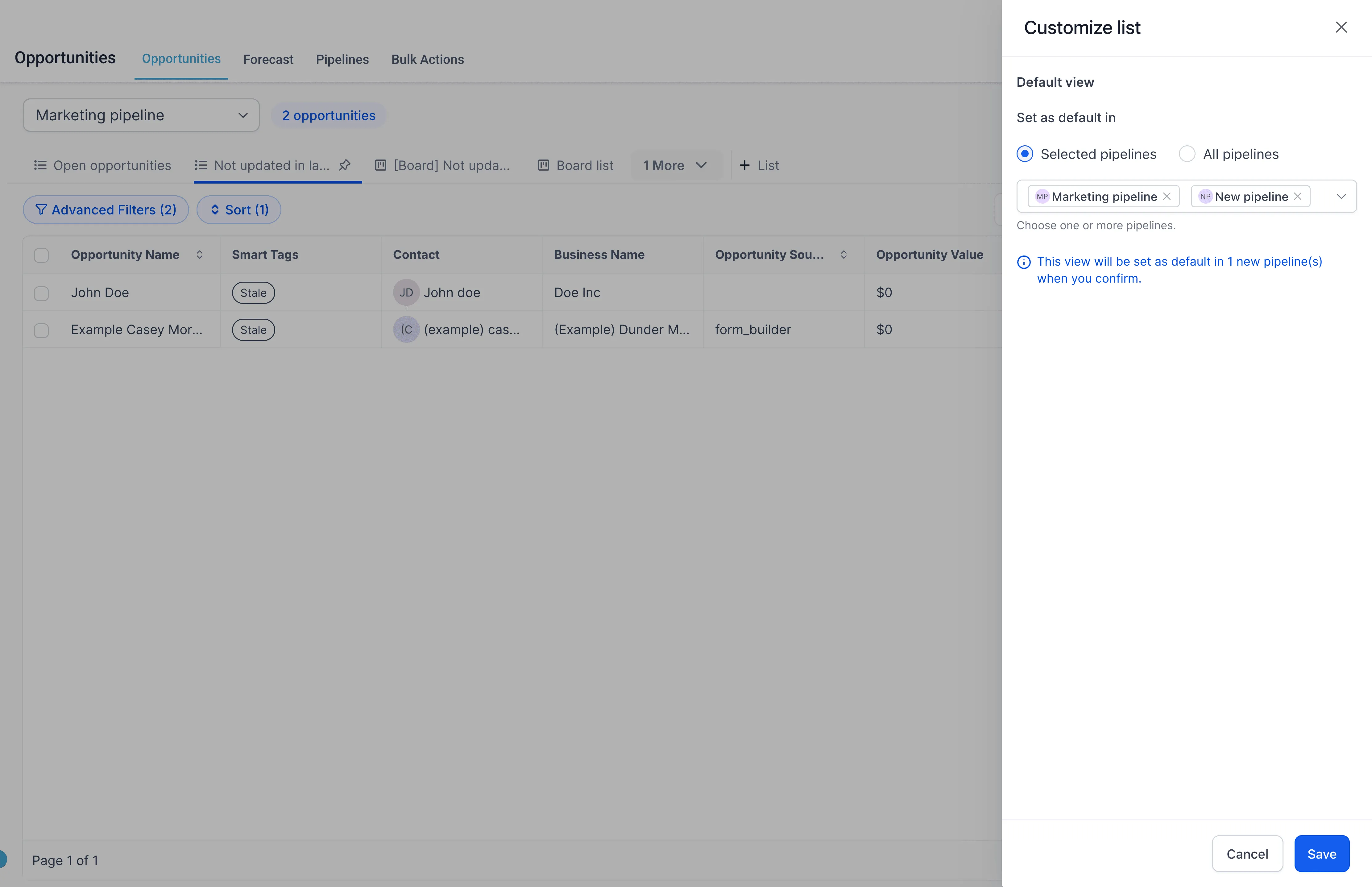
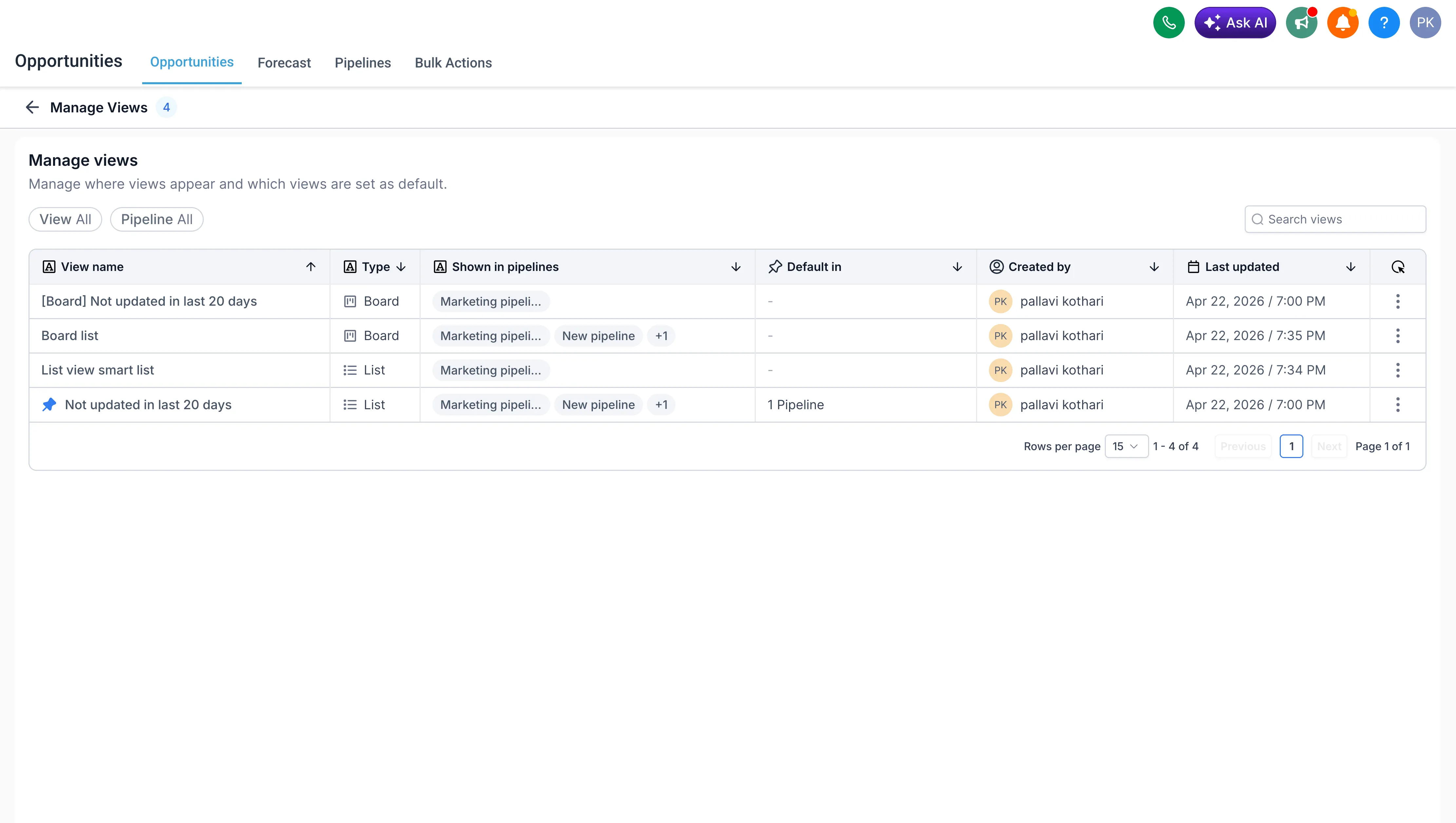
- Set a Smart List as the default view for specific pipelines
- Duplicate an existing Smart List to create a variation faster
- Export Smart List results to CSV
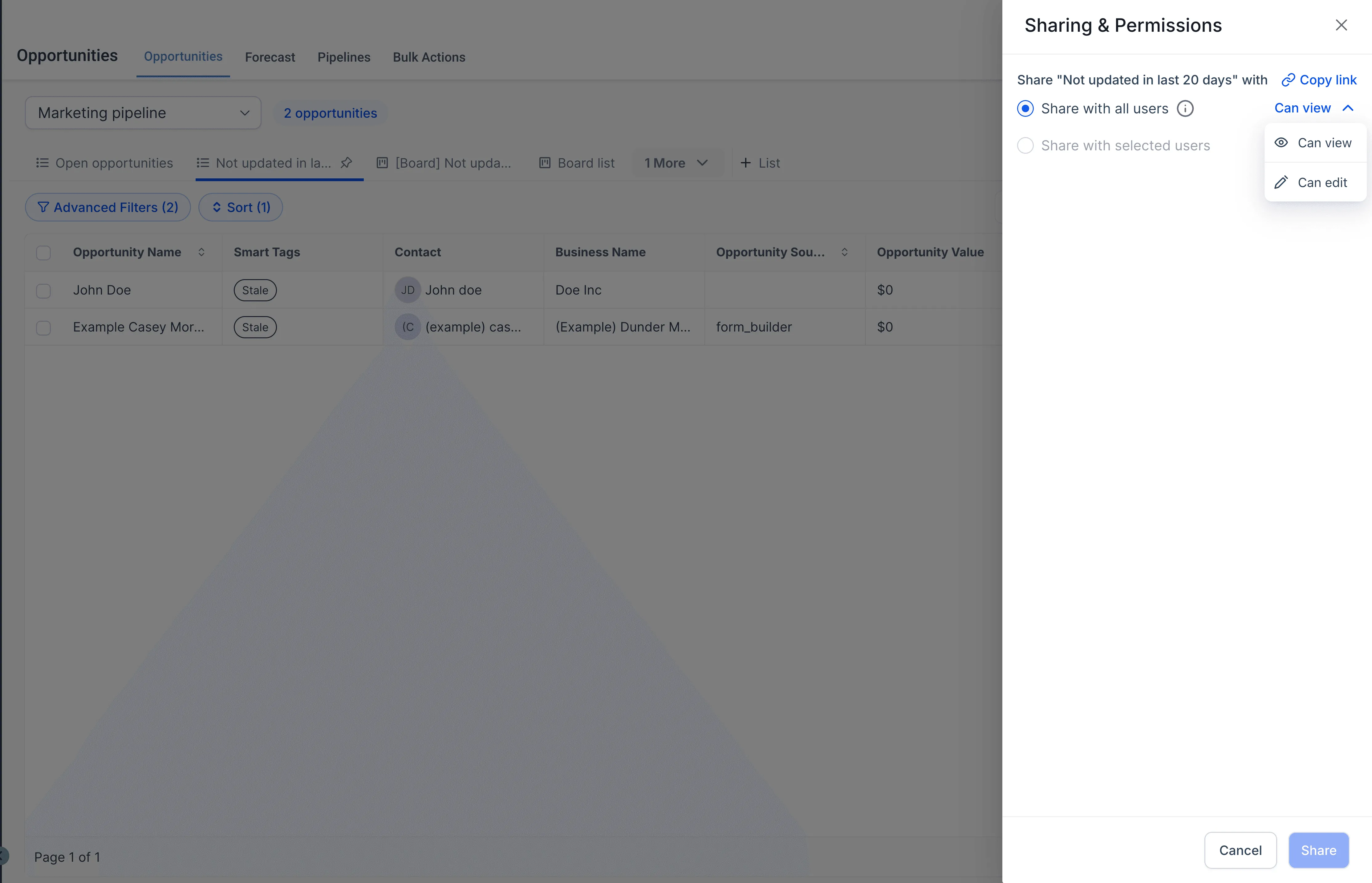
- Share Smart Lists with admins only, all users, or selected users
- Give shared users view or edit access
- Copy a direct link to a Smart List
- Save changes back to the same Smart List or save them as a new one
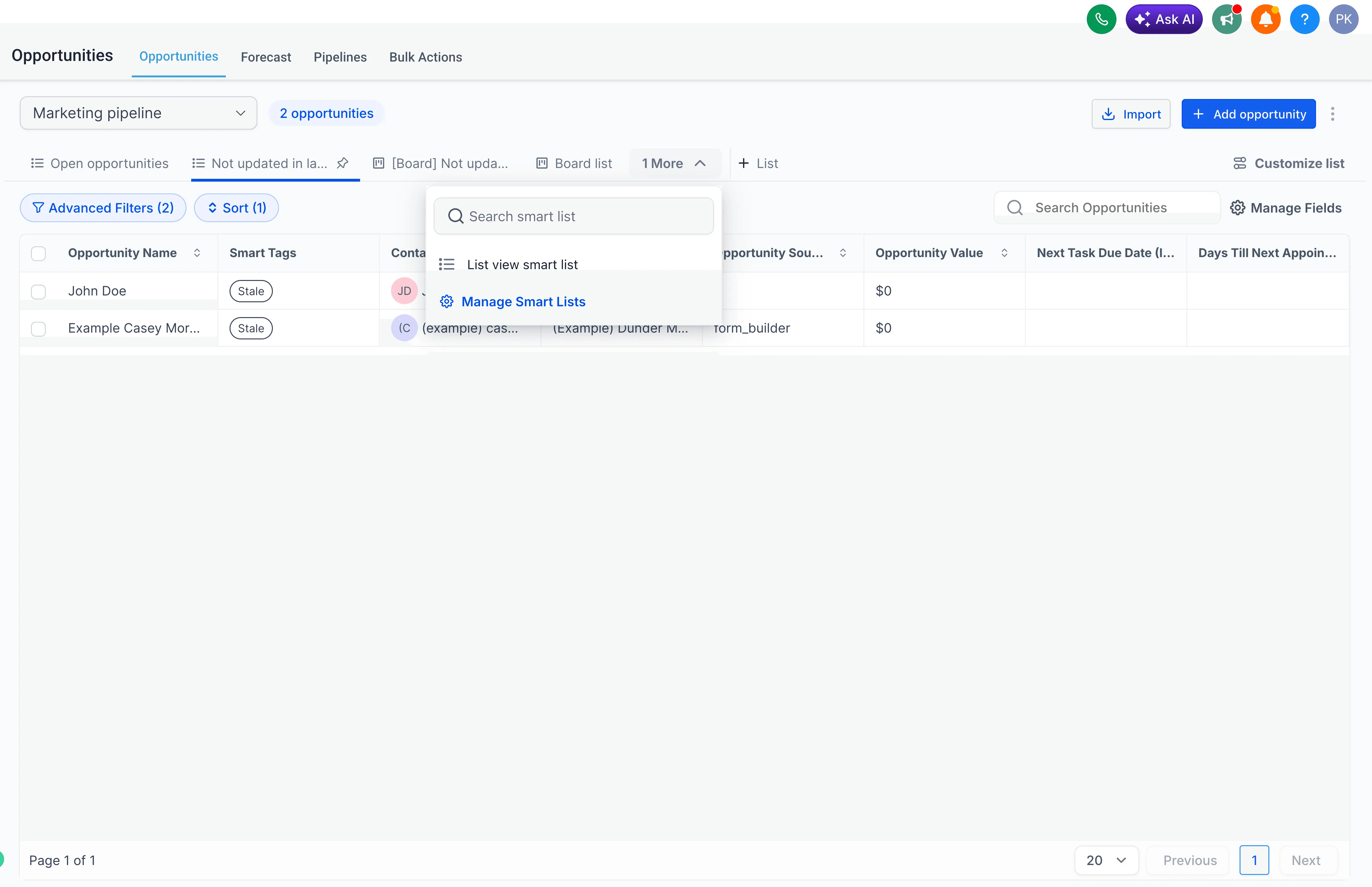
- Use the Manage Smart Lists page to see all Smart Lists in one place
How it works
To use this feature:
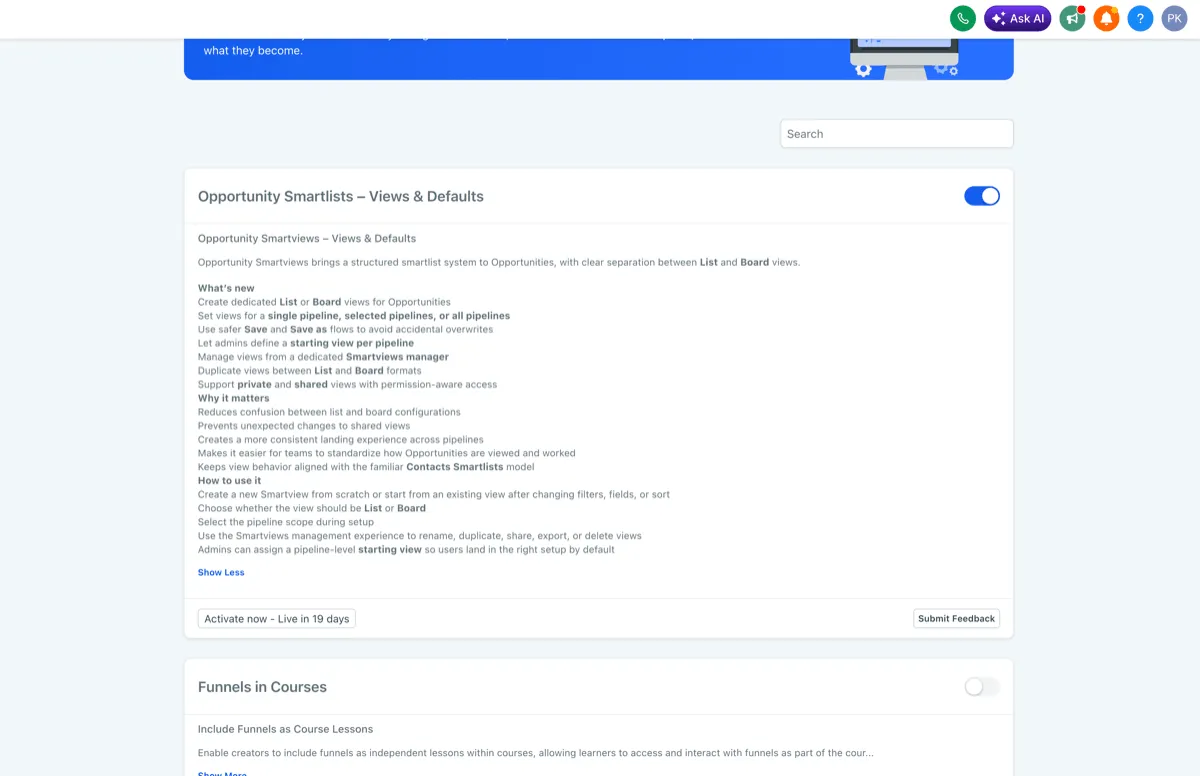
- Turn on Opportunity Smartlists – Views & Defaults in Labs for your account.
- Open Opportunities.
- Create a Smart List in Board view or List view.
- Apply the filters, sorting, and fields you want.
- Choose which pipelines the Smart List should appear in.
- Name the Smart List and save it.
- Reopen it anytime to edit, share, export, or duplicate it.
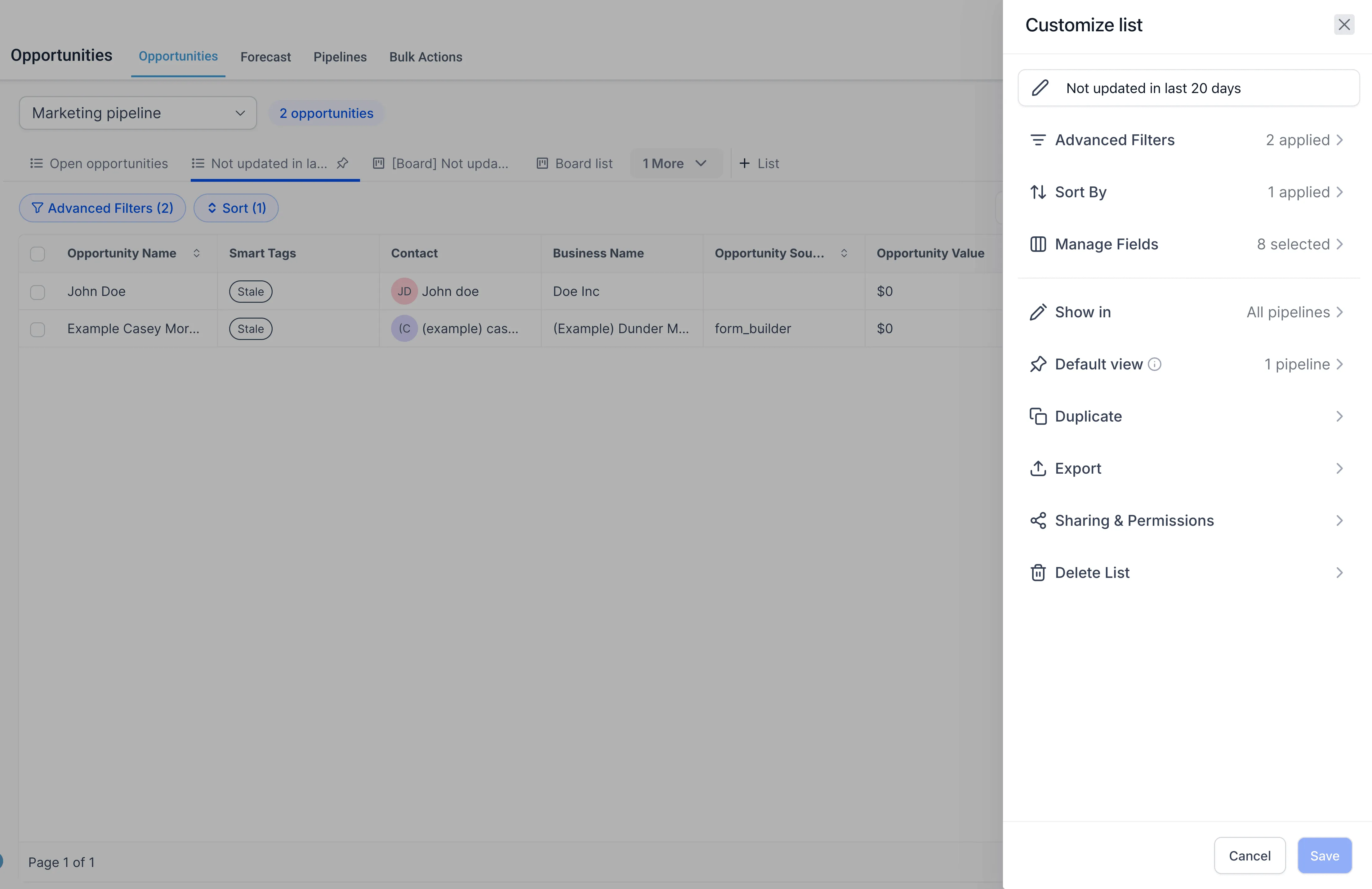
You can also use Customize list to manage settings such as where the Smart List appears, whether it is the default view, sharing and permissions, export, duplication, and deletion.
Why it matters
Smart Lists reduce repetitive setup for teams working in Opportunities and make it easier to return to the exact views you rely on most.
They also help standardize pipeline views across users, make important filtered views easier to share, and give admins more control over how opportunity views are organized.
Notes
- This feature is currently available in Labs
- By default, Smart Lists are shared with admins only
- Users with edit access can also change sharing permissions
- Default views apply at the account level for all users, not per individual user
In Case You Missed It
You can also read Custom Date Reminders Now Support More CRM Record Types.
Release Images
Need Help Applying This Update?
If you’d like help rolling this out in SMBcrm, visit Support or request a demo.