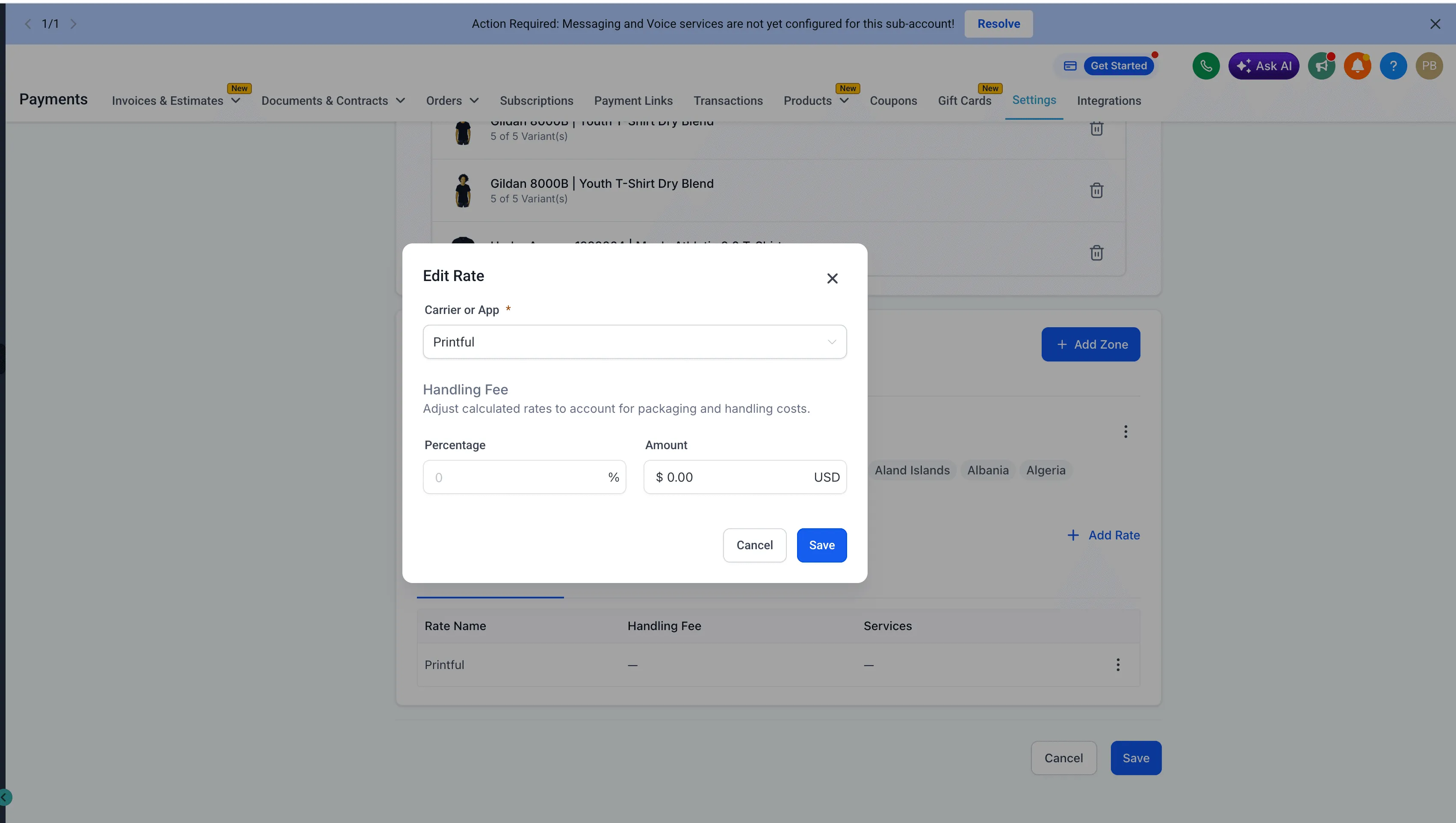
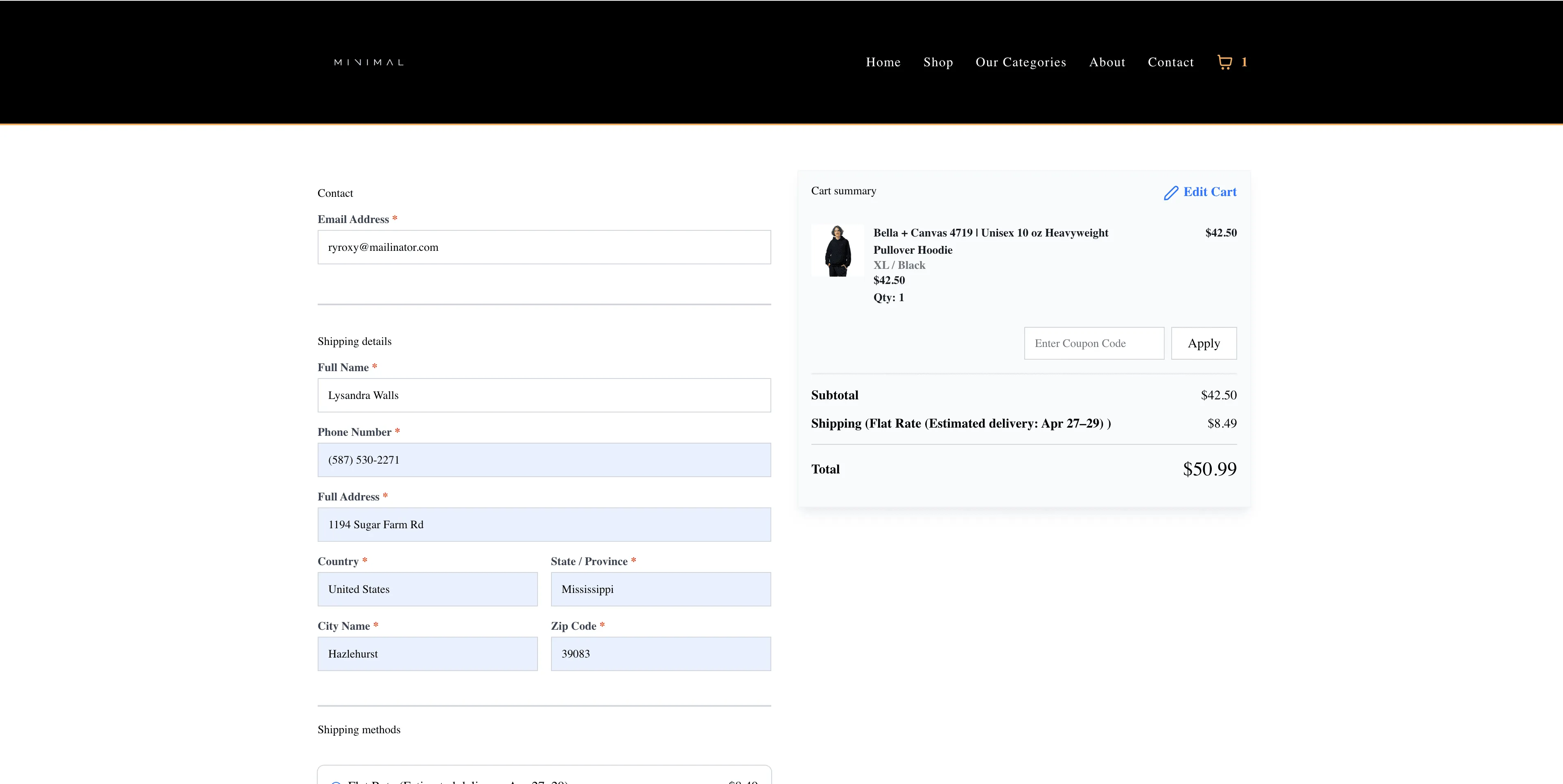
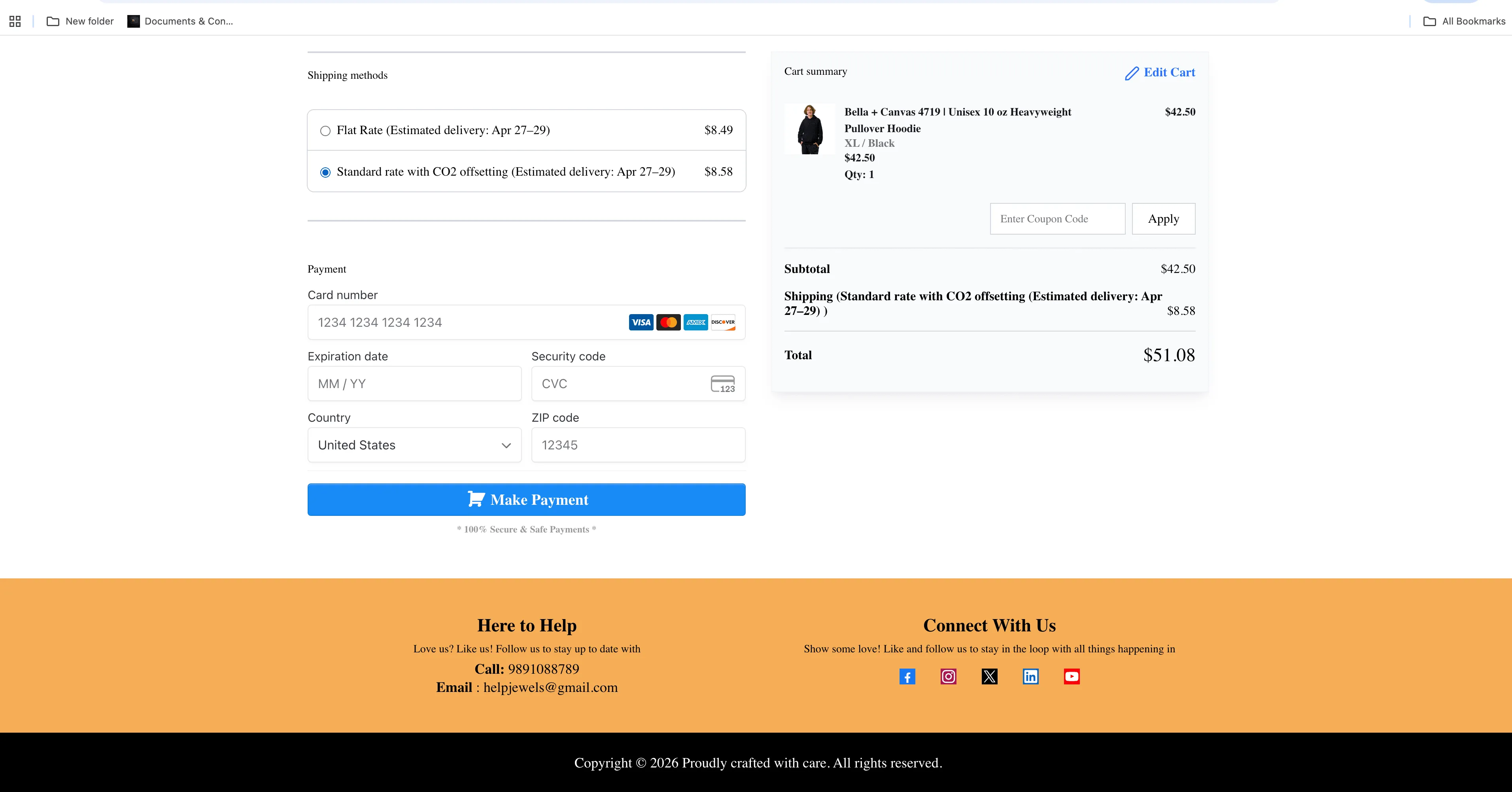
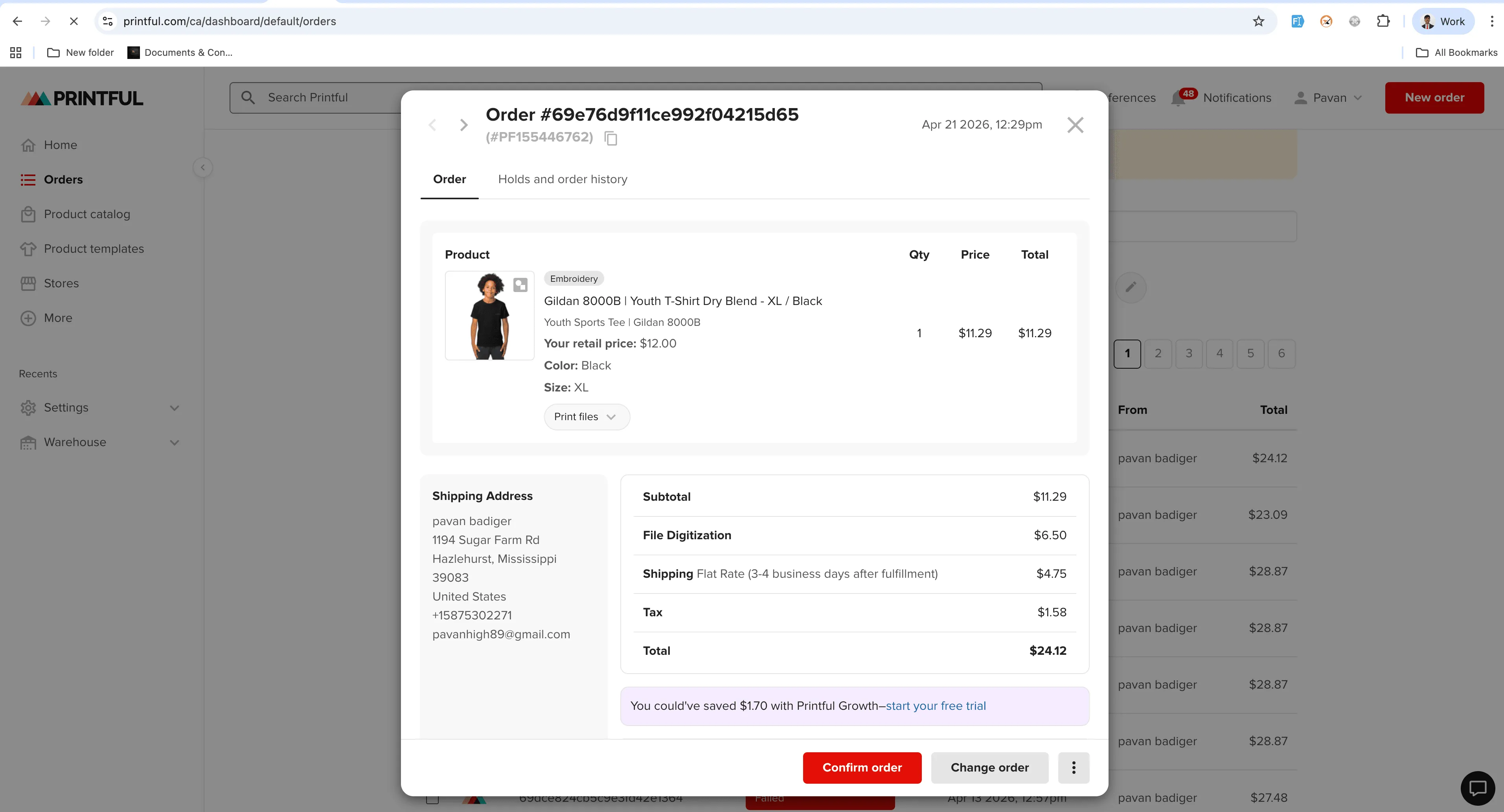
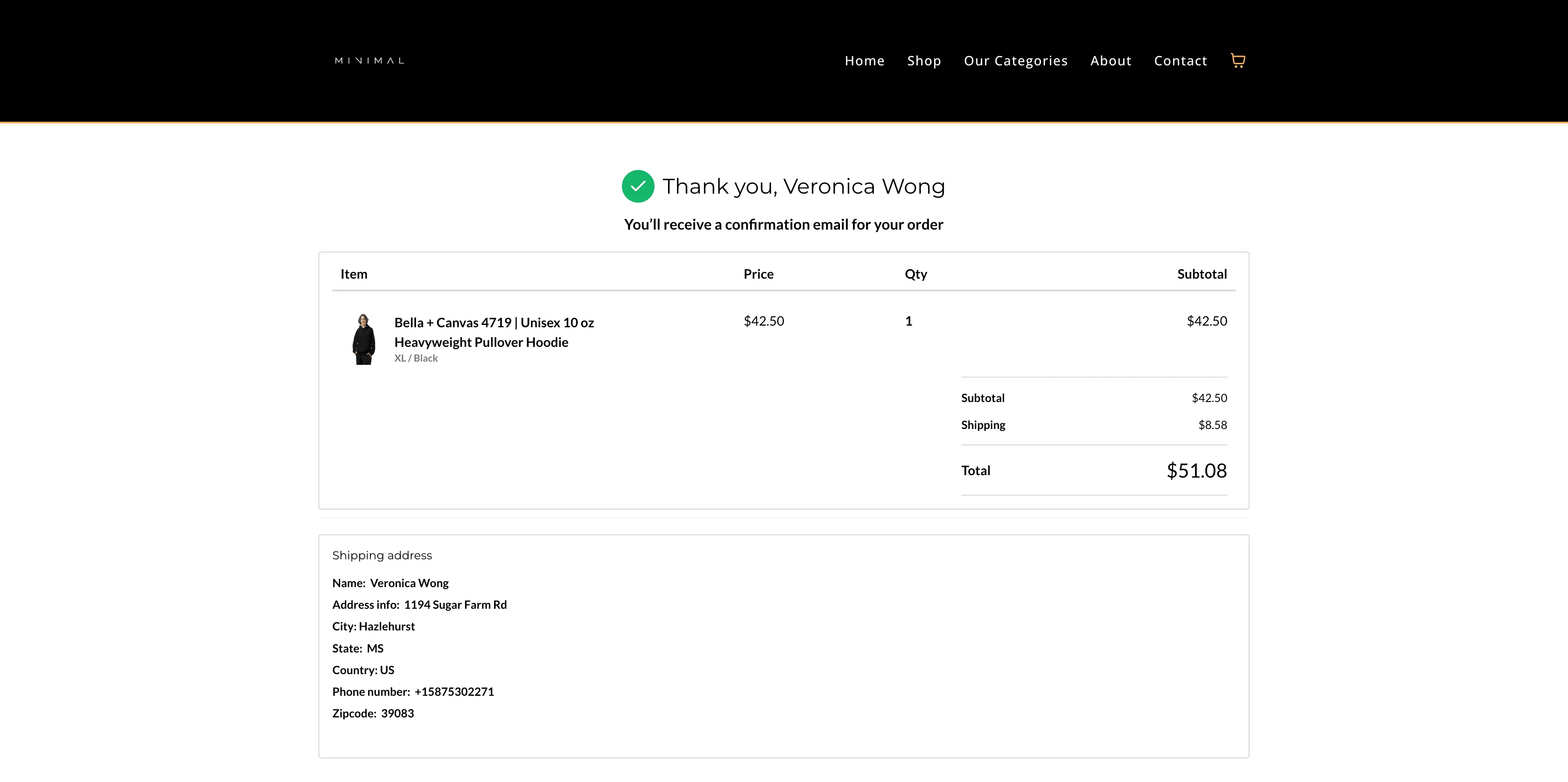
SMBcrm now automatically creates and manages the shipping profile required for the Printful integration to show live shipping rates at checkout.
This update reduces manual setup and helps avoid configuration mistakes that can prevent shipping rates from appearing in your store. It is part of our ongoing improvements to Payments & Commerce.
What changed
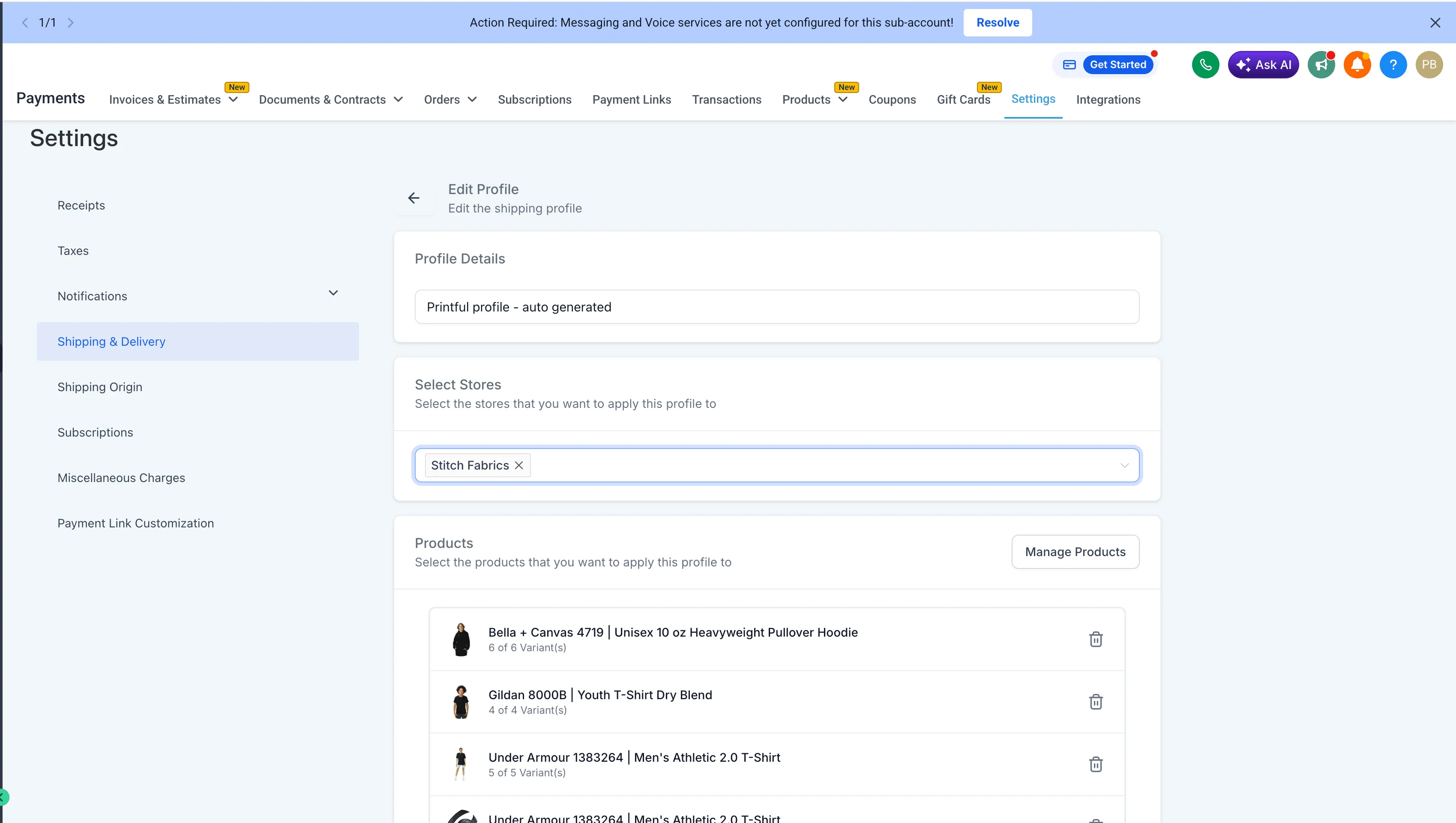
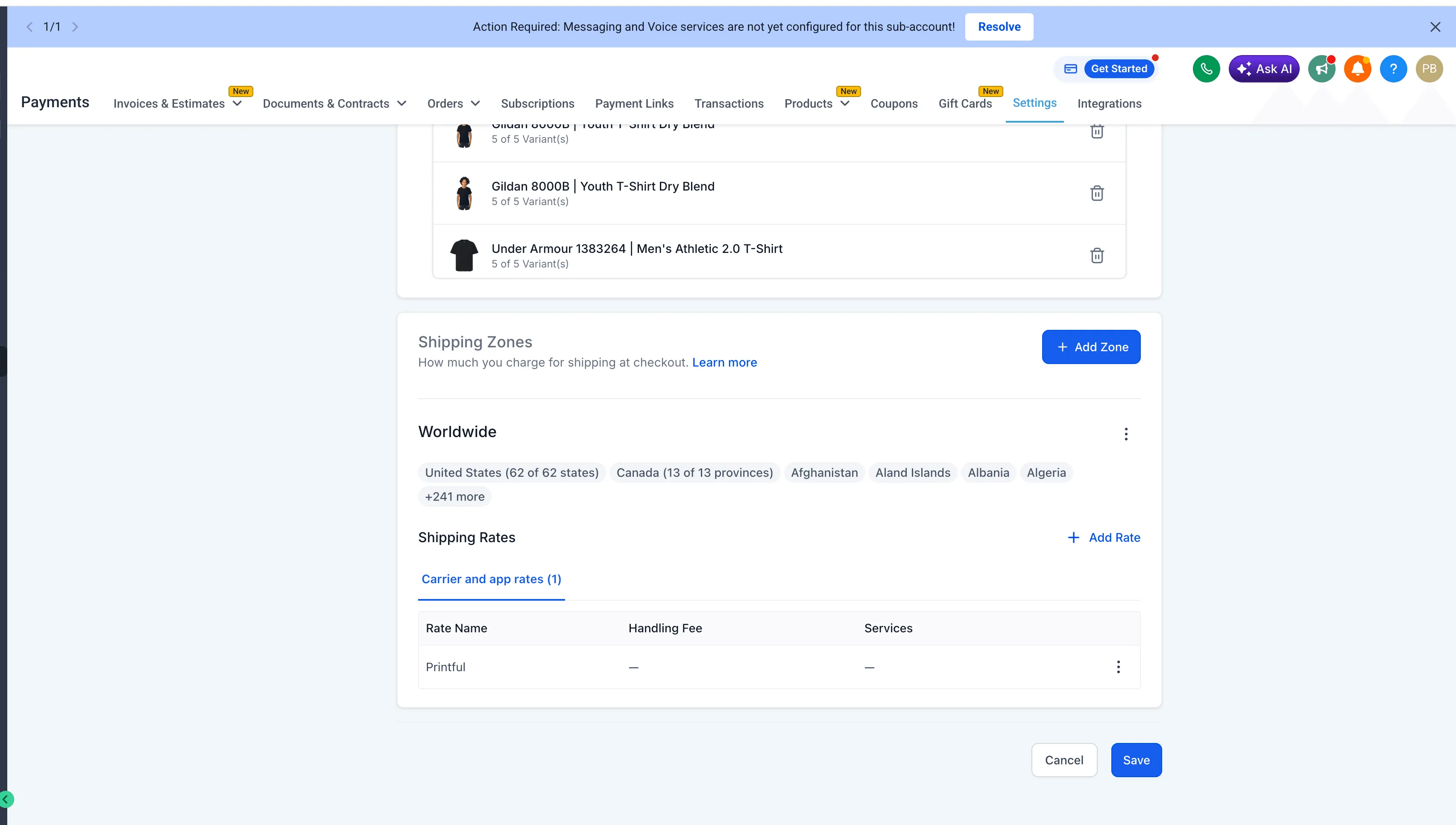
- A dedicated Printful shipping profile is automatically created for live checkout rates.
- New accounts get the profile pre-configured during setup.
- Existing accounts can trigger automatic shipping setup when a synced Printful product is updated.
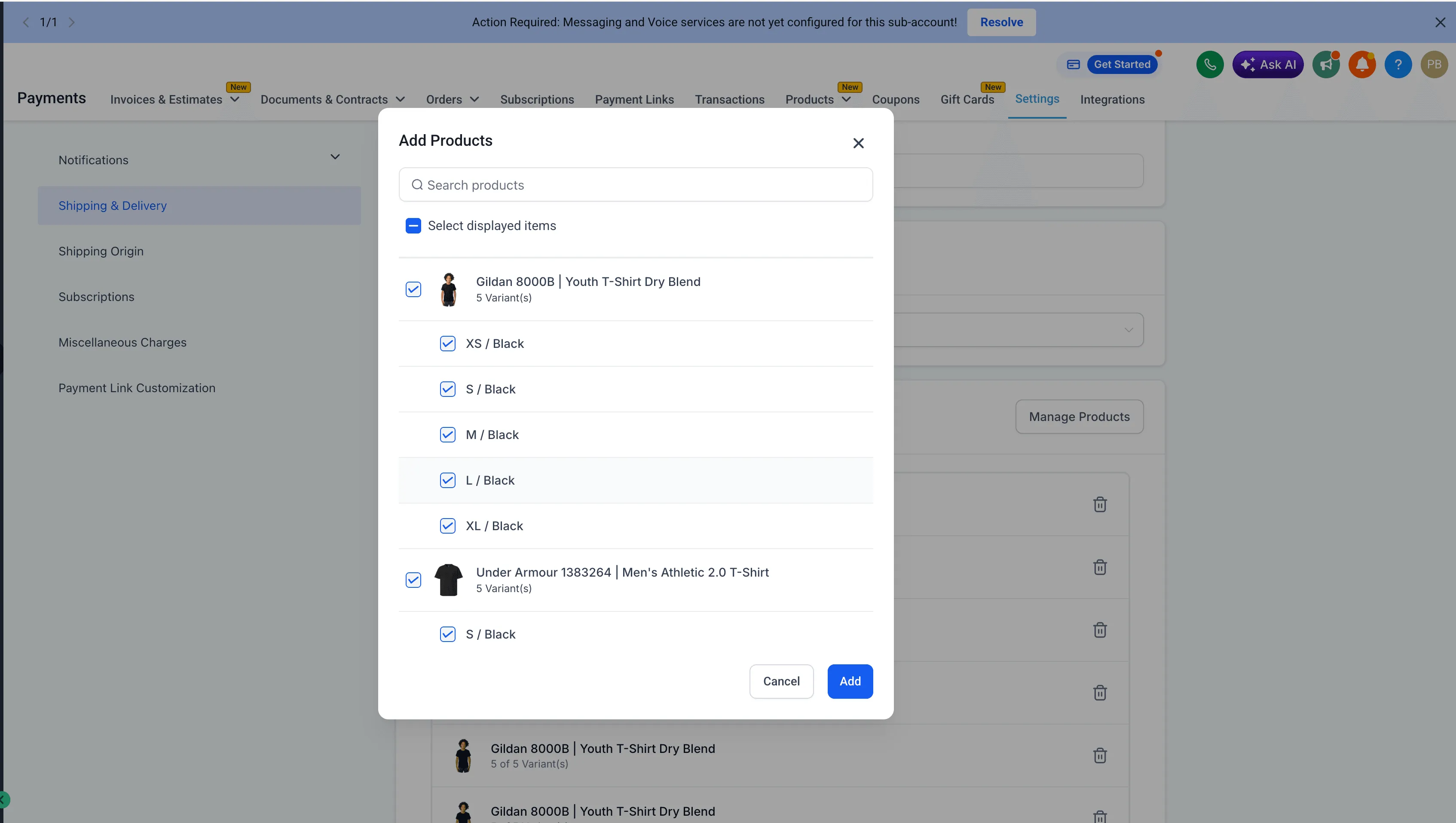
- If products are removed from the Printful shipping profile, shipping rates will no longer calculate for those items.
- If the profile is deleted, it will not be recreated automatically. Reinstalling the integration is required to restore it.
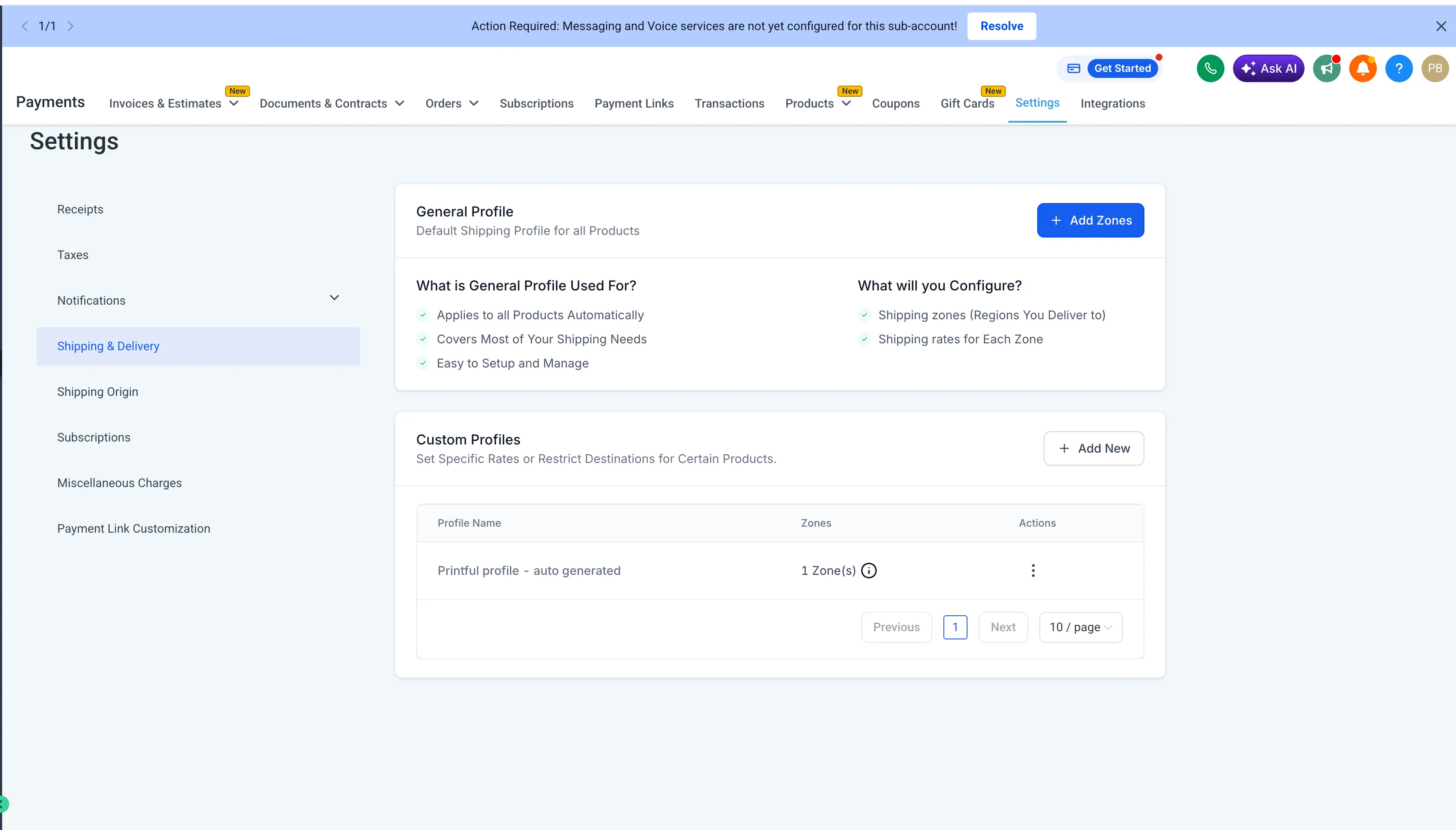
How to use it
For new accounts
- Install and connect the Printful app from the Marketplace.
- Sync your Printful products with your store.
- SMBcrm automatically creates and configures the required shipping profile.
- Keep products assigned to the Printful profile so live shipping rates remain available at checkout.
For existing accounts
- Make an update to any product in your Printful store.
- That update will automatically create the shipping profile and enable live rates.
- Keep products assigned to the Printful profile so shipping rates continue to work.
Important notes
- The Printful shipping profile is system-generated for correct functionality.
- Manual edits are not recommended.
- Removing products from the profile disables shipping rate calculation for those products.
- Deleting the profile requires a full reinstall of the integration to restore functionality.
In Case You Missed It
You can also read about Locale-Based Currency Formatting for Store Elements.
Release Images
Need Help Applying This Update?
If you’d like help rolling this out in SMBcrm, visit Support or request a demo.