SMBcrm now supports QR code types for Calendars, Services, and Rentals. You can create codes in the QR Code Builder or access prebuilt codes directly within those sections, without manually configuring their destinations.
Supported booking destinations
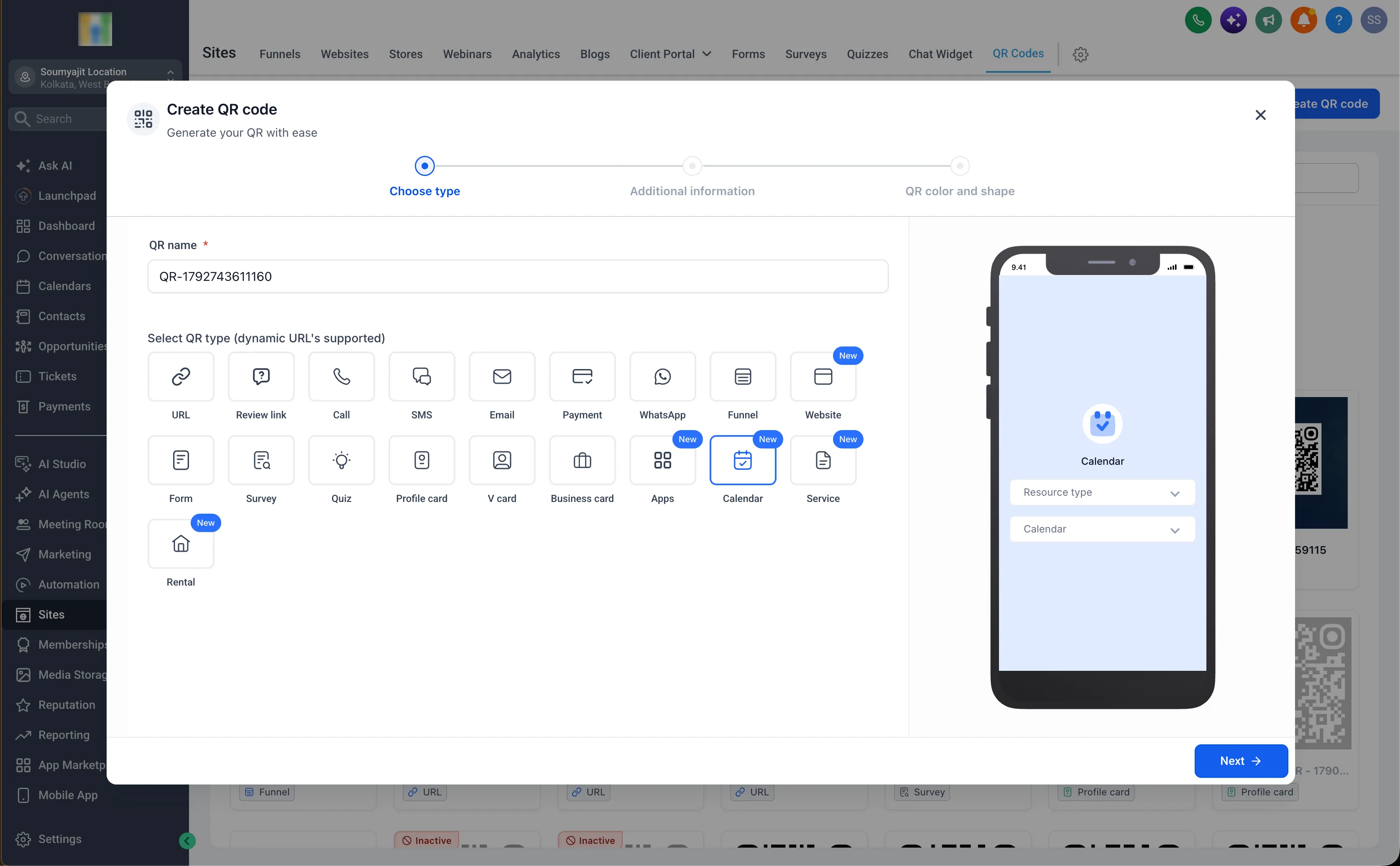
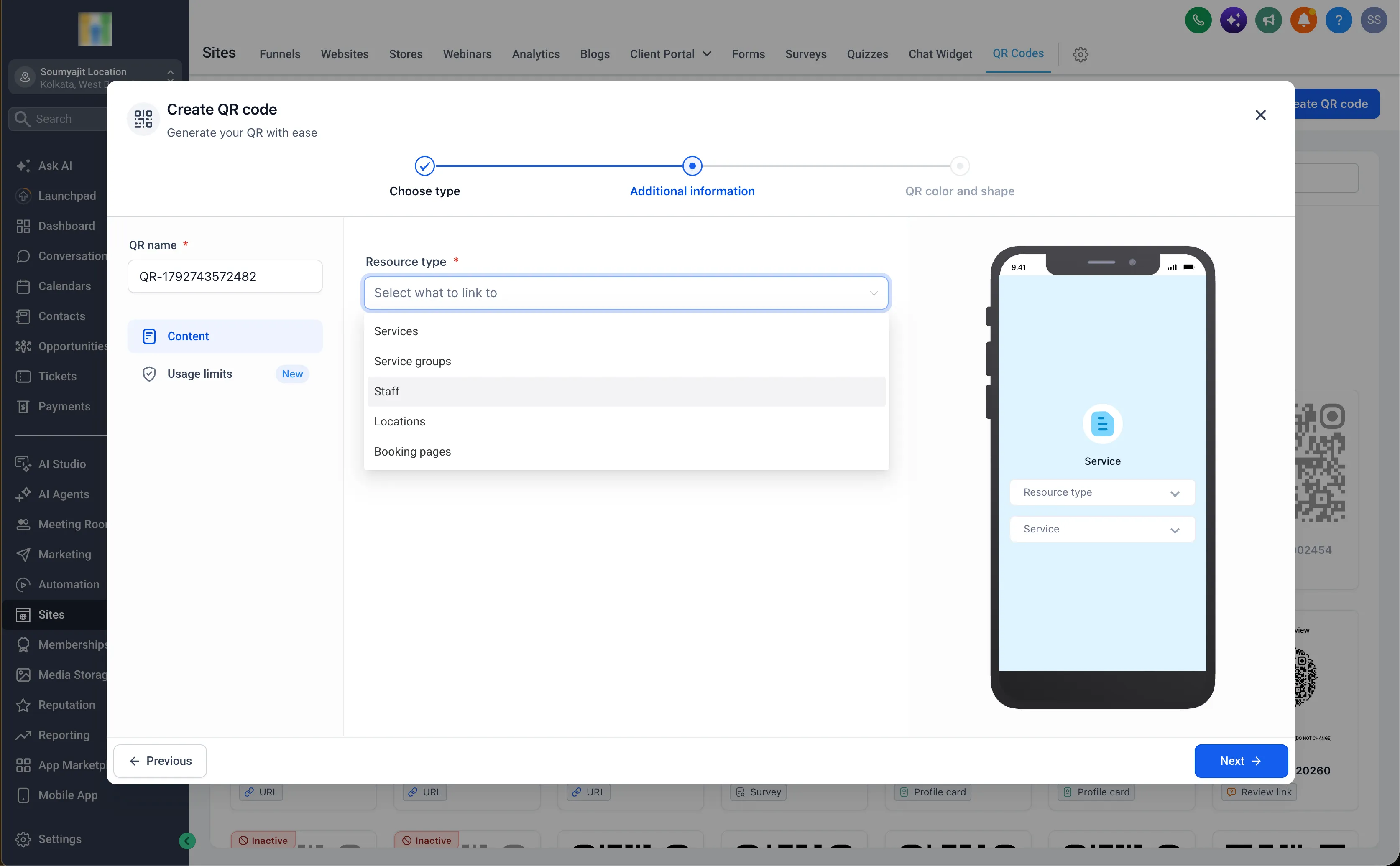
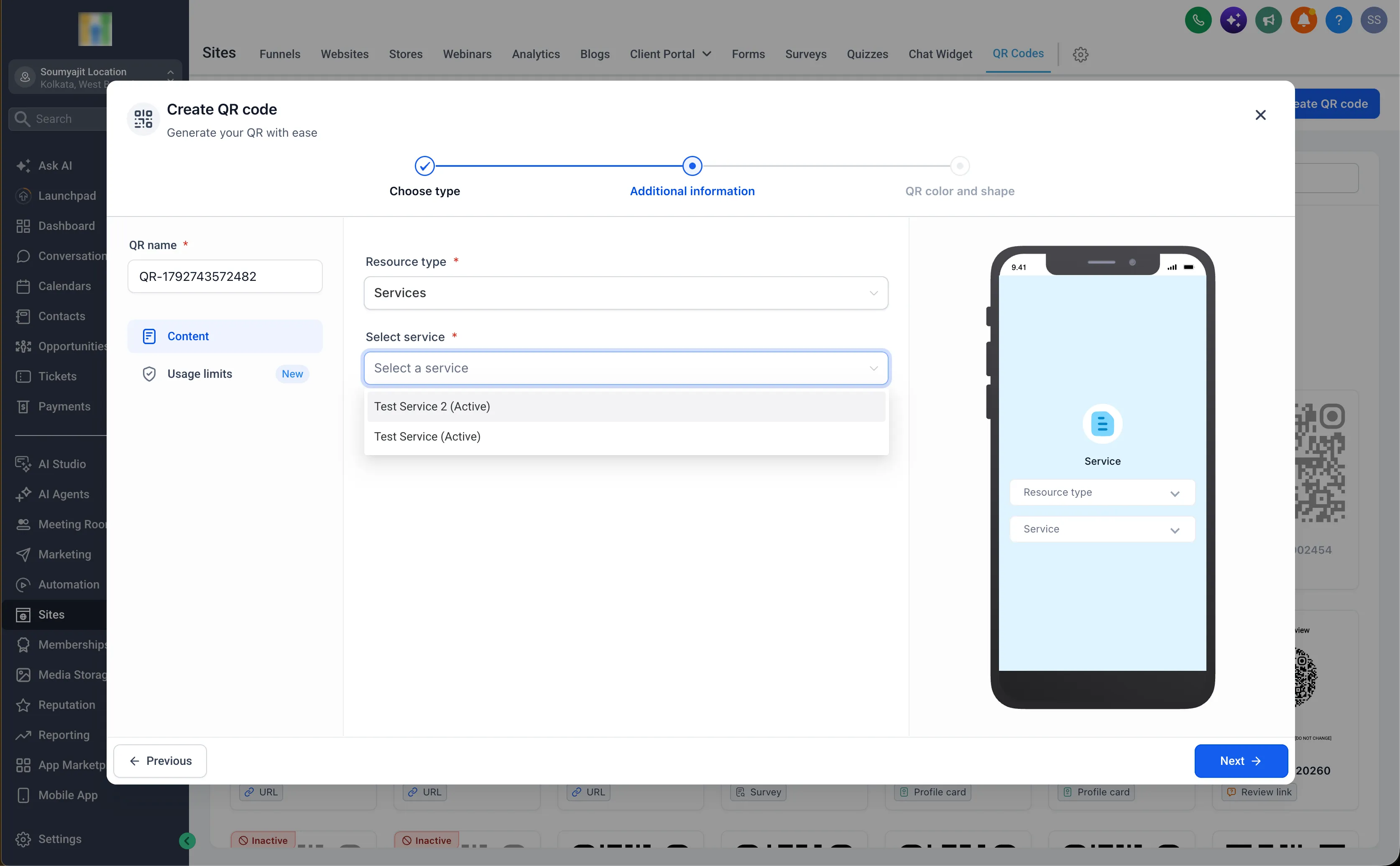
The QR Code Builder supports:
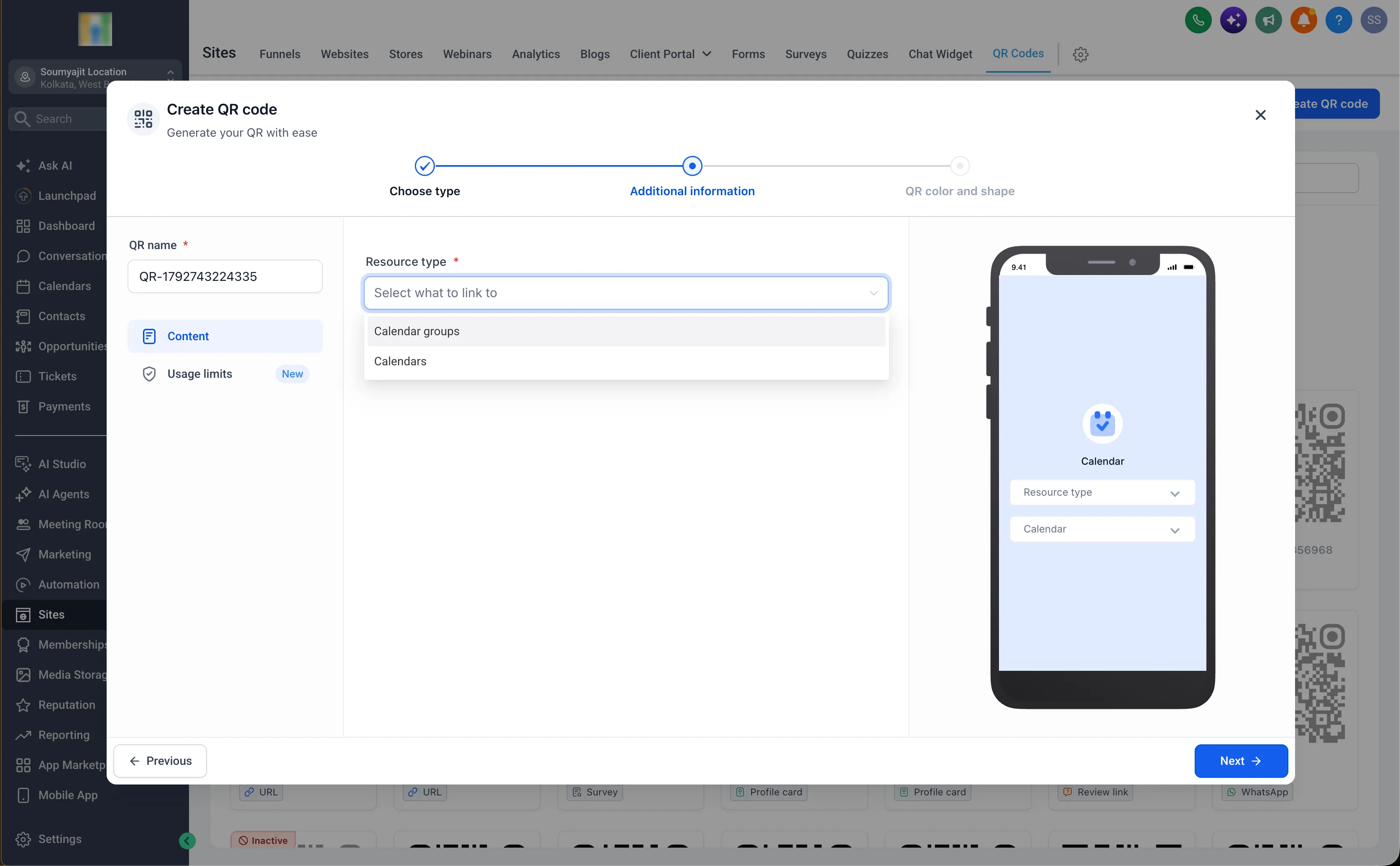
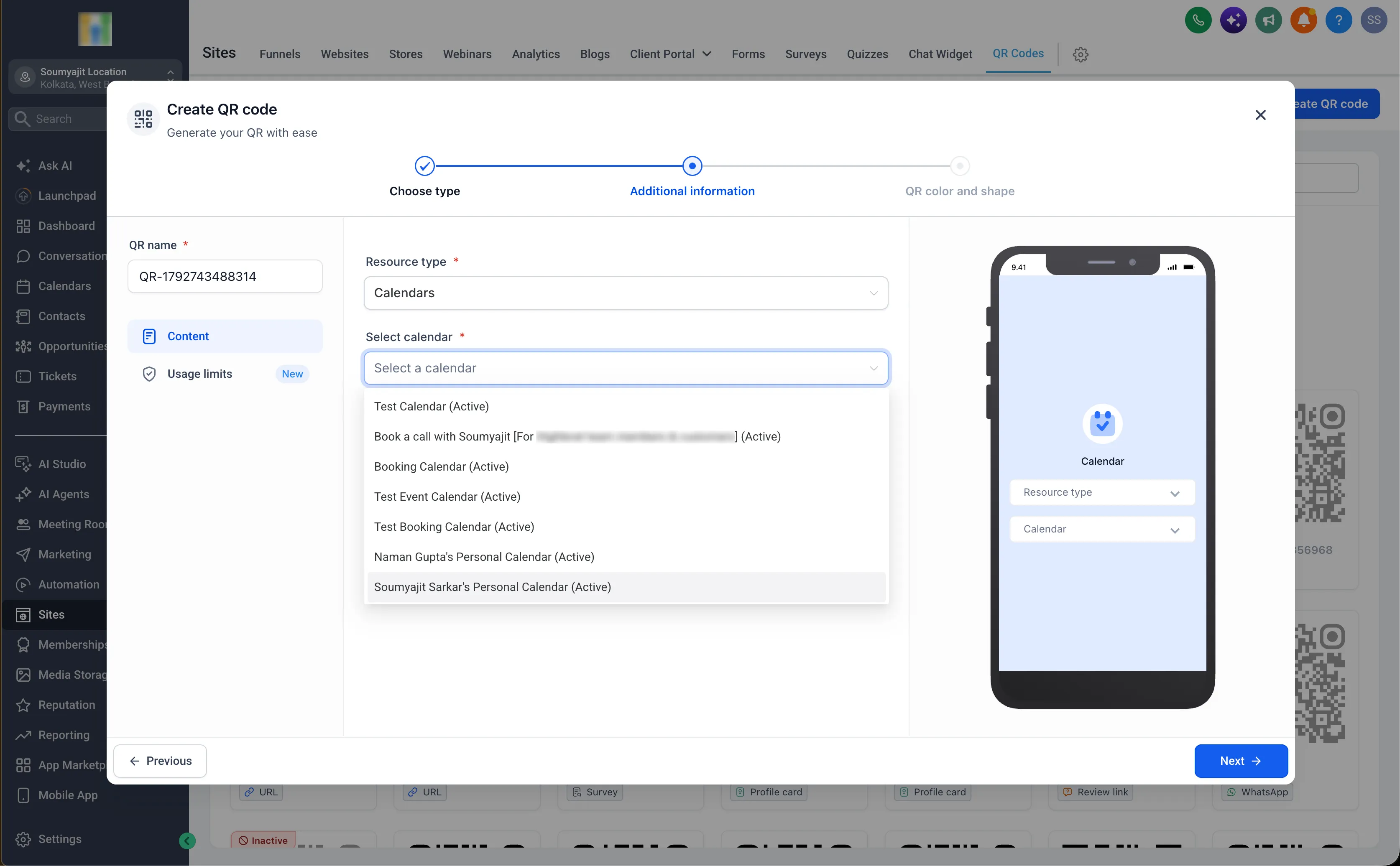
- Calendars: Calendars, Calendar Groups, and other supported calendar destinations.
- Services: Services, Service Groups, Staff, Landing Pages, and Booking Pages.
- Rentals: Rentals, Rental Categories, Booking Pages, and other supported rental destinations.
Use these codes to direct customers from flyers, brochures, or other materials to the relevant booking or scheduling page.
Prebuilt codes where you work
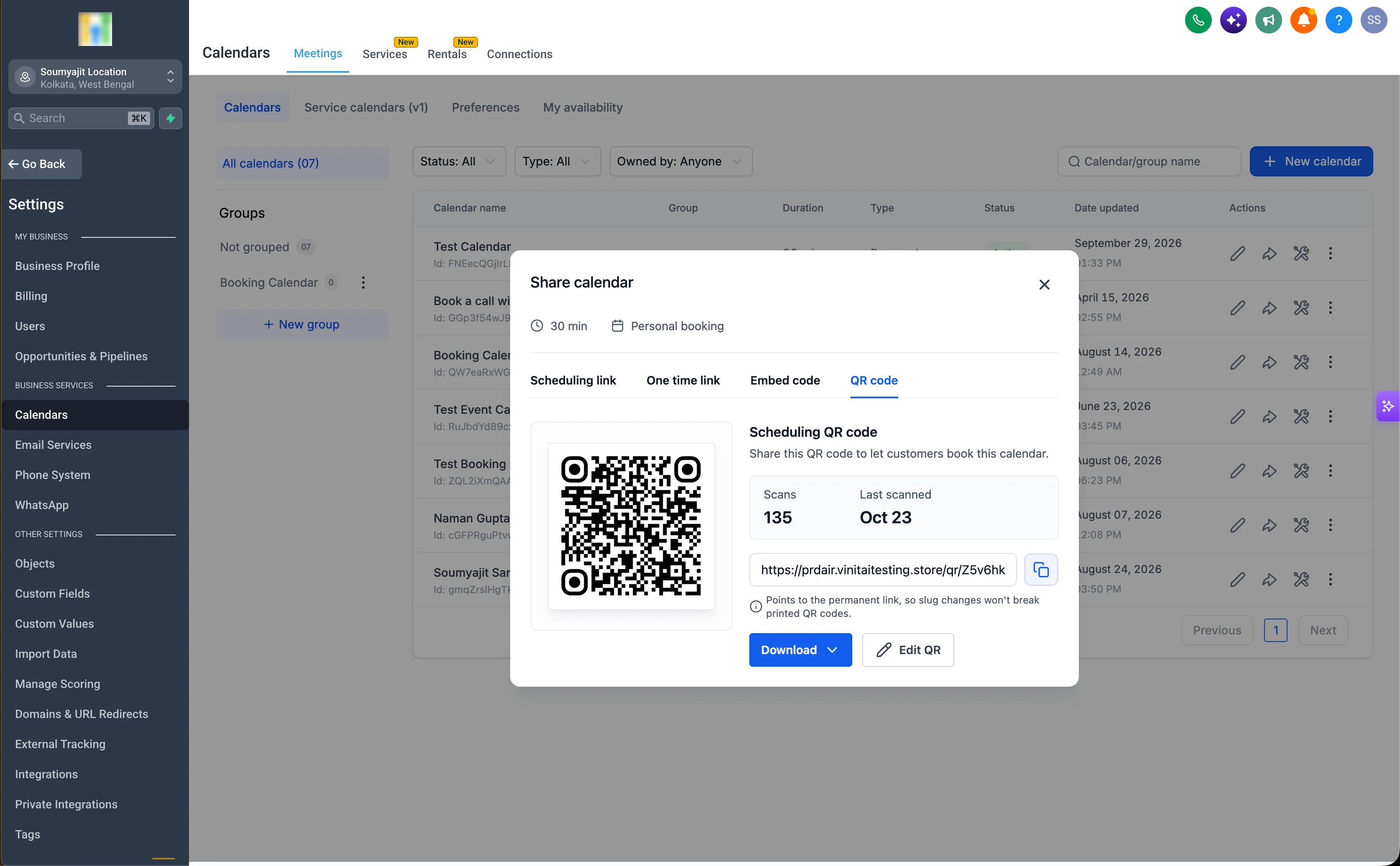
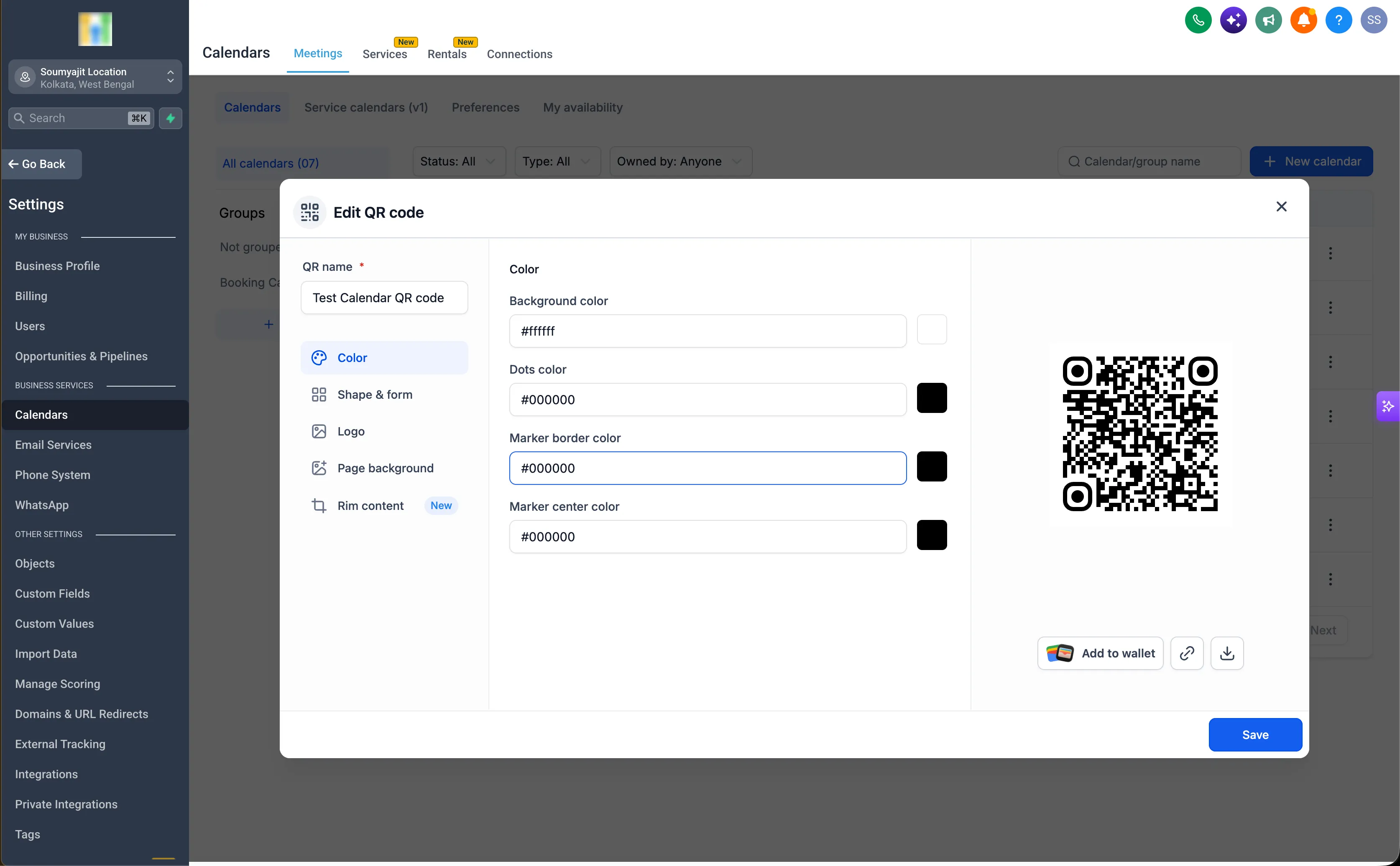
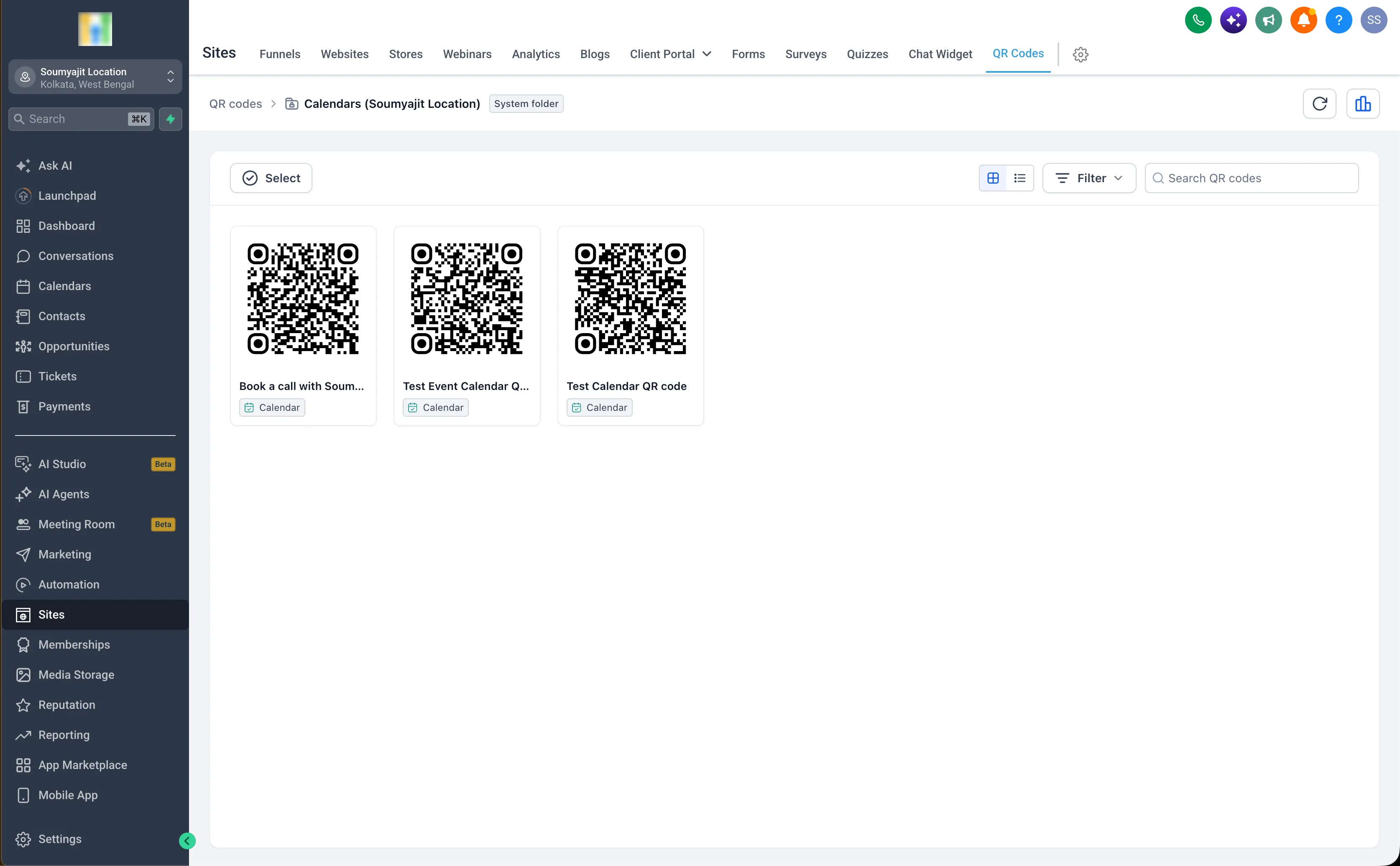
Dedicated QR code options within Calendars, Services, and Rentals provide access to codes already linked to their corresponding destinations. You do not need to create a separate QR code in the builder to use these prebuilt codes.
From the QR code option, you can:
- View total scans to see how often the code has been used.
- Check the last scanned date to review recent activity.
- Edit the design without switching to the QR Codes section.
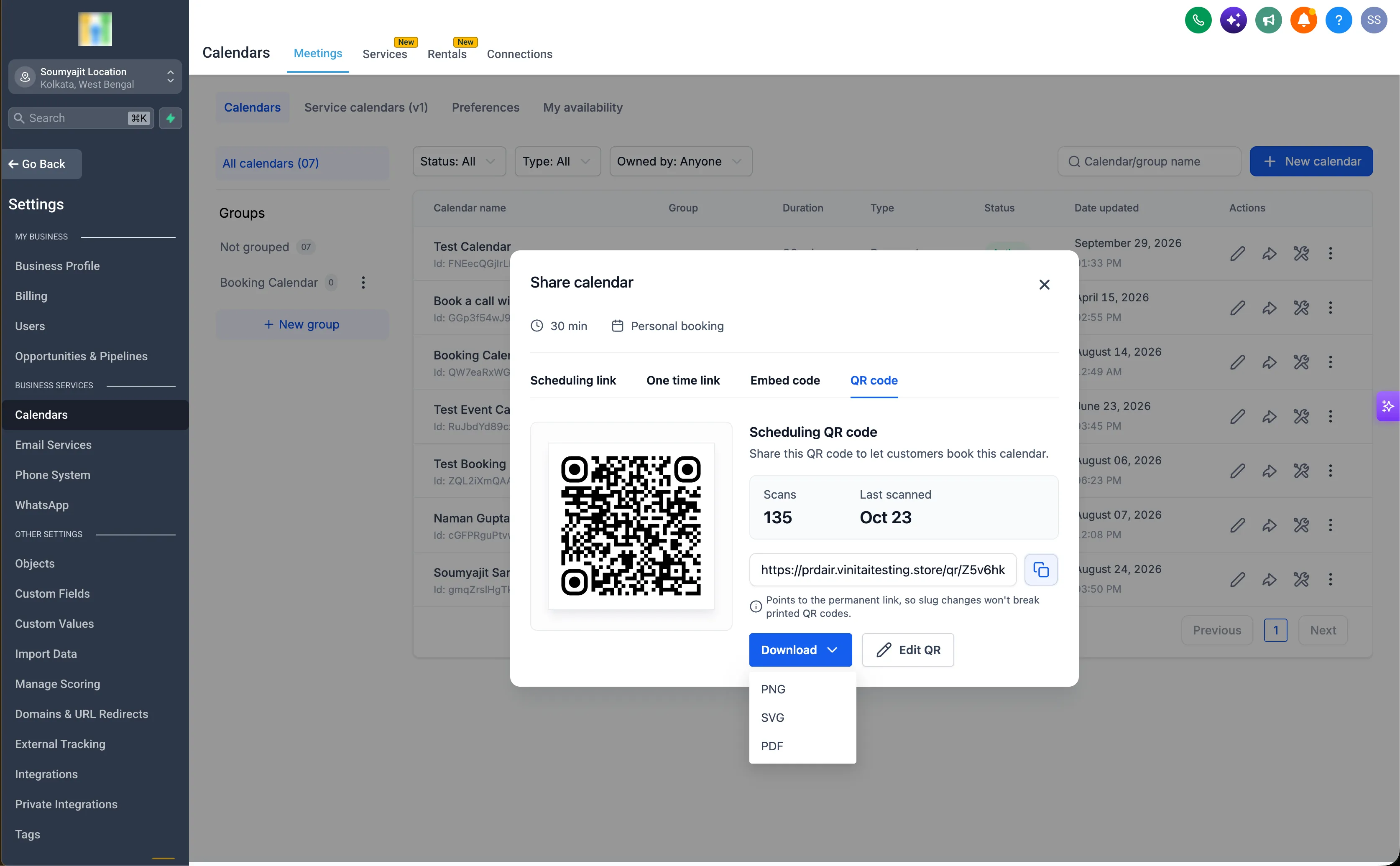
- Download the code for use in your materials or campaigns.
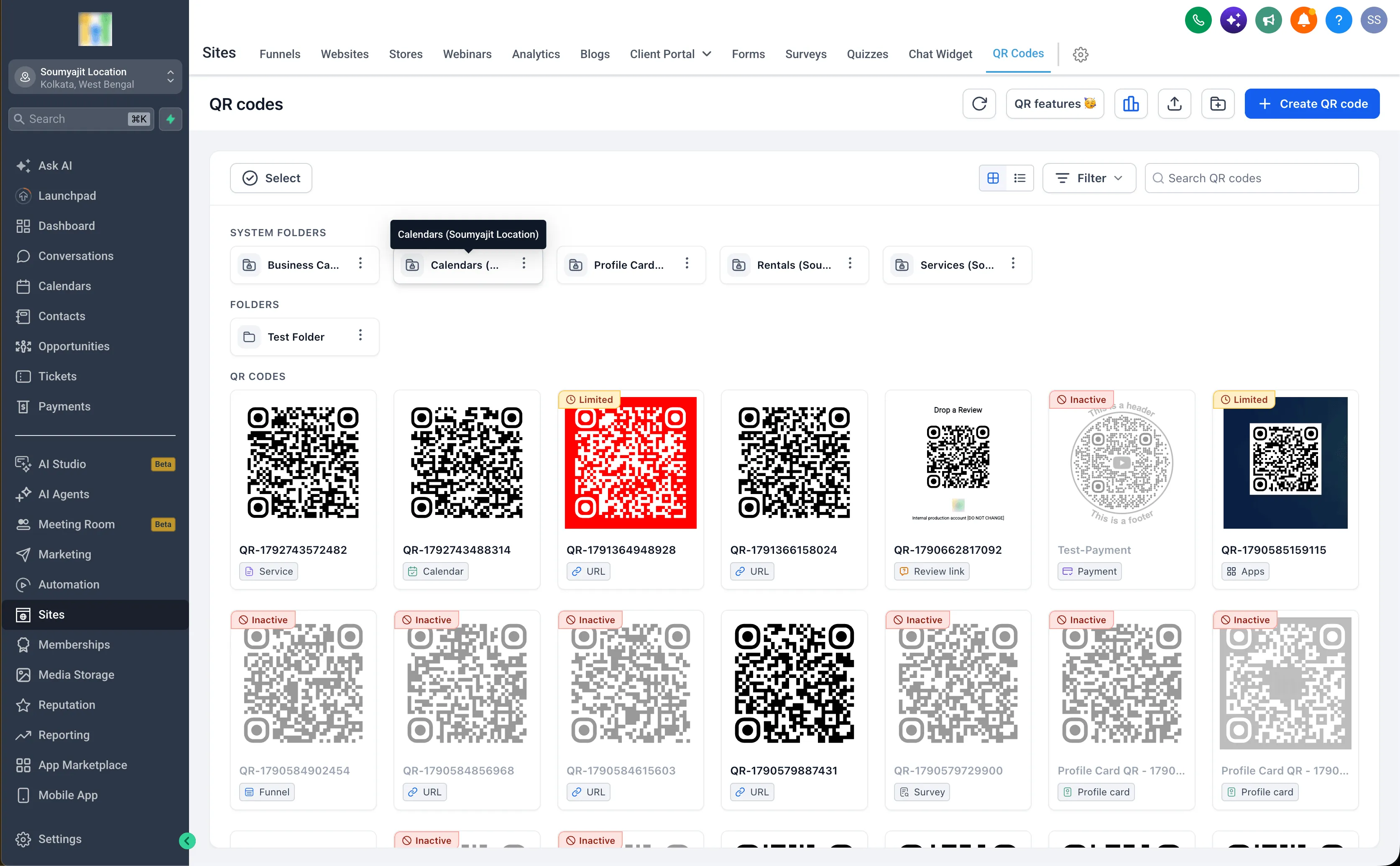
Prebuilt codes also appear on the QR Codes List page alongside manually created codes, so you can access them from either place.
How to access your QR codes
Create a code in the builder
- Open the QR Codes section.
- Select Calendars, Services, or Rentals as the QR code type.
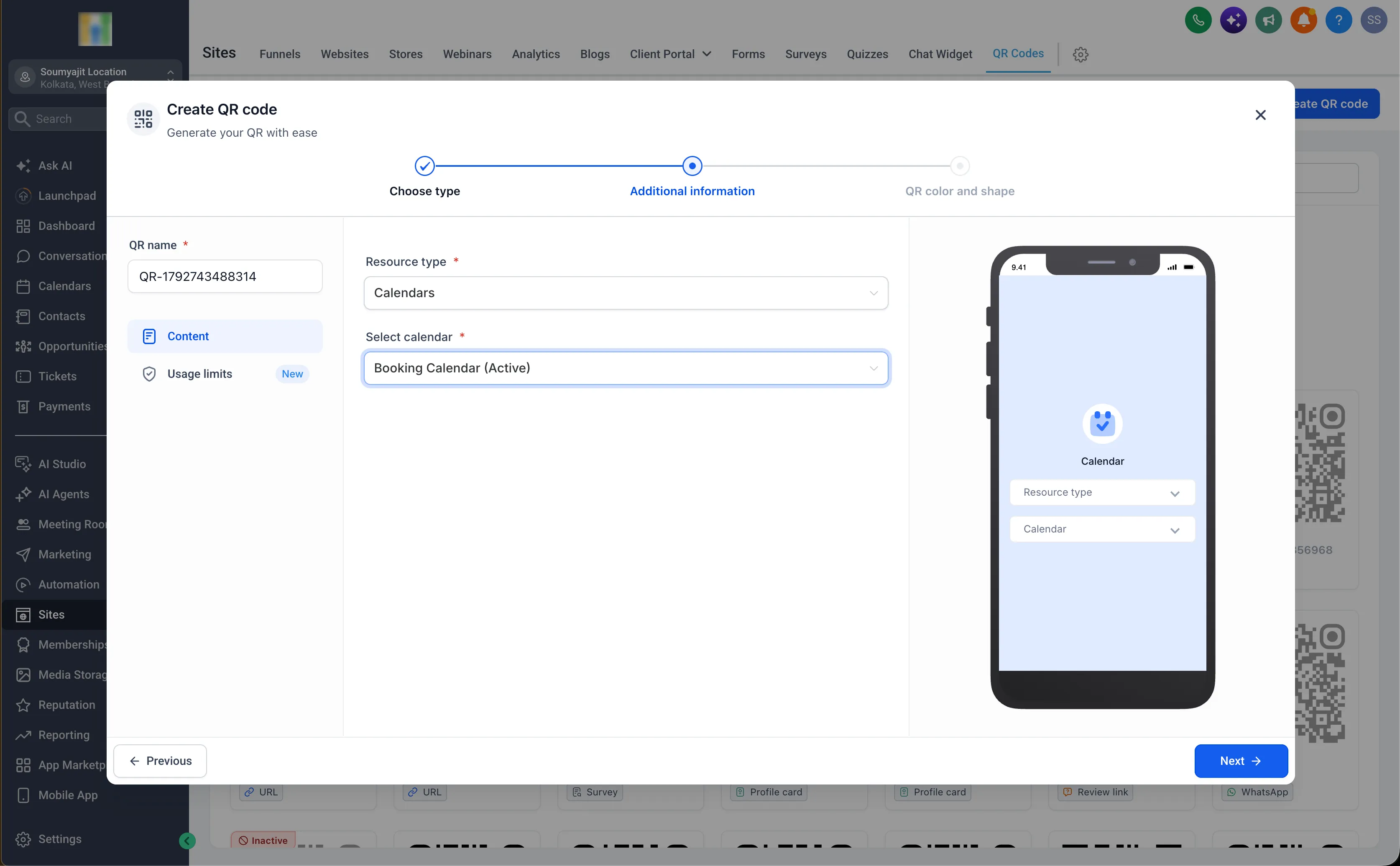
- Choose a supported destination.
- Generate the QR code.
Use a prebuilt code
- Open the relevant Calendars, Services, or Rentals section.
- Select its QR code option.
- Access the code already mapped to that destination.
- Review scan metrics, edit the design, or download the code.
Manual creation remains available in the QR Code Builder if you prefer that workflow.
Release Images
Need Help Applying This Update?
Want help turning this update into a working part of your CRM, marketing, or automation setup?
Get Started or schedule a demo and we’ll help you map the right next step.