The new Quiz Element lets you add quizzes directly to your SMBcrm websites and funnels, without copying and pasting embed codes.
What Changed
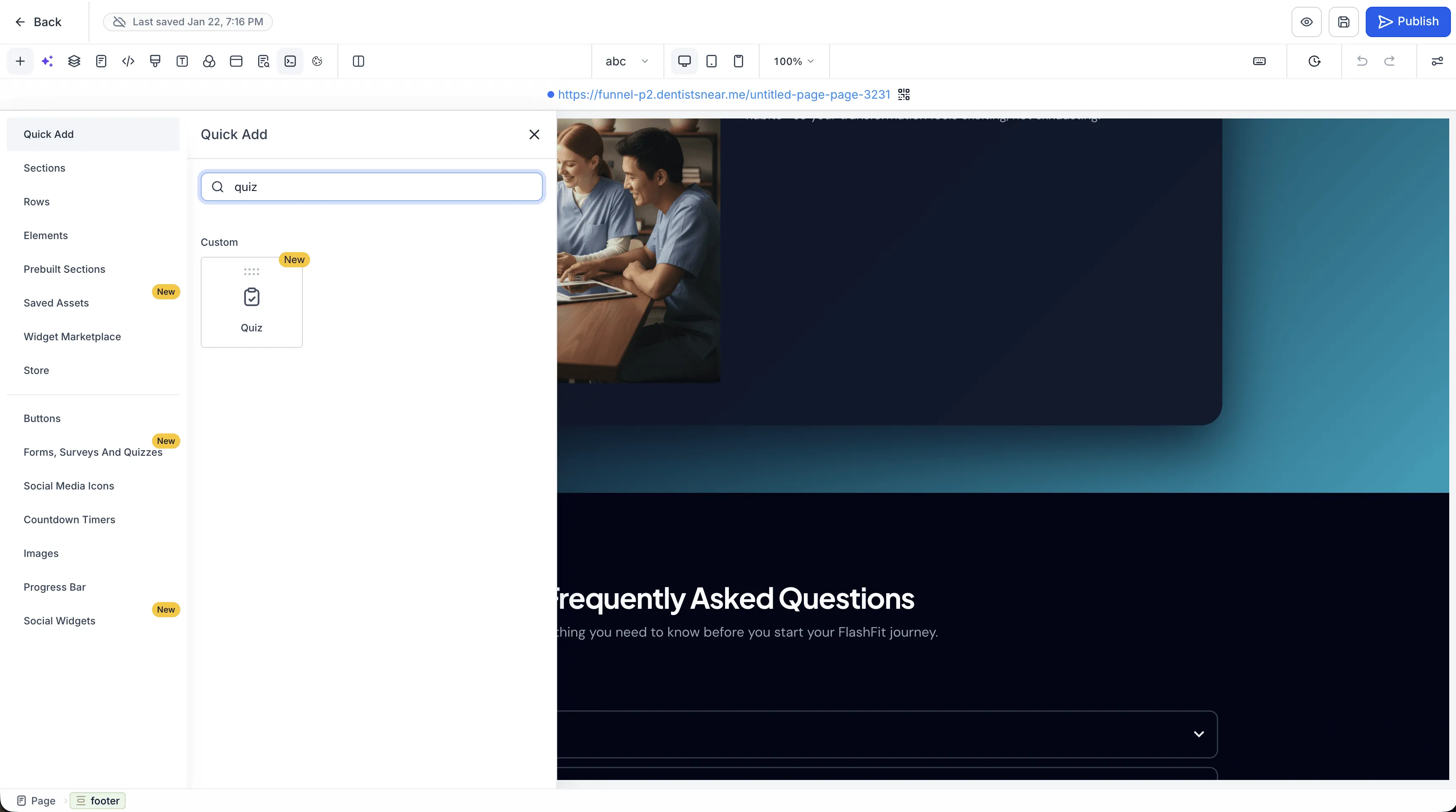
- Native placement: Drag and drop the Quiz Element onto a funnel step or website page.
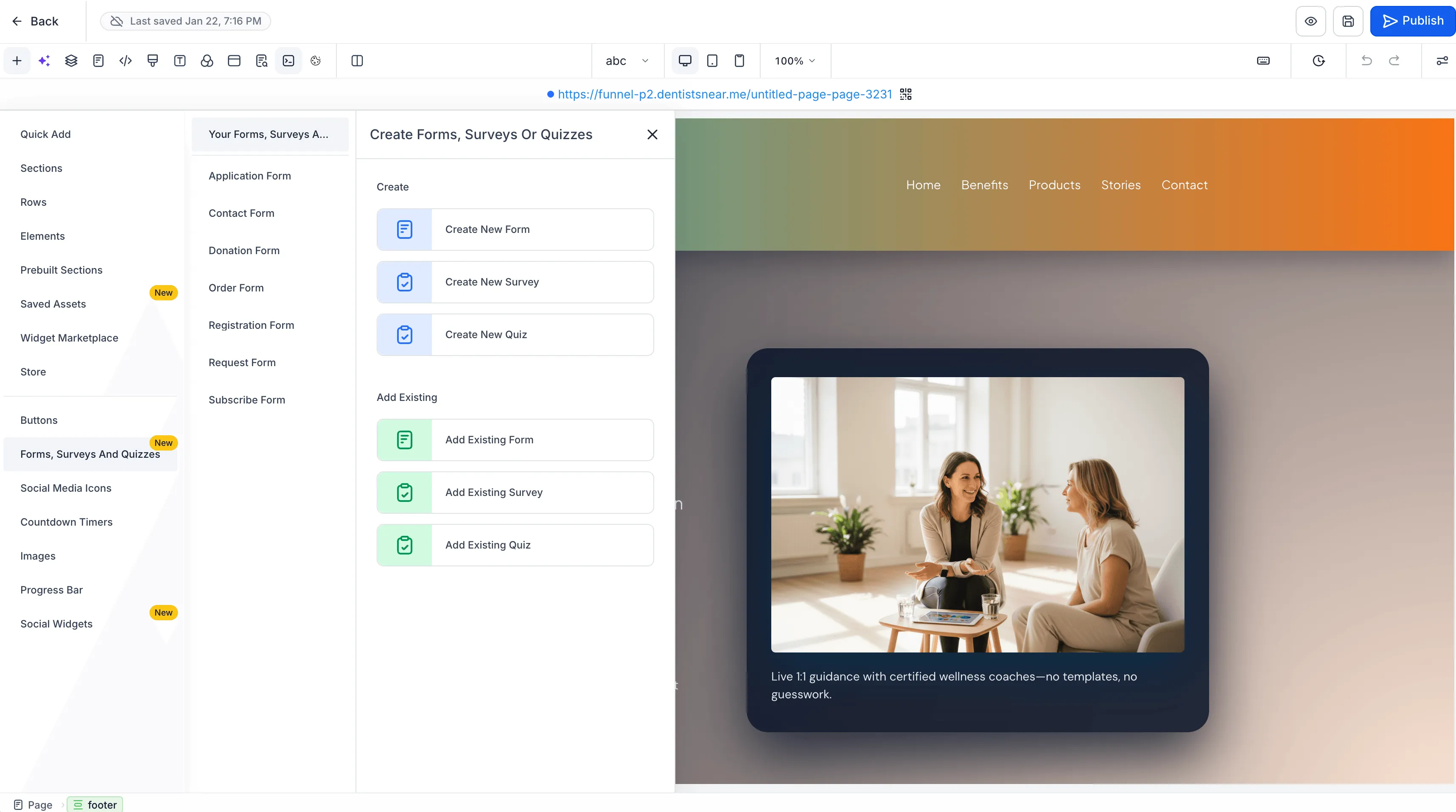
- Create or reuse: Create a new quiz from within the builder or select one you have already created.
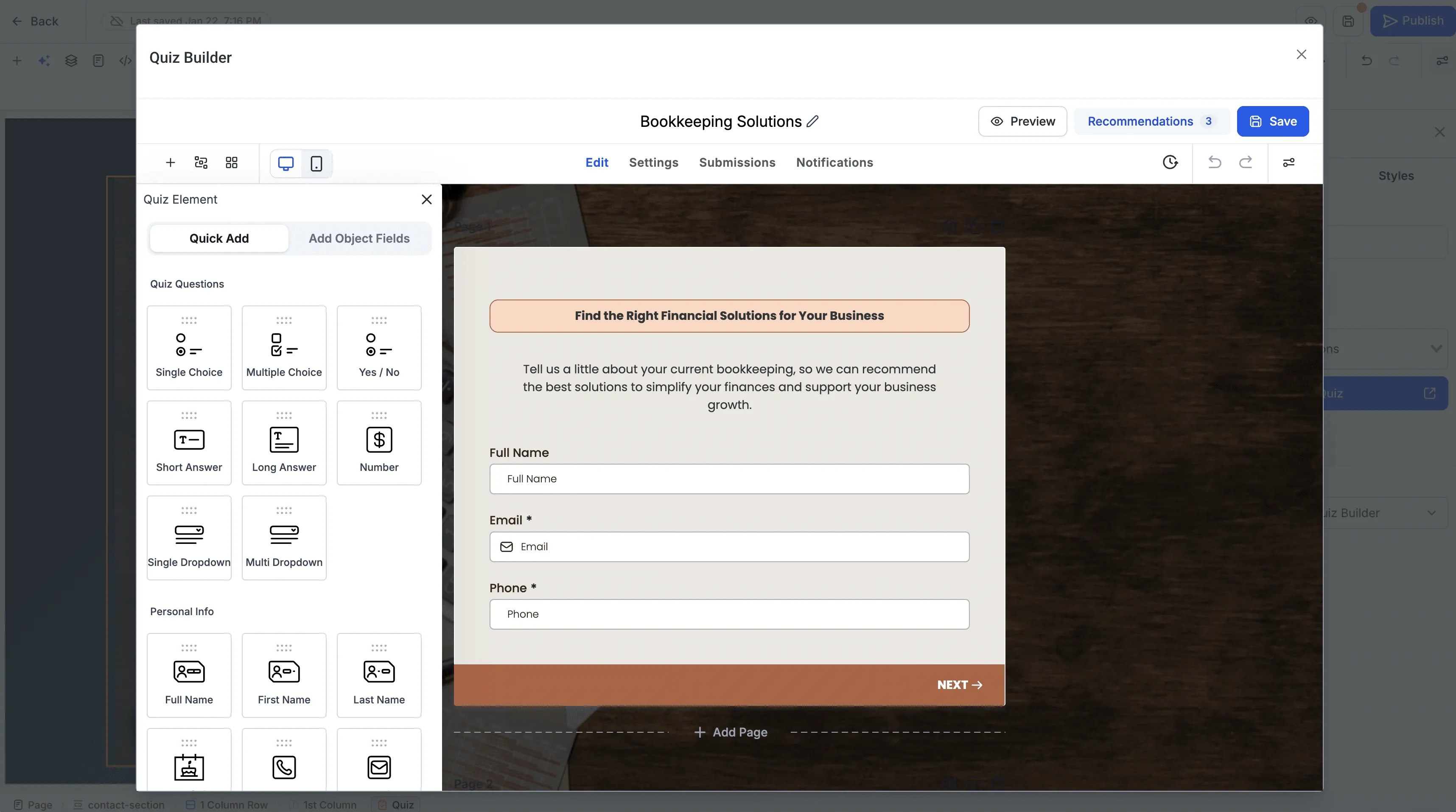
- In-builder editing: Open the Quiz Builder from the element in a popup covering 90% of the screen, so you can make changes without navigating away from your page builder.
How to Use It
- Open a funnel step or website page in the builder.
- Drag the Quiz Element onto the page.
- Choose an existing quiz or create a new one.
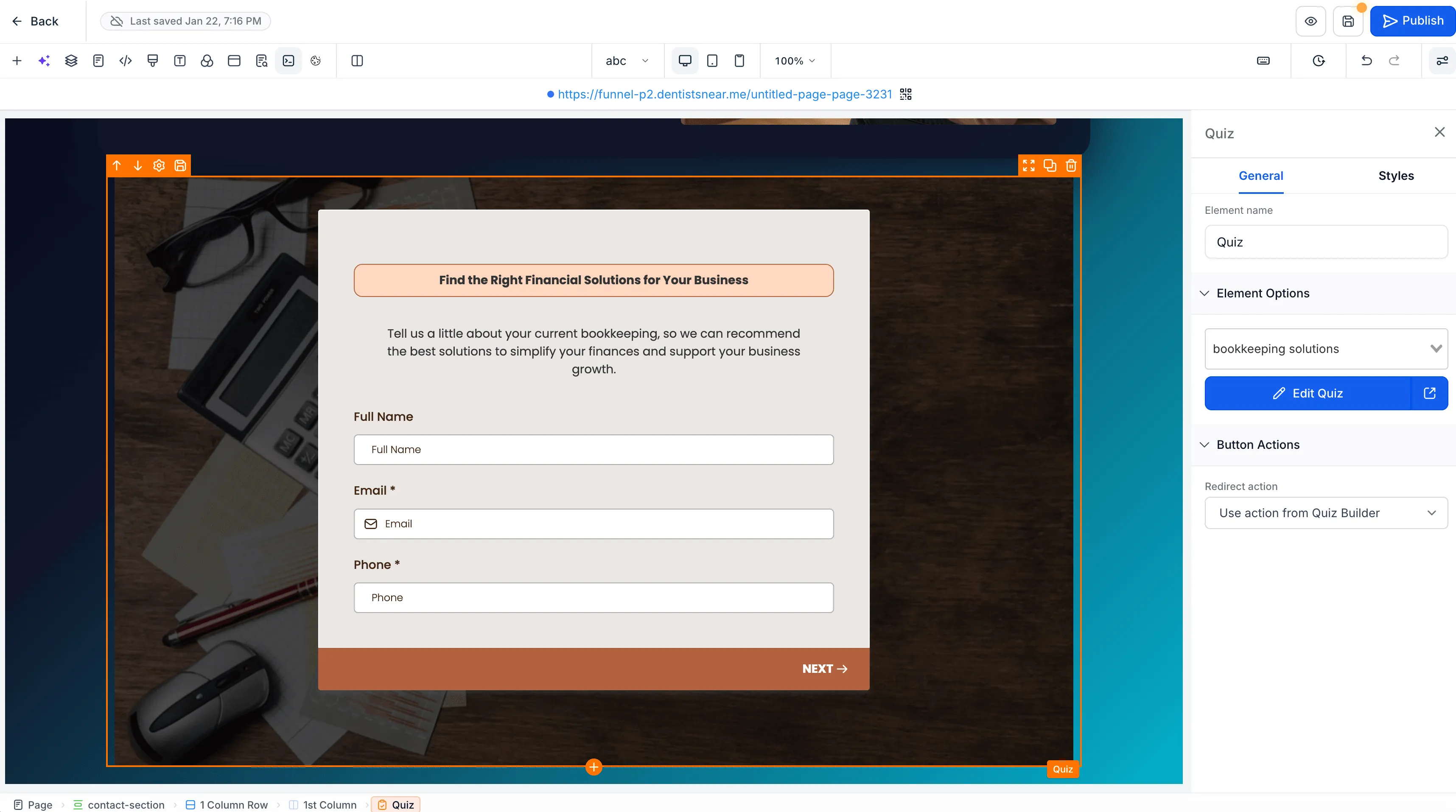
- To make changes, open the Quiz Builder directly from the element.
- Return to editing your funnel step or website page.
The Quiz Element is available in both the Funnel and Website Builders, replacing the manual embed-code workflow with a connected way to manage pages and quizzes.
Release Images
Need Help Applying This Update?
Want help turning this update into a working part of your CRM, marketing, or automation setup?
Get Started or schedule a demo and we’ll help you map the right next step.