SMBcrm now supports scheduled availability for forms, surveys, and quizzes. This gives teams more control over time-sensitive campaigns such as event registrations, flash sales, webinars, contests, limited-time offers, and coupon promotions.
With scheduling enabled, you can choose when an experience starts accepting submissions, when it stops, and what visitors see before it opens or after it closes.
What changed
A Schedule visibility setting is available in forms, surveys, and quizzes. When enabled, you can configure:
- When the form, survey, or quiz should open
- When it should close
- The time zone used for the schedule
- What visitors see before it opens
- What visitors see after it closes
- Whether visitors see a custom page or are redirected to another URL
This helps lead capture experiences match the actual timing of your campaigns without requiring someone to manually disable submissions.
Availability options
Scheduling supports flexible open and close settings:
- Open right away or on a specific date
- Close never or on a specific date
- Use a selected time zone for both opening and closing
- Automatically block new submissions after the close time
Existing forms, surveys, and quizzes continue to work as before when scheduling is not enabled.
Custom visitor experiences
You can also control what visitors see outside the active submission window.
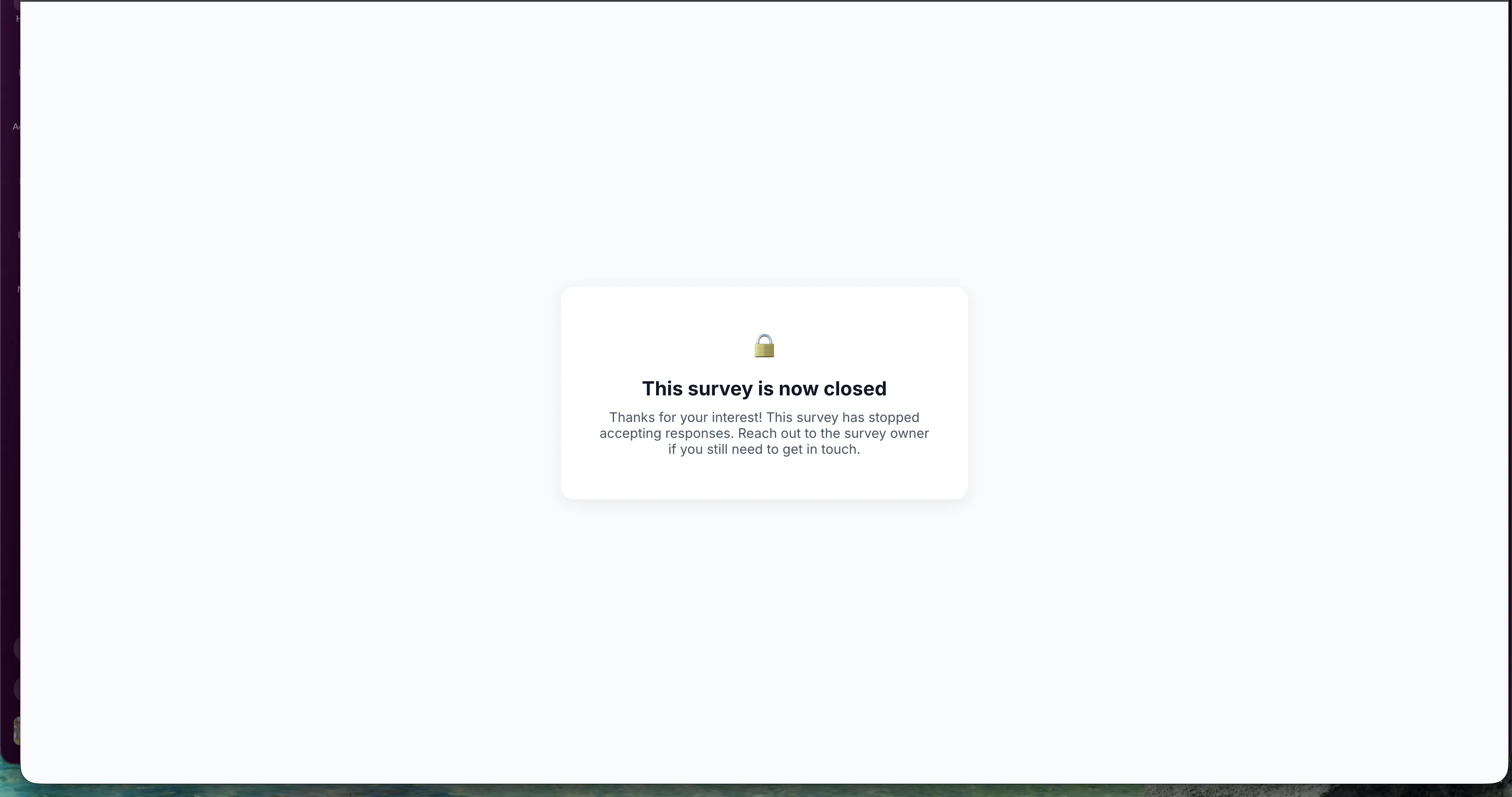
Before the scheduled open time, you might show a message such as registration opening soon. After the close time, you might show an expired message or redirect visitors to another destination, such as a waitlist, upcoming event, landing page, or alternate offer.
The unavailable page can be customized with rich content, and you can preview the experience before using it.
Common use cases
- Close event or webinar registration automatically after the deadline
- Keep promotional forms or surveys available only during a campaign window
- Publish a quiz or contest ahead of launch while keeping entries closed until the start time
- Stop coupon or limited-time offer submissions after expiration
- Redirect post-campaign visitors to a waitlist, landing page, or next offer
Why it matters
Previously, a published form, survey, or quiz could remain open indefinitely unless someone manually removed or restricted it. Scheduling reduces that manual work and helps prevent late registrations, entries, leads, or promotional submissions after a campaign has ended.
Release Images
Need Help Applying This Update?
Want help turning this update into a working part of your CRM, marketing, or automation setup?
Get Started or schedule a demo and we’ll help you map the right next step.