Call details now identify who actually answered a call, rather than just showing who the conversation is assigned to. This helps clarify responsibility when calls use ring groups or forwarding.
What Call Details Show
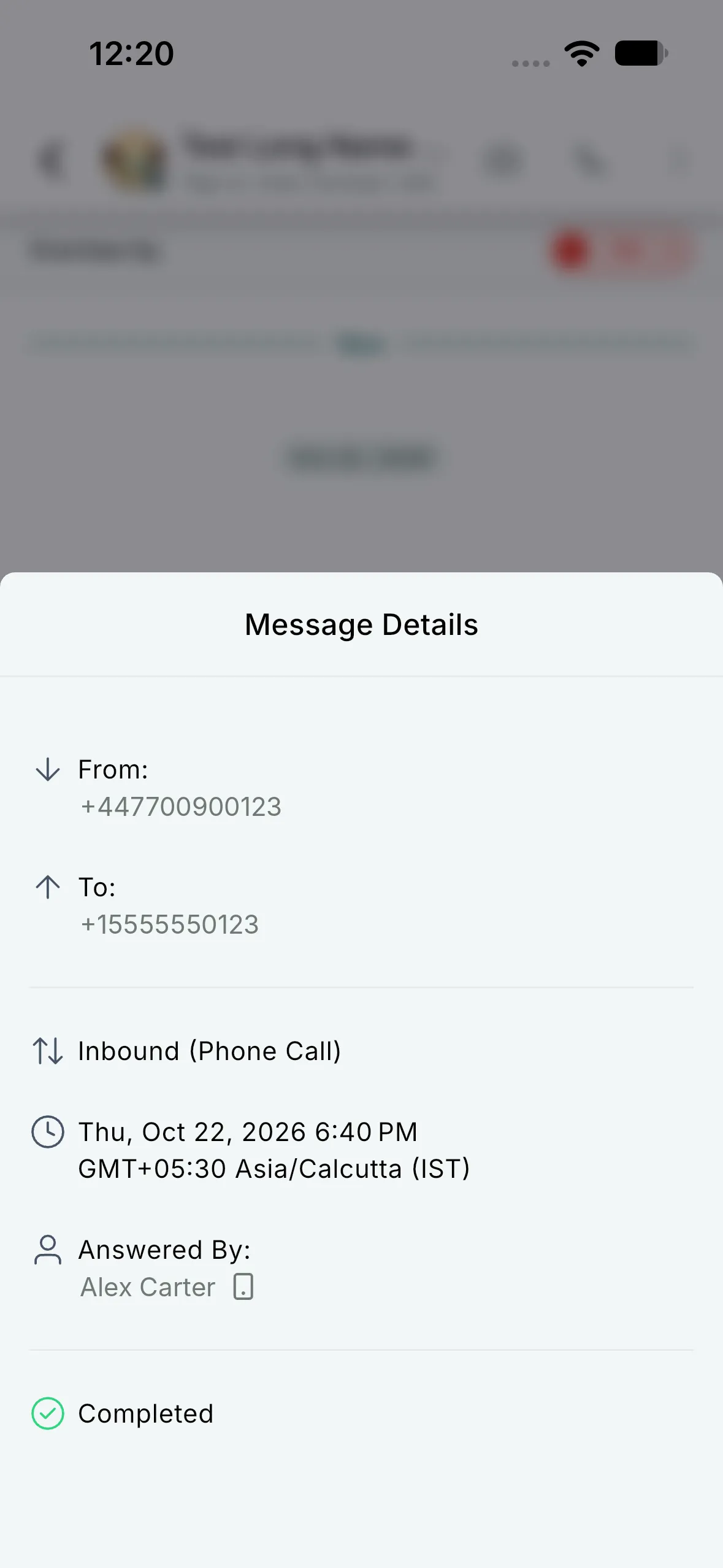
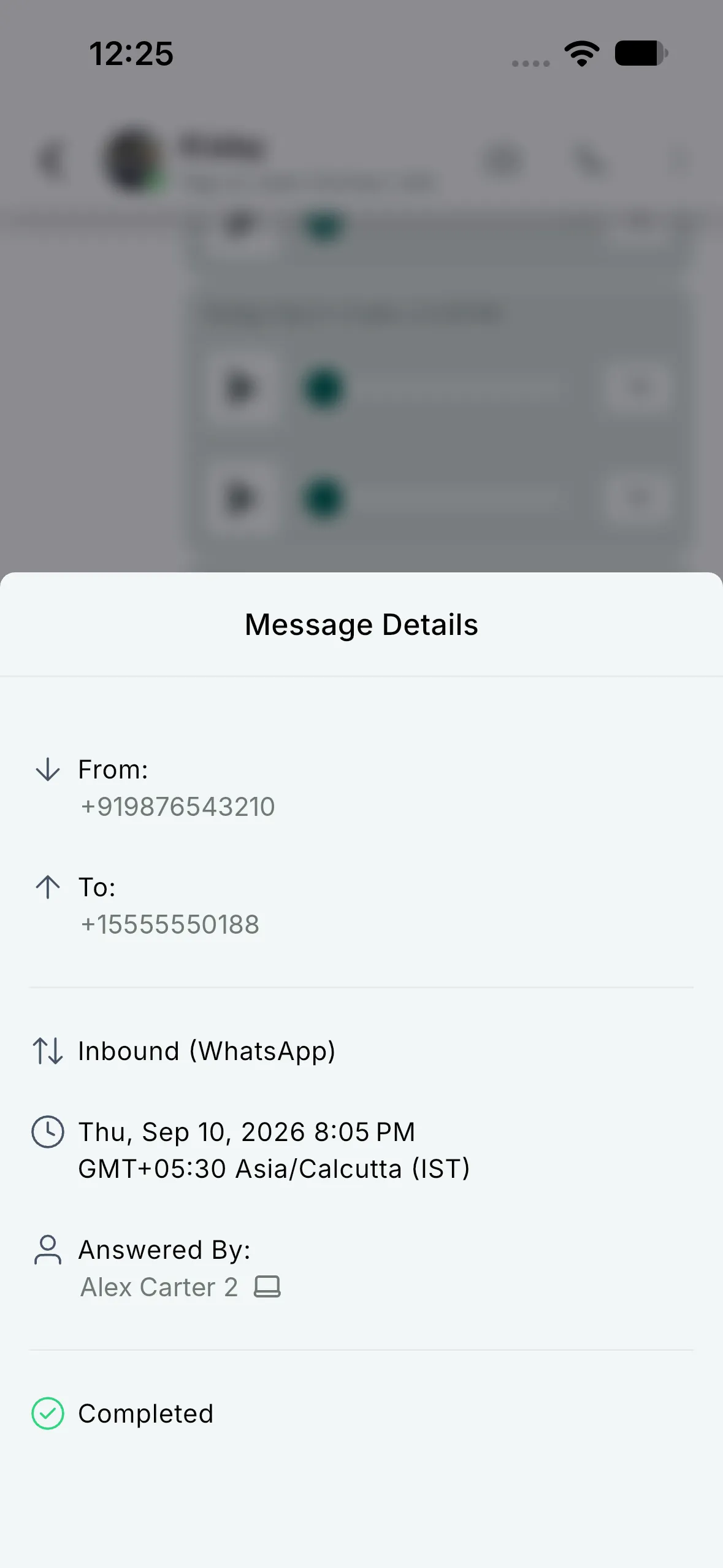
- Answered By: The teammate who answered, or the phone number if no teammate answered.
- Answering device: An icon identifies the web app, mobile app, phone number, or SIP.
- Supported call types: Regular, IVR, and WhatsApp calls.
Phone numbers used to answer calls are masked. If the answering device is unknown, no device icon appears.
How to View Answered By
- Open Conversations and select a conversation containing a call.
- Long-press the call message and select Details.
- Check Answered By for the name or number and the device icon, when available.
Availability
Available in the SMBcrm Mobile app version 4.27.x and later on iOS and Android.
Release Images
Need Help Applying This Update?
Want help turning this update into a working part of your CRM, marketing, or automation setup?
Get Started or schedule a demo and we’ll help you map the right next step.