Comment Management in Social Planner now includes community comments, so you can view and reply from one place.
What changed
You can now manage community post comments directly inside Social Planner. This brings community conversations into the same comment workflow many teams already use for other social channels.
With this update, you can:
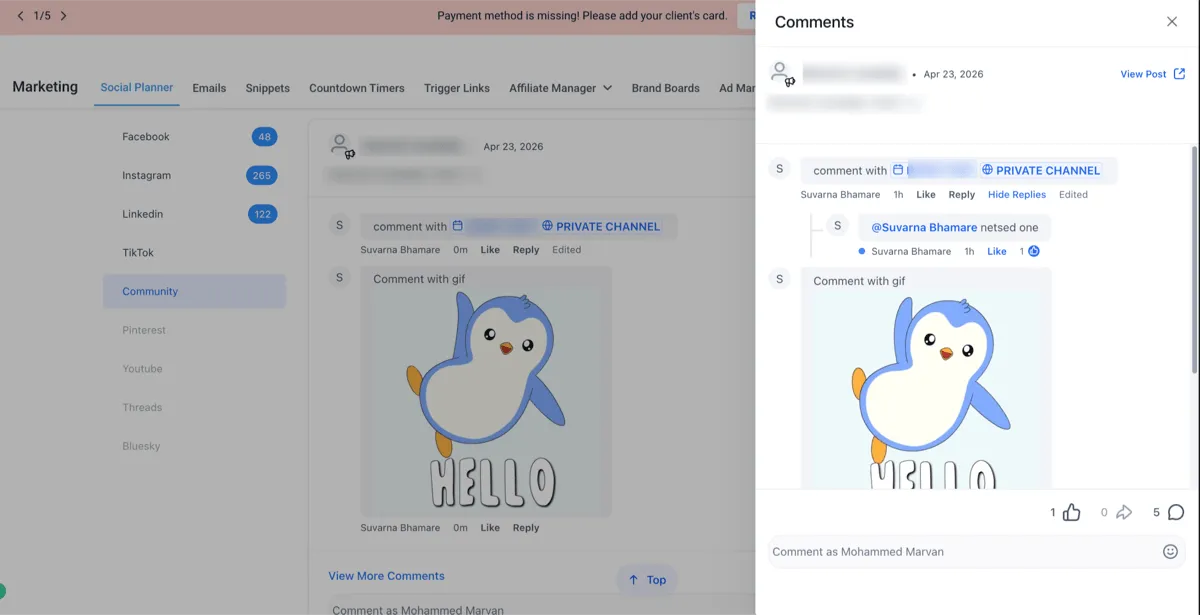
- View community comments in Comment Management
- Reply to community comments directly from Social Planner
- mention community members in replies
- See updates reflected in Social Planner when comments are edited on the native platform
Community comments can now be handled alongside comments from:
- TikTok
This update is especially useful for businesses using Memberships & Education to manage member engagement and community activity.
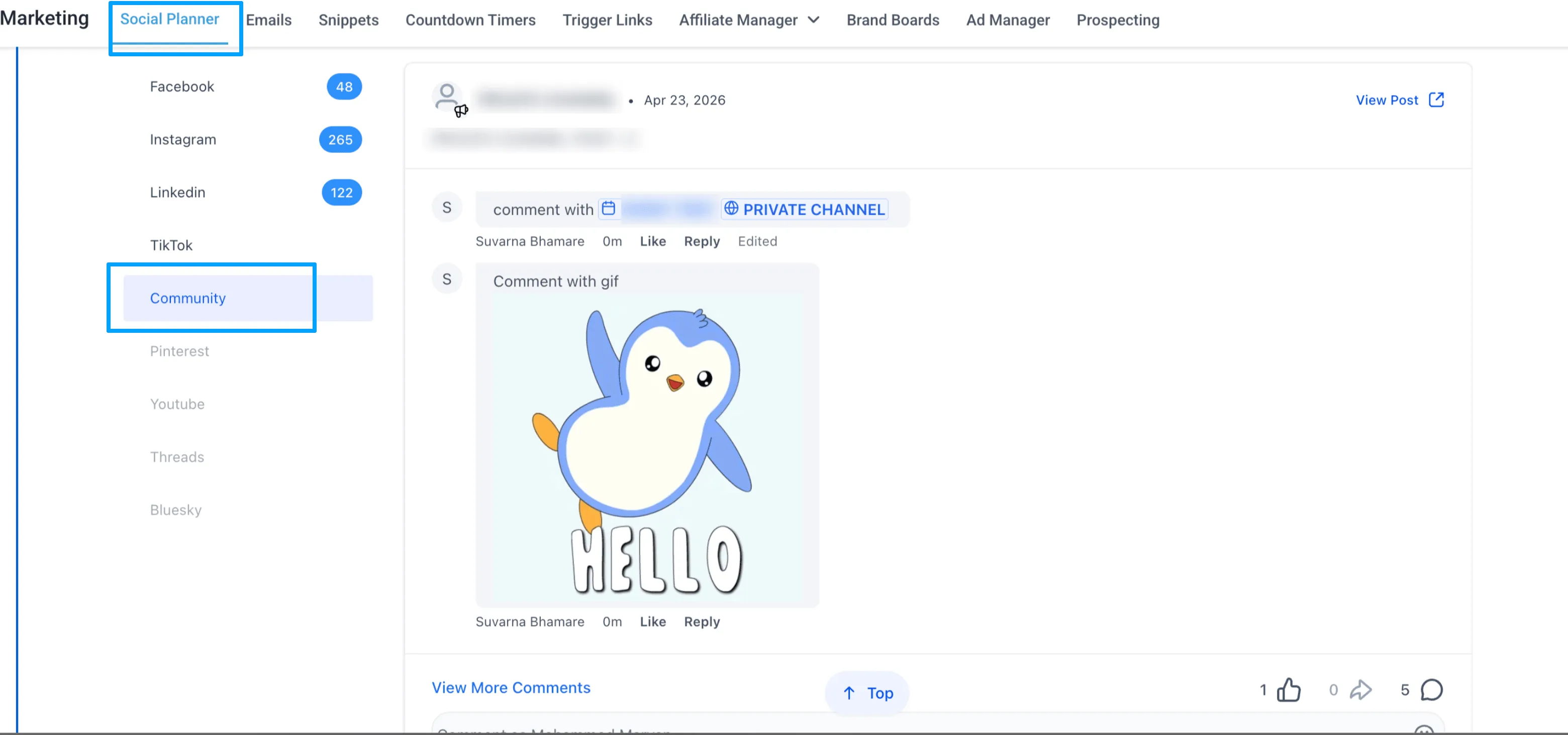
How to use it
- Go to Marketing → Social Planner → Comment Management
- Open the Comments tab
- View and reply to community comments directly
Why it matters
- Respond to community conversations faster
- Reduce context switching between tools
- Keep communication more consistent across channels
- Improve the member experience
Current limitations
The source notes these current limitations:
- Attachments are not supported in replies
- Course mentions and event mentions are not supported
- Comment editing is not available from Social Planner
- Edits made on the native platform will still appear in Social Planner
- Maximum comment length is 8,000 characters
In Case You Missed It
You can also read about Custom Date Reminders Now Support More CRM Record Types.
Need Help Applying This Update?
If you’d like help rolling this out in SMBcrm, visit Support or request a demo.