You can now browse, search, and apply templates without leaving the Email Builder’s design editor. This email communication update removes the need to exit the builder and start over to choose a different template.
How to Switch Templates
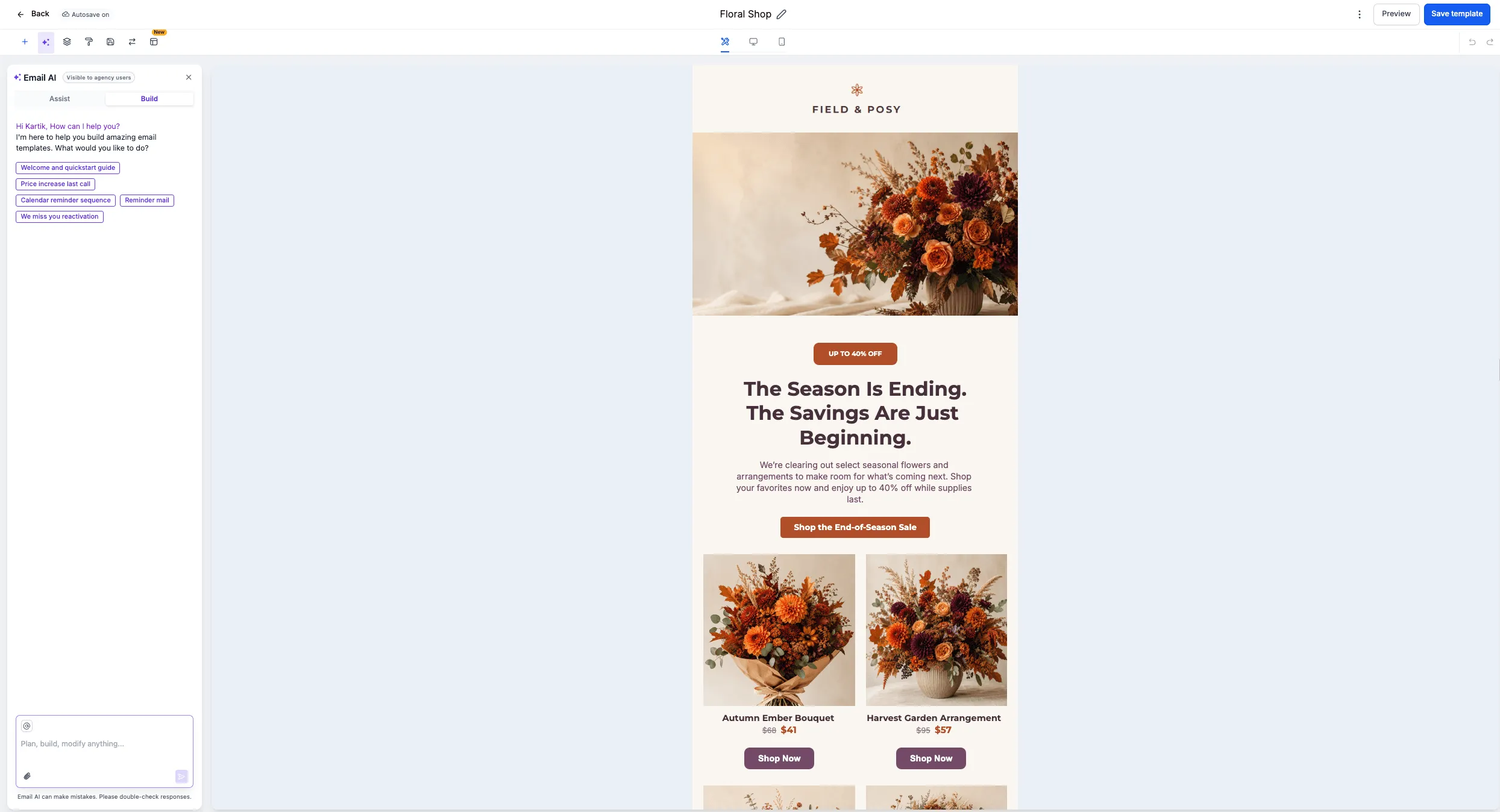
- Open the Email Builder’s design editor.
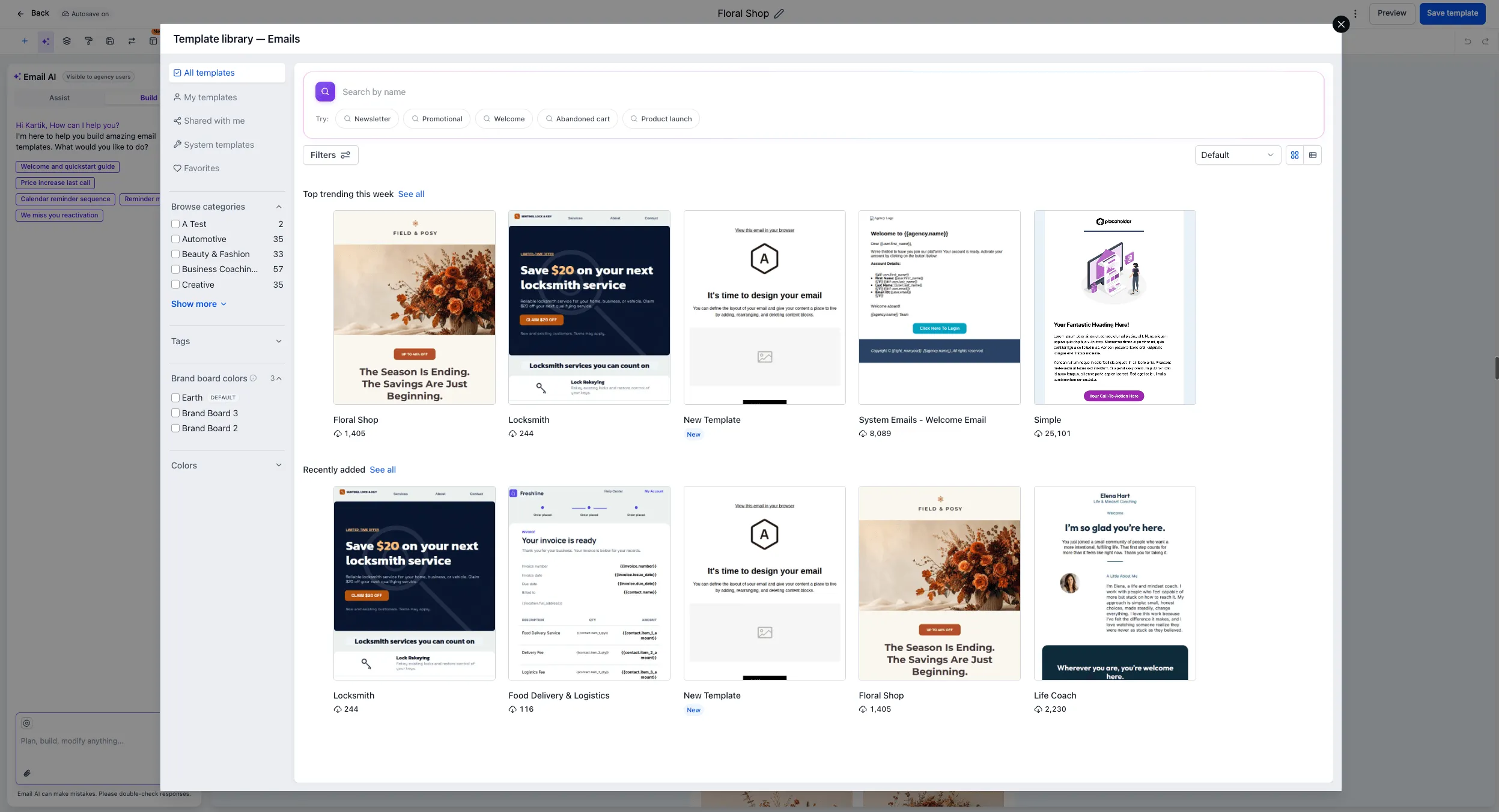
- Click the template switch icon in the top tray to open the Template Library.
- Browse or search for a template, then select it.
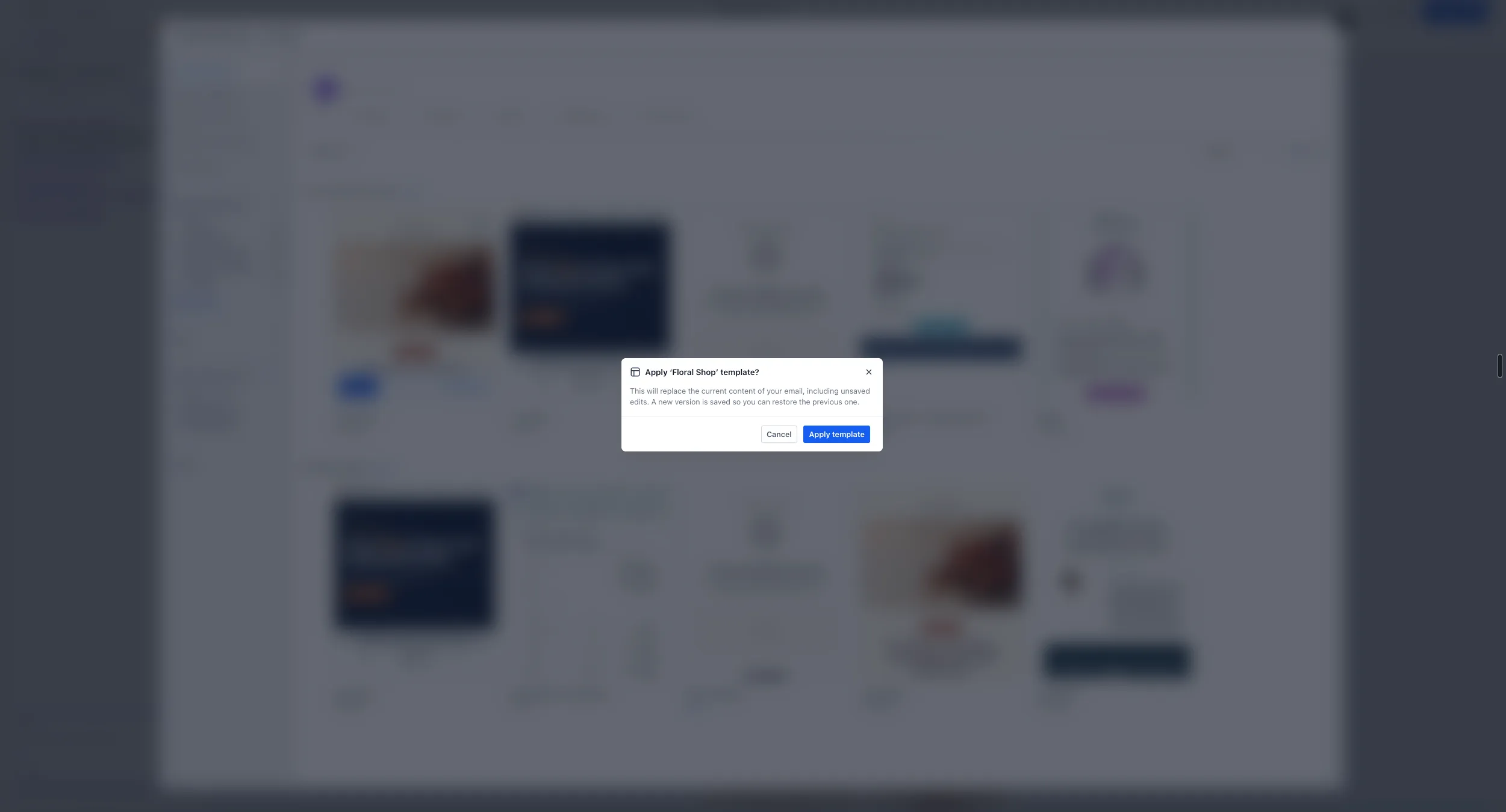
- If your email already contains content, confirm that you want to replace it.
Applying a different template replaces the content on the canvas. Existing content stays in place until you confirm the replacement.
Template switching is currently available only in the Email Builder’s design editor.
Release Images

Need Help Applying This Update?
Want help turning this update into a working part of your CRM, marketing, or automation setup?
Get Started or schedule a demo and we’ll help you map the right next step.