SMBcrm has improved the AI Agent action with built-in call transcript context, structured feedback in execution logs, and additional stability fixes for a more reliable experience.
What changed
Call transcript context for AI Agent actions
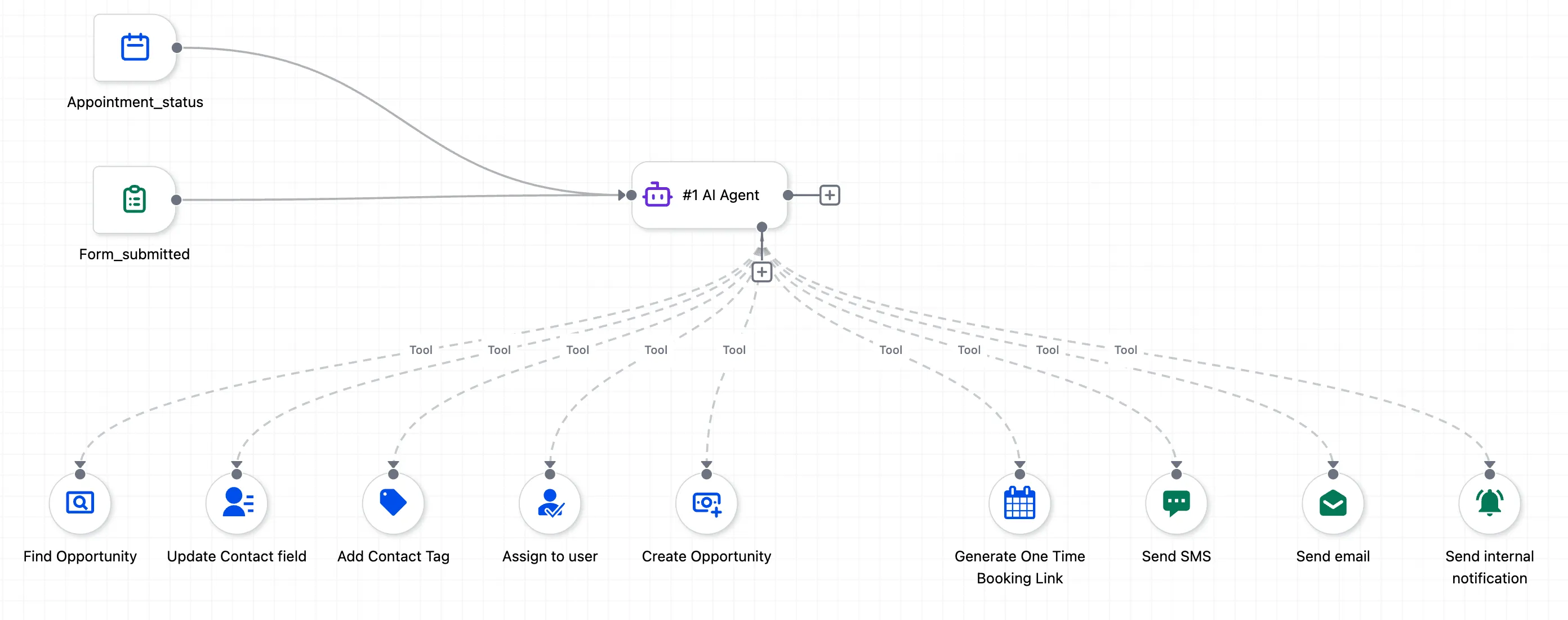
The AI Agent action now includes a built-in Call Transcript tool that gives the agent access to a contact’s call history. No setup is required.
To use it, reference call transcripts in the agent prompt, such as: “Use this contact’s call transcripts to summarize their concerns.” The agent retrieves and uses the transcripts automatically.
This builds on the previously released conversation history tool. The agent can now use both past chat conversations and call transcripts, giving SMBcrm AI features more context from customer interactions.
Feedback from execution logs
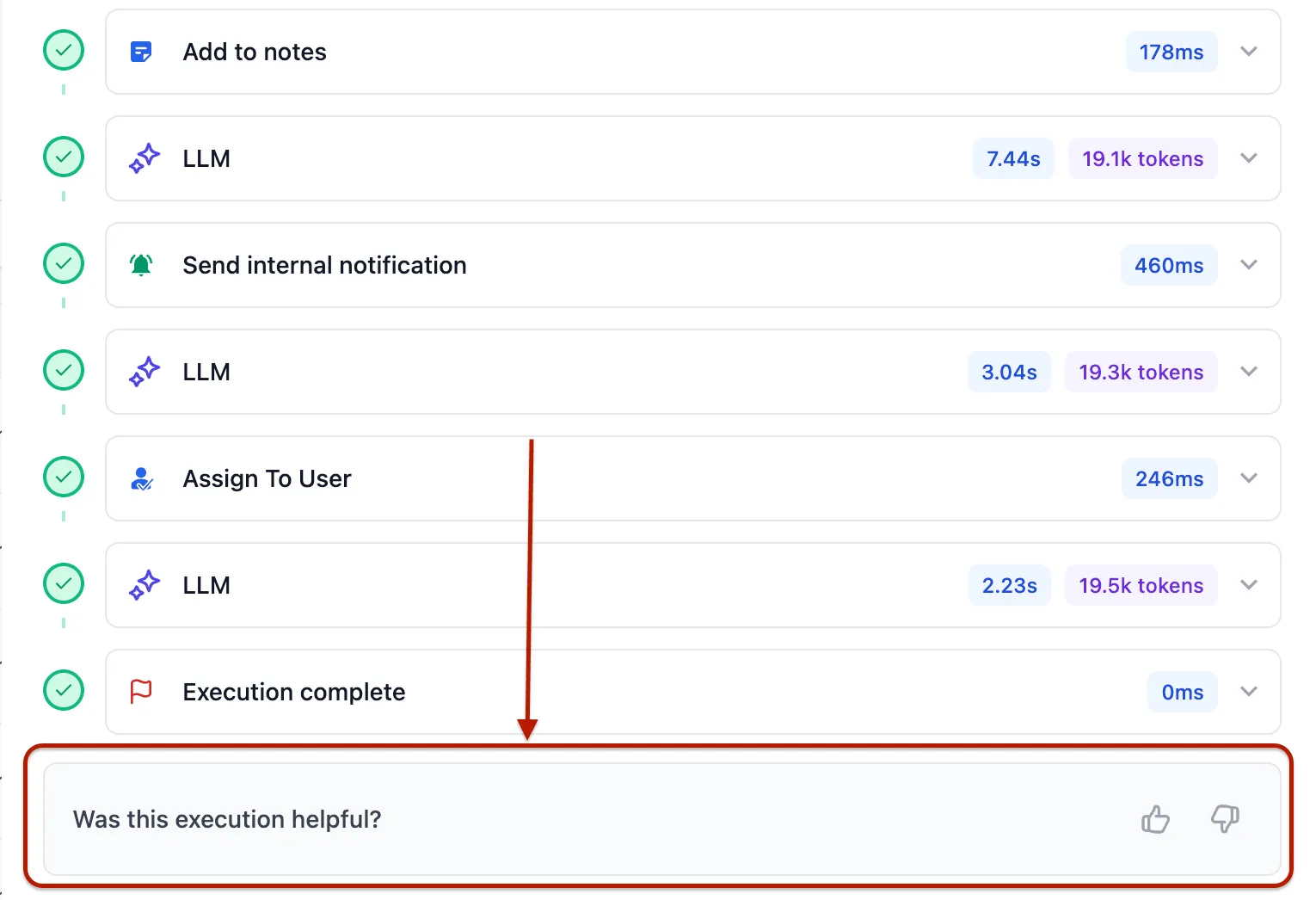
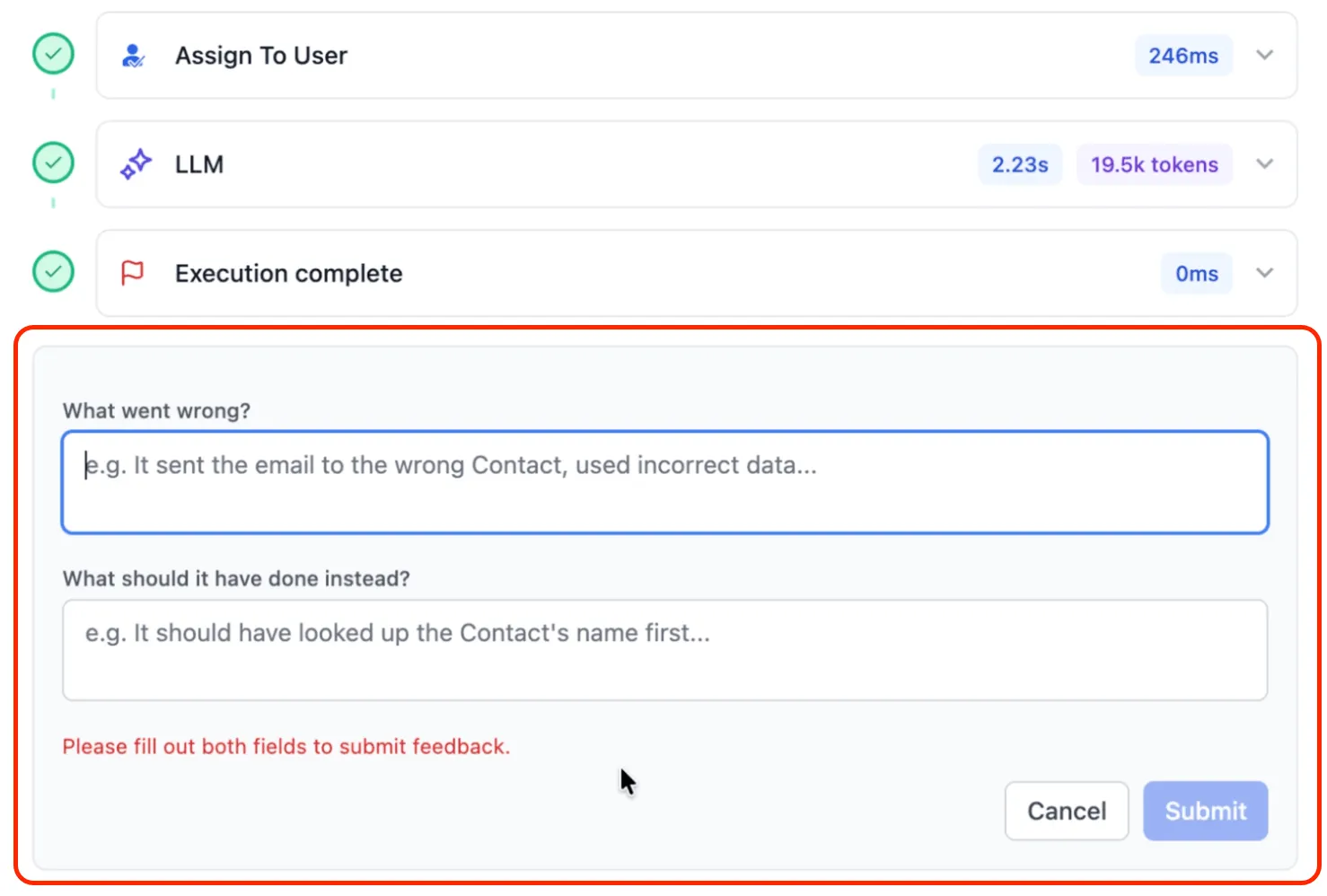
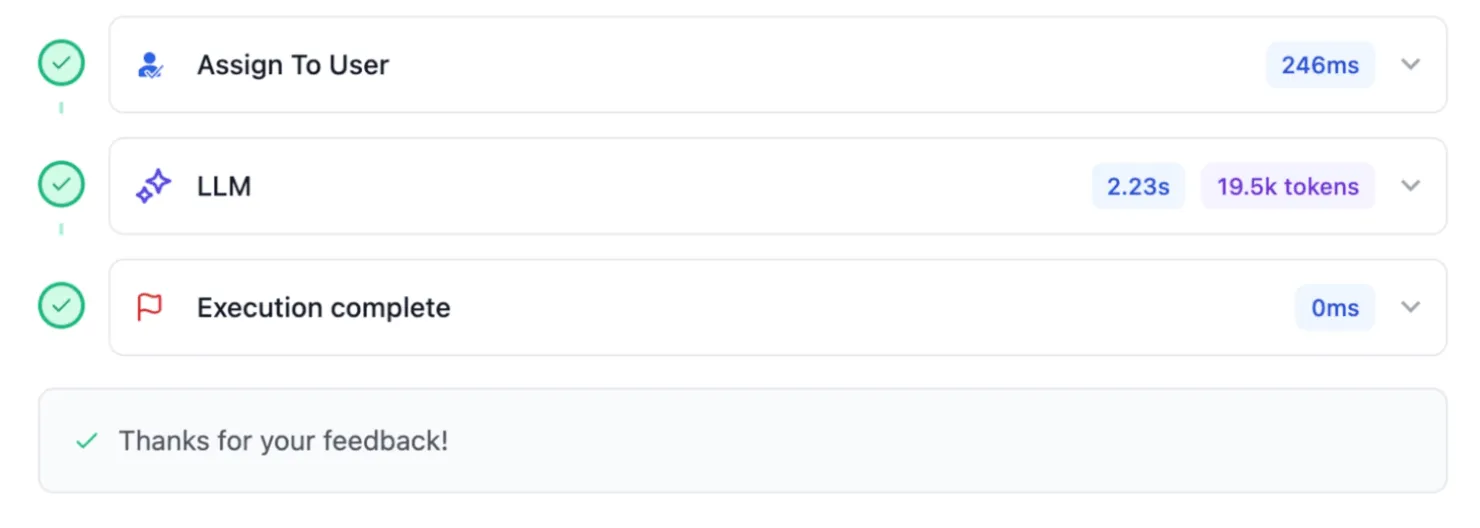
You can now submit structured feedback on each AI Agent run directly from execution logs. Use the feedback flow to flag what went wrong, note what worked well, and provide specifics for individual runs.
Feedback is used to improve the AI Agent’s accuracy, evaluation quality, and goal alignment over time.
Stability improvements
Several bugs across the AI Agent action were resolved to improve reliability and the overall experience in SMBcrm automation workflows.
Why it matters
Call transcript context helps the AI Agent make decisions and responses based on a fuller view of each contact interaction, including voice conversations as well as chat history and contact fields.
The feedback flow also gives teams a direct way to share run-level input, helping close the gap between what the agent did and what was expected.
In Case You Missed It
For another CRM workflow update, read Custom Date Reminders Now Support More CRM Record Types.
Need Help Applying This Update?
If you’d like help rolling this out in SMBcrm, visit Support or request a demo.