SMBcrm has added new customizable templates to help teams build marketing assets faster across websites and funnels, email, forms, and ad campaigns.
These templates are designed to provide professional starting points while still allowing teams to adjust content, design, and messaging for their audience.
What Was Added
The latest template additions include:
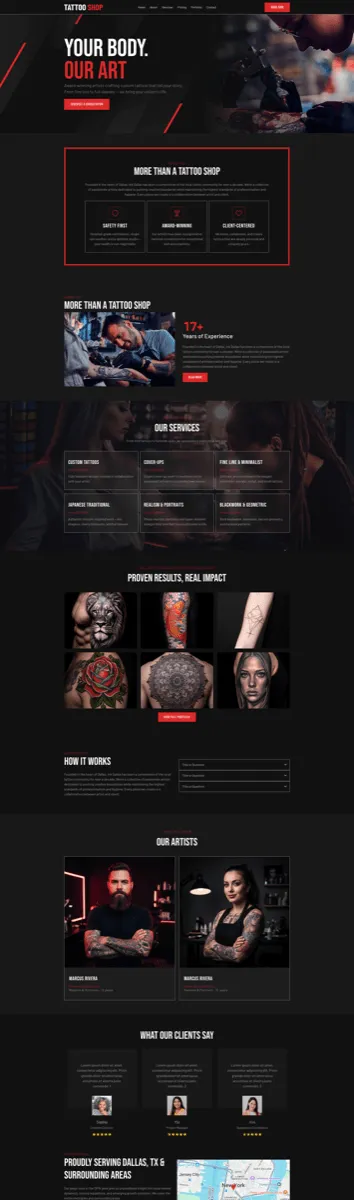
- 1 website template in the Creative category
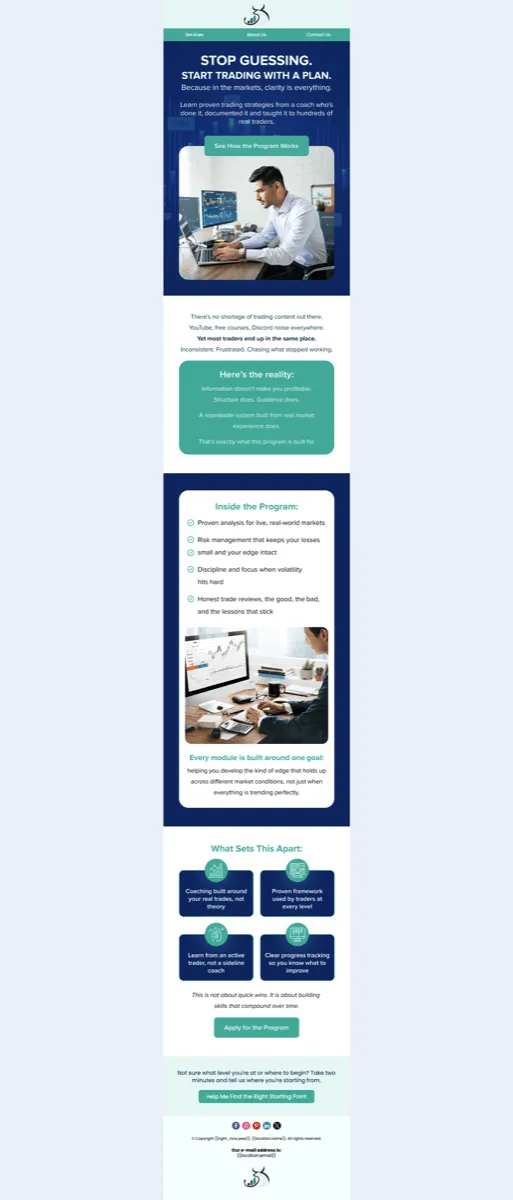
- 1 email template in the Restaurant and Bar category
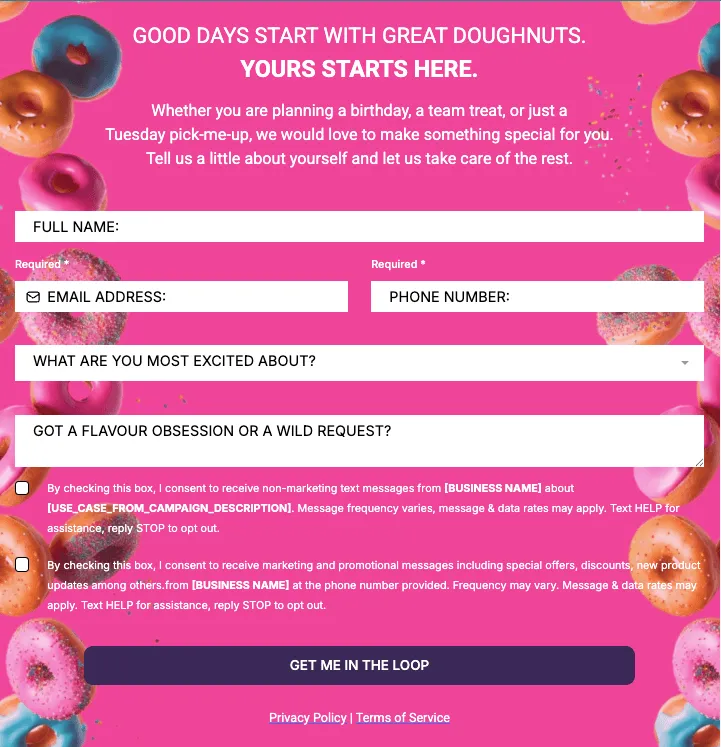
- 1 form template in the Beauty and Fashion category
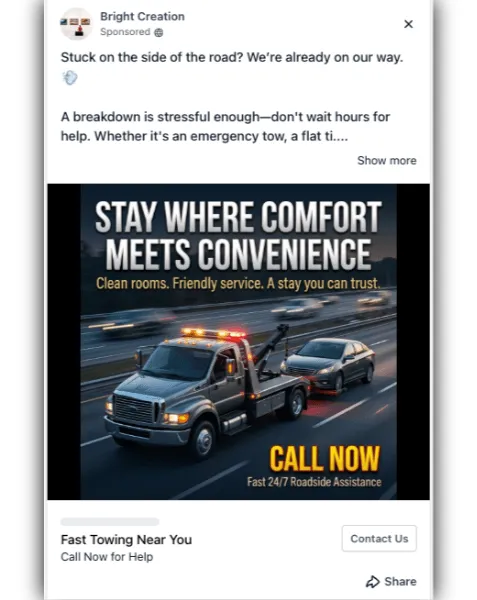
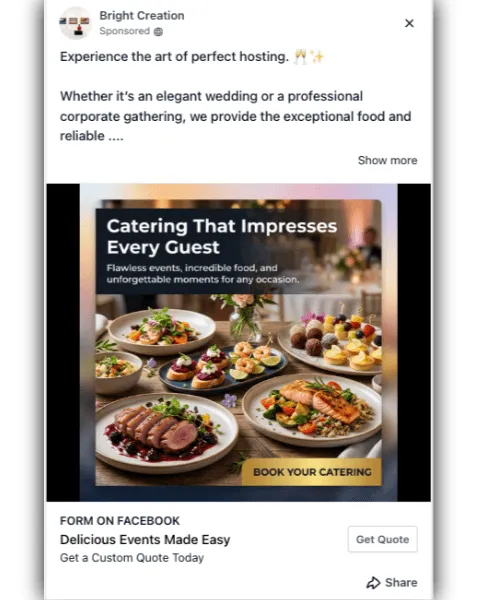
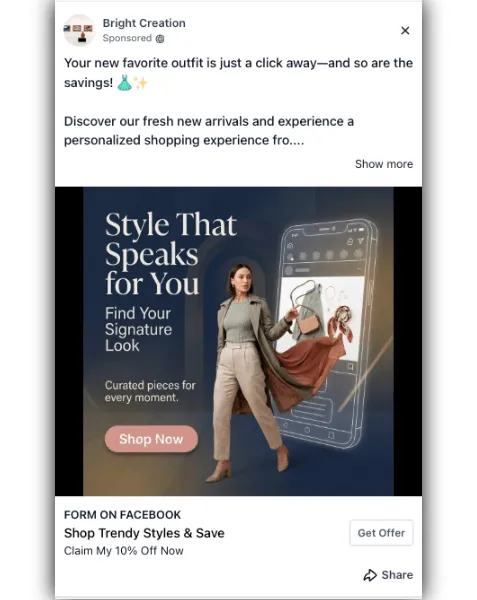
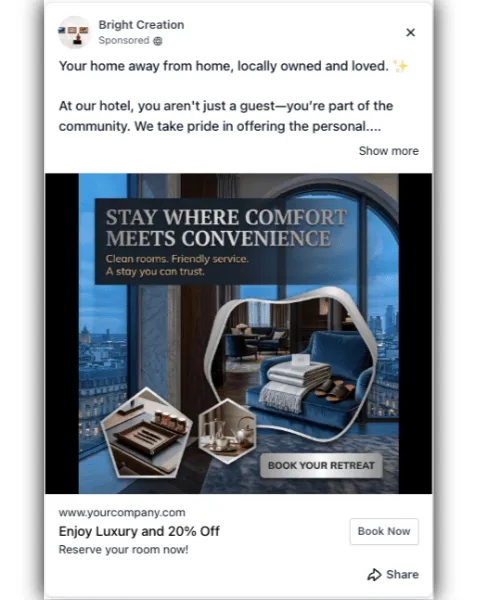
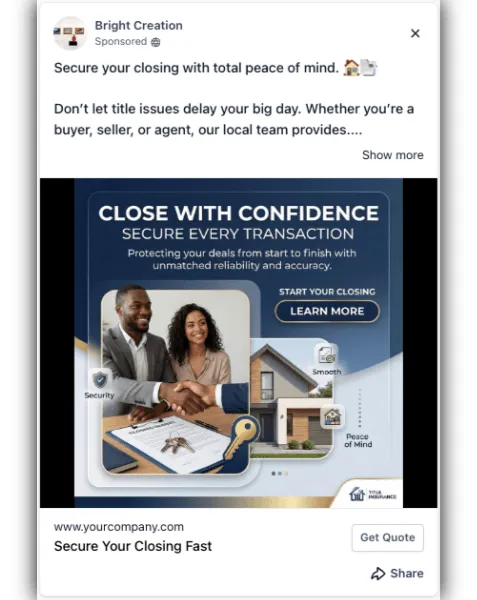
- 5 Facebook ad templates across Restaurant and Bar, Travel and Hospitality, Automotive, Real Estate, and Beauty and Fashion
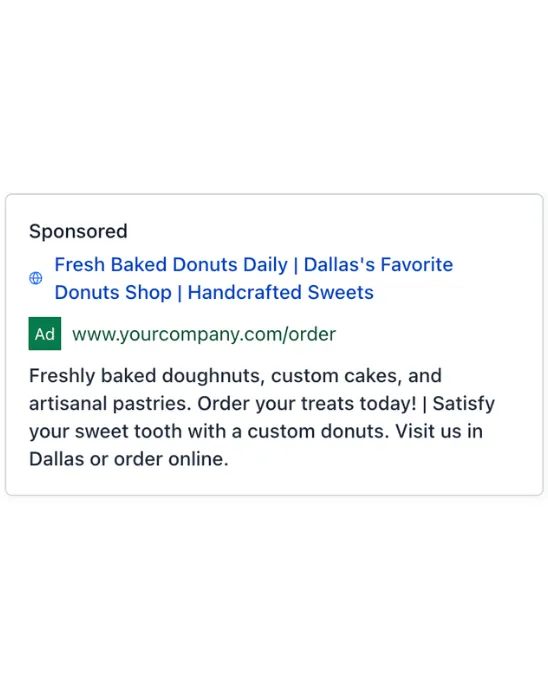
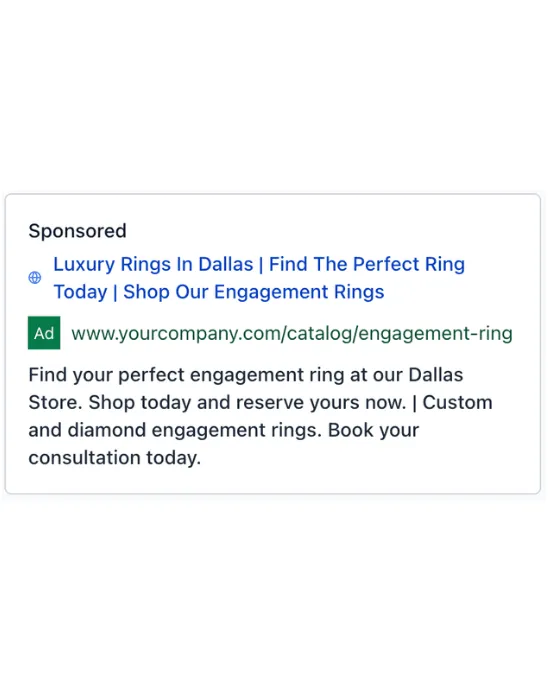
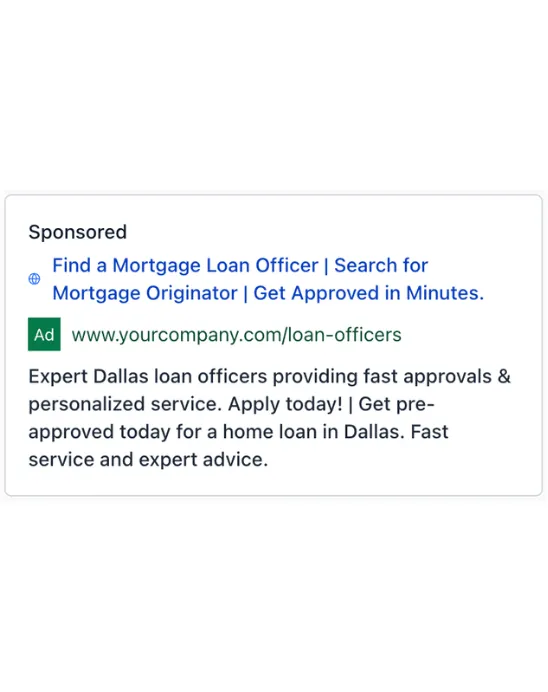
- 5 Google ad templates across Beauty and Fashion, Automotive, Travel and Hospitality, Restaurant and Bar, and Real Estate
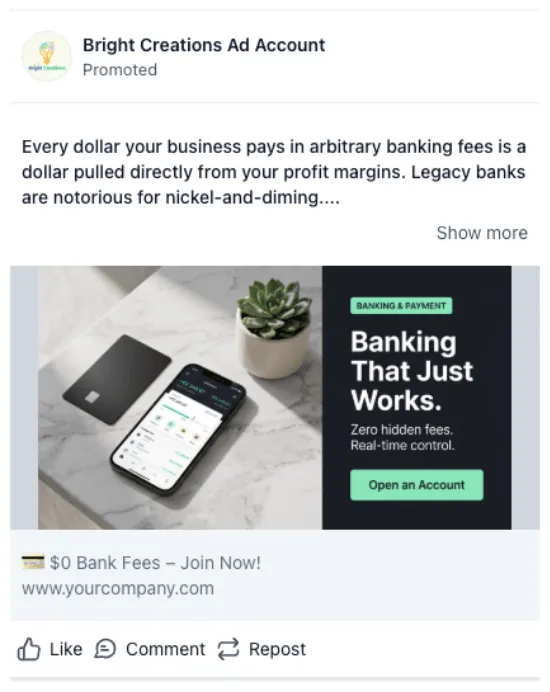
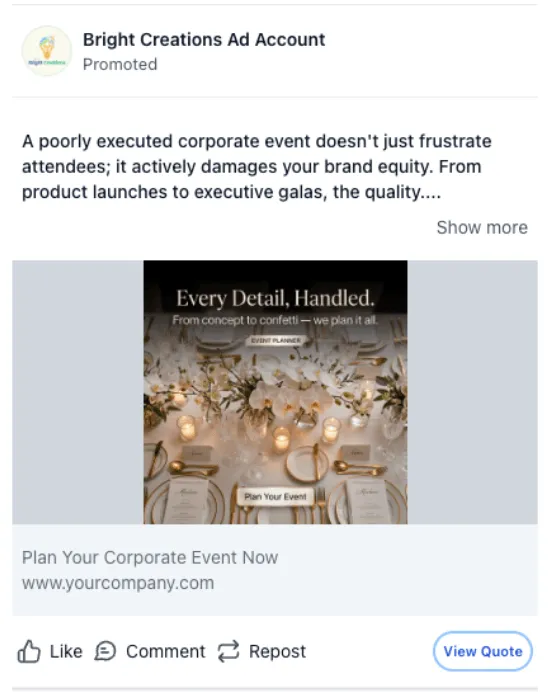
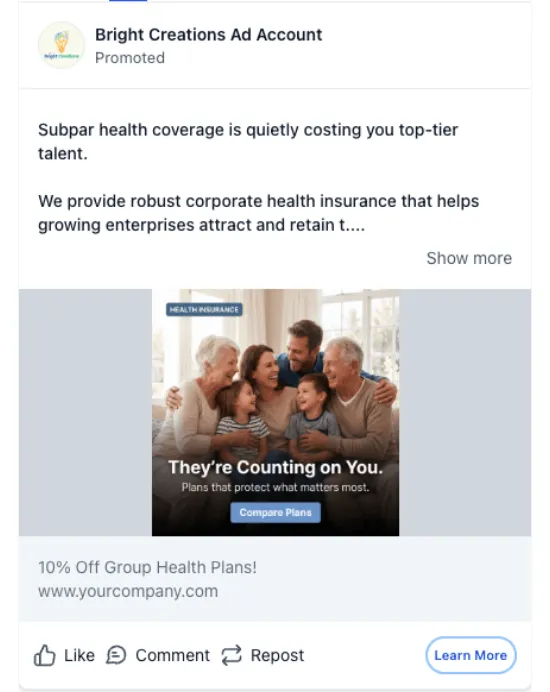
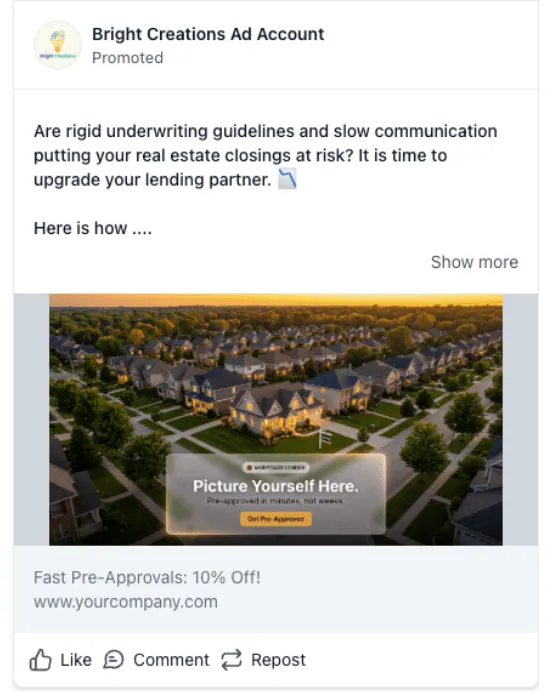
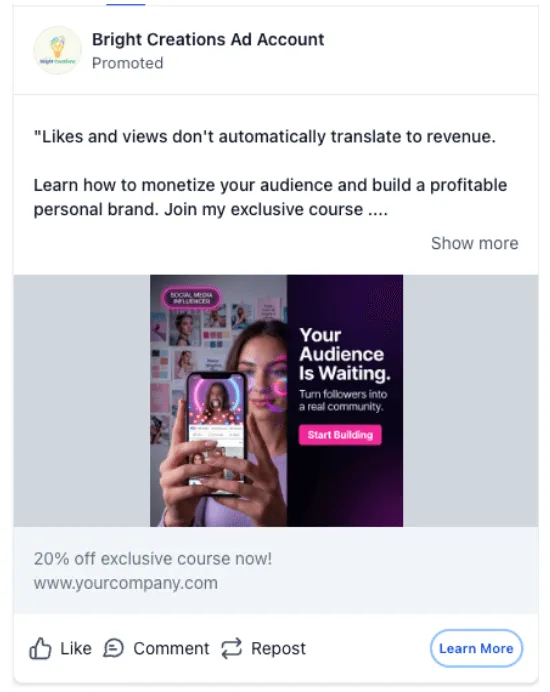
- 5 LinkedIn ad templates across Marketing Agency, Real Estate, Creative, Finance, and Insurance
Why It Matters
Templates can reduce setup time when creating marketing assets, especially when teams need a structured starting point for a specific industry or campaign type.
Use these additions when building a website, preparing an email campaign, creating a form, or launching ad creative that needs to be customized for a specific business or audience.
In Case You Missed It
You may also want to read about how custom product detail pages now inherit default design.
Release Images


Need Help Applying This Update?
If you’d like help rolling this out in SMBcrm, visit Support or request a demo.