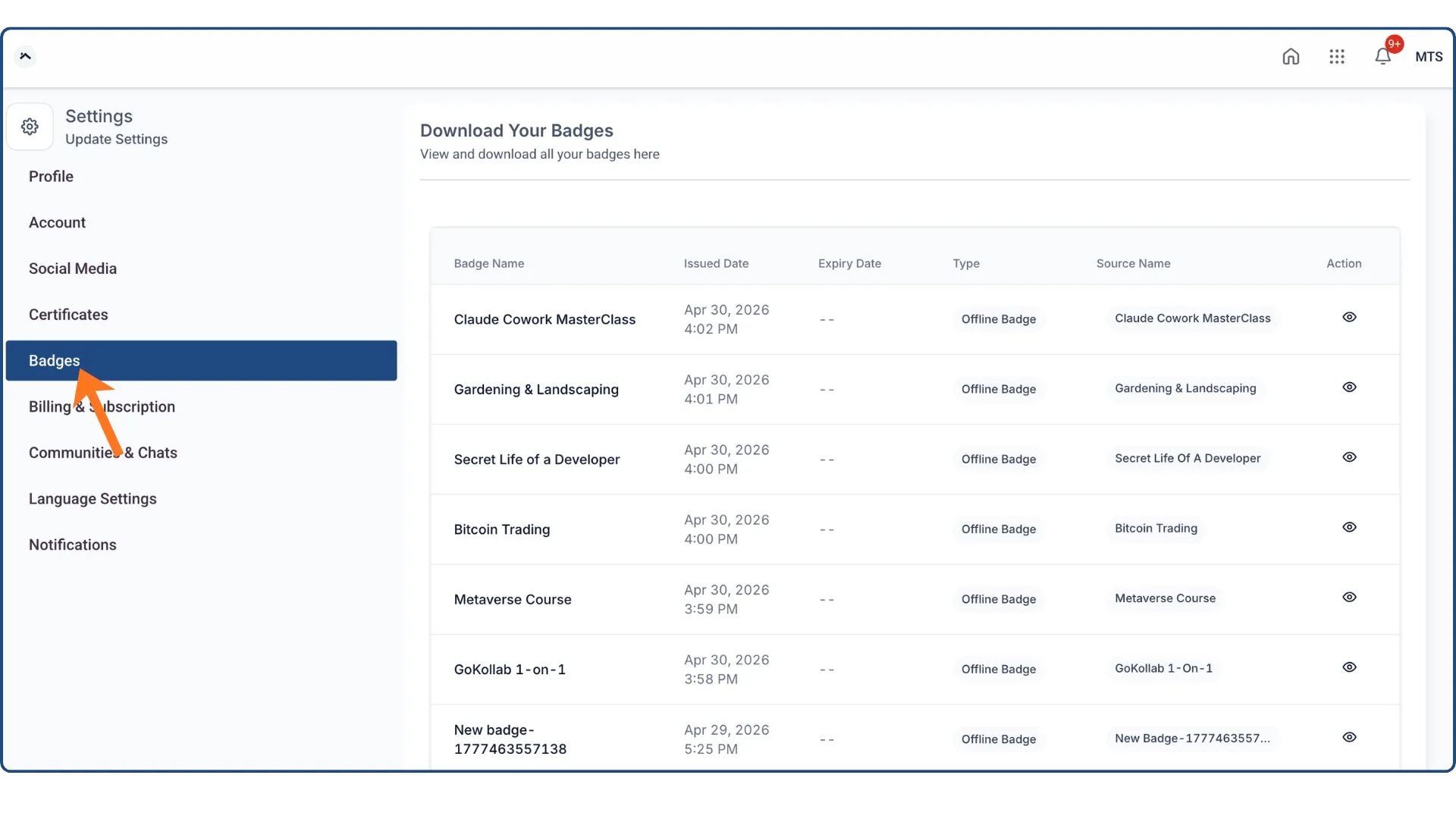
Badges are now easier to find and manage in the Client Portal. They have been moved into a dedicated tab, giving them clearer visibility alongside certificates.
What Changed
- Dedicated badges tab: Badges now appear as their own section in the Client Portal.
- All badges in one view: Users can see issued badges in a clean, organized layout.
- Download and share: Badges can be downloaded and shared, similar to certificates.
Why It Matters
This update makes badges easier to access and use. For businesses using Memberships & Education, it also helps give learner achievements more visibility and makes them easier to showcase.
In Case You Missed It
You may also want to read about how custom product detail pages now inherit default design.
Need Help Applying This Update?
If you’d like help rolling this out in SMBcrm, visit Support or request a demo.