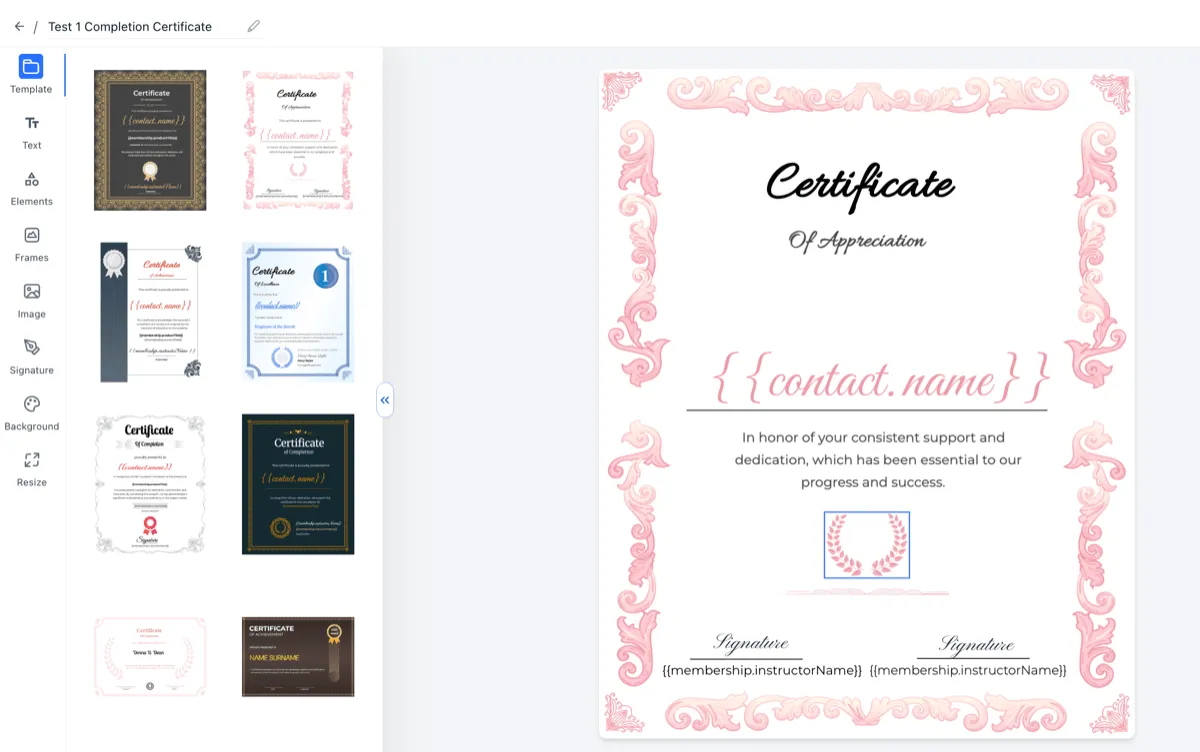
SMBcrm has introduced several improvements to make designing certificates and badges faster, more precise, and easier to use in Memberships & Education.
What changed
- Hover highlighting: Elements now highlight when you hover over them, making it easier to identify and select items on the canvas.
- Improved resize control: Elements resize from the edge or corner you drag, making layout adjustments more predictable.
- Keyboard shortcuts for text: Standard shortcuts are now supported for faster text editing:
- Ctrl/Cmd + B for bold
- Ctrl/Cmd + I for italic
- Ctrl/Cmd + U for underline
- Copy and paste from external tools: Content pasted from tools like Docs or OpenAI is handled with fewer formatting issues.
Why it matters
These updates help users design certificates and badges with better control over layouts and elements. They also reduce the time spent fixing formatting issues after pasting content from other tools.
In Case You Missed It
For another design-related update, read Custom Product Detail Pages Now Inherit Default Design.
Need Help Applying This Update?
If you’d like help rolling this out in SMBcrm, visit Support or request a demo.