Courses Settings UI Now Available in Labs
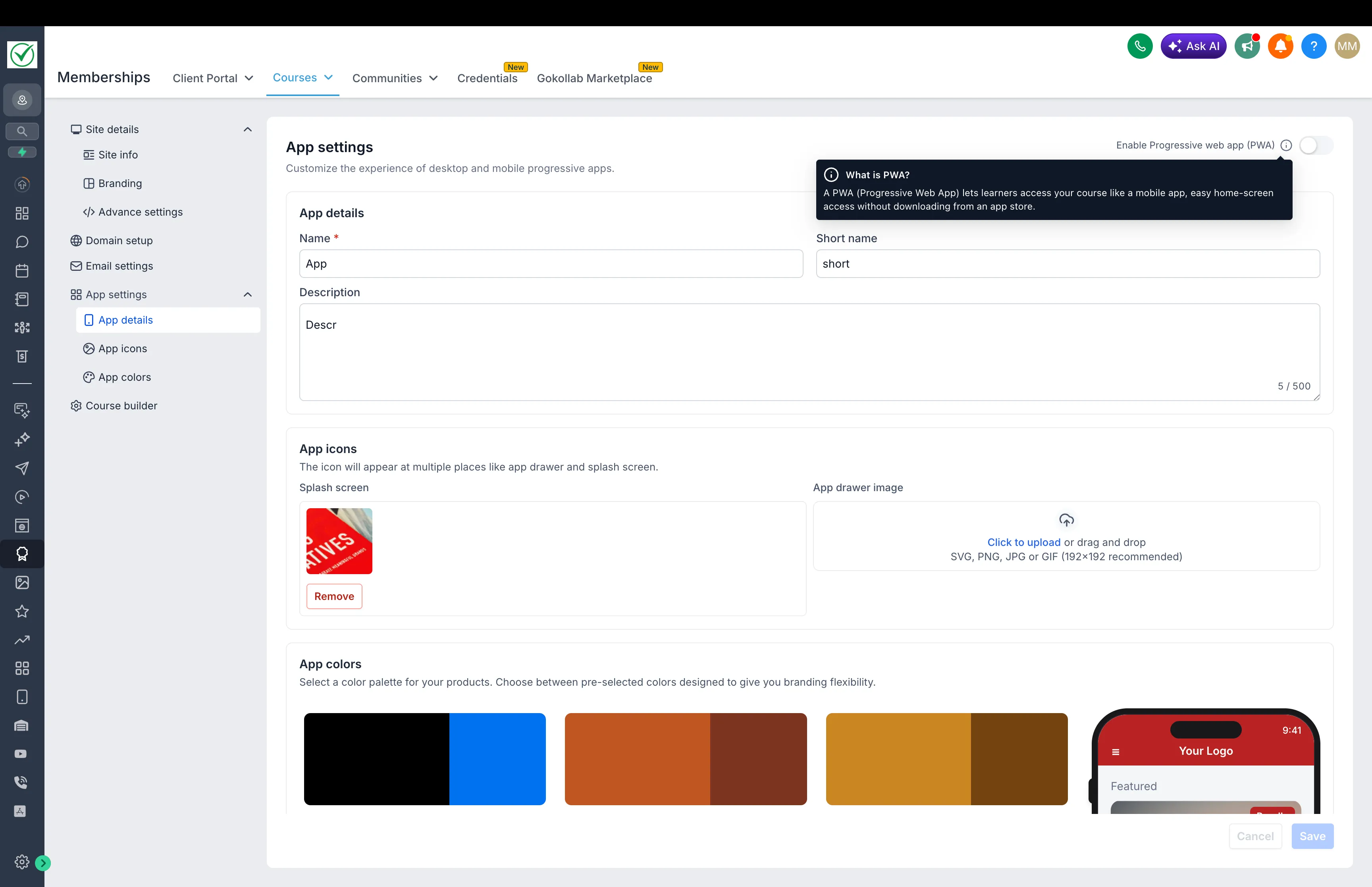
SMBcrm has introduced an updated Courses Settings experience in Labs to make course setup and management easier.
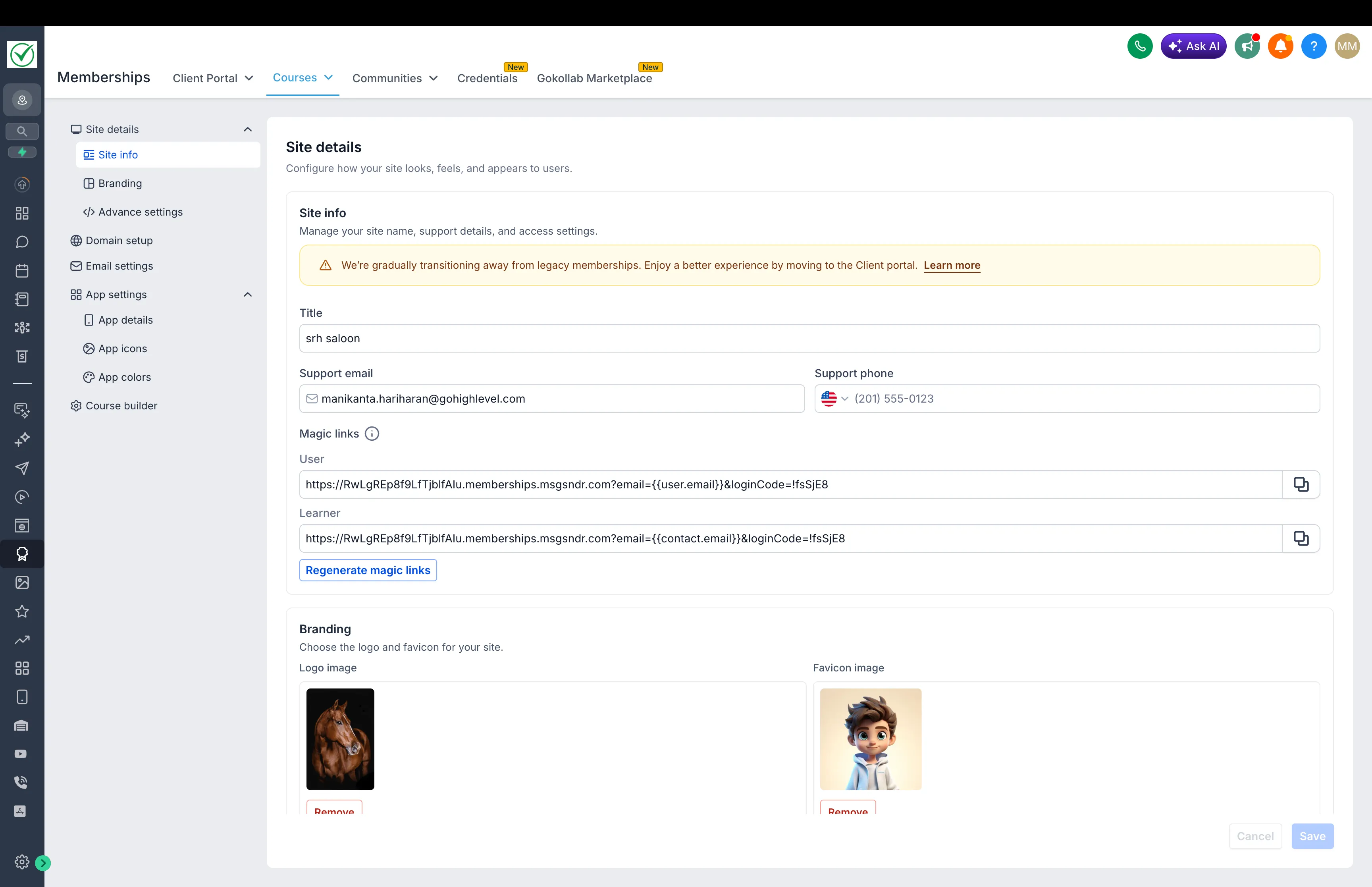
This refresh improves the interface, speeds up loading, and makes key settings easier to find and use for teams working in Memberships & Education.
What Changed
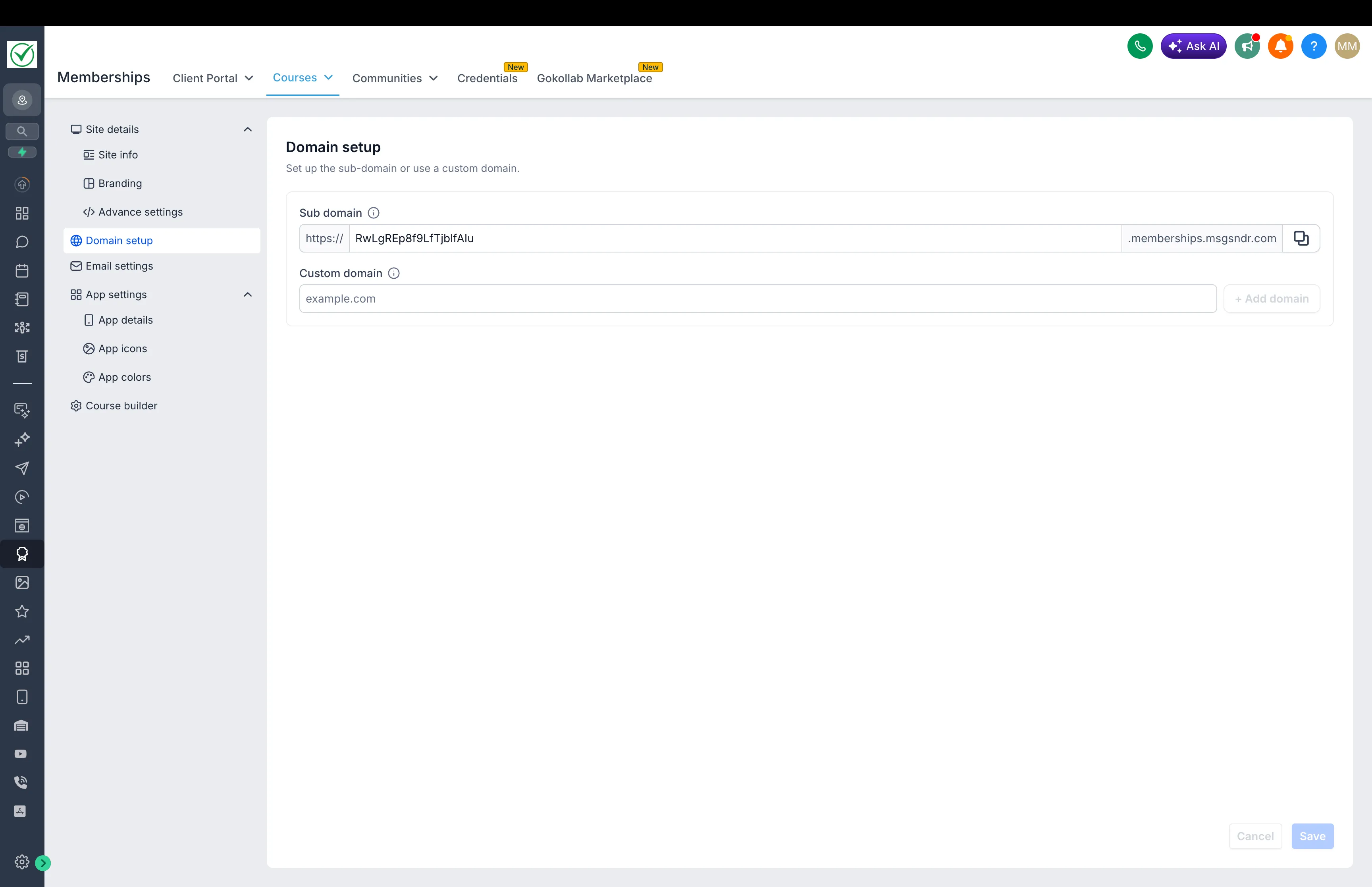
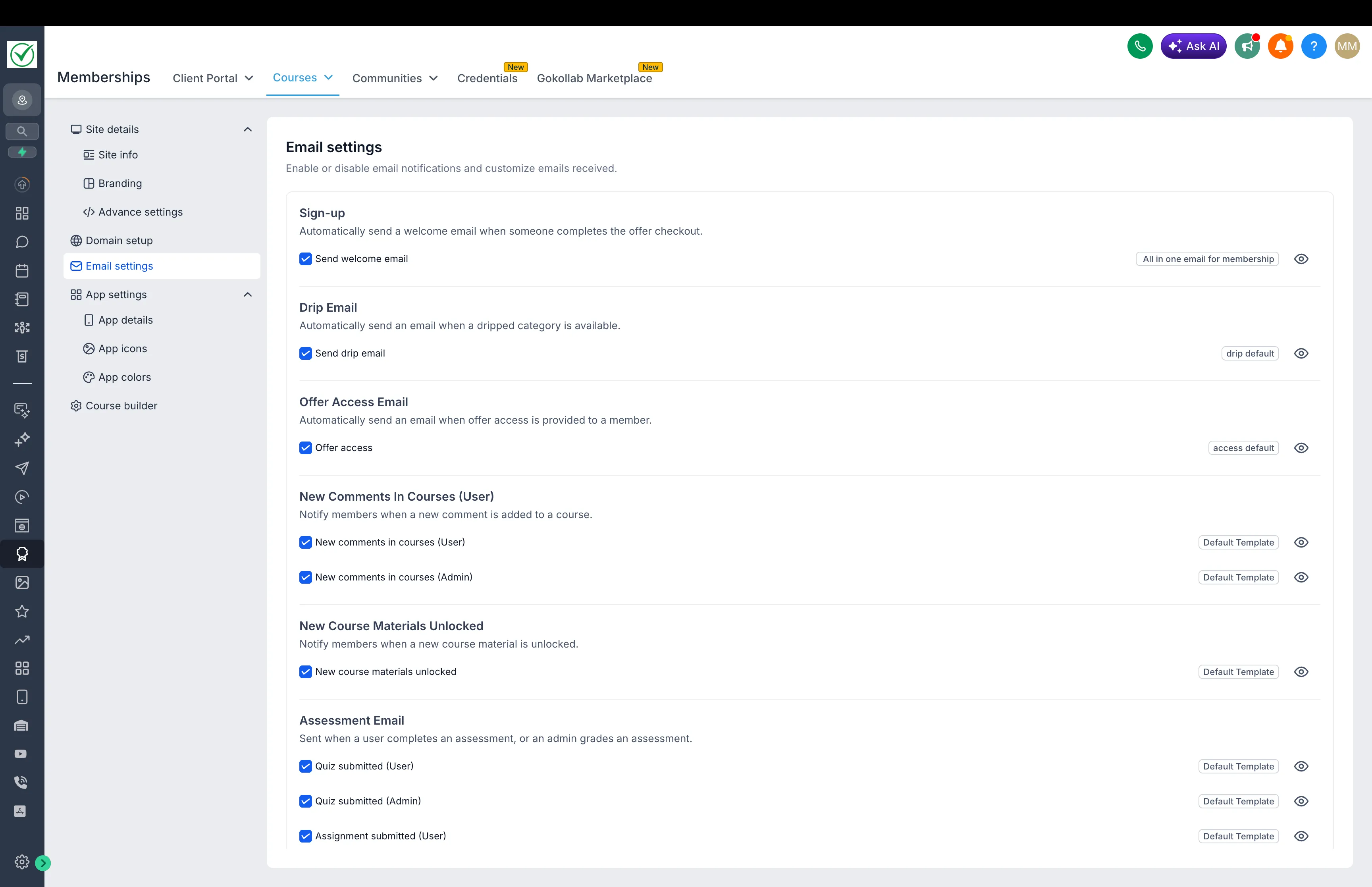
- Redesigned settings interface for a more consistent experience
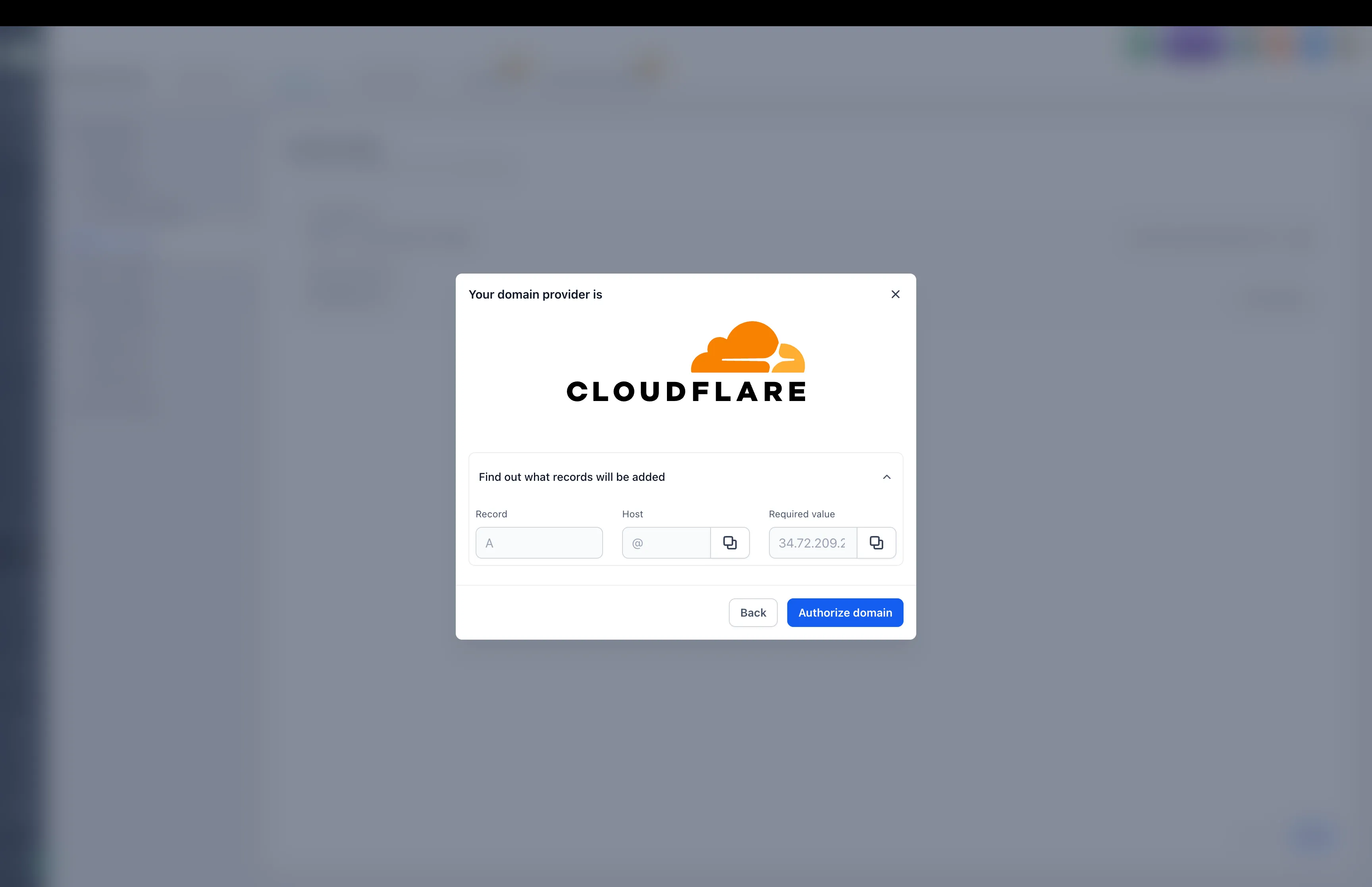
- Easier custom domain setup
- Image cropping support for brand logos and favicons
- Faster loading across the settings area
- Improved form validation and usability
- Clearer navigation feedback when opening client portal settings
How to Enable It
This feature is currently available in Labs.
- Open Labs in your account
- Find New Course Settings UI
- Turn it on to use the updated experience
In Case You Missed It
You can also read about Communities Events now supporting Live Rooms.
Release Images
Need Help Applying This Update?
If you’d like help rolling this out in SMBcrm, visit Support or request a demo.