Import Content From Another Course
You can now import content from an existing course directly into another course in the Courses Builder. This makes it easier to reuse proven material instead of rebuilding content manually.
For teams using Memberships & Education, this update helps streamline course setup and keep training content more consistent.
What Changed
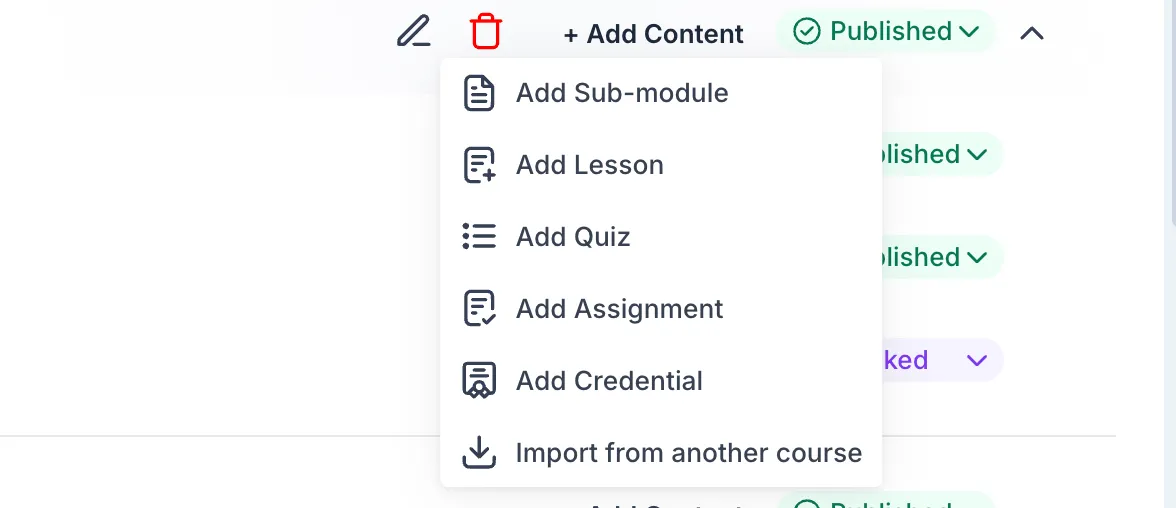
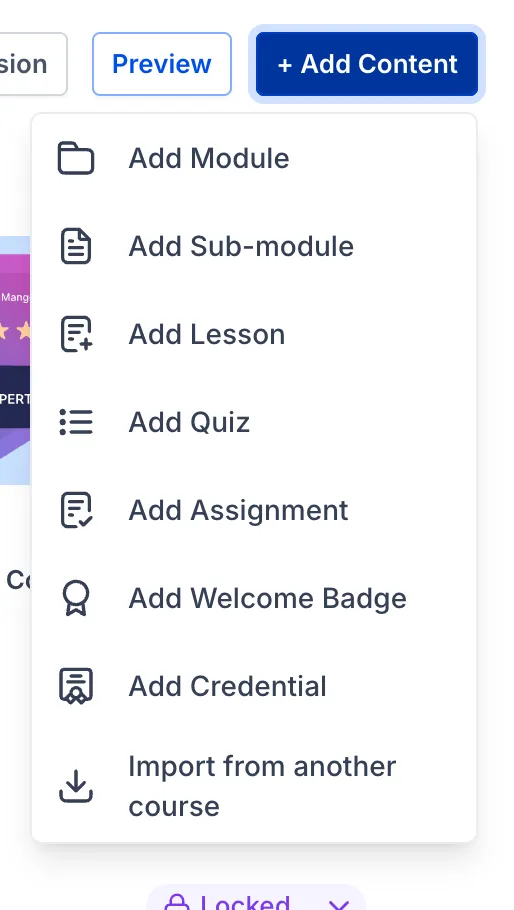
You can now use an Import from Another Course option from the Add Content menu to bring content into a destination course.
With this import flow, you can:
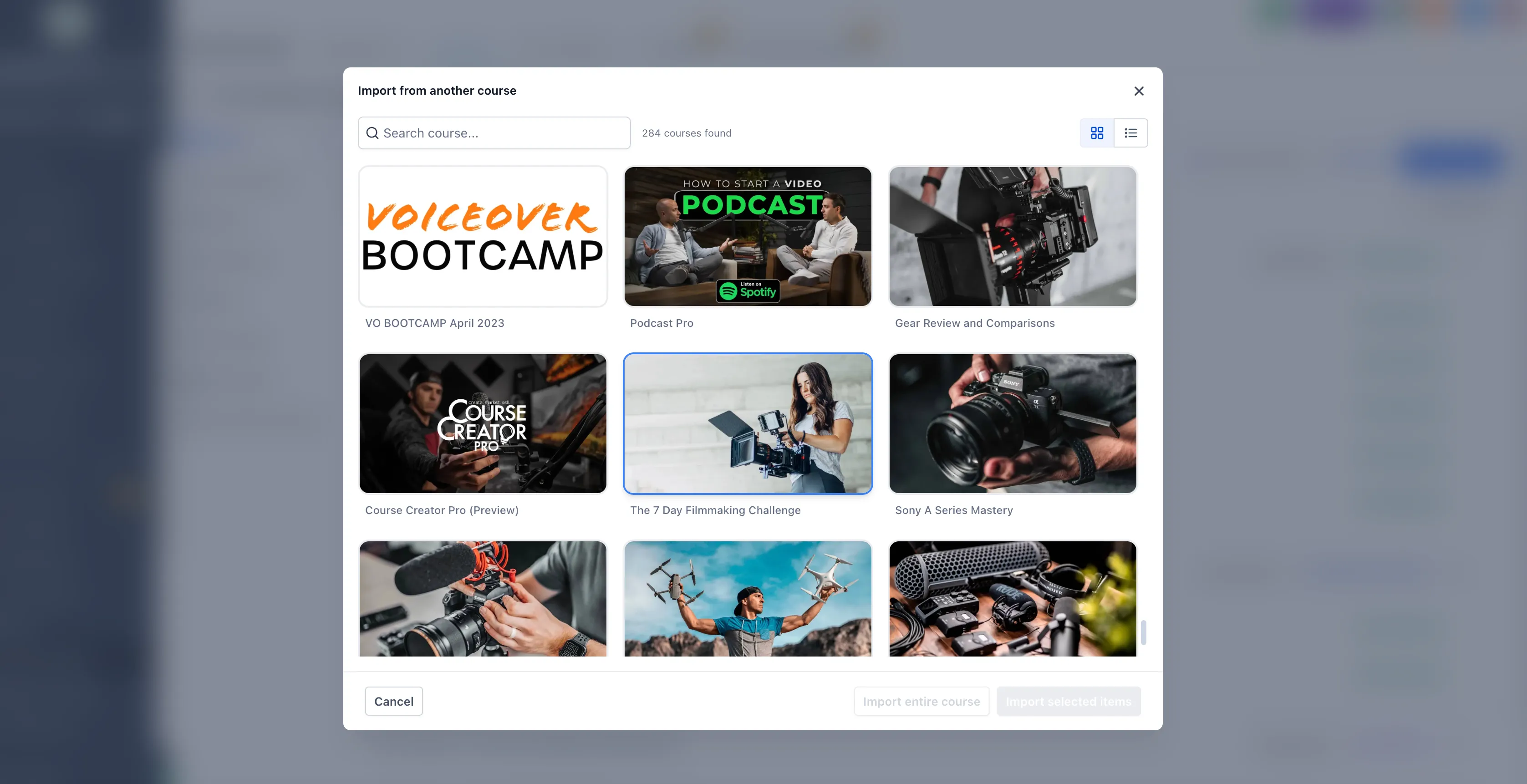
- browse and select a source course in a dedicated import modal
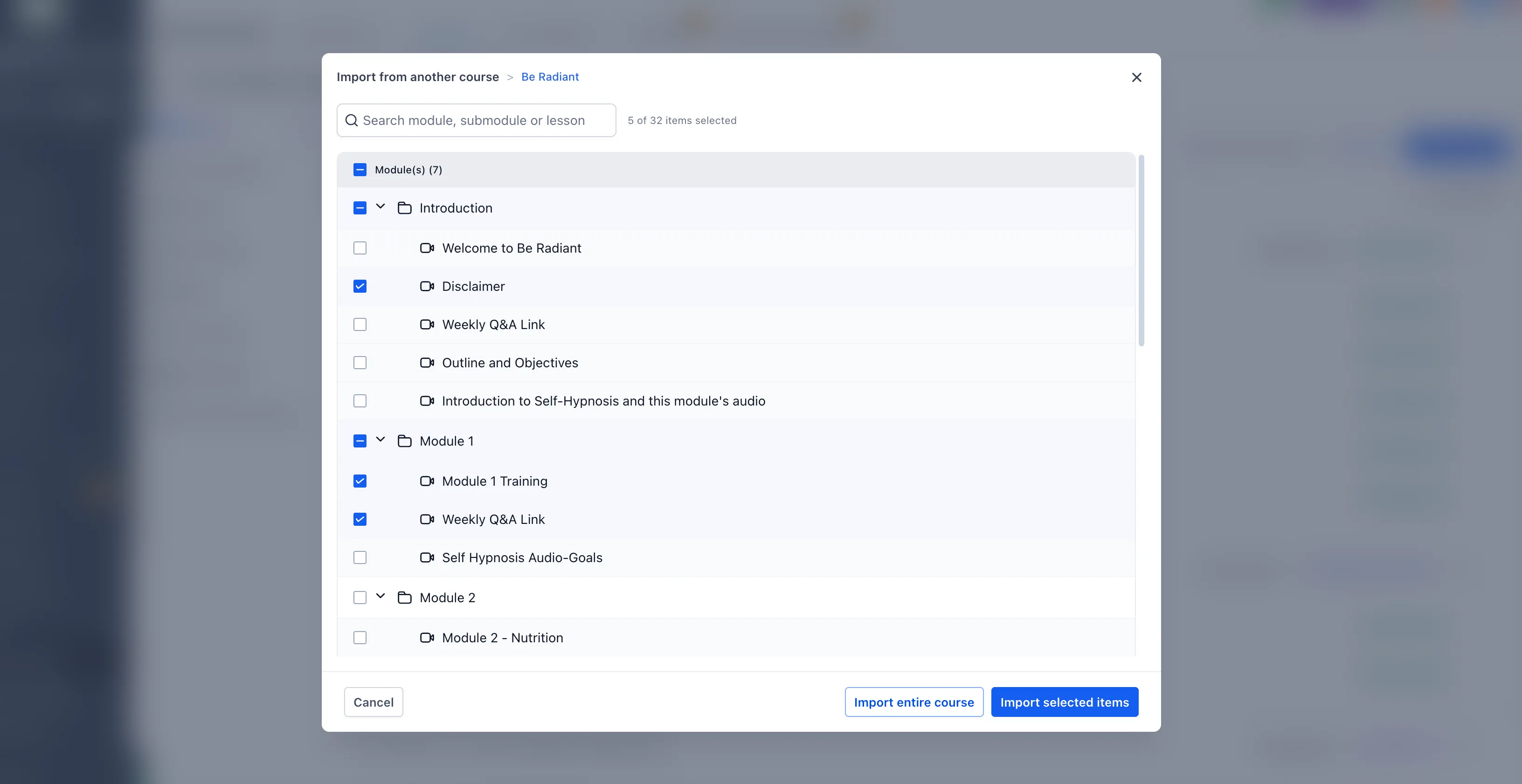
- choose exactly what to import
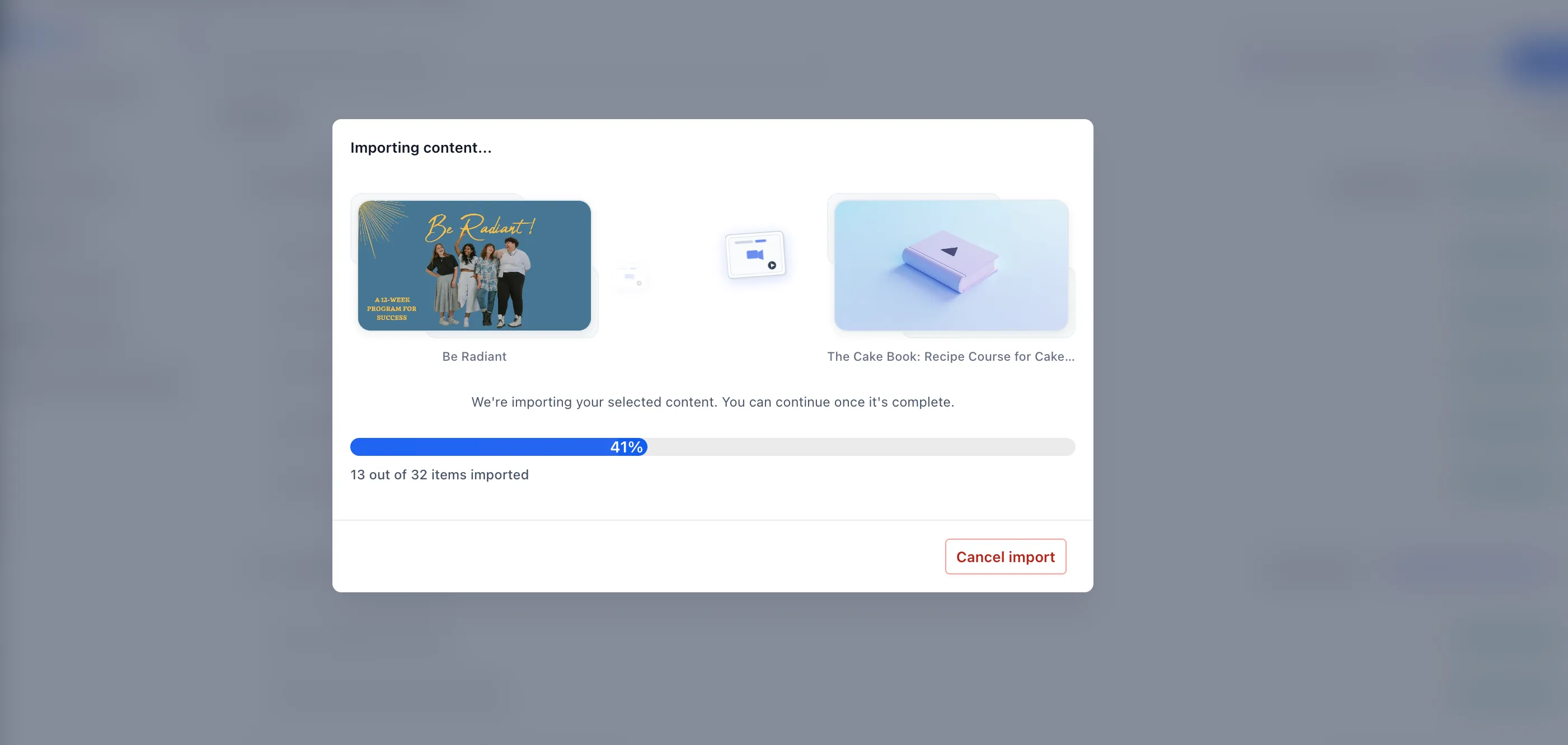
- track import progress in a status modal
- continue building with minimal disruption to your workflow
What You Can Import
You can import:
- individual lessons
- modules and submodules
- an entire course structure
Imported content can include:
- lesson titles and structure
- module and submodule hierarchy
- videos and attached media
- lesson and media thumbnails
- descriptions and formatted content
- quiz questions and related lesson content
- assignment materials and supporting resources
All imported items are added to the destination course and are ready for editing.
Why It Matters
This update helps you:
- create courses faster by reusing existing content
- maintain consistency across similar courses
- reduce manual setup when building standardized curriculum
- import only the parts you need, from a single lesson to a full structure
In Case You Missed It
You can also read about the latest Courses Settings UI update.
Release Images
Need Help Applying This Update?
If you’d like help rolling this out in SMBcrm, visit Support or request a demo.