SMBcrm now brings the Client Portal, Courses, Communities, billing, shared files, affiliates, and account settings into one connected customer home.
What changed
The Client Portal has been rebuilt on a shared, modern architecture so customers can move between key areas without switching tabs or reorienting themselves between separate experiences.
The unified experience includes:
- Dashboard
- Courses
- Communities
- Billing
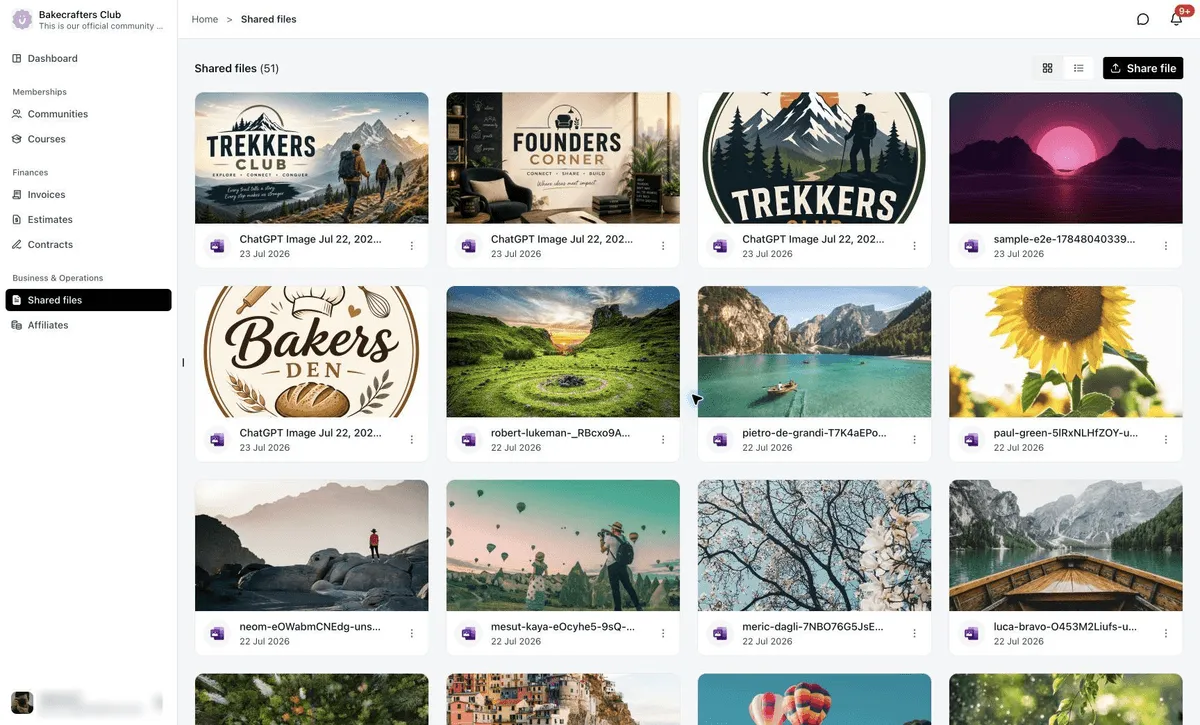
- Shared Files
- Affiliates
- Account Settings
The update also includes the redesigned Communities interface as part of the same portal experience.
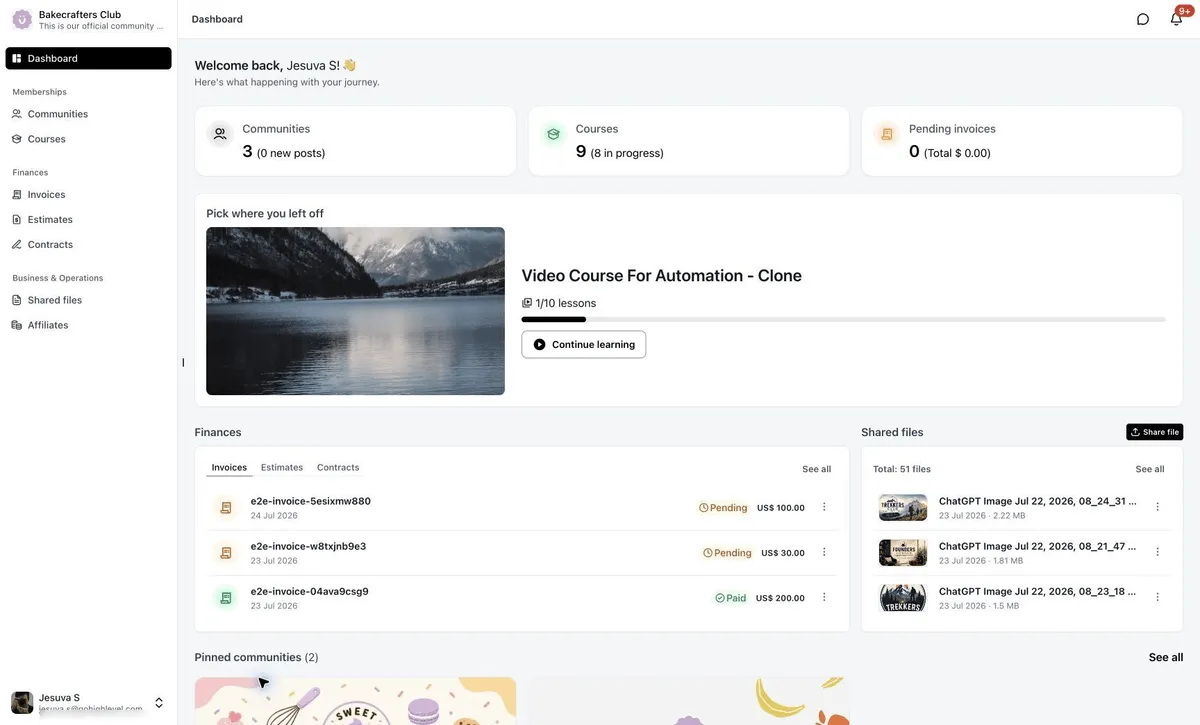
Dashboard as a real launchpad
The redesigned Dashboard gives customers an immediate overview of the items they are most likely to need next, including courses in progress, community activity, pending invoices, recently shared files, pinned communities, and quick access to frequently used areas.
Instead of acting only as a landing page, the Dashboard now helps customers continue where they left off.
Business tools stay in the portal
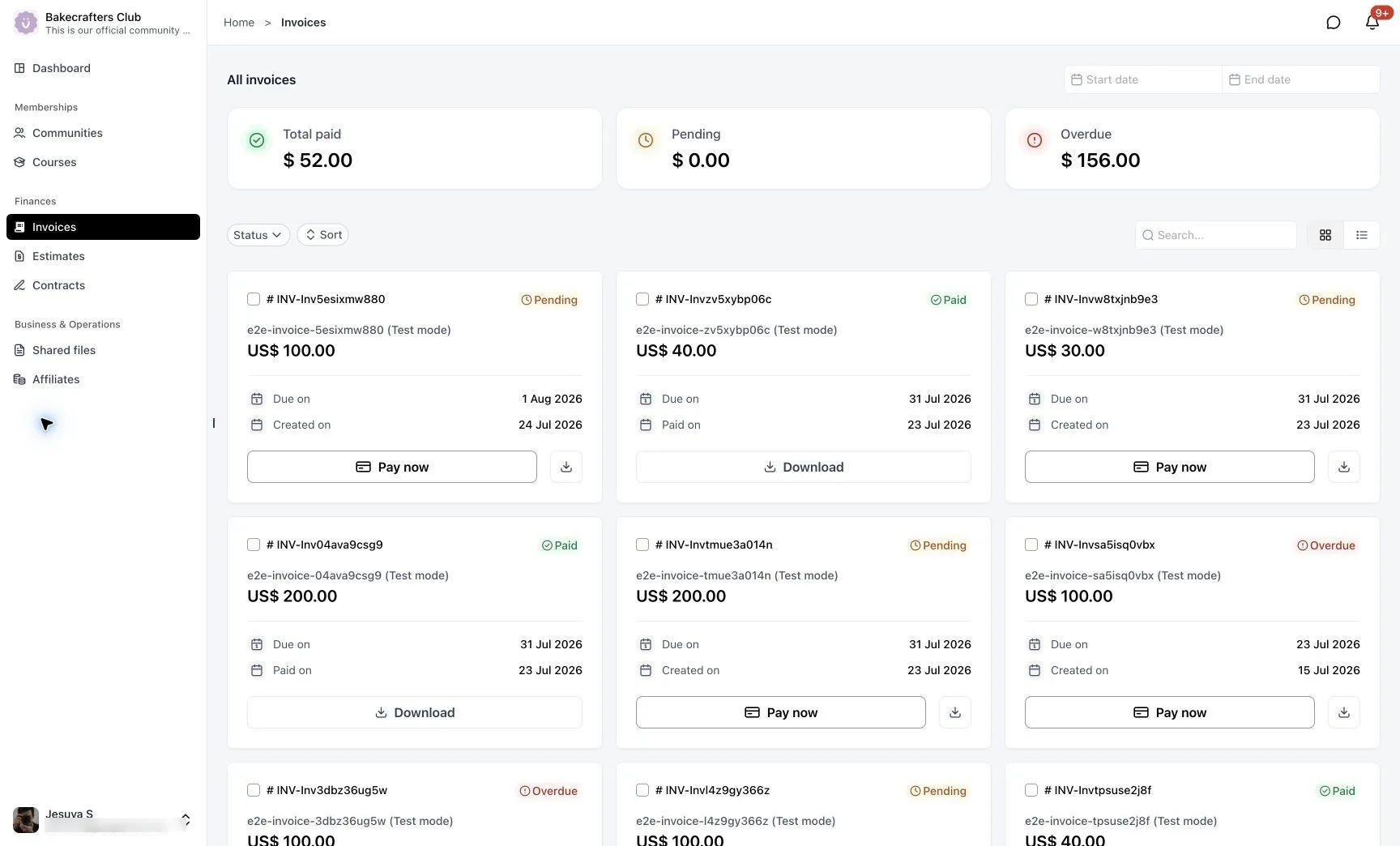
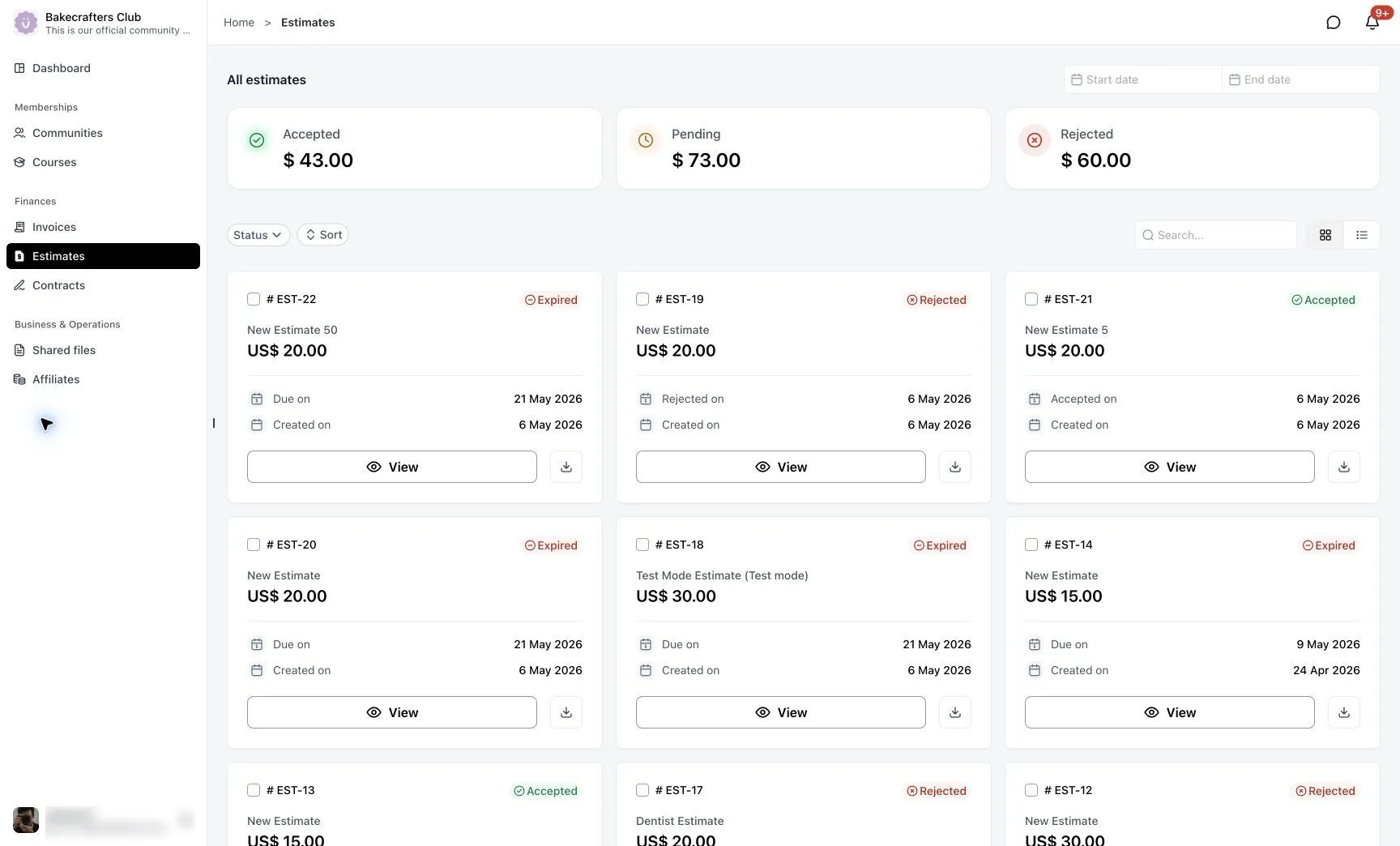
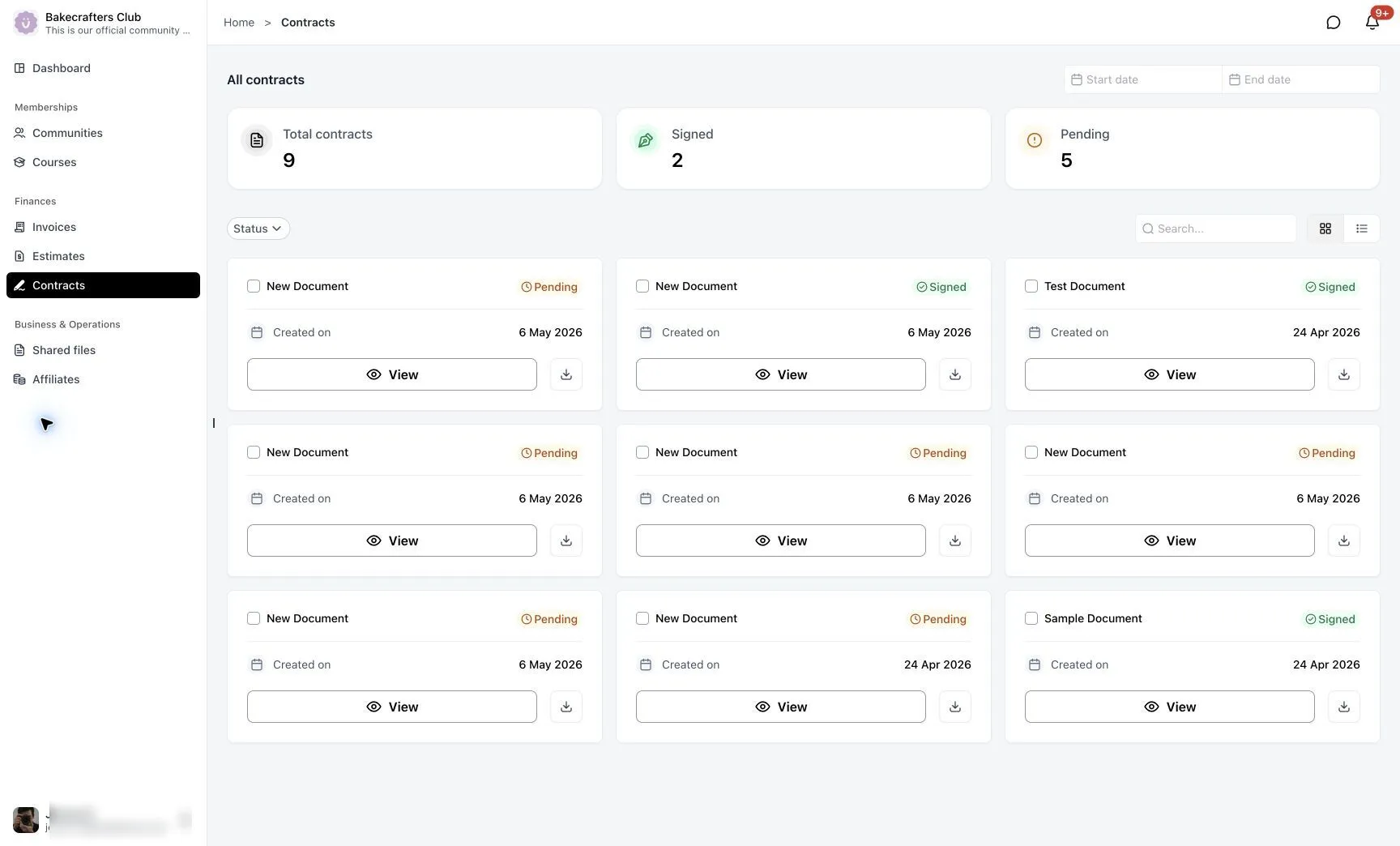
Customers can access important business interactions without leaving the Client Portal. Invoices, estimates, contracts, shared files, and affiliates are available inside the same connected experience.
Communities and courses feel connected
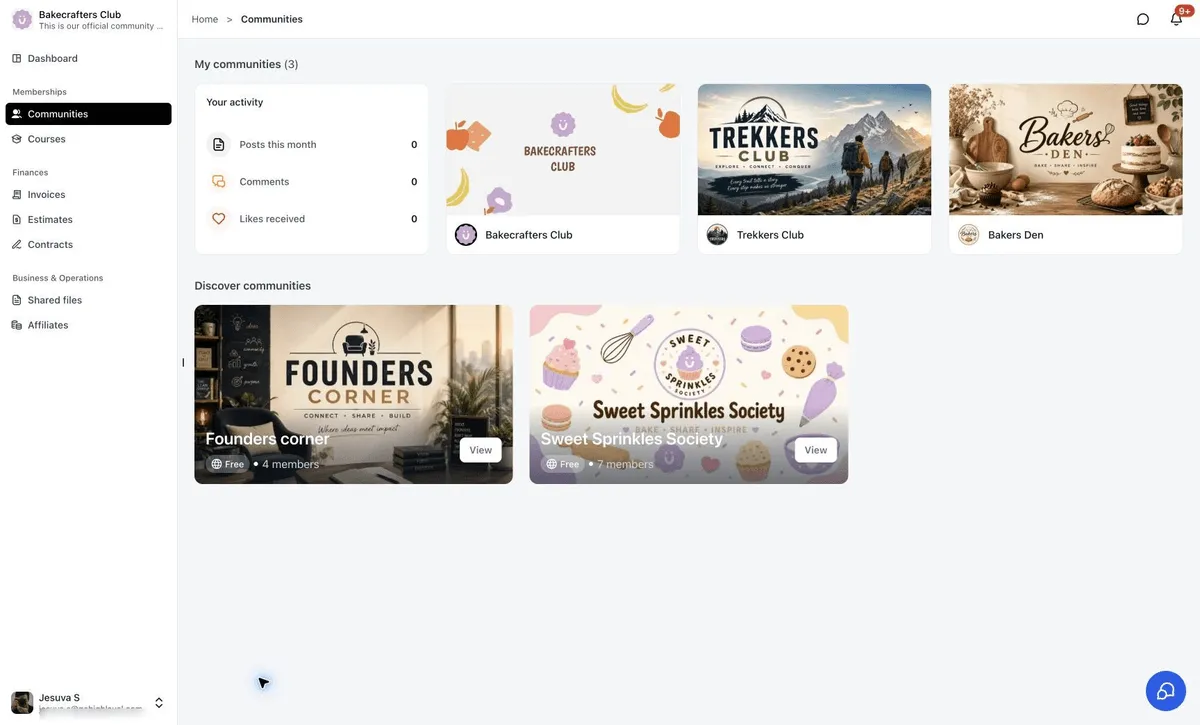
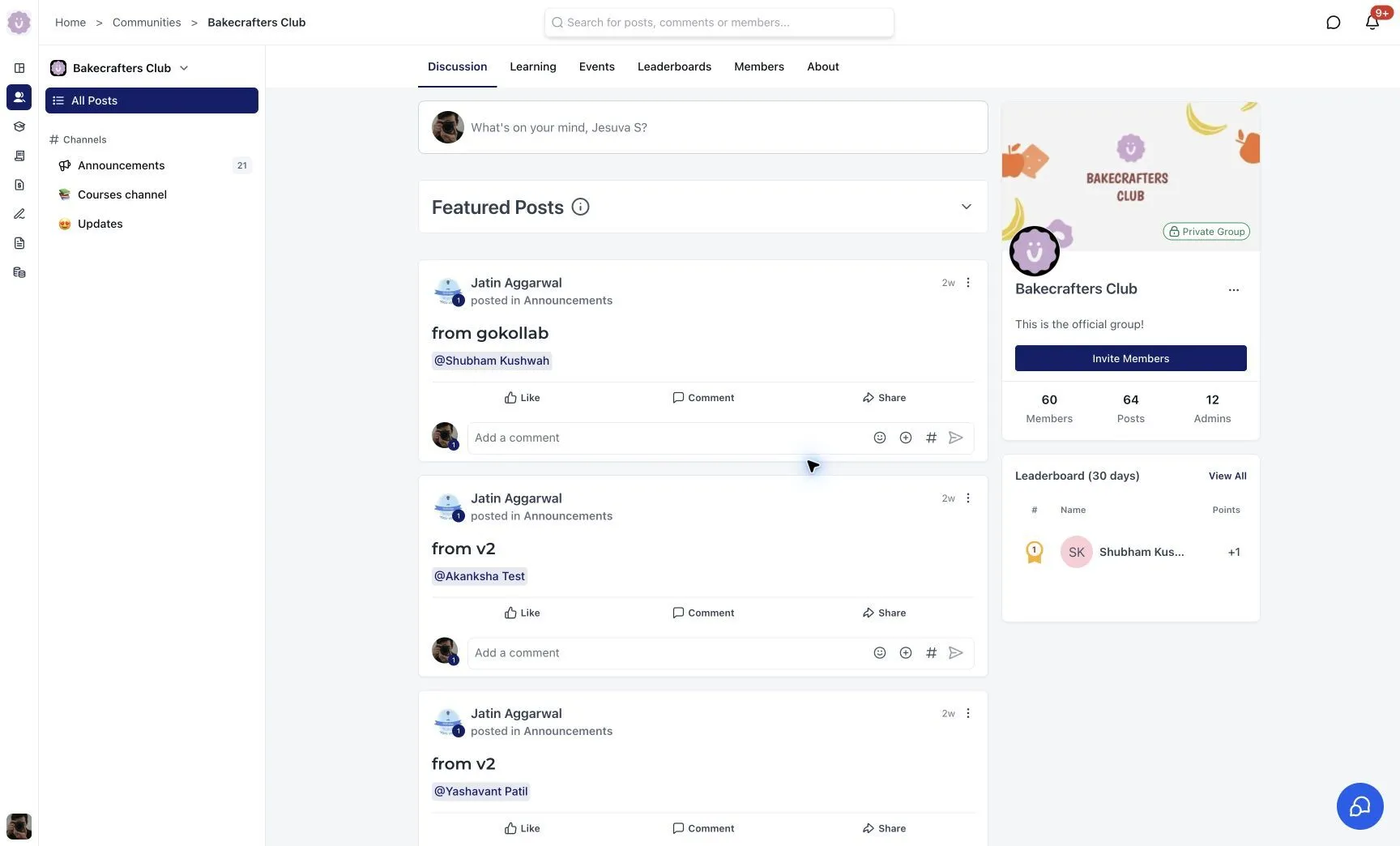
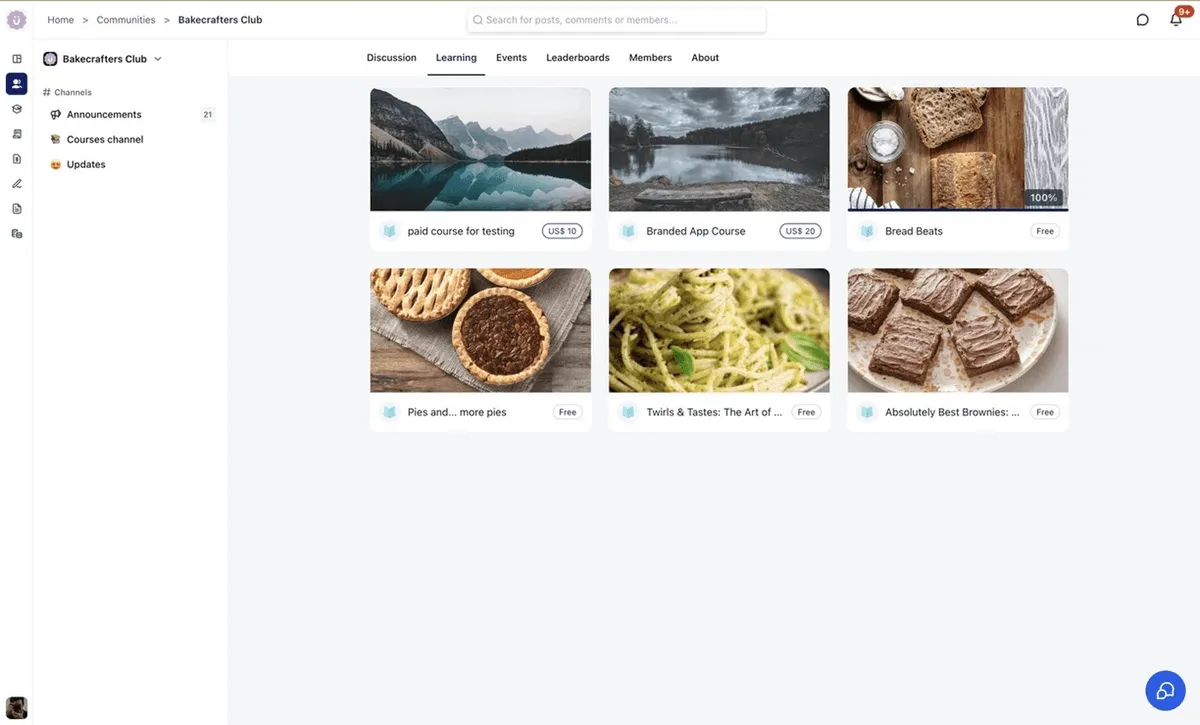
The new Communities UI is now part of the unified Client Portal experience. Members can move between discussions, learning content, events, leaderboards, member directories, and community information without opening another application.
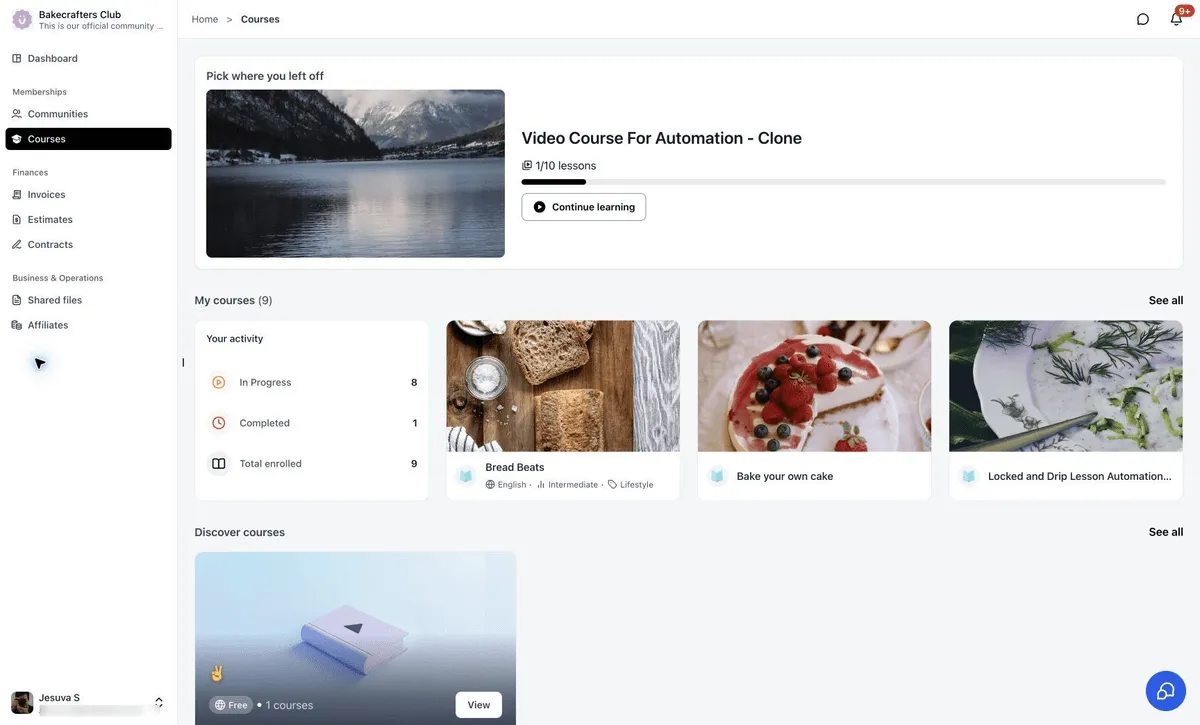
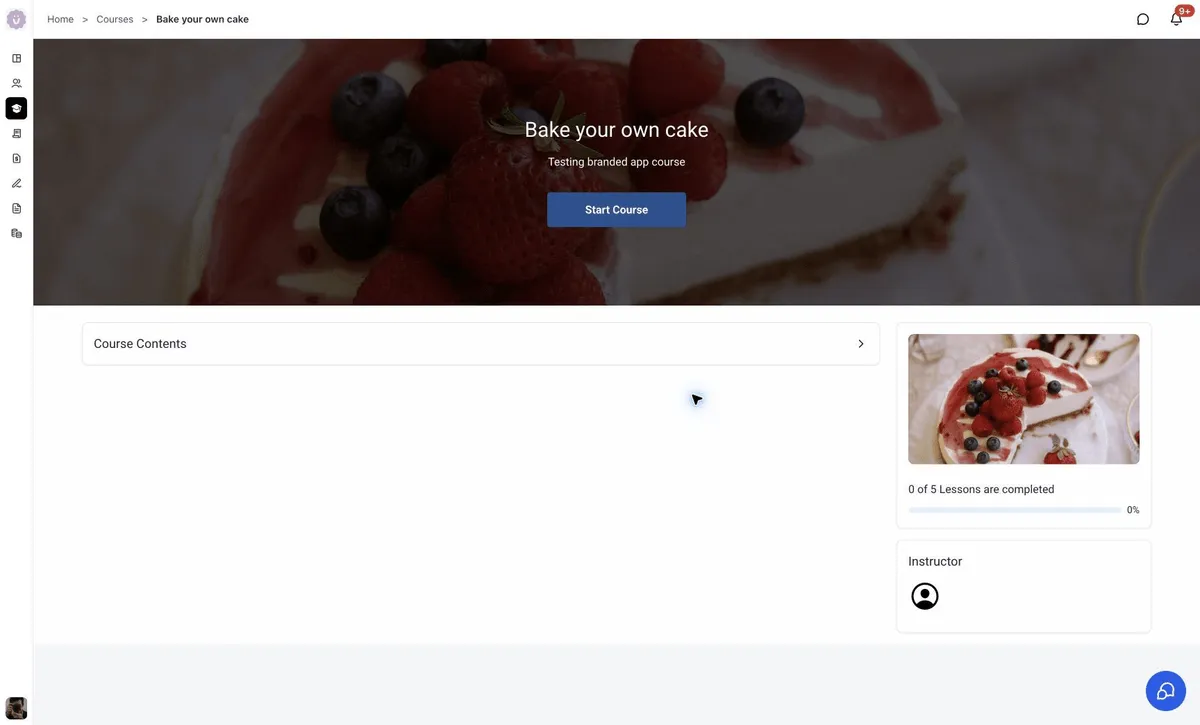
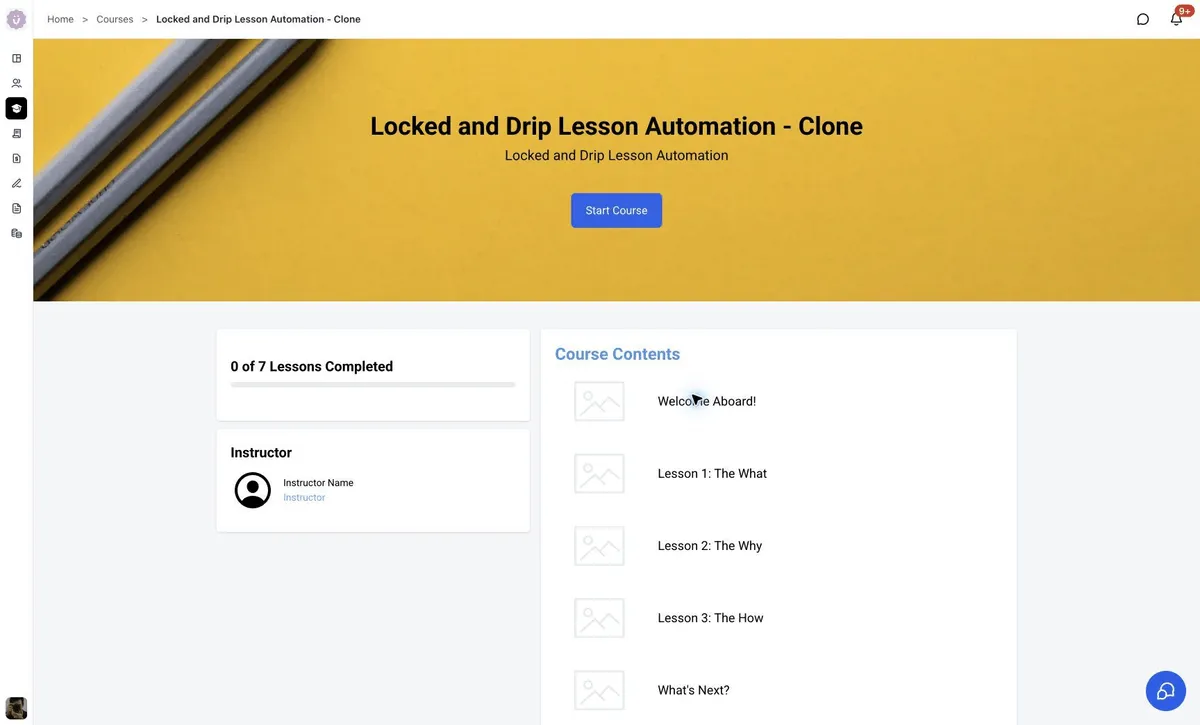
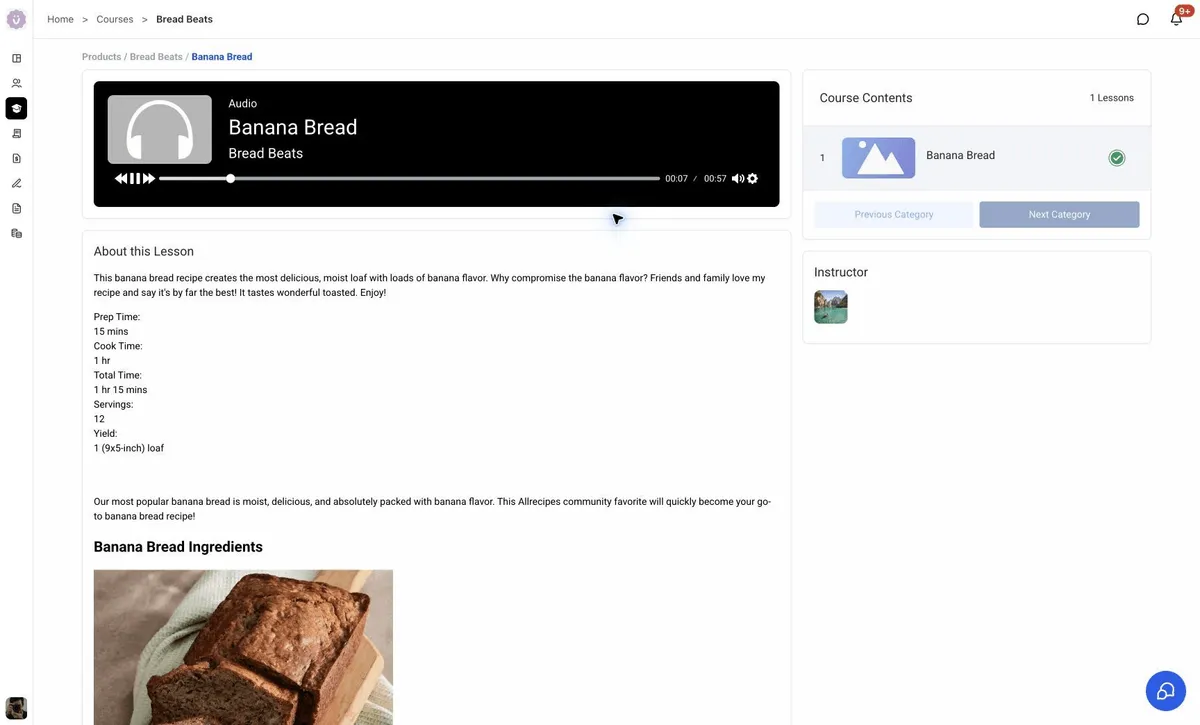
Courses now feel like a natural extension of the portal. Customers can discover courses, continue learning, view progress, access course content, and move between lessons while staying inside the same branded experience.
What customers will notice
- A more useful home that surfaces courses in progress, Continue Watching, community activity, billing, and files.
- Smoother movement between Courses, Communities, Dashboard, billing, and shared files.
- Faster performance, including dashboard content loading in about 0.4 seconds and becoming interactive roughly a second sooner than before.
- A more consistent branded experience from login through Courses, Communities, billing, and files.
- Easier discovery of courses, community activity, pinned communities, billing items, and shared files.
- SEO-ready eligible public Course and Community pages, with search-friendly rendering, crawlable URLs, and page metadata. Private, gated, and customer-only content stays protected.
The release also reports Lighthouse SEO scores of 92 to 100 for new public pages, compared with 75 to 85 on the legacy experience.
In Case You Missed It
For another recent automation update, read AI Studio Form Submissions Can Trigger Workflows.
Release Images
Related SMBcrm Features
Need Help Applying This Update?
Want help turning this update into a working part of your CRM, marketing, or automation setup?
Get Started or schedule a demo and we’ll help you map the right next step.