Build Workflows from Ask AI
Ask AI can now call the Workflow AI agent, giving you another way to draft and revise workflows without opening the builder first. Describe what you want, review the generated workflow, and keep iterating in the same panel.
This brings the same AI-assisted workflow creation experience already available in Workflow AI into Ask AI. Since Ask AI runs on WhatsApp, workflow drafts can also start from WhatsApp.
For teams using SMBcrm automation, this adds another prompt-based path through SMBcrm AI features.
What’s Available
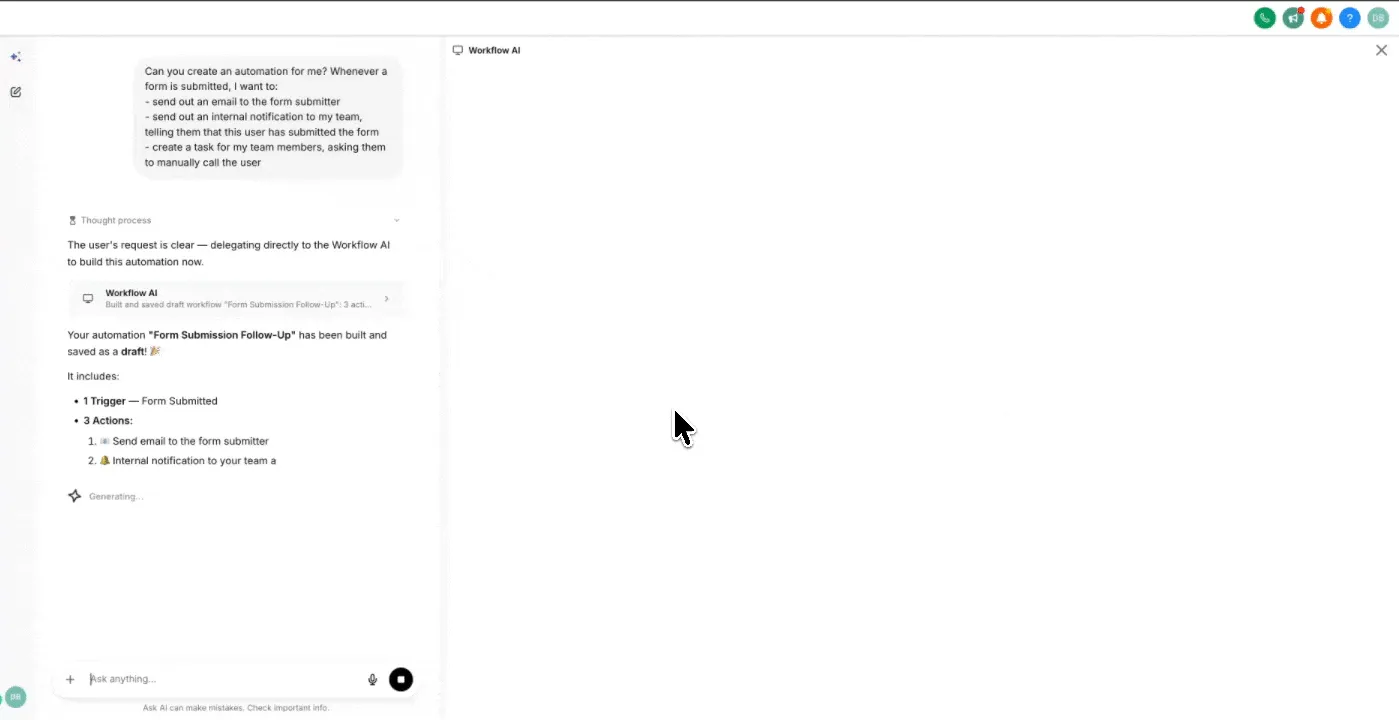
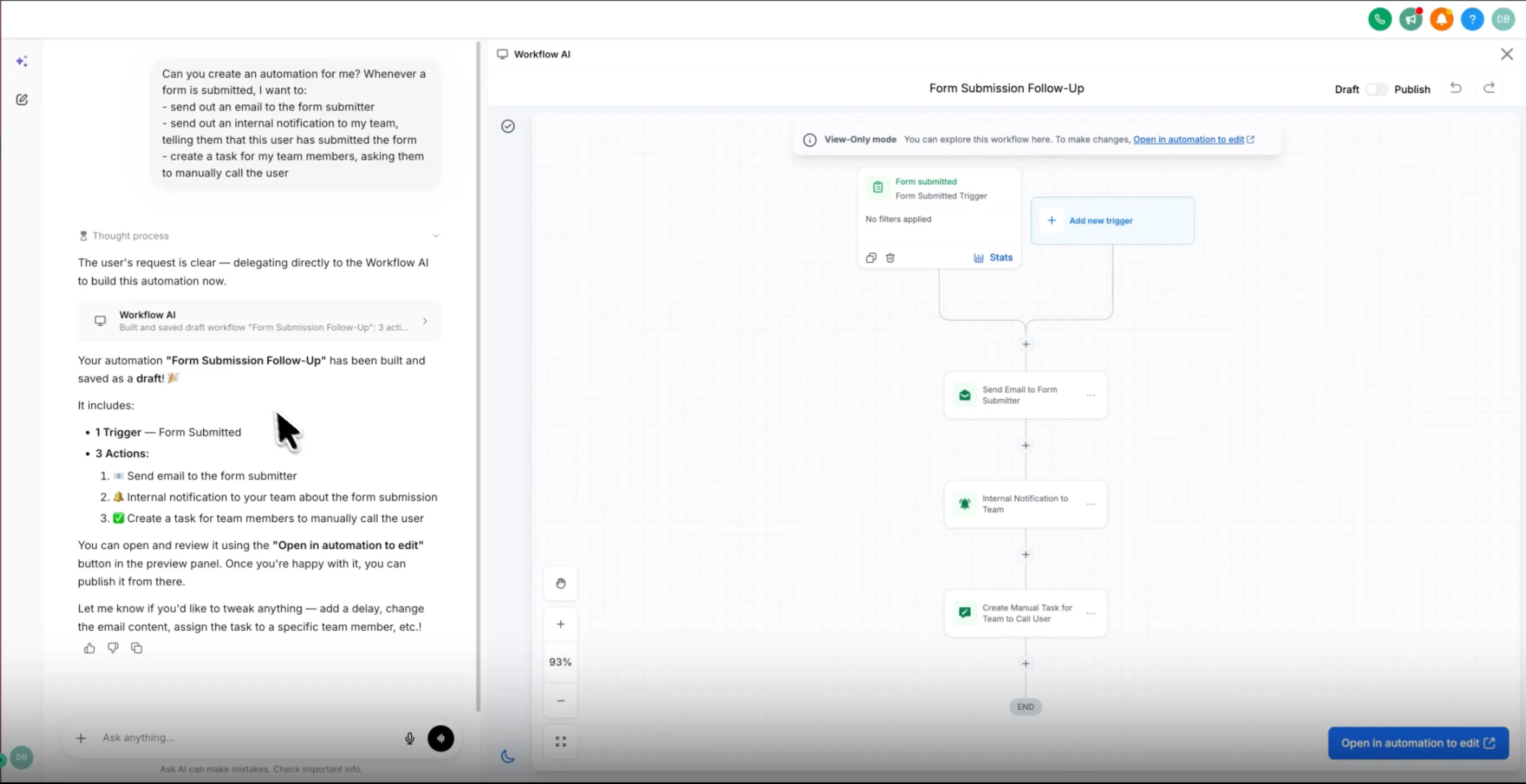
- Build from a prompt: Start a new chat in Ask AI, describe the workflow you want, and the agent builds it for you.
- Live preview in the panel: The generated workflow appears inside Ask AI so you can review the structure without switching screens.
- Inspect any step: Select a trigger or action in the preview to see its full configuration.
- Conversational edits: Ask the agent to change the workflow, and it updates the draft in place.
- Open in the builder: A button takes you into the workflow builder to test and publish.
- WhatsApp support: The same workflow creation experience is available through WhatsApp.
How to Use It
- Open Ask AI and start a new chat.
- Describe the workflow you want to create.
- Review the generated workflow in the panel.
- Select any trigger or action to check its configuration.
- Ask the AI to make changes until the workflow matches your requirements.
- Open the workflow in the builder.
- Run a final test, then publish from the builder.
Good to Know
Manual editing is not supported inside Ask AI. Use the link in the panel to open the workflow builder if you need to make manual changes.
Publishing still happens in the workflow builder after a final test, so the review and publish path stays the same no matter where the workflow draft starts.
In Case You Missed It
For another automation quality update, read Workflow Publish Validation Blocks Errors.
Release Images
Need Help Applying This Update?
Want help turning this update into a working part of your CRM, marketing, or automation setup?
Get Started or schedule a demo and we’ll help you map the right next step.