Email Marketing
Build an email, choose its audience and review it before sending.
Explore email marketingKeep the conversation moving
Connect email, text and booking to the contact record. Set follow-up timing, watch for replies and keep a person responsible for the conversation.
Example workflow
The customer has asked for an estimate. Your team shares a booking link and configures follow-up around the reply and appointment.
Setup and connected services determine what runs automatically.
Review the inquiry, choose the right message and set a sending schedule that fits your business.
Explore follow-up workflowsConfigure follow-up to stop on reply and test it. A team member answers questions and handles exceptions in the inbox.
Explore the shared inboxThe customer chooses an available appointment. Confirmations and reminders follow the settings you configure.
Explore booking and schedulingReview message permissions and timing. Test a reply, cancellation and reschedule so follow-up matches the current conversation and appointment.
See how setup works →Content AI can help draft a follow-up message. Your team reviews the facts, tone and offer before sending; scheduled follow-up can use your own saved copy without AI.
AI coverage and usage charges vary by product and plan. Phone and message delivery can add charges.
Explore Content AI and billing →Check AI coverage and exclusions →Inside SMBcrm
Calendar view lets your team review the appointments created through your booking links.
Open the guided product tour →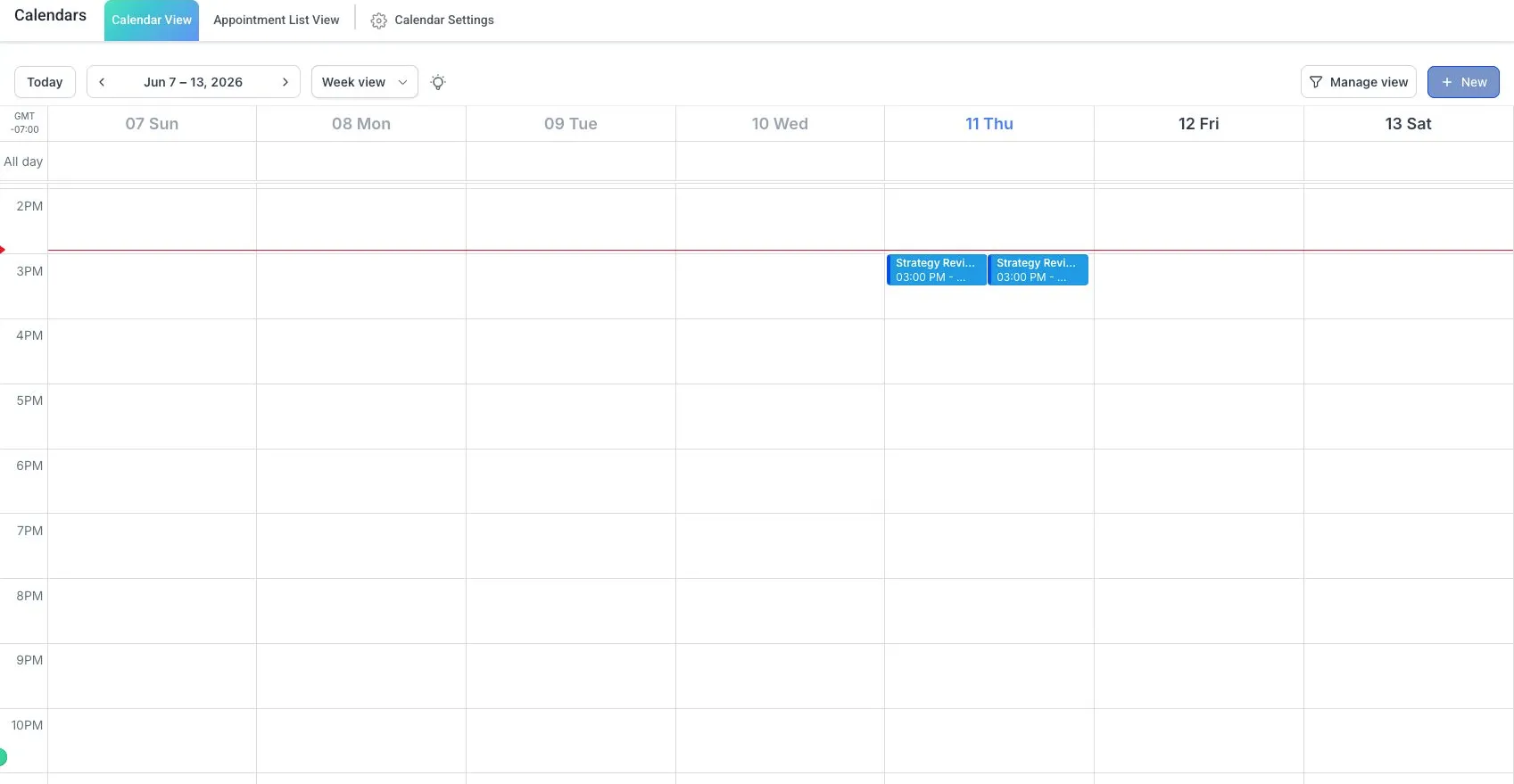
Explore the tools
Open the relevant product explanation before deciding whether you need a live demo.
Build an email, choose its audience and review it before sending.
Explore email marketingFollow up by text and handle replies in the shared inbox. Check consent and sending rules before launch.
Explore two-way SMSSet the trigger, timing and conditions for follow-up. Test what happens when someone replies.
Explore workflow automationDraft an email or message, then check its facts and tone before you use it.
Explore Content AI and billingUse engagement criteria to help organize follow-up priorities. Your team decides who to contact.
Explore contact recordsReview available email and campaign activity alongside the conversation.
Explore email reportingBring one inquiry source, the next action you want, and the person who will handle exceptions. Use that path to discuss setup and cost.