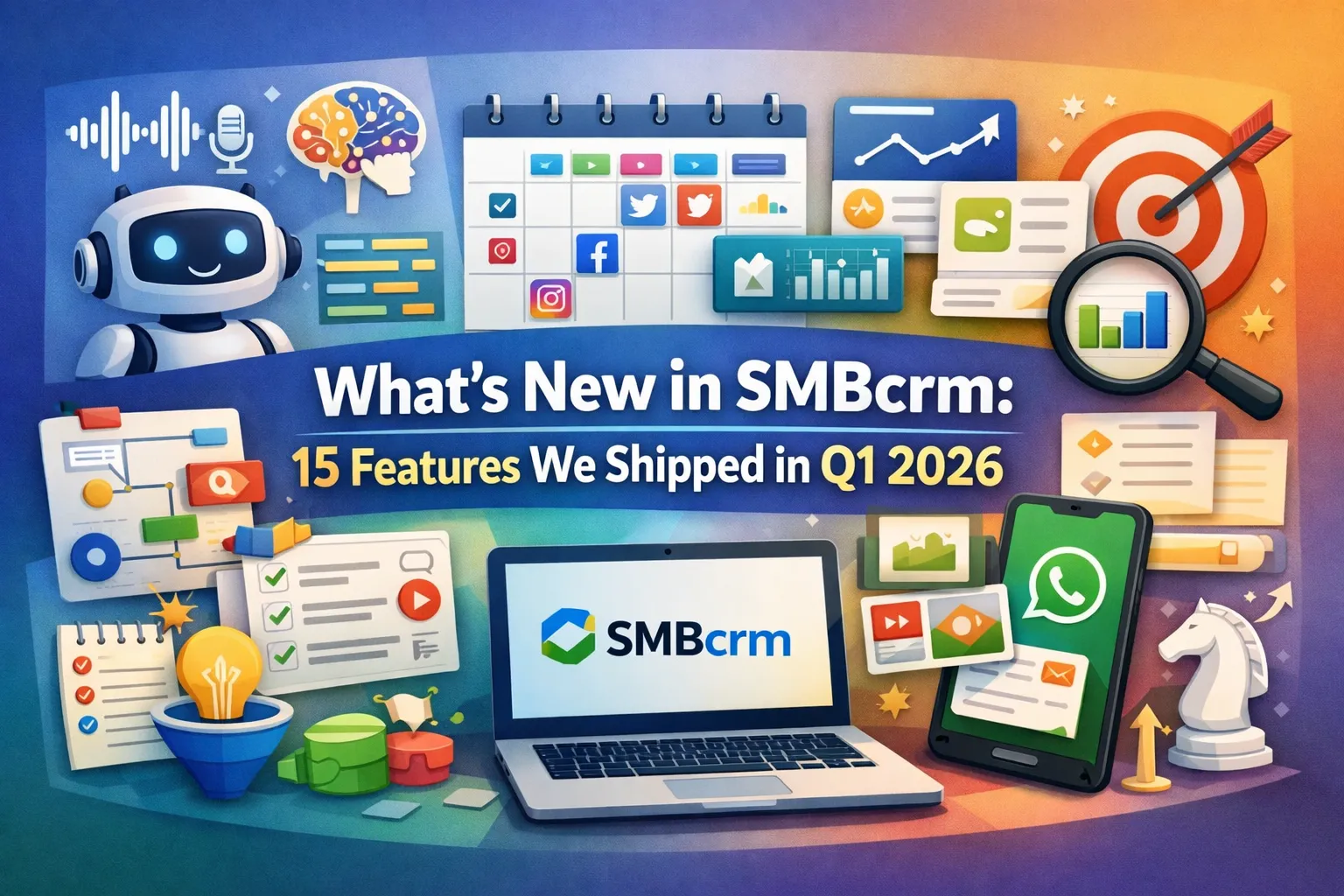
Most CRM platforms ship a handful of updates per quarter and call it innovation. In Q1 2026 alone, SMBcrm shipped over 50 improvements across AI, automation, communication, social media, and core CRM functionality.
Here are the 15 most impactful updates — the ones that save you time, close more deals, and make your business run smoother starting today.
1. Upgraded AI Model for Workflow Actions
We upgraded the AI engine powering workflow actions across the board. Four core capabilities got meaningfully better without any configuration changes on your end:
- AI Translate produces more natural, context-aware translations
- AI Summarize captures key details with fewer hallucinations
- AI Intent Detection reads between the lines of customer messages more accurately
- AI Decision Maker handles complex branching logic with better judgment
If you’re already using AI-powered workflows, the improvement is automatic. If you haven’t tried them yet, now’s the time.
2. Voice Dictation in AI Builder and Assistant
Building workflows by clicking through menus works — but talking through your automation logic is faster. The new voice dictation feature lets you describe what you want in plain language, and the system transcribes and generates the workflow structure.
It supports multiple languages, so global teams can build automations in whatever language they think in. This is especially useful for complex multi-step workflows where typing out every condition and action slows you down.
3. Smarter AI Assistant That Skips Unnecessary Searches
The Workflow AI Assistant used to search your knowledge base for every single message, even simple ones like “yes” or “thanks.” Now it’s smart enough to recognize when a knowledge base search would be pointless and skips it entirely.
The result: faster response times for straightforward interactions, and the assistant still pulls from your knowledge base when the question actually warrants it. Less waiting, better answers.
4. Reorganized AI Actions with Clear Naming
We renamed and reorganized all AI workflow actions into dedicated categories:
- Actions are now prefixed clearly: AI Translate, AI Summarize, AI Intent Detection, AI Decision Maker
- A new Conversation AI category groups chat-specific actions together
- Finding the right AI tool in the workflow builder takes seconds instead of scrolling through a mixed list
Small change, big time savings when you’re building automations daily.
5. Drag-and-Drop Workflow Builder
The Standard Builder now supports true drag-and-drop for triggers and actions. Instead of clicking through nested menus, drag components from the sidebar directly into your workflow canvas.
Visual placement indicators show exactly where each element will land, and you can rearrange steps just as easily. Building a 10-step automation that used to take 15 minutes now takes 5.
6. Expanded Error Highlighting in Workflows
Nothing’s worse than activating a workflow and discovering it breaks on step 7. The workflow builder now catches problems before you go live:
- Error highlighting expanded from 14 to 48 actions and 26 to 28 triggers
- If-Else and Wait conditions are validated at save time
- Clear error messages tell you exactly what needs fixing
This is the kind of behind-the-scenes improvement that prevents hours of debugging. Build with confidence, ship faster.
7. Four New Custom Value Fields for Workflows
Power users asked, we delivered. Four new fields are now available in custom values and If-Else conditions:
| Field | What It Unlocks |
|---|---|
| Attribution Medium ID | Route leads differently based on how they found you |
| Task ID | Reference specific tasks in downstream automation steps |
| Note Created By | Trigger actions based on which team member added a note |
| Contact Engagement Score | Branch workflows based on how engaged a contact is |
The engagement score field is particularly powerful for lead scoring — route hot leads to your sales team instantly while nurturing cold ones automatically.
8. Social Planner Queue Editing with Calendar View
Managing social media queues used to mean rebuilding from scratch if anything changed. Now you can:
- Edit existing queues without starting over
- View queues on a calendar (weekly or monthly view)
- Drag-and-drop posts to reschedule them
- Set queue preferences so new content slots into the right position automatically
If you’re managing social media for your business (or your clients), this turns a frustrating workflow into a smooth one.
9. Social Analytics Dashboard Widgets
New dashboard widgets give you a unified view of social performance across all connected platforms:
- Track posts published, likes, comments, impressions, reach, and followers
- Filter by platform, account, or date range
- See trends without switching between Facebook, Instagram, LinkedIn, and X dashboards
One screen, every metric. No more context switching between five different analytics tabs.
10. Rich WhatsApp Media Messaging
WhatsApp conversations in SMBcrm now support the full range of media types:
- Images, videos, audio, and documents — send and receive all file types
- Captions on media messages — add context to every attachment
- Media Storage integration — reuse assets across conversations without re-uploading
If WhatsApp is a key channel for your business, this brings the SMBcrm experience up to parity with the native WhatsApp Business app — but with your full CRM context attached to every conversation.
11. Scheduled and Drip WhatsApp Campaigns
Bulk WhatsApp messaging gets two major capabilities:
- Scheduled sends — queue up a campaign for a specific date and time
- Drip mode — deliver messages in batches with configurable batch sizes, intervals, and delivery days
Monitor campaign progress from the Bulk Actions page. This is essential for businesses that need to reach large audiences on WhatsApp without triggering rate limits or overwhelming their team’s response capacity.
12. Workflow Goal Events for Invoices and Reviews
Two new goal event types streamline common automation patterns:
- Invoice Paid — move contacts through a workflow when they pay an invoice, without needing extra If-Else branches
- Review Request Clicked — trigger follow-up actions when someone clicks your review link
Before this update, tracking these events required workaround branches and multiple conditions. Now it’s a single goal step. Cleaner automations, less maintenance.
13. Smarter Notes on the Contacts Page
Contact notes got a complete upgrade:
- Note titles — quickly scan notes without reading the full text
- Color coding — visually categorize notes (follow-up, important, internal, etc.)
- File attachments — attach documents, images, and files directly to notes
- Pinned notes — pin up to 2 critical notes to the top of the timeline
- Search — find notes by title or description across any contact record
For teams that live in the CRM all day, this turns notes from a basic text field into a real knowledge management tool.
14. Advanced Filters 2.0
Smart lists and contact filtering got a major overhaul:
- New date operators: today, tomorrow, this week, this quarter, and more
- Standardized string and numeric filters across all field types
- Easier communication filtering with cleaner DND (Do Not Disturb) handling
- Pipeline filters renamed to Opportunity for clearer language
Better filters mean better segmentation, which means more targeted campaigns and higher conversion rates.
15. Virtual Businesses in Competitor Analysis
The reputation management competitor analysis tool now supports virtual and service-area businesses. If your competitors don’t have a physical storefront — think consultants, remote agencies, or online-only businesses — you can now track and compare their online reputation alongside traditional brick-and-mortar competitors.
The search experience also improved with dropdown suggestions, making it faster to find and add competitors to your tracking dashboard.
What’s Coming Next
Q1 was about making the tools you already use faster, smarter, and more capable. Q2 will build on that foundation with deeper AI integrations, expanded analytics, and new ways to connect your marketing and sales workflows.
Want to see these features in action? Every update listed here is live and available on all SMBcrm plans today.
Ready to See What SMBcrm Can Do for Your Business?
Every feature above is included in your plan — no upgrades, no add-ons, no hidden costs. Start your trial and put them to work today.