AI Schema Markup in the Website and Funnel Builder
SMBcrm now supports AI-assisted schema markup inside the Website and Funnel Builder. Instead of manually choosing schema types and filling in fields, you can use AI to generate, edit, and remove schema markup based on the content already on your page.
This update is part of SMBcrm’s AI features and is designed to make structured data setup faster and easier for page-level SEO work.
What Changed
You can now use AI to:
- generate schema markup from page content
- edit existing schema markup
- delete schema markup through a conversational workflow
- validate and save generated schema automatically
According to the release, AI can generate any of the 201+ supported schema types across a 3-tier hierarchy.
How It Works
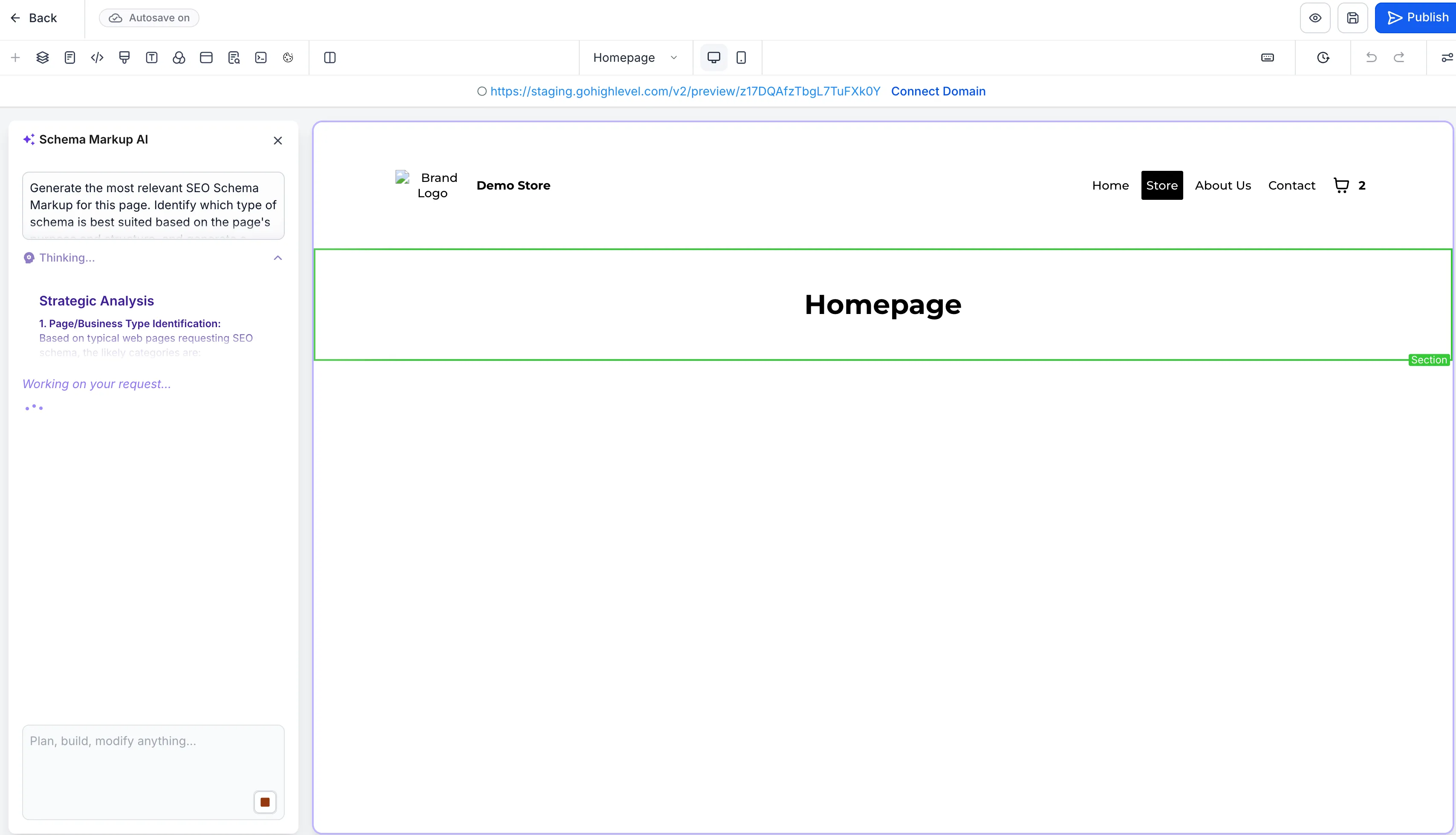
When you open schema markup from the page editor, AI reads the live content on the page, selects relevant schema types, and pre-populates the fields.
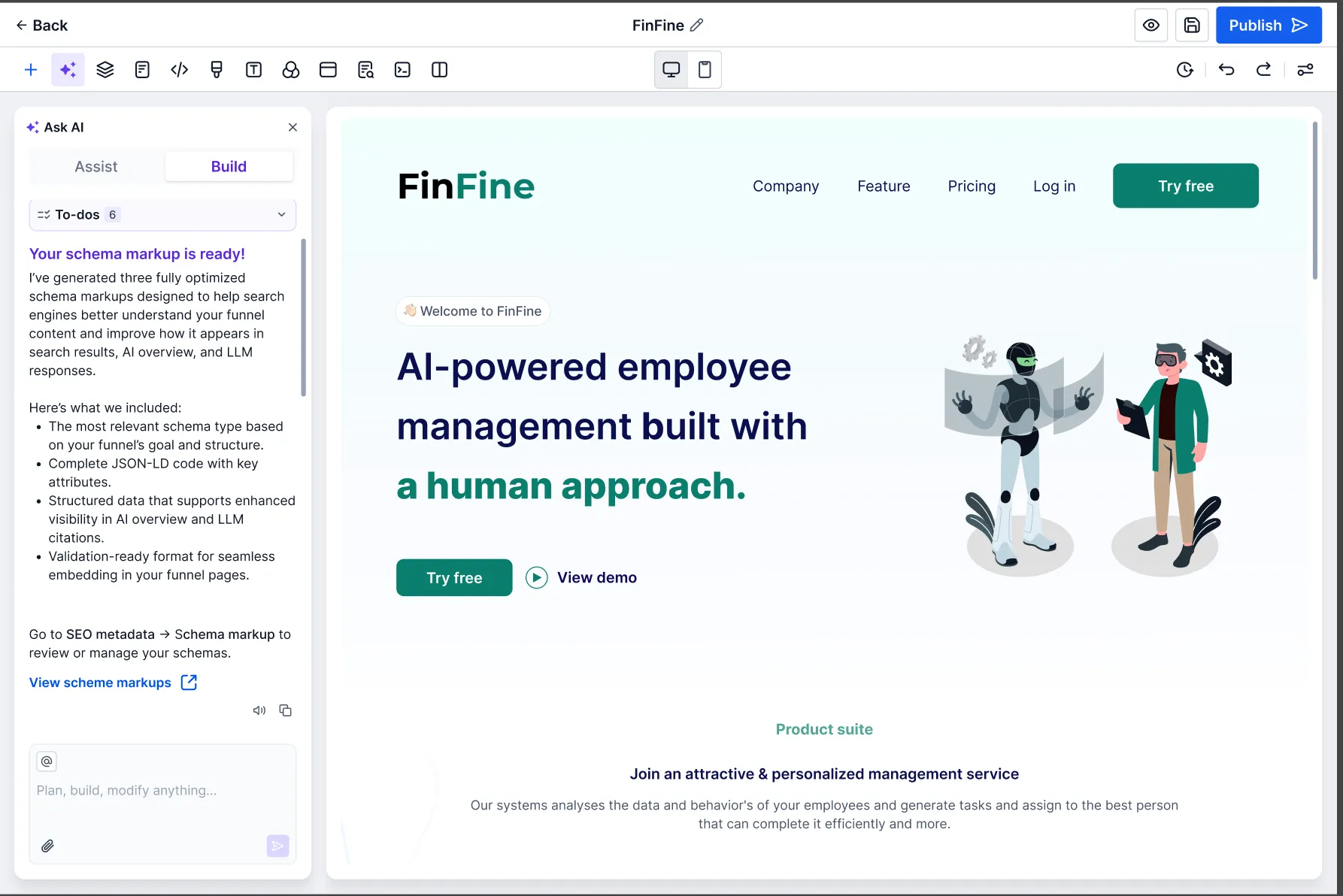
You can then refine the result in chat by asking AI to:
- change the schema type
- adjust field values
- add custom values
- remove schemas you do not want
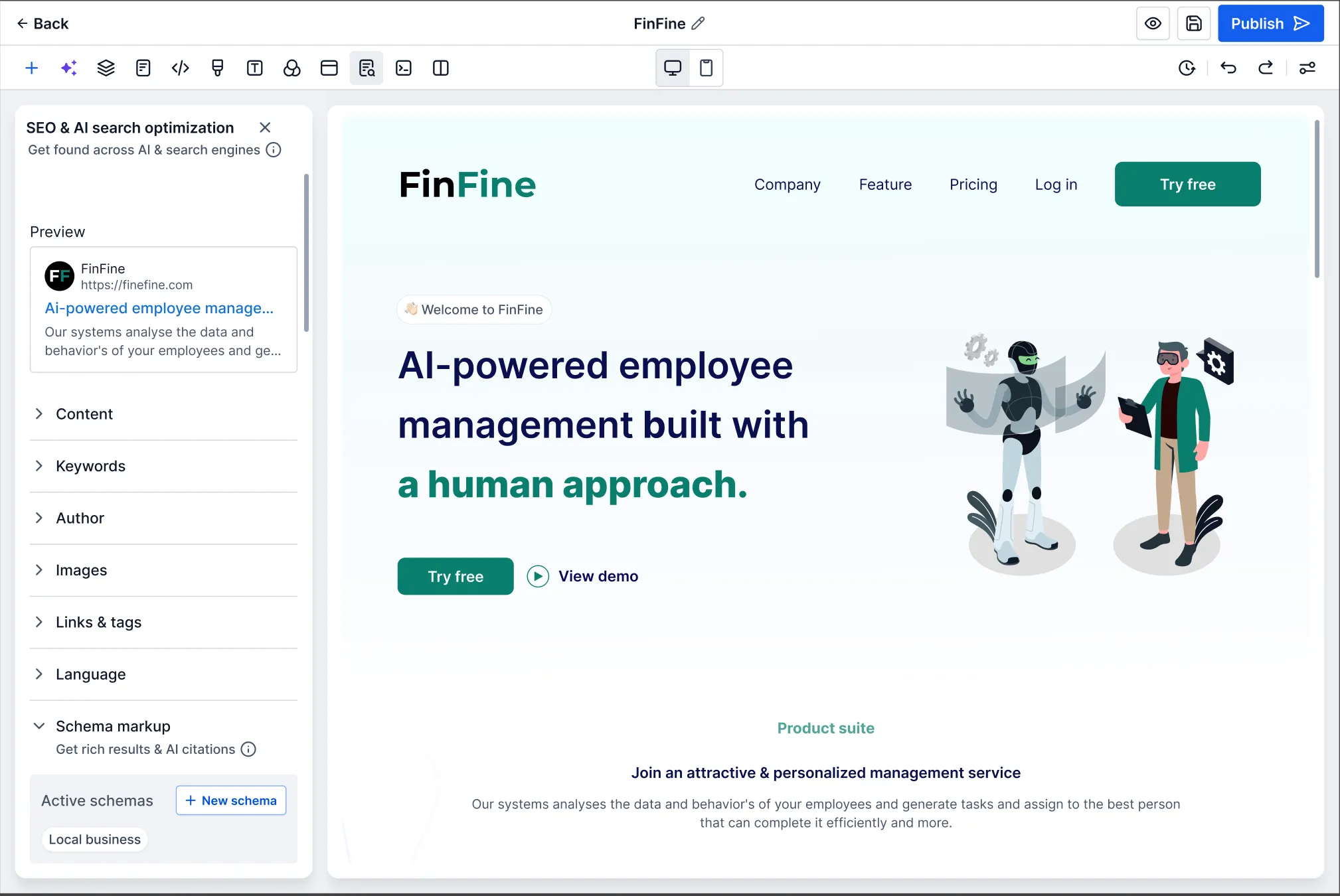
After validation, the schema is saved automatically. There is no separate save button.
Where to Access It
To use it:
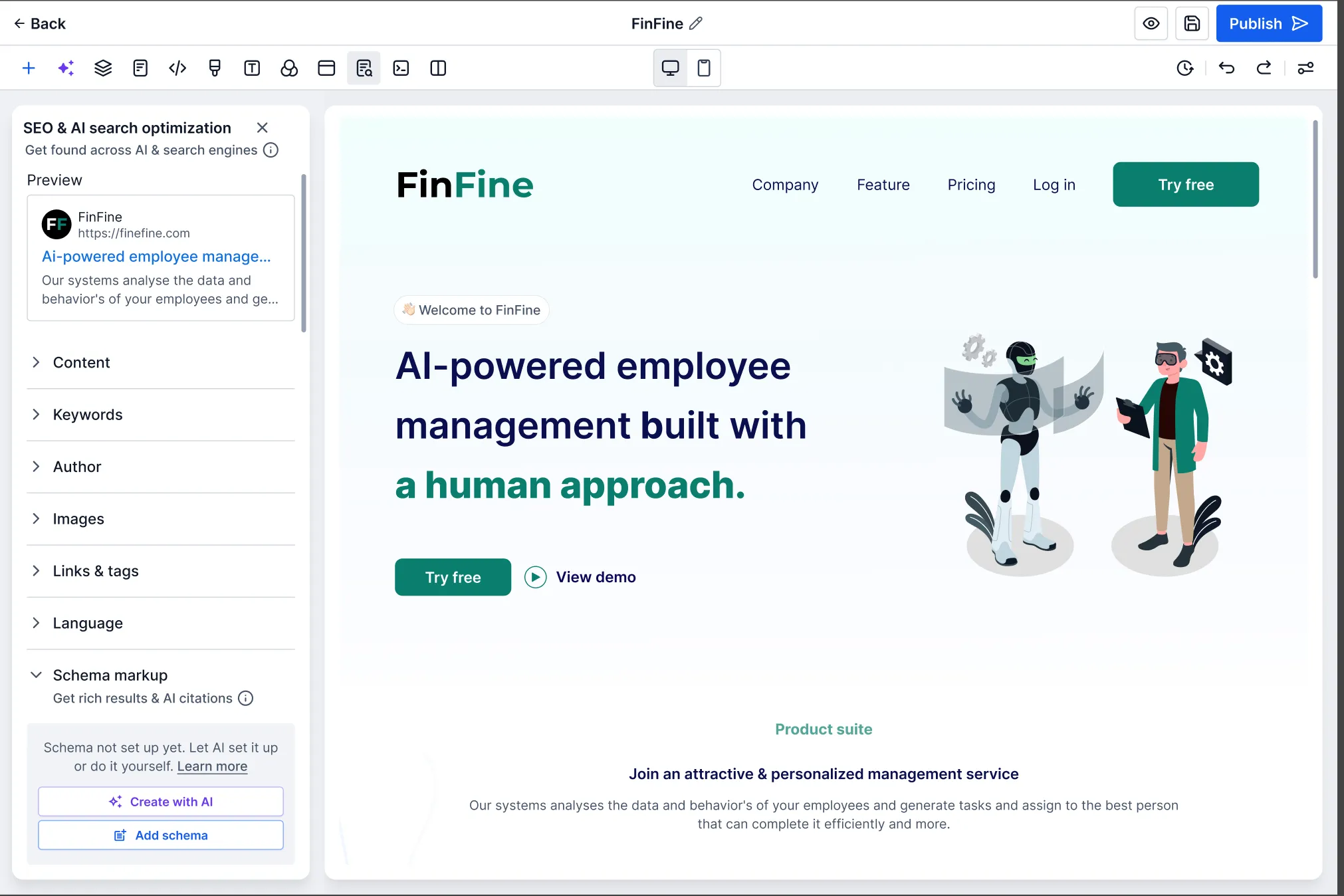
- Turn on the Schema Markup Generator in Labs settings.
- In the Website or Funnel Builder, open Edit Page.
- Go to SEO & AI search optimization.
- Open Schema Markup.
- Select Create with AI.
If the AI builder panel is enabled, schema generation runs there. If not, a dedicated schema markup AI pane opens for schema-only actions.
What to Expect
Once started, AI will:
- read the current page content
- generate applicable schemas with pre-filled fields
- let you refine the result through chat
- validate and auto-save the active schemas
- require you to publish the page before the schema goes live
Good to Know
- Schema is not generated automatically when you create a new page with AI. You need to run it after the page content is finalized.
- If a page has no content, AI will return an error and will not generate schema.
- Schema is page-specific and does not carry over to other pages or funnel steps.
For teams focused on search visibility and page optimization, this update simplifies structured data work inside the builder and supports broader Reputation & Growth efforts.
In Case You Missed It
You can also check out More Templates Added for Websites, Ads, Email, and Social.
Need Help Applying This Update?
If you’d like help rolling this out in SMBcrm, visit Support or request a demo.