Blog Domain Management and Sitemap Improvements
SMBcrm now makes blog setup more flexible and reduces manual maintenance. You can create a blog without connecting a domain first, manage blog domains directly in settings, use custom values in SEO fields, and rely on automatic sitemap updates when posts change.
What changed
Create a blog without connecting a domain
You can now create a blog site before attaching a domain. This makes it easier to start building content first and connect the domain later when you are ready.
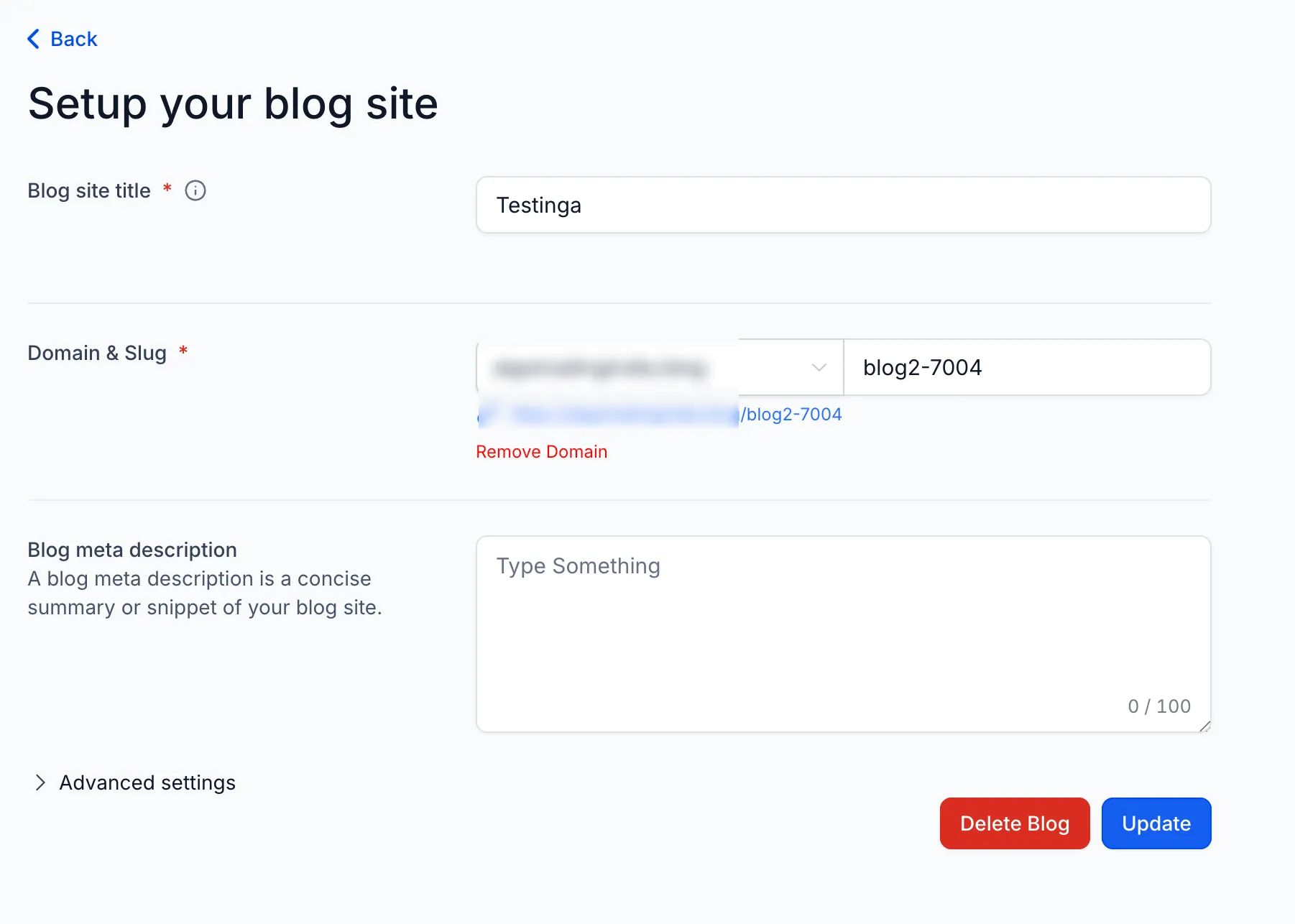
Manage domains from Blog Settings
Blog Settings now include a Remove Domain option. This allows you to:
- disconnect an existing domain
- switch domains without support help
- manage domain settings directly in the interface
Use custom values in SEO fields
Blogs now support dynamic custom values in these SEO fields:
- favicon
- canonical URL
This helps you manage SEO settings more flexibly across blog pages.
Sitemaps update automatically
Your blog sitemap now updates automatically when a post is:
- created
- updated
- deleted
This reduces manual work and helps keep indexing signals current.
Why it matters
- You can set up a blog without waiting on domain setup
- Domain changes are easier to manage
- SEO fields are more flexible
- Sitemaps stay current automatically
- Ongoing blog maintenance requires less manual effort
How to use it
- Go to Sites → Blogs.
- Create a blog with or without a domain.
- Open Blog Settings to manage or remove the domain.
- Add custom values in supported SEO fields.
- Continue publishing as usual while sitemap updates happen automatically.
In Case You Missed It
You can also read about AI Blog Post Creation in SMBcrm.
Need Help Applying This Update?
If you’d like help rolling this out in SMBcrm, visit Support or request a demo.