Bulk Import for Custom Objects
SMBcrm now supports bulk CSV imports for custom object records using the same general flow used for contacts and opportunities.
This helps teams add or update records faster, control how duplicates are handled, and monitor results from a single import workflow inside CRM & Sales.
What changed
You can now import custom object records in bulk by CSV with these options:
- Create new records
- Update existing records
- Create and update in the same import
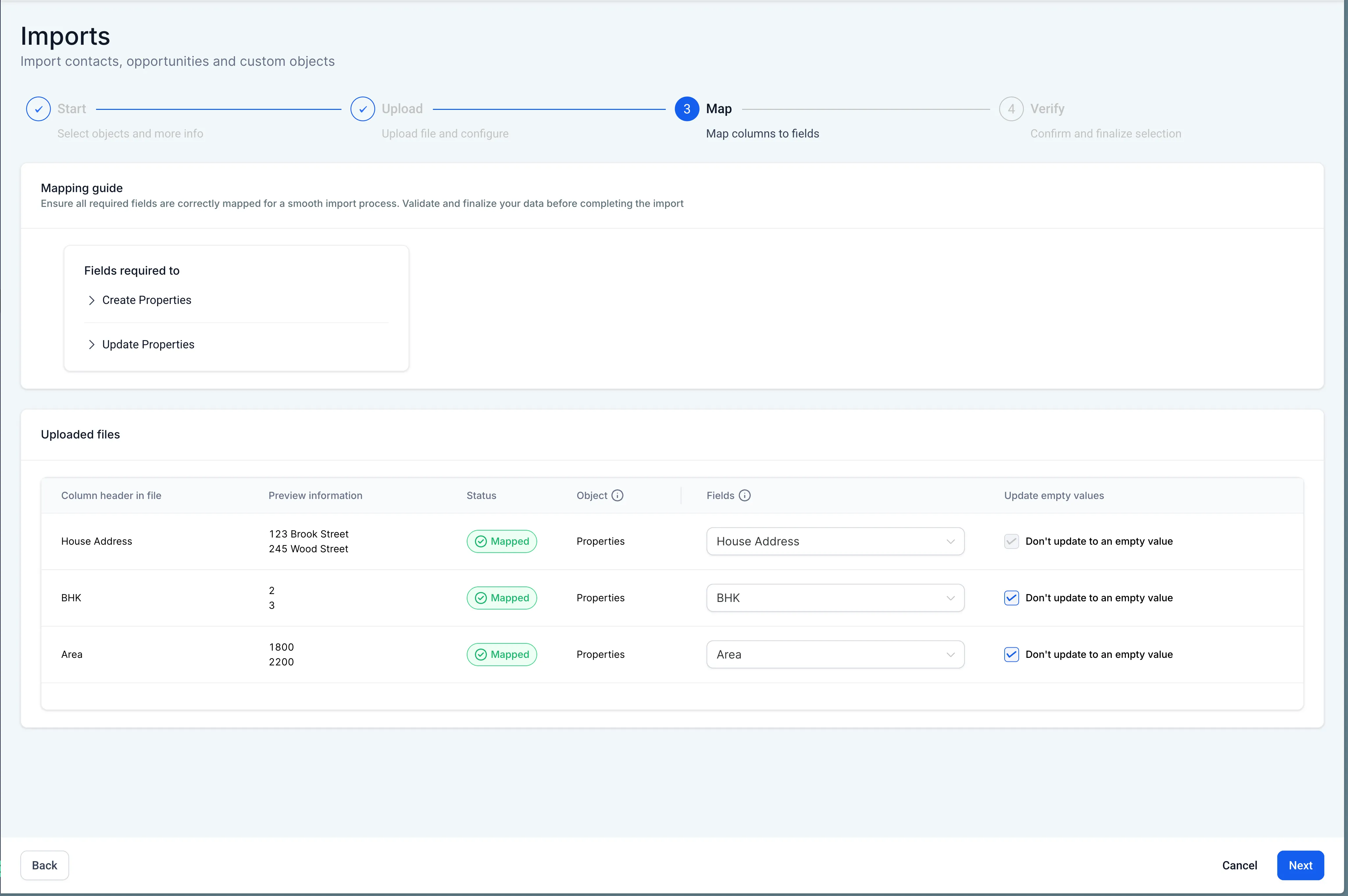
- Choose whether blank cells overwrite existing values
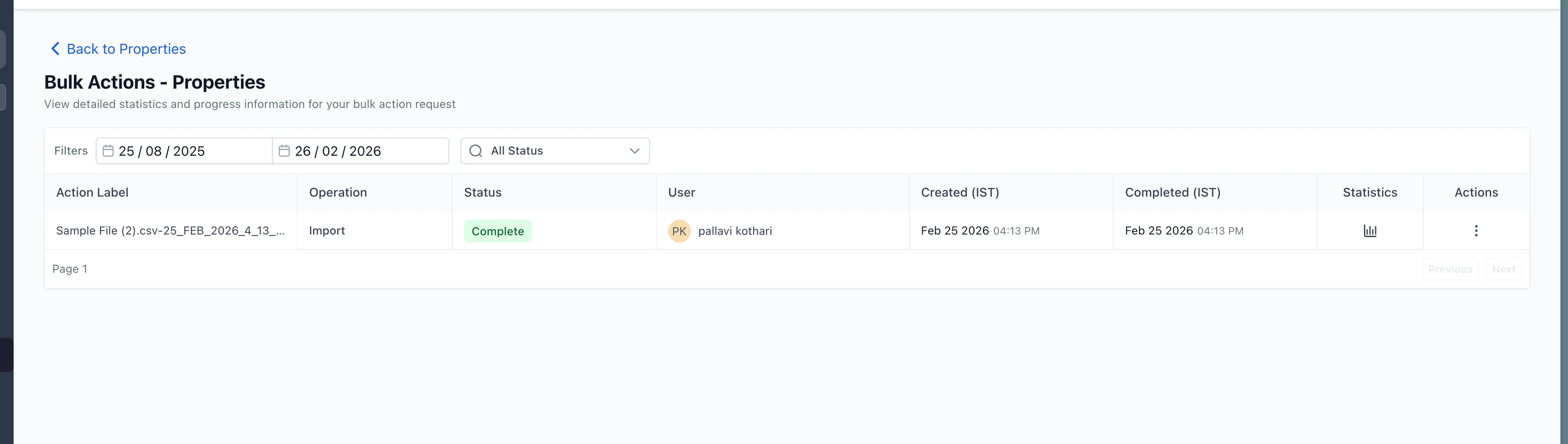
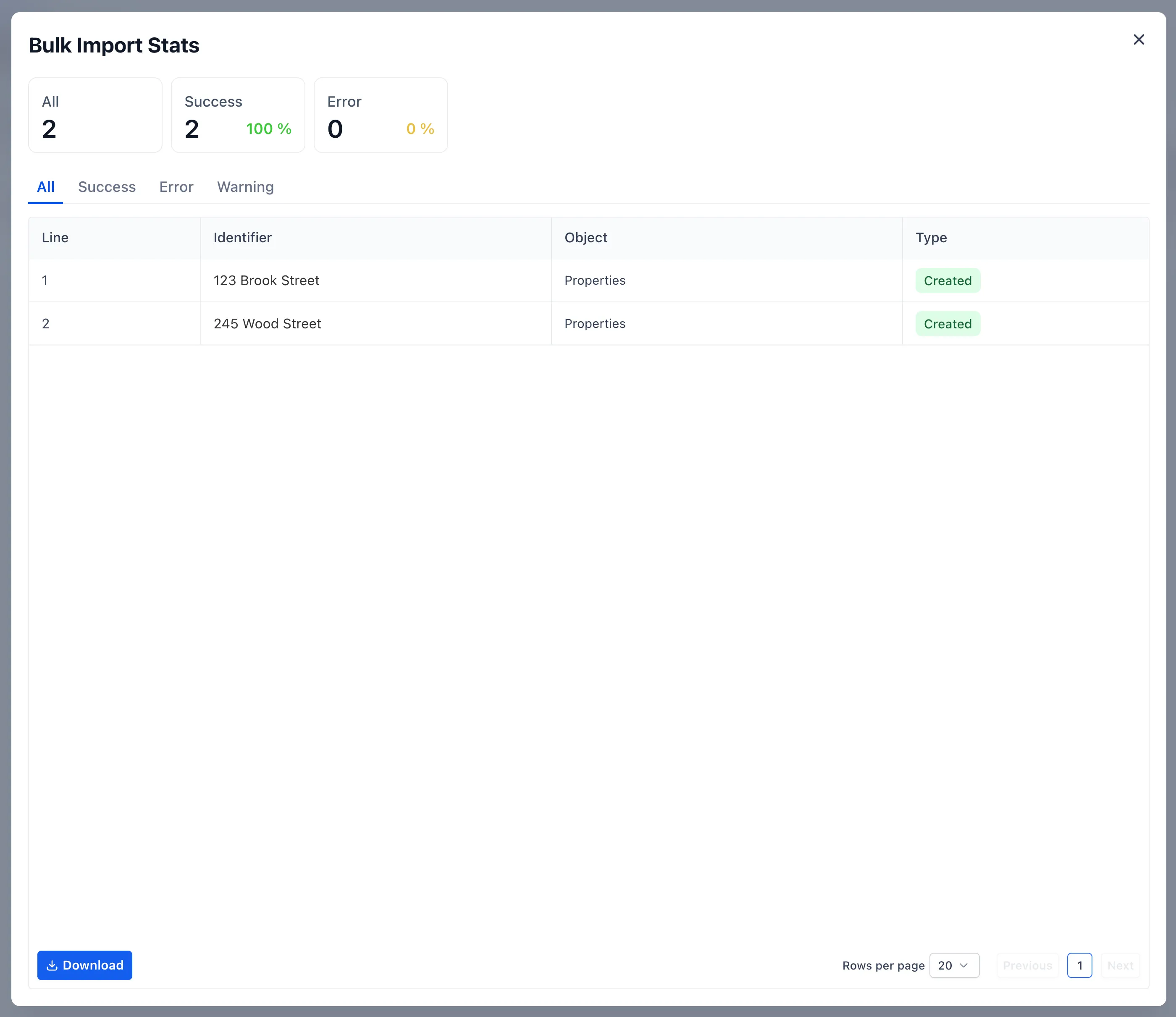
- Review import success and error counts in Bulk Actions
This feature is available under account Labs as Company and Custom Object Import.
How it works
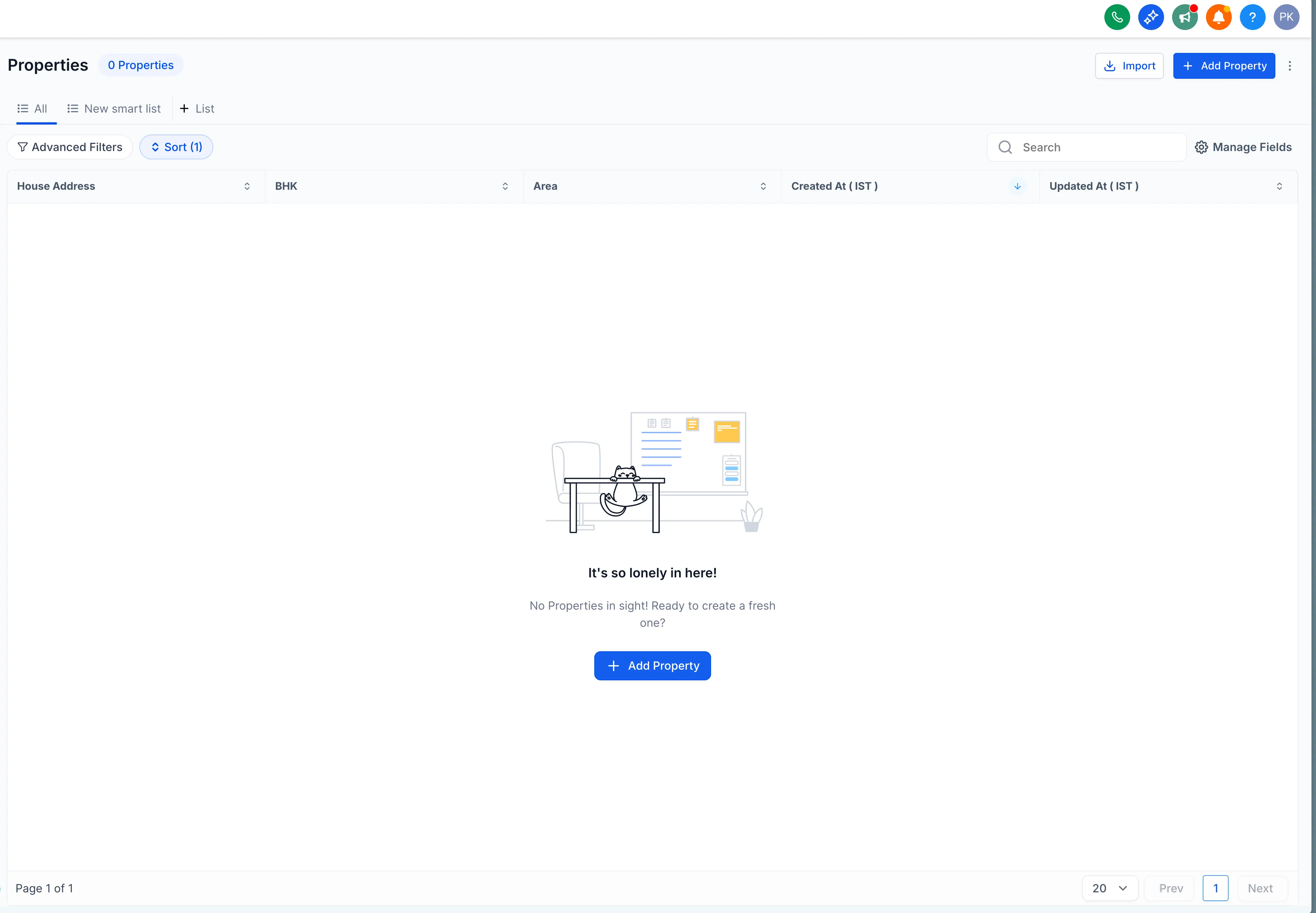
- Go to Custom Object > Import.
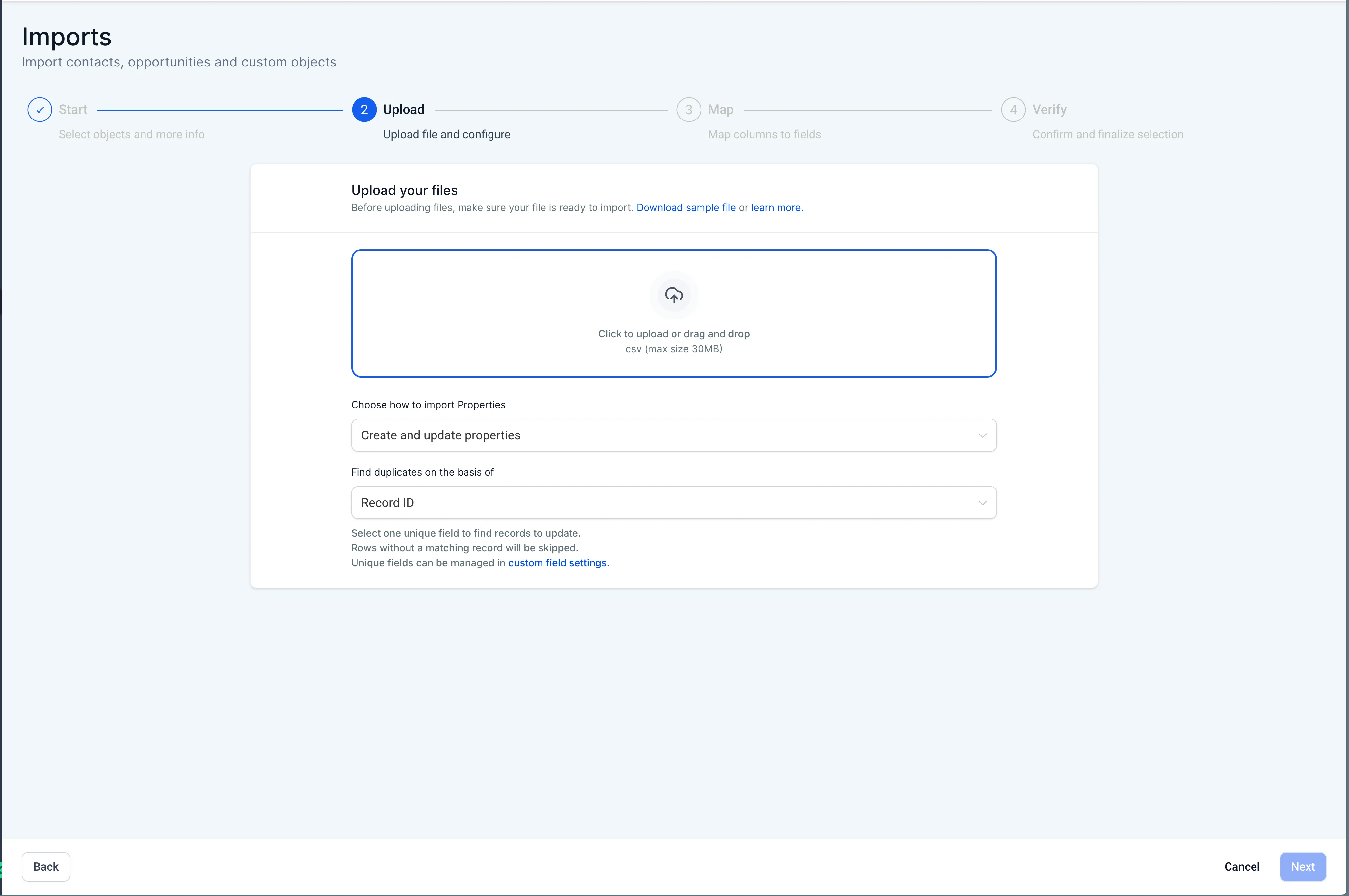
- Upload your CSV file.
- Choose an import mode:
- Create creates new records
- Update requires a Record ID
- Create + Update updates a record when a Record ID exists and creates one when it does not
- Map your columns, review the import, and start it.
- Track progress and results in Bulk Actions.
Duplicate handling
If your custom object includes multiple unique fields in the import mapping, you will choose one field to use for deduplication.
If another unique field conflicts, that row will fail. This helps prevent accidental duplicate or invalid records.
Current limitation
Only one custom object can be imported at a time.
Need Help Applying This Update?
If you’d like help rolling this out in SMBcrm, visit Support or request a demo.