Communities: Multi-Group Import Support
SMBcrm has improved community imports to make imported content easier to organize and more accurate once it is brought into your community.
What Changed
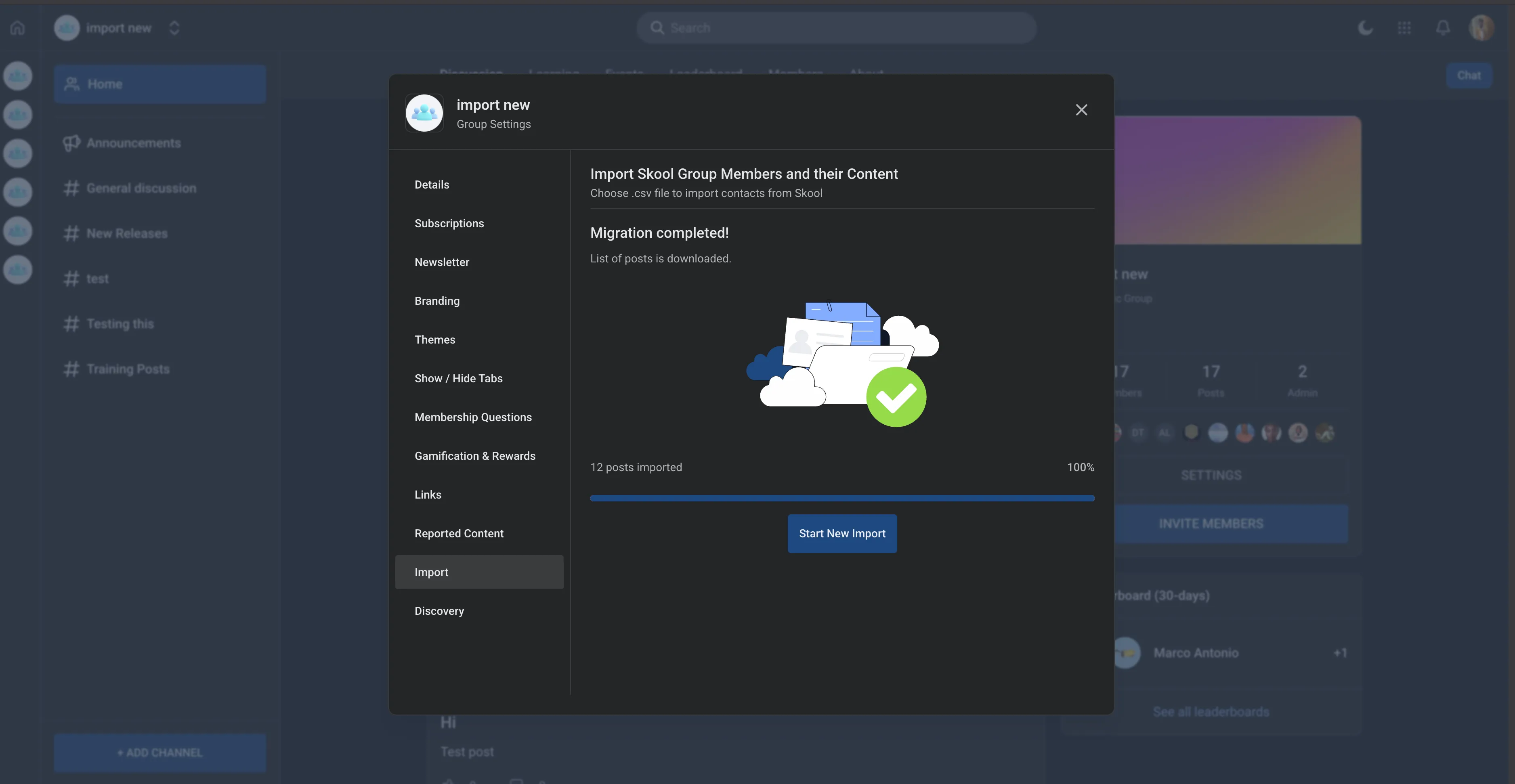
Import multiple groups into one community
You can now import multiple groups into a single community group. This gives you more flexibility when consolidating and organizing community content.
For businesses using Memberships & Education, this can make it easier to bring related groups together in one place.
Imported posts and comments keep the correct order
Imported content now reflects the original chronological order more accurately.
- Posts and comments keep their exact creation timestamps
- Content appears in the correct sequence
- Random or inconsistent ordering issues are reduced
Users are sent to the most relevant group
When users open the community, they are now directed to the most relevant group, such as one they are already a member of or one they accessed recently.
Why It Matters
These changes help keep community imports more organized, improve the accuracy of imported discussions, and reduce friction for users navigating between groups.
In Case You Missed It
You can also read about Media Picker Integration for Forms, Surveys, and Quizzes.
Need Help Applying This Update?
If you’d like help rolling this out in SMBcrm, visit Support or request a demo.