Dialer Updates: Auto-Minimize, Pin, and Drag
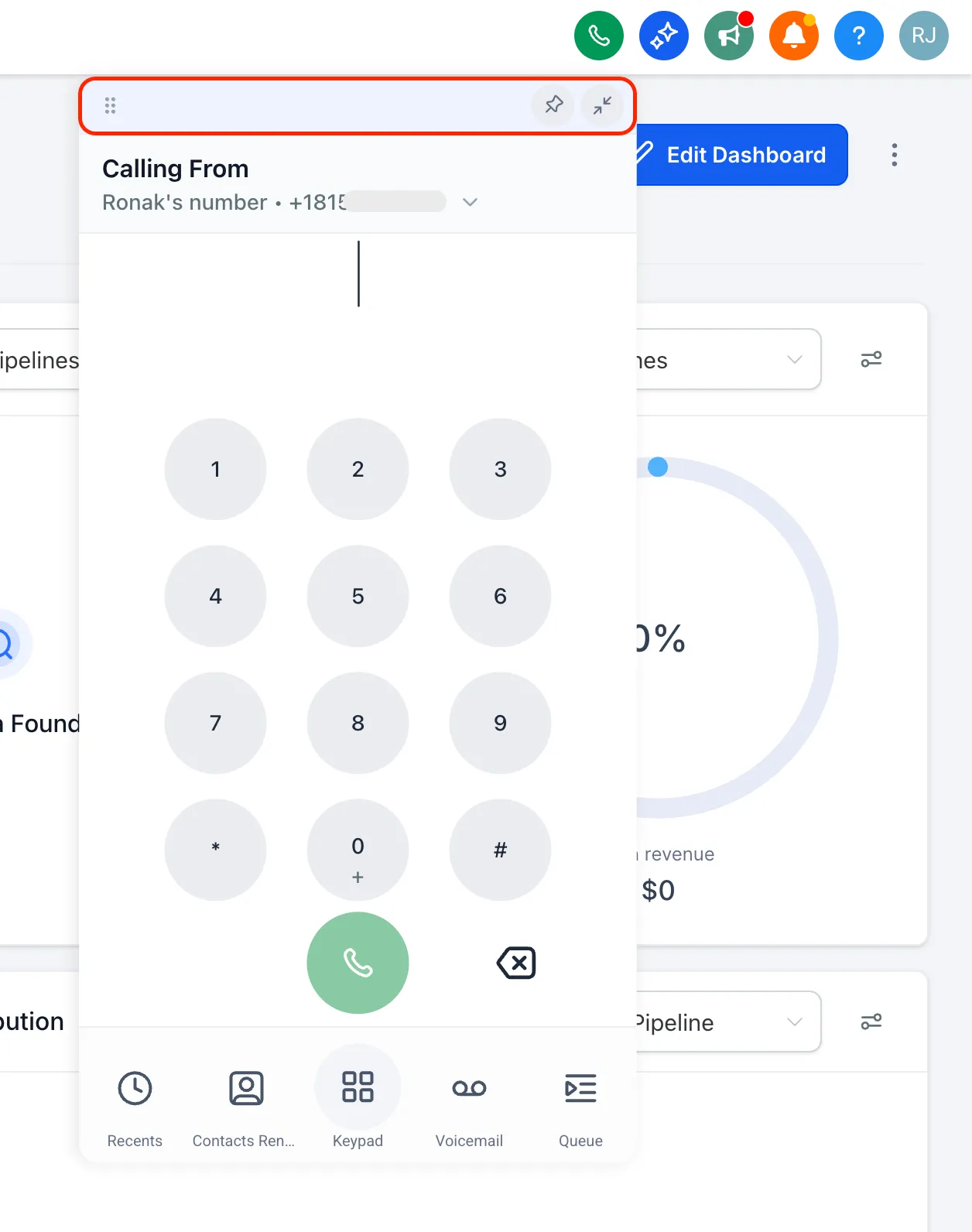
The SMBcrm dialer now minimizes automatically when you click anywhere outside it, making it easier to quickly check contact details or pipeline information without manually closing the dialer.
What changed
Auto-minimize when you click outside the dialer
If you click anywhere outside the dialer, it will now minimize automatically. This helps keep the screen clear while letting you quickly reference other information during a call workflow.
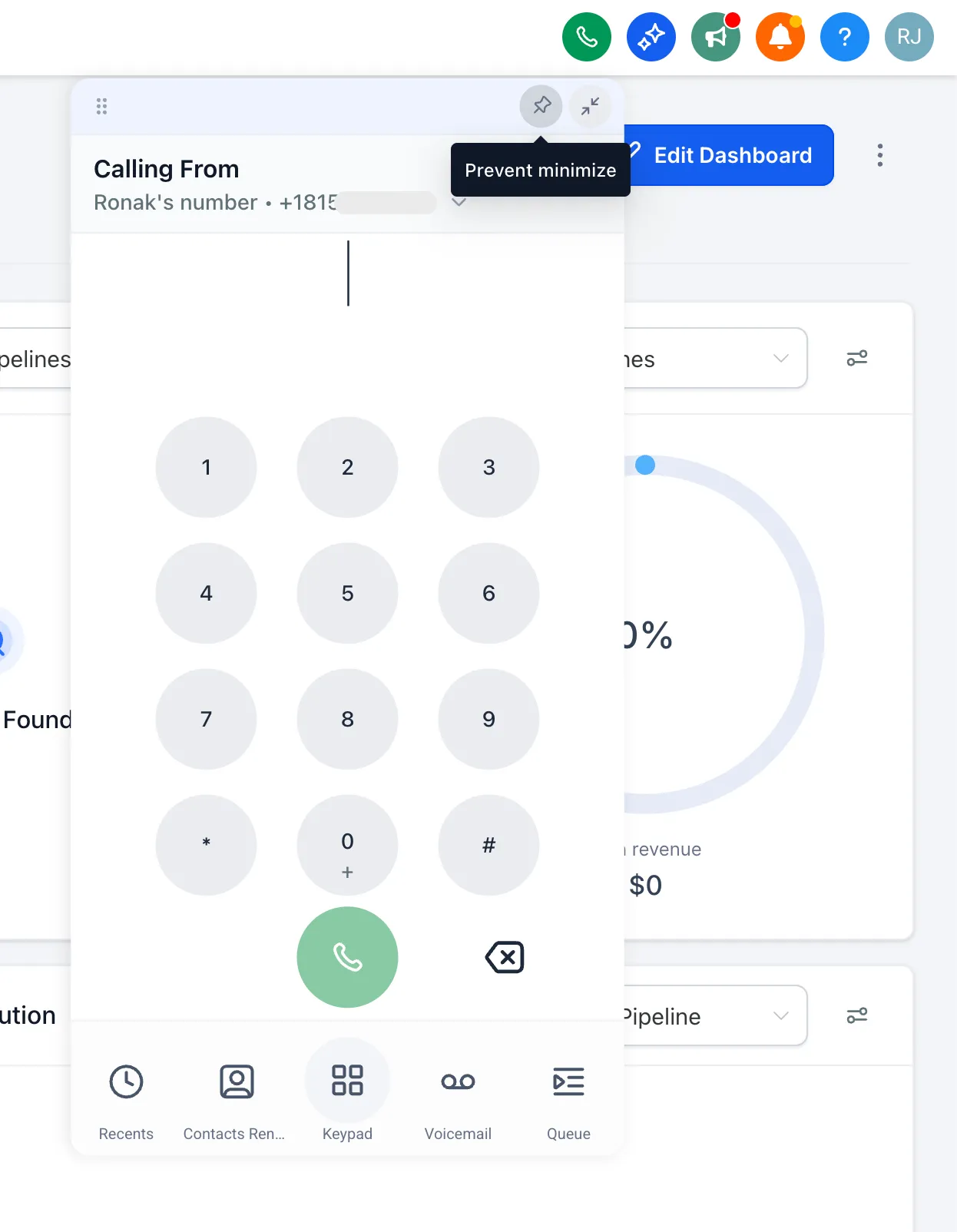
Pin the dialer in place
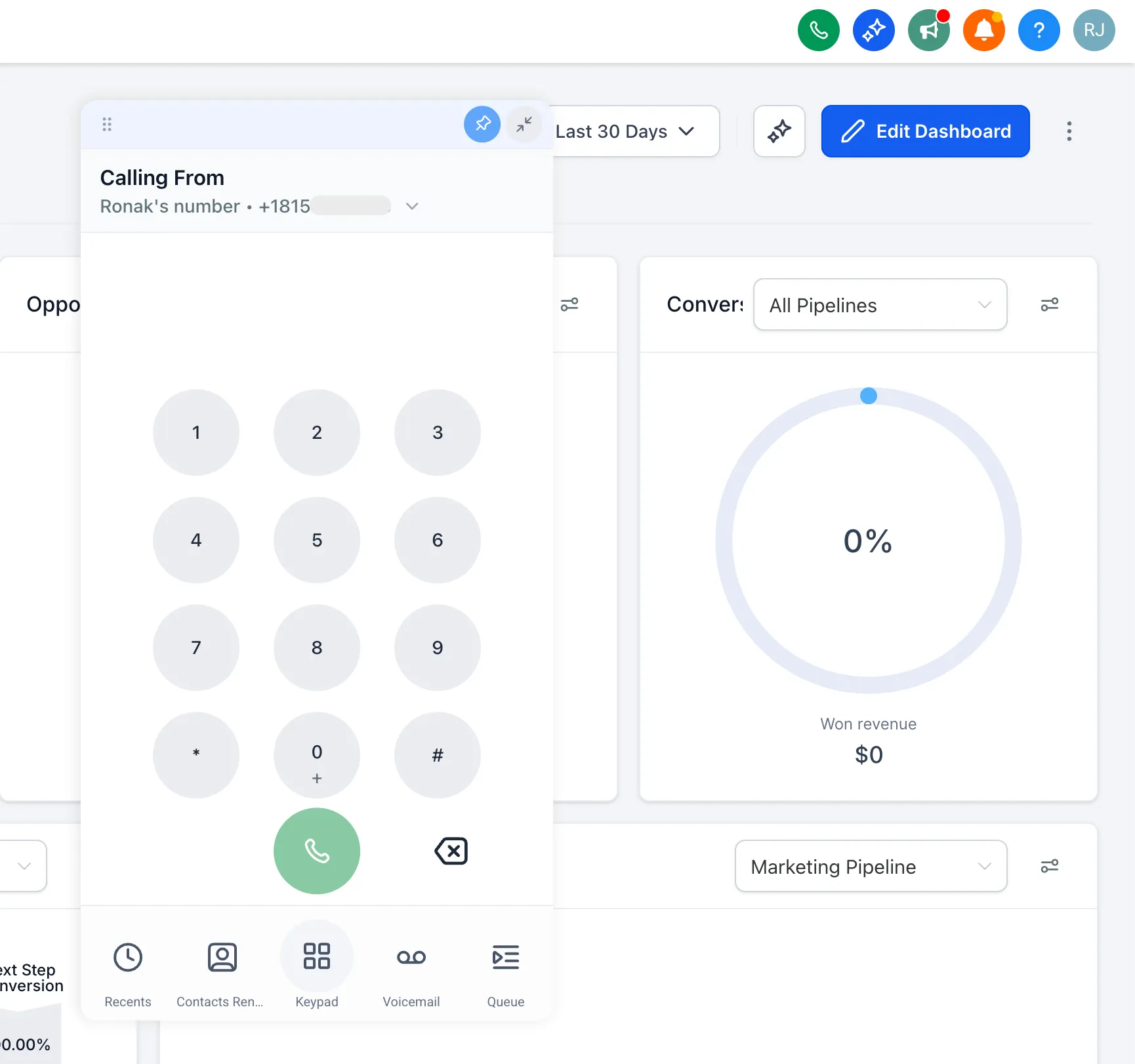
If you want the dialer to stay open, use the pin icon to lock it in place. It will remain open until you unpin it or minimize it manually.
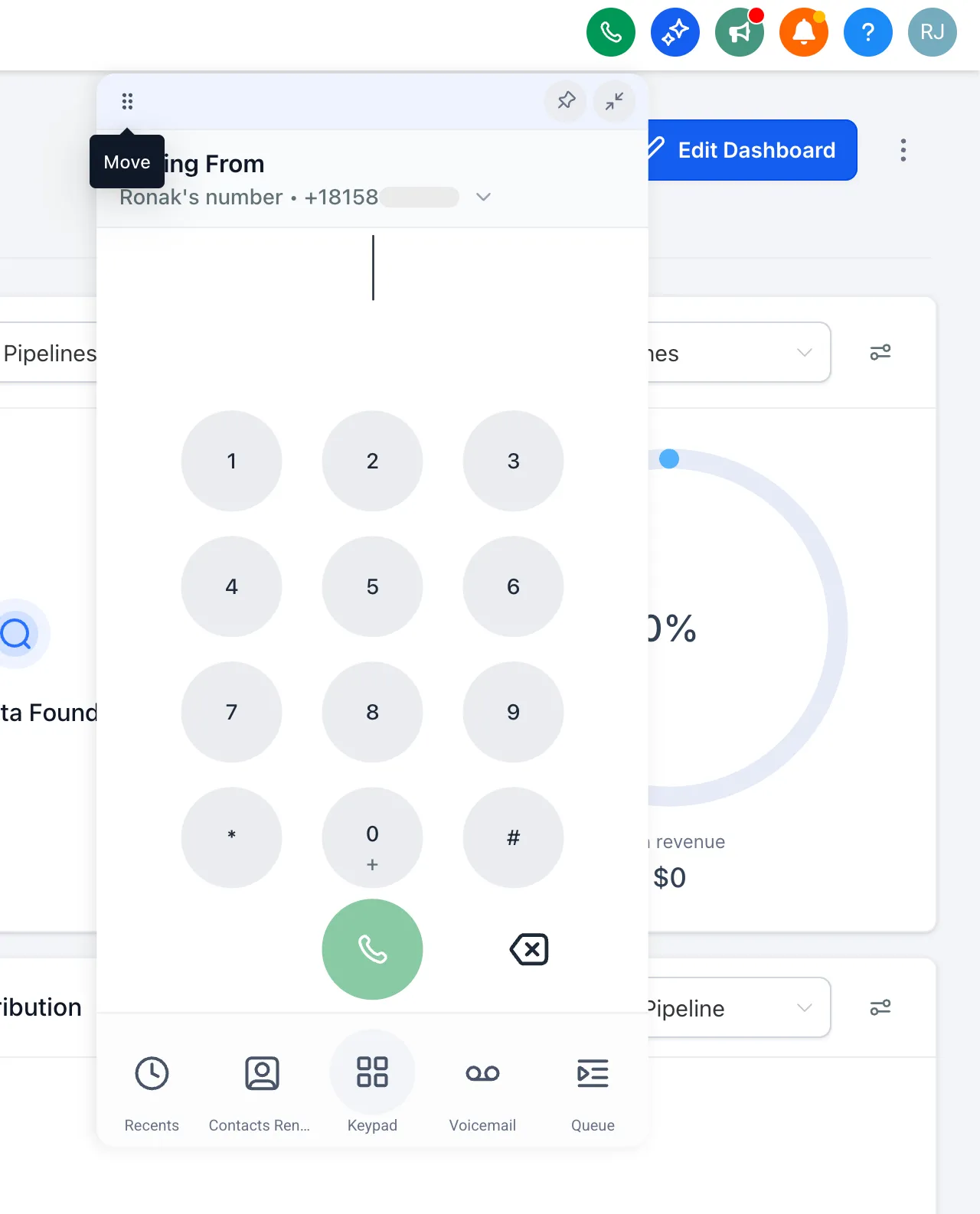
Drag the dialer anywhere on screen
You can now move the dialer anywhere on your screen. If the dialer is pinned, it will remember its position and reopen where you left it.
In Case You Missed It
You can also catch up on More Templates Added for Websites, Ads, Email, and Social.
Need Help Applying This Update?
If you’d like help rolling this out in SMBcrm, visit Support or request a demo.