Improved Calendar Settings Experience
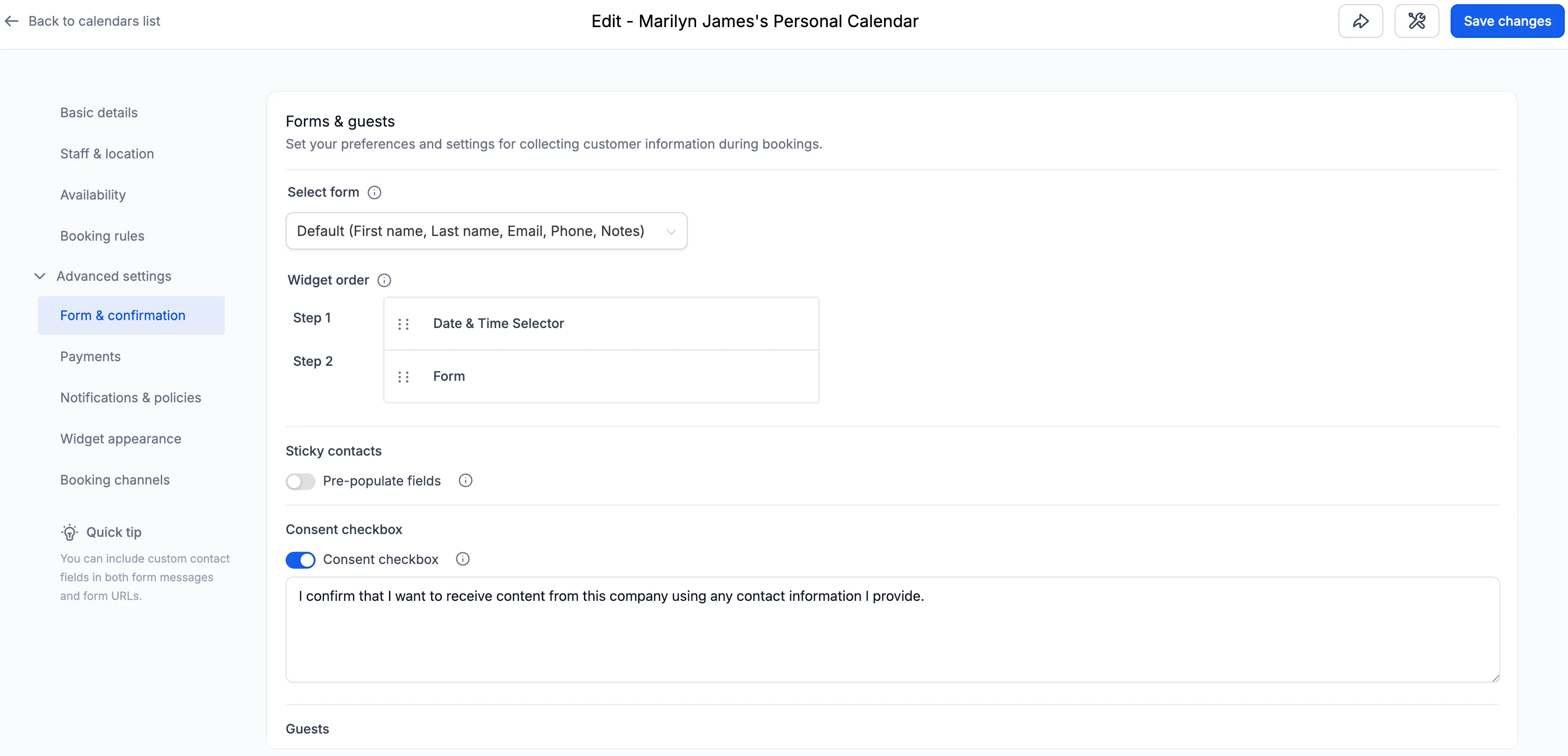
SMBcrm has updated the Calendar Settings experience to make configuration clearer, more structured, and easier to navigate. The redesigned layout groups related settings together, adds contextual helper text, and uses more screen space for better readability.
What Changed
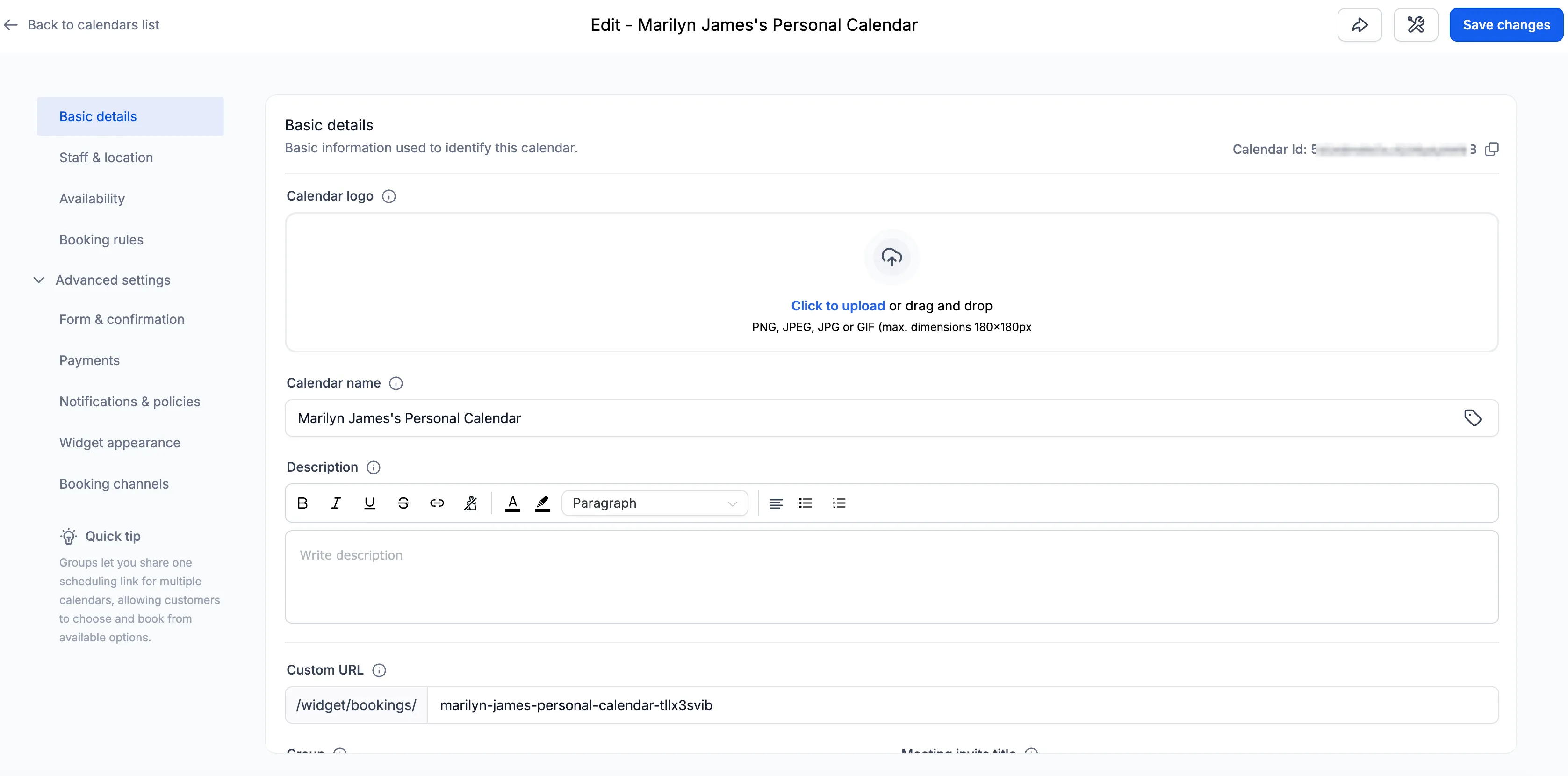
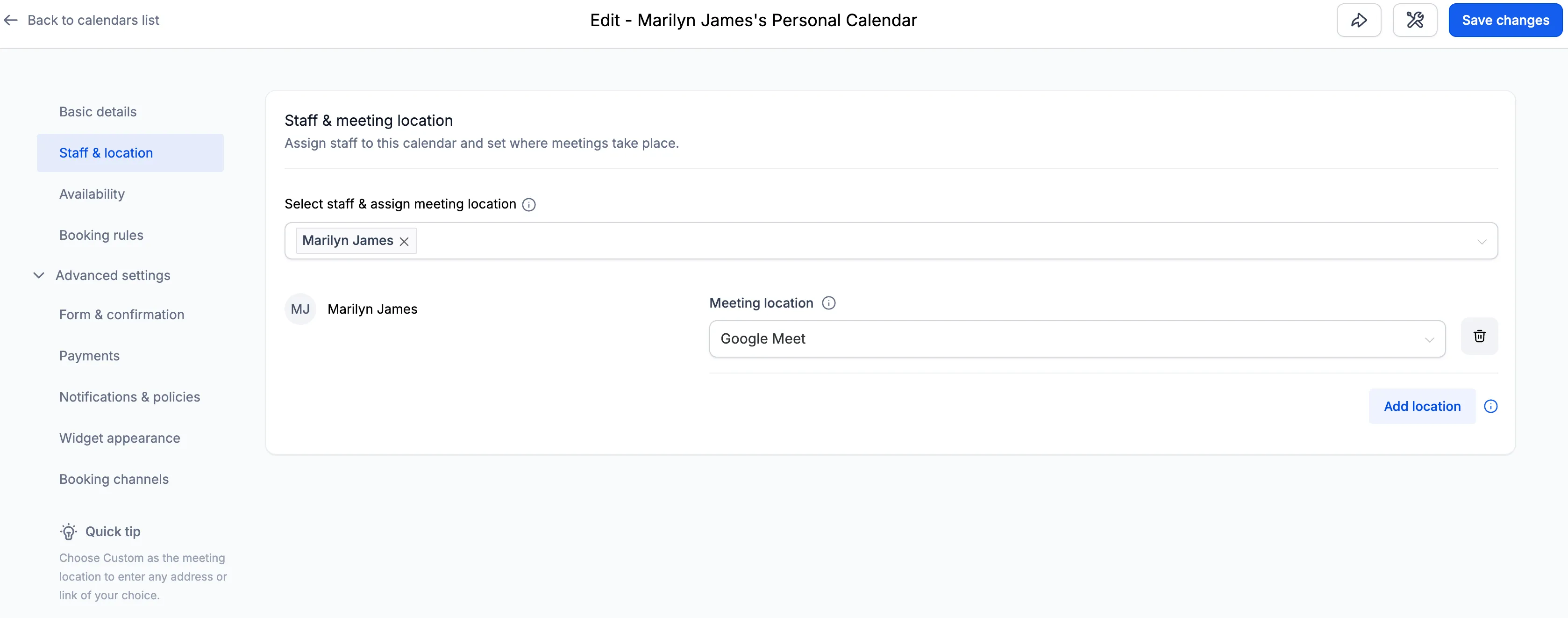
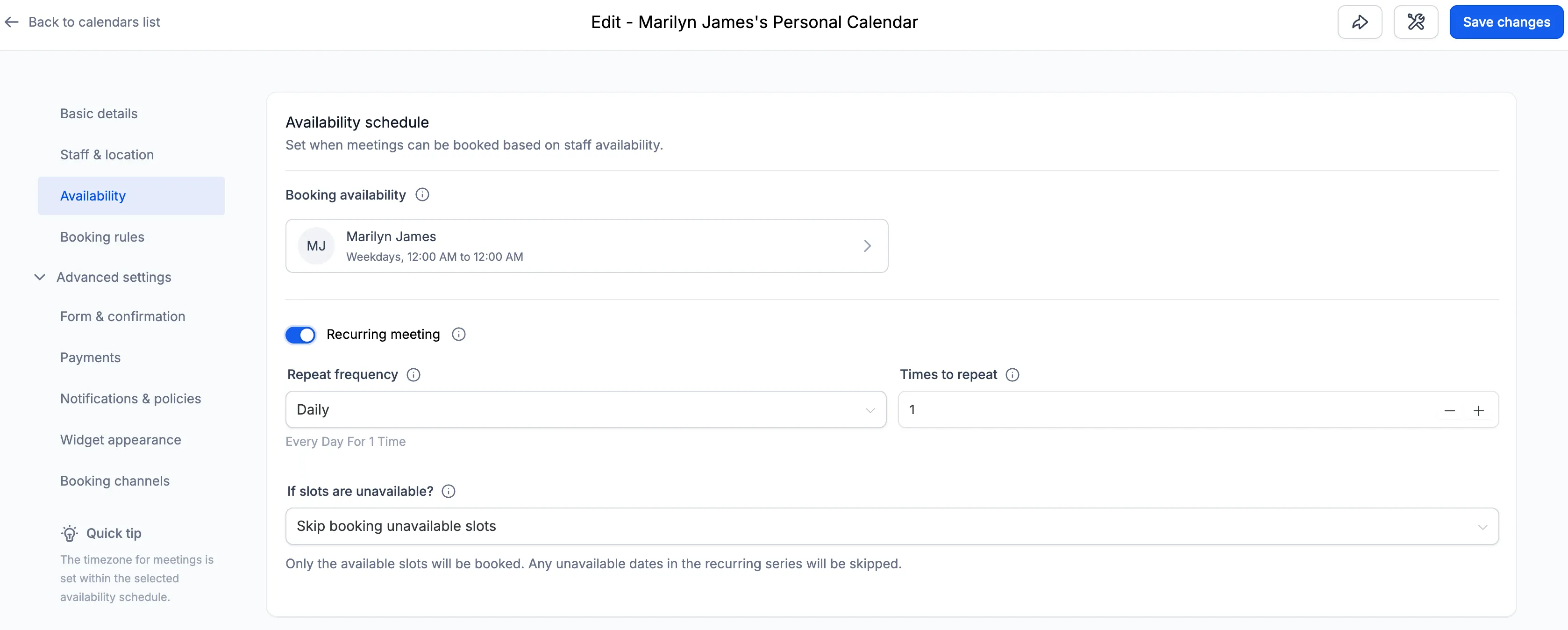
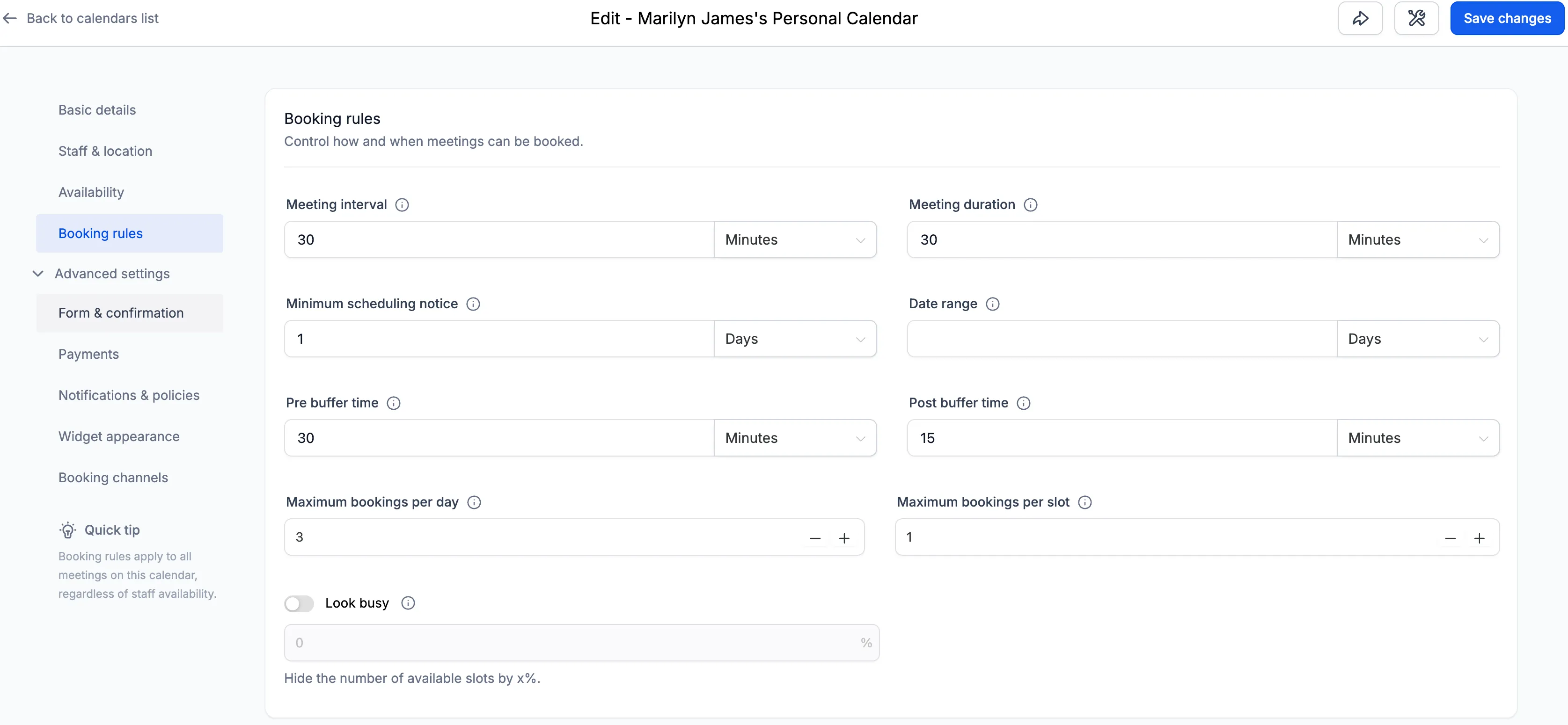
Clearer settings organization
Calendar settings are now grouped into defined sections:
- Basic details
- Staff and account
- Availability
- Booking rules
- Advanced settings
The Advanced settings section includes:
- Form and confirmation
- Payments
- Notifications and policies
- Widget appearance
- External sync for event calendars
- Booking channels for other calendar types
This structure keeps related options together and makes navigation more intuitive.
Contextual helper text
Each section now includes short helper text to explain the purpose of its settings. This should make options easier to understand, especially for users setting up calendars for the first time.
Wider layout
The Calendar Settings panel now uses a wider layout to improve readability. According to the update, this helps reduce vertical stacking, improves spacing between fields, and remains responsive across standard screen sizes.
How to Access It
Go to Calendars → Calendar Settings → Meetings → Edit Calendar to view the updated layout.
Why It Matters
This update is designed to help users:
- Set up calendars more quickly
- Read and review settings more easily
- See more options without excessive scrolling
- Find configuration settings with less confusion
Need Help Applying This Update?
If you’d like help rolling this out in SMBcrm, visit Support or request a demo.