Sticky Notes 2.0 Comes to the Standard Workflow Builder
Sticky Notes 2.0 is now available in the Standard Workflow Builder. This update makes it easier to document workflow logic, label sections, and share setup notes without leaving the canvas.
For teams using automation workflows, sticky notes can help keep builds more organized and easier to review.
What Changed
You can now use Sticky Notes 2.0 in the Standard Workflow Builder, including options to:
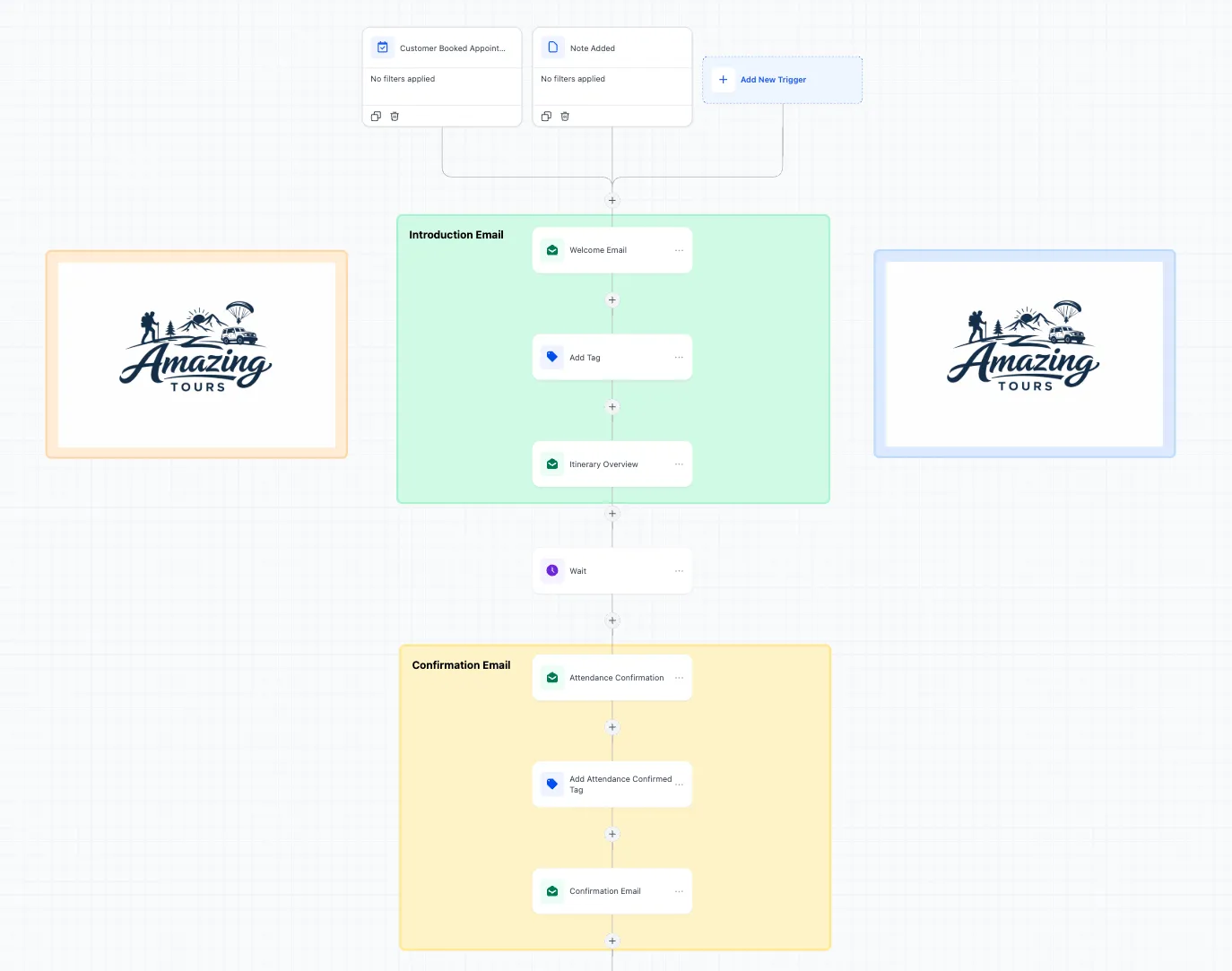
- add images or logos
- color-code branches or sections
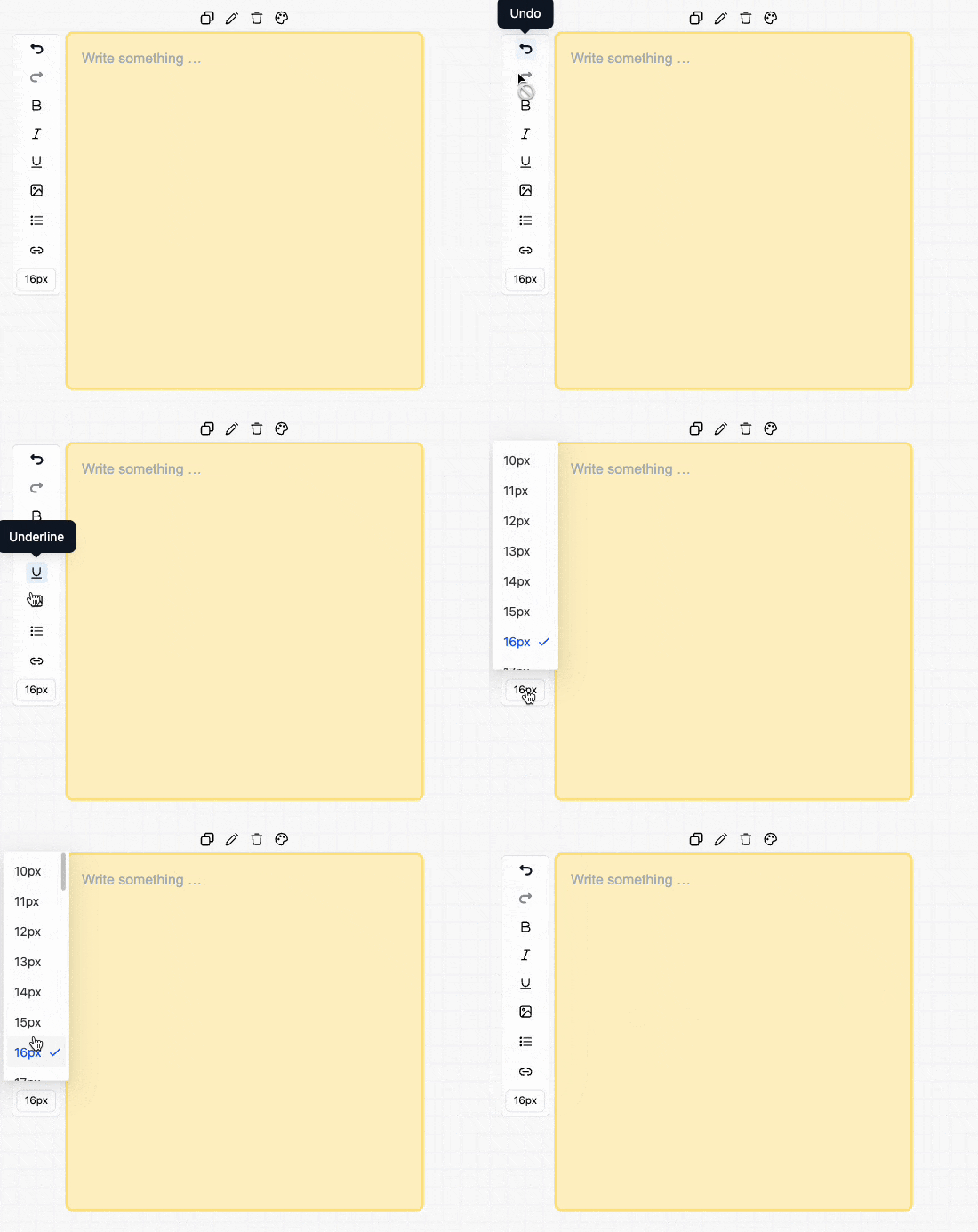
- write formatted notes directly on the canvas
- resize and position notes where they are most useful
- include links inside notes
How It Works
Open a workflow in the Standard Workflow Builder and select Sticky Note from the left toolbar. From there, you can place notes anywhere on the canvas and customize them with text, color, and optional embedded visuals.
This can be useful for:
- marking sections of a workflow
- documenting setup instructions
- explaining logic for teammates
- adding brand context to workflow builds
Important Note
Sticky notes are visual only. They do not change or affect automation logic.
Need Help Applying This Update?
If you’d like help rolling this out in SMBcrm, visit Support or request a demo.