ACH Bank Transfers for US and Canada Accounts Using NMI
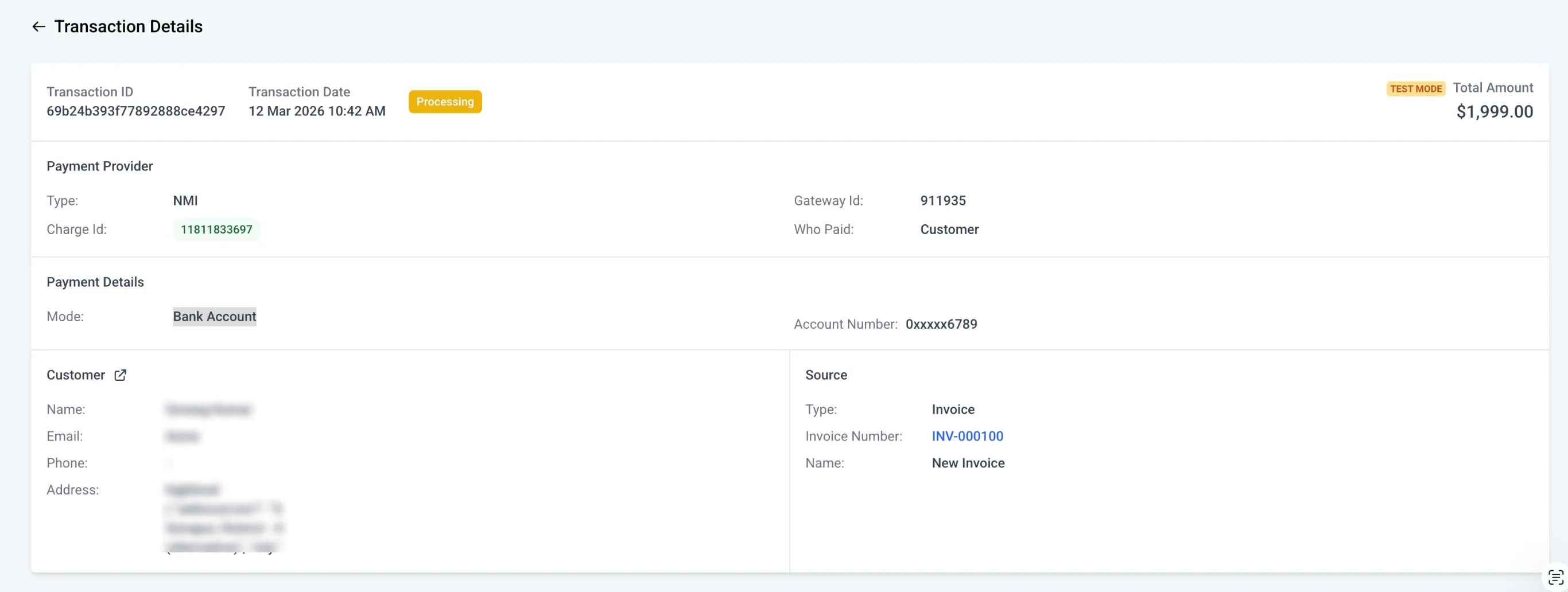
SMBcrm now supports ACH bank transfers through NMI for US and Canada accounts. This gives businesses another way to get paid and can help lower payment processing costs compared to card payments.
ACH support applies to invoices, recurring invoices, and subscriptions through Payments & Commerce.
What changed
Businesses with NMI can now offer ACH bank transfers as a payment method for eligible accounts in the US and Canada.
This can be useful for larger transactions where bank transfer payments may be more cost-effective than cards. The source update also notes that ACH can help reduce the chance of disputes compared to card transactions.
How to enable ACH with NMI
To enable ACH payments:
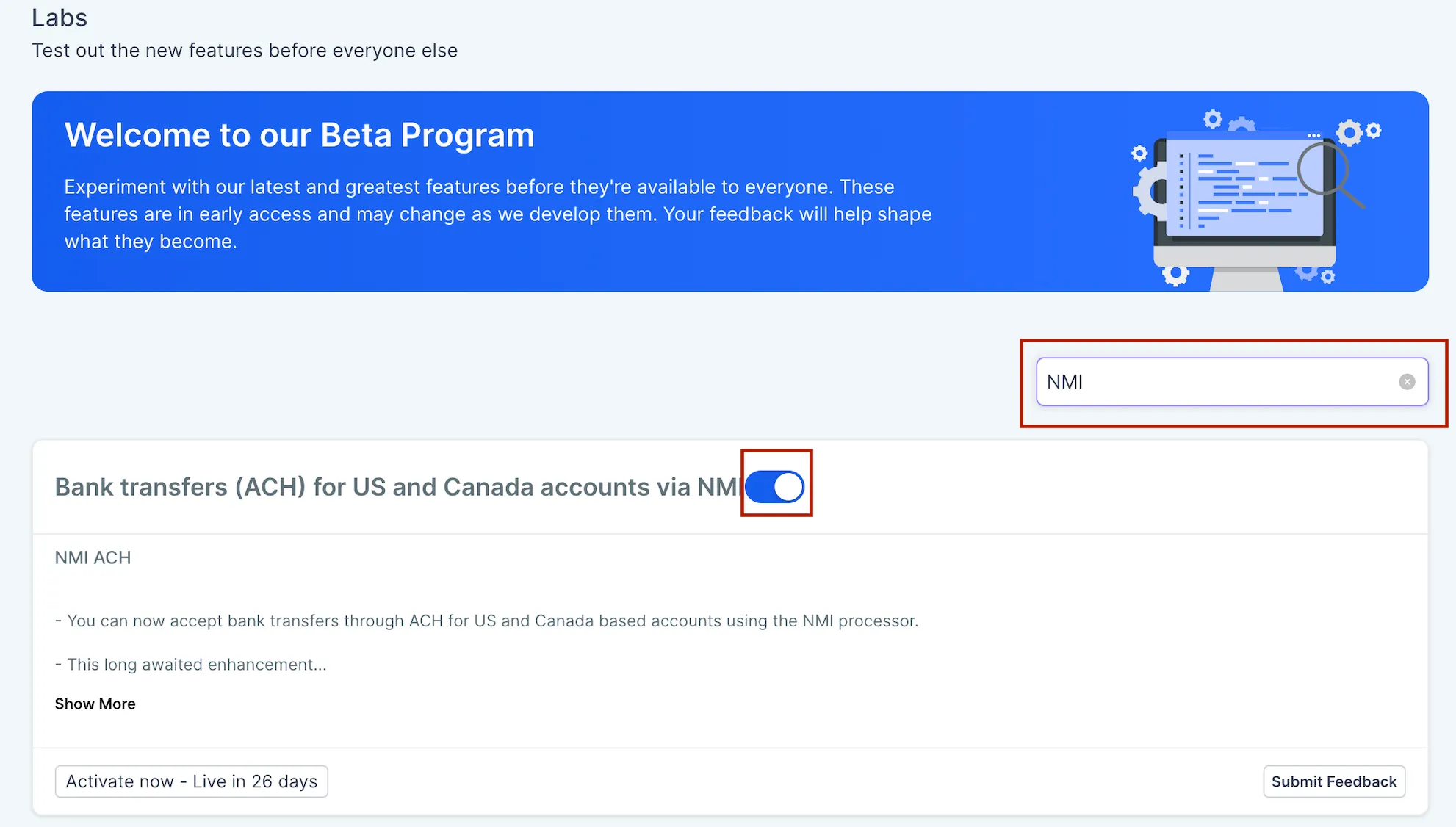
- Turn on the feature in Labs for the account.
- In the account Labs settings, search for NMI and enable the related option.
- Confirm that ACH is enabled on your connected NMI account.
- If ACH is not enabled in NMI, contact NMI to request activation.
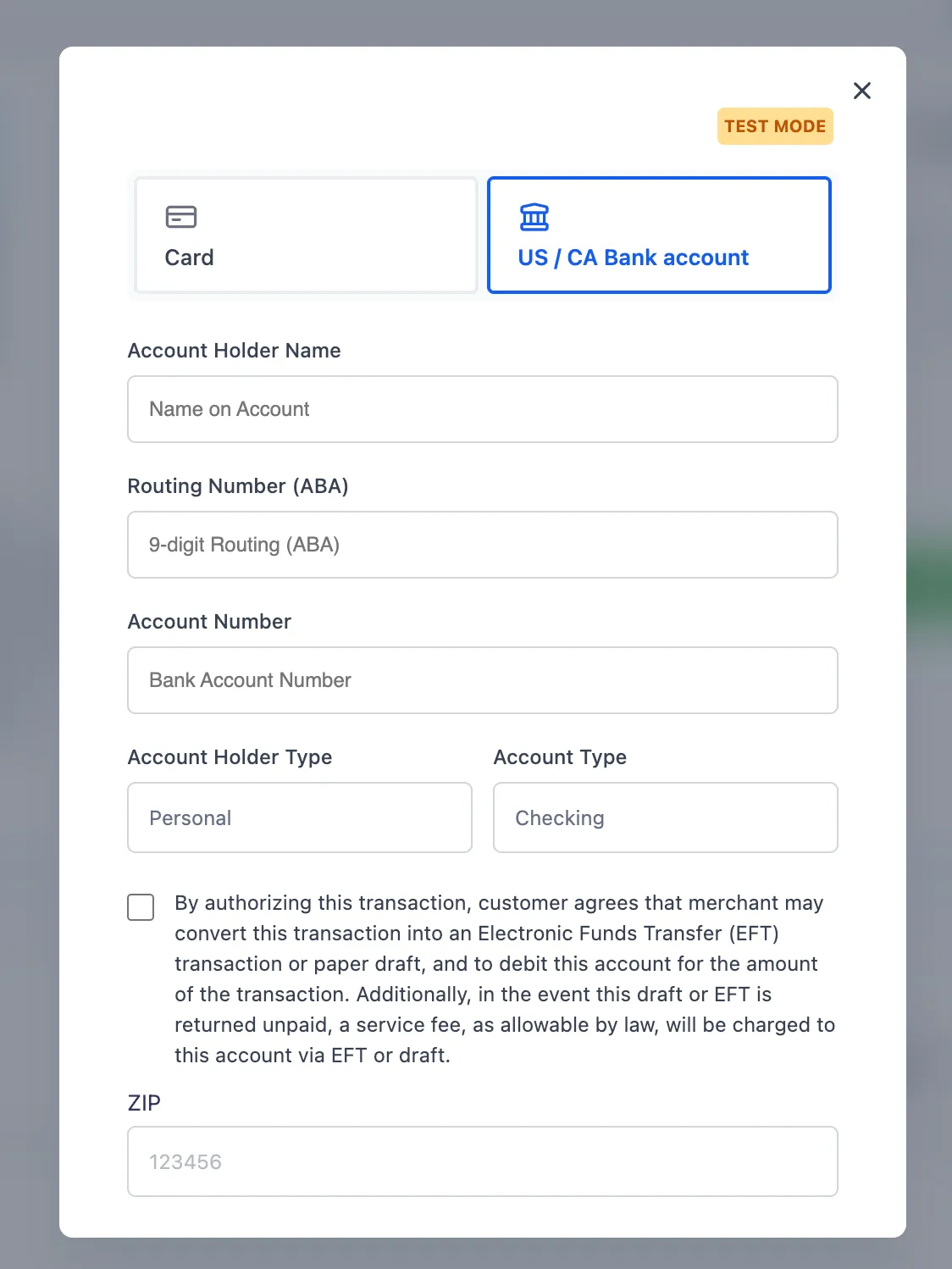
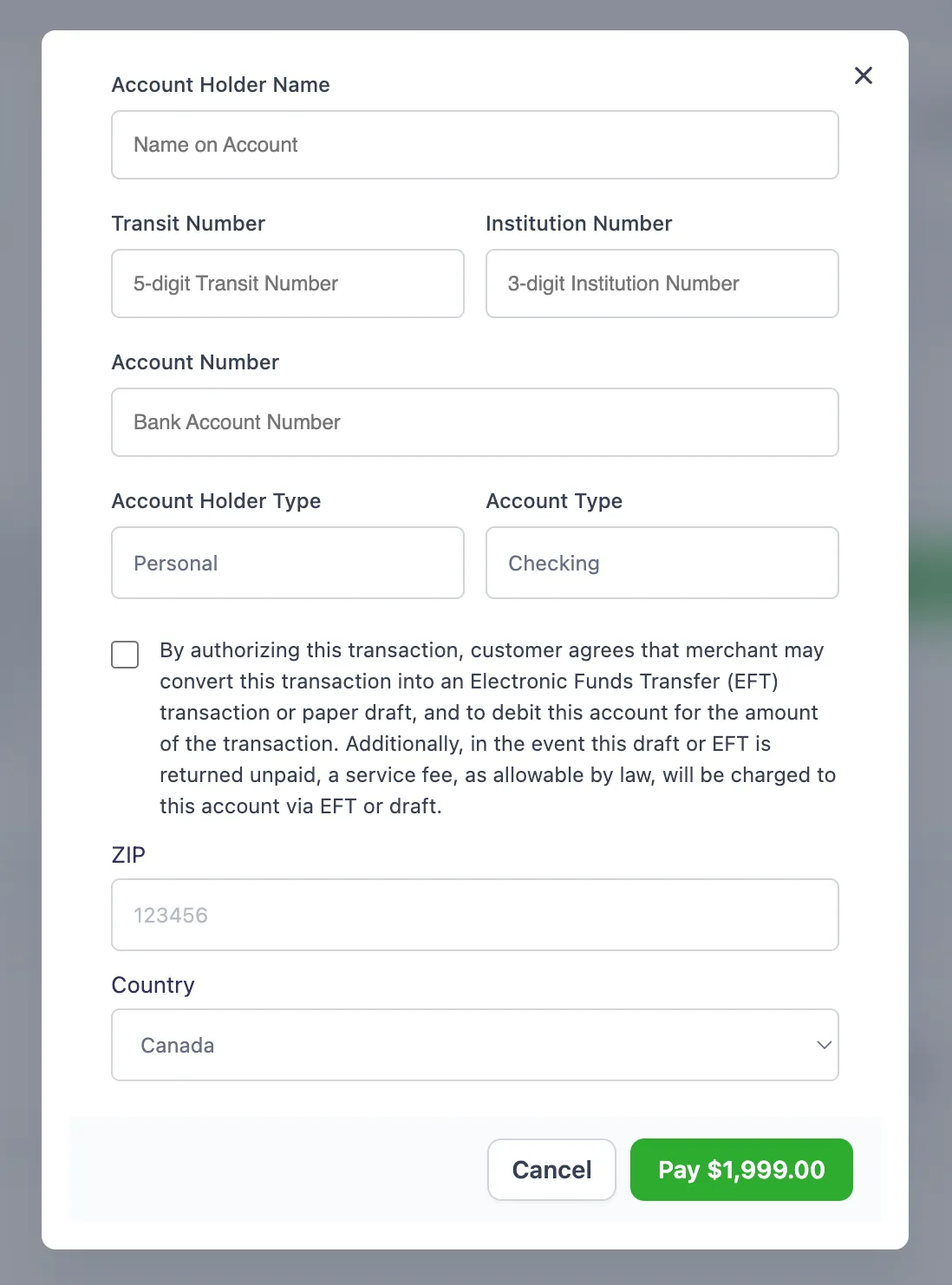
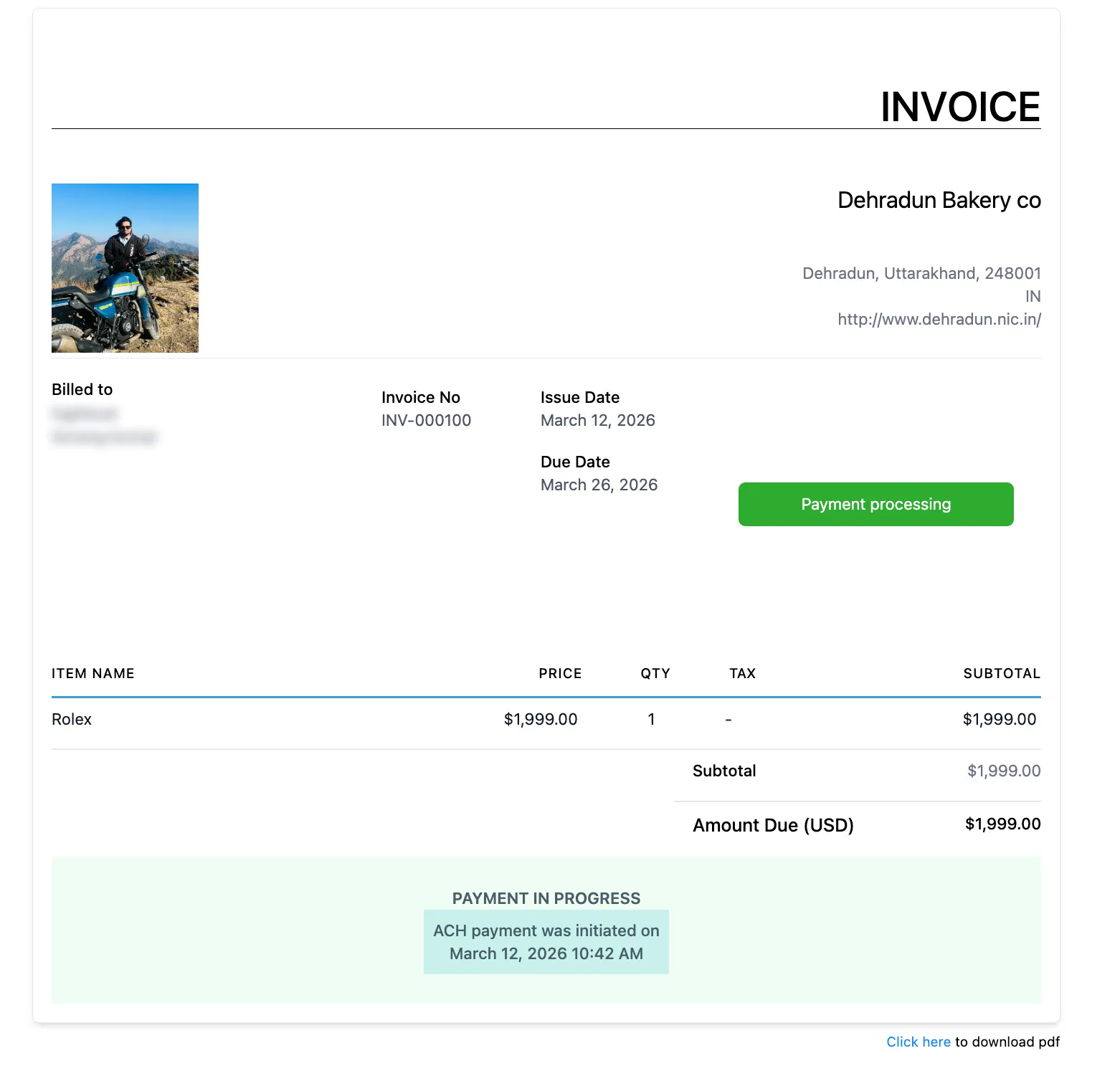
- Once enabled, ACH will appear as a payment option on invoices.
Where ACH is currently supported
At this stage, ACH support is available for:
- Invoices
- Recurring invoices
- Subscriptions
The source update indicates that support may expand to additional channels in future updates.
Why it matters
Adding ACH gives businesses another way to collect payments while offering a lower-cost alternative to card transactions. For accounts handling larger ticket payments, bank transfers can be a practical option.
In Case You Missed It
You can also read Virtual Businesses Added to Reputation Competitor Analysis.
Need Help Applying This Update?
If you’d like help rolling this out in SMBcrm, visit Support or request a demo.