Ad Manager UI and UX Revamp
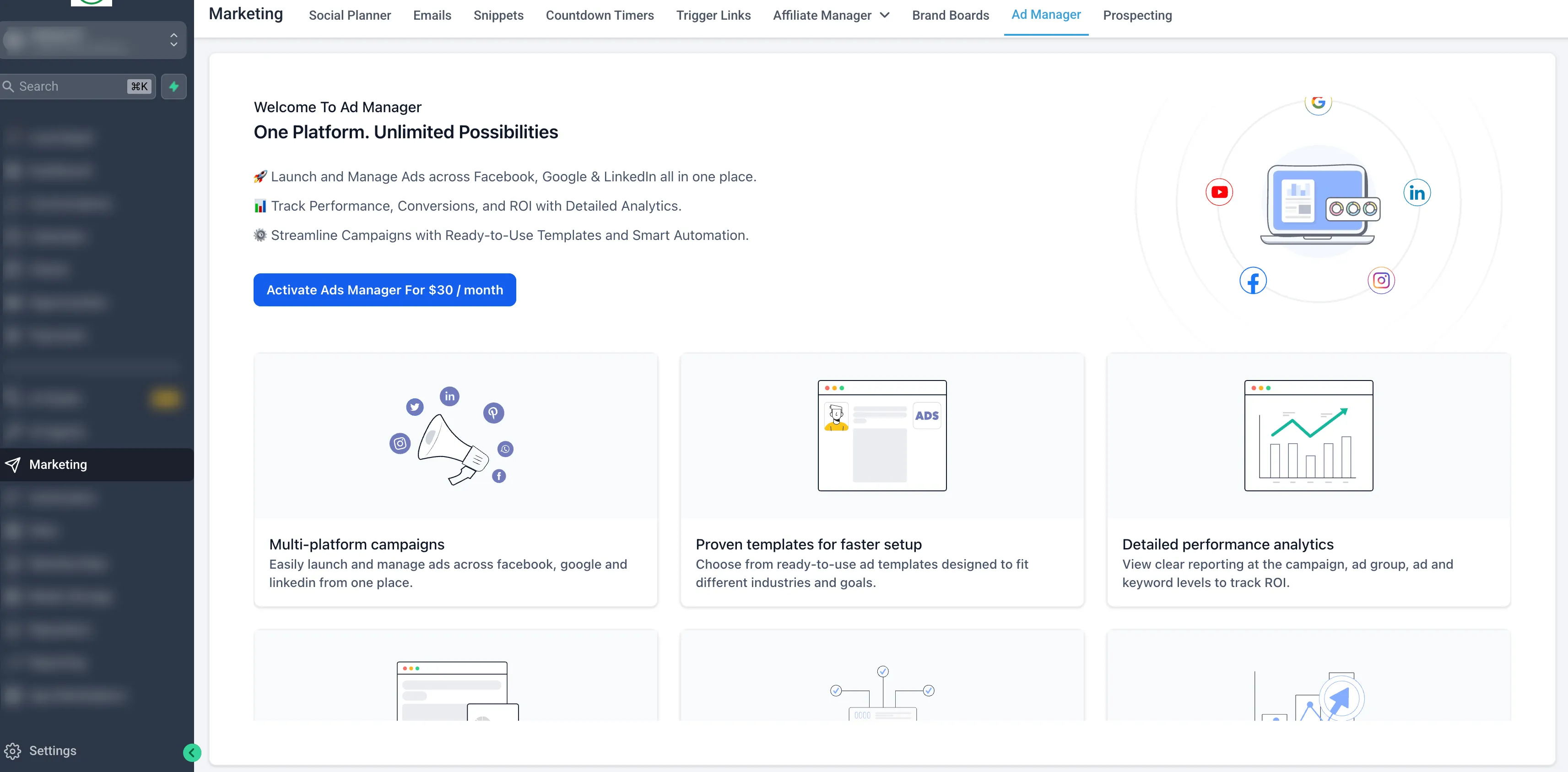
SMBcrm has updated Ad Manager with a redesigned experience across campaign creation, review, and performance tracking. The goal is to make campaigns easier to build, review, and optimize with clearer navigation, better visibility into results, and fewer avoidable errors.
What changed
Ad Manager now uses a more consistent interface across key areas of the product, including:
- Campaign builder flow
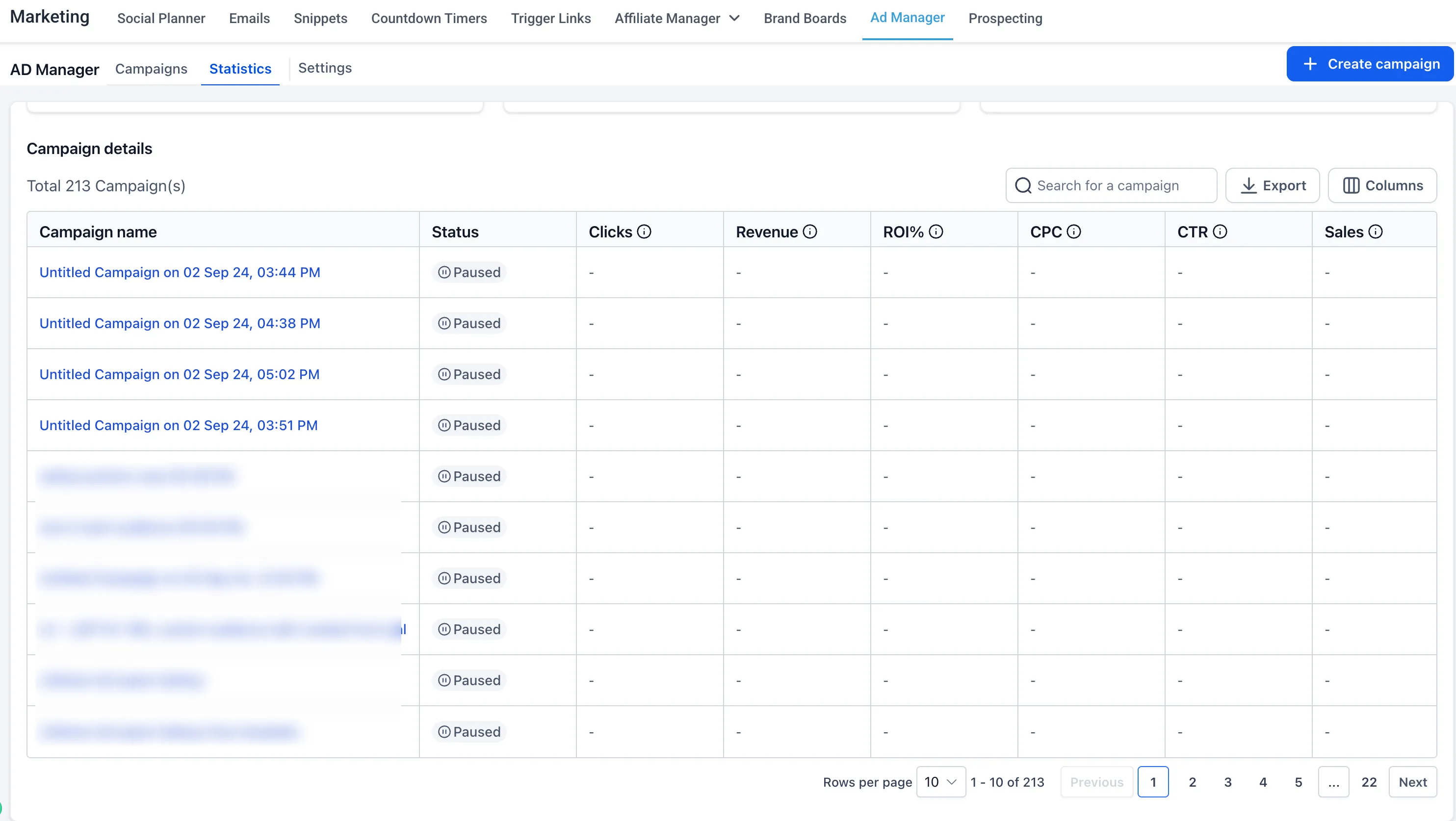
- Campaign listing page
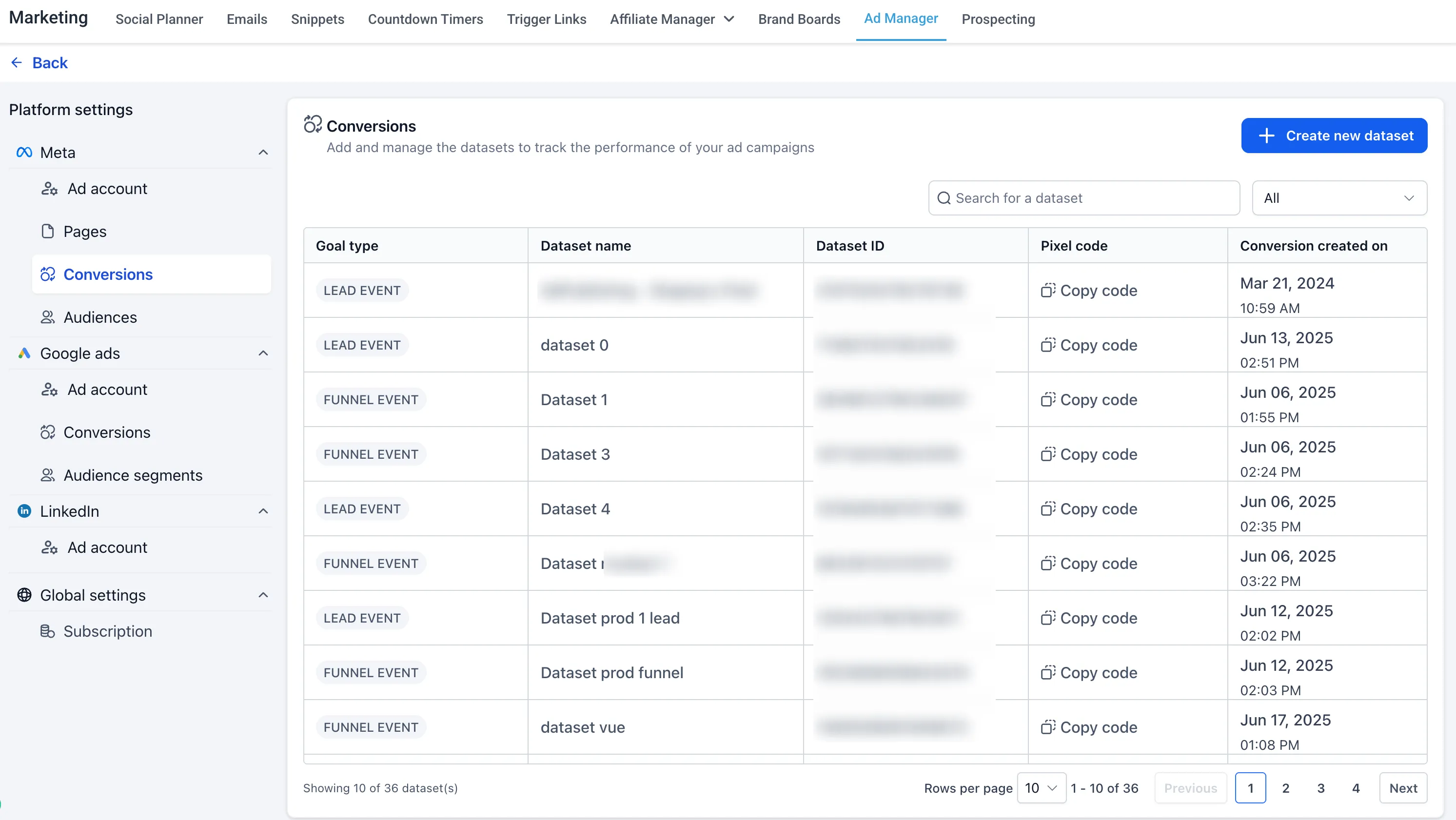
- Settings and configuration screens
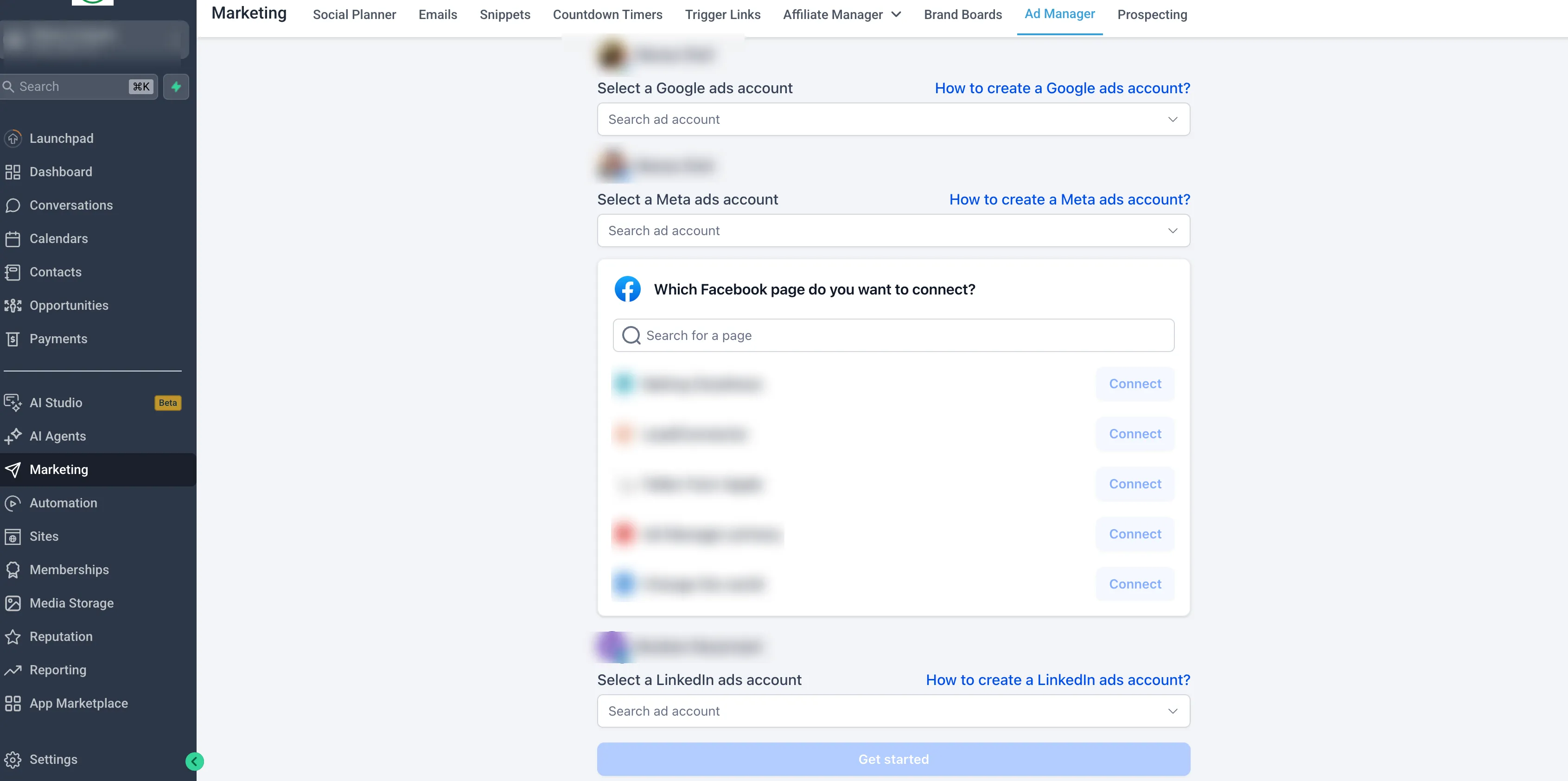
- Audience creation dialogs
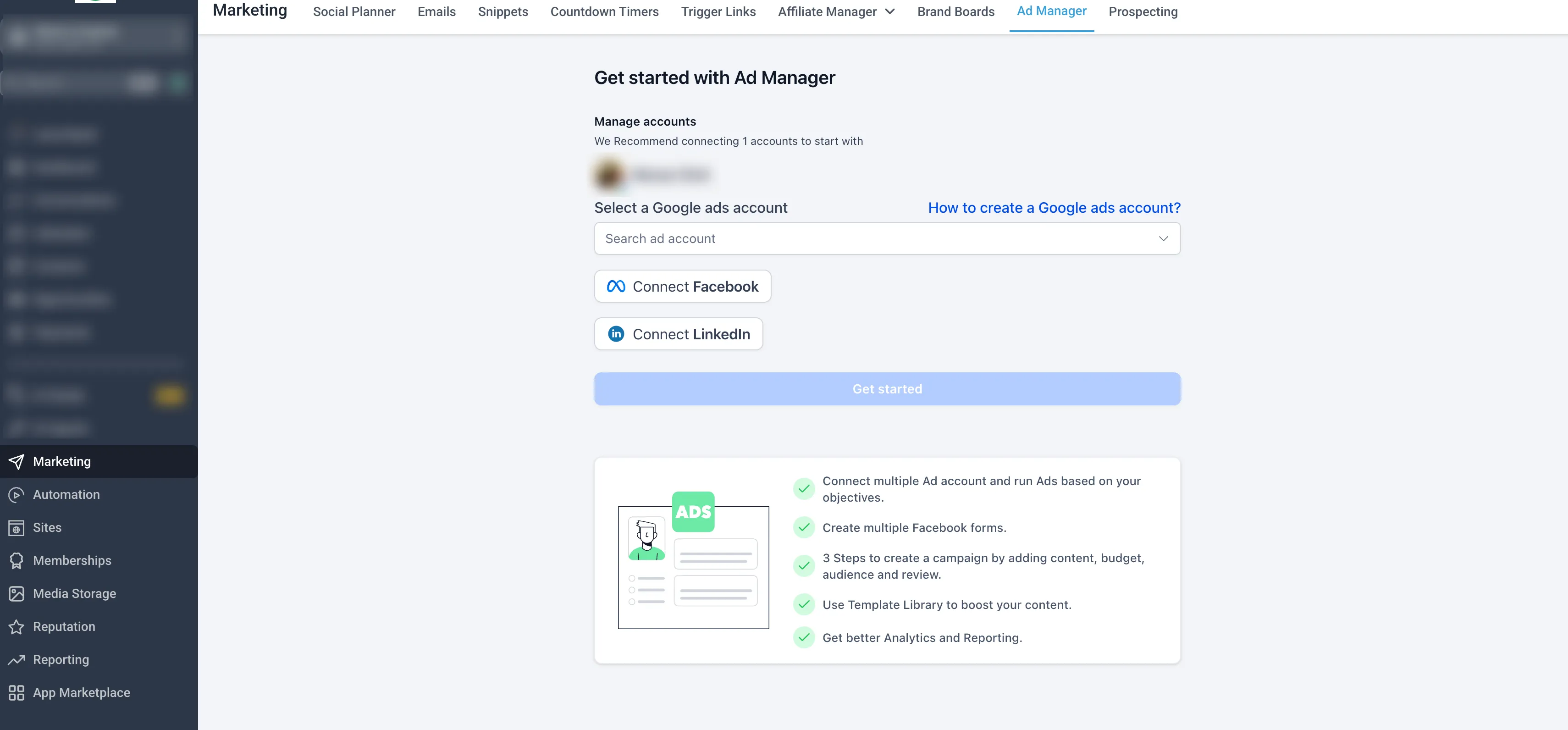
- Onboarding and first-time setup experience
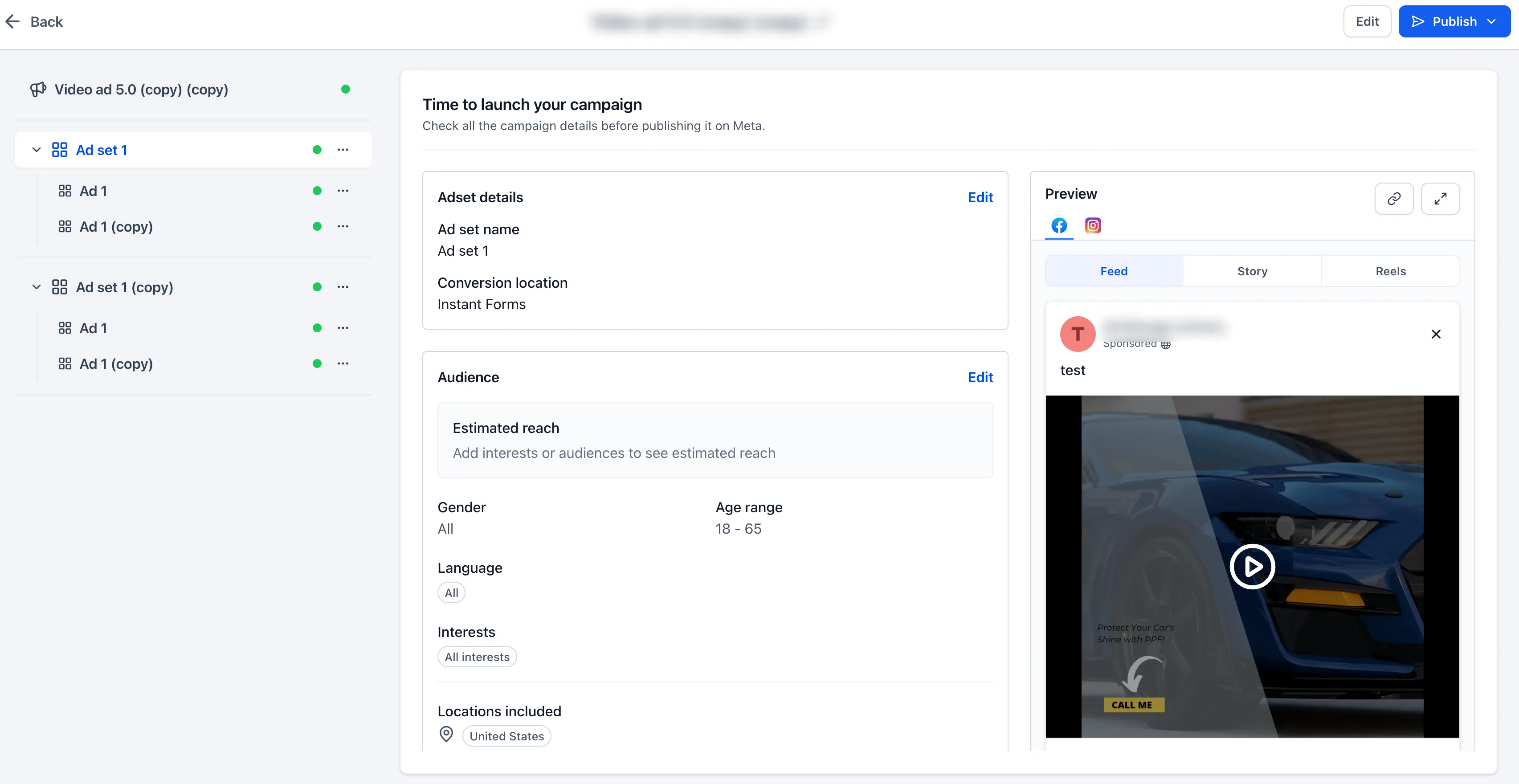
- Review and publish screen
- Ad preview sections
- Error handling and warning prompts
Campaign listing improvements
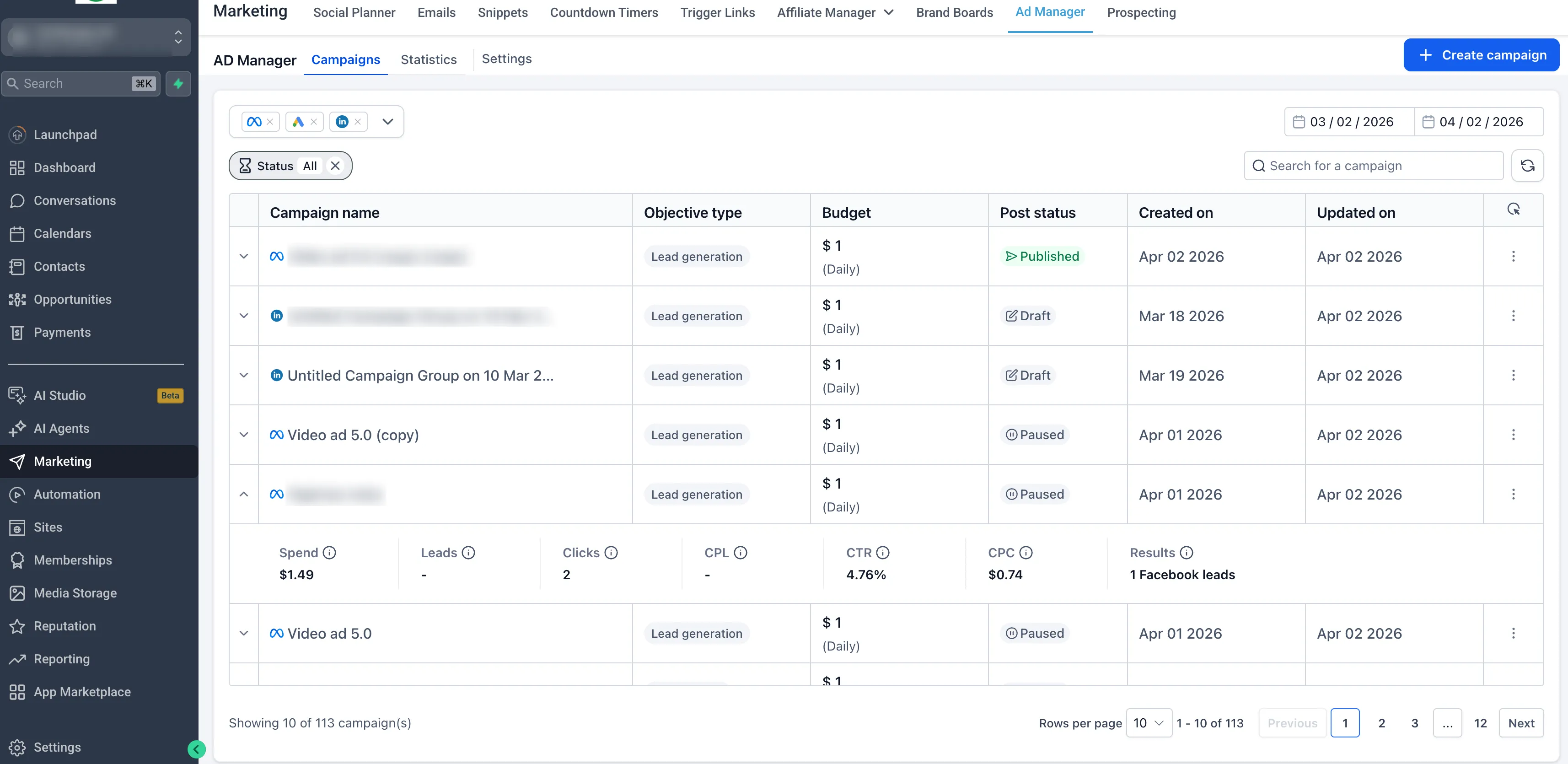
The campaign listing page now includes a more structured table layout for easier reading and faster scanning.
It also adds a quick-view performance panel so users can preview key metrics without digging into each campaign, including:
- Spend
- Leads
- Clicks
- Cost per lead
- Click-through rate
- Cost per click
- Results
Filtering, search, and date range selection have also been improved.
Campaign creation and review
Campaign creation has been streamlined with a cleaner step-by-step builder. Inputs are grouped more clearly around objectives, budget, targeting, and creative setup.
Validation has also been improved with clearer error messages and warning prompts to help reduce mistakes before launch.
Before publishing, users now get a dedicated review screen and better ad preview visibility for added confidence.
Why it matters
These changes are intended to help users:
- Create campaigns faster
- Navigate Ad Manager more easily
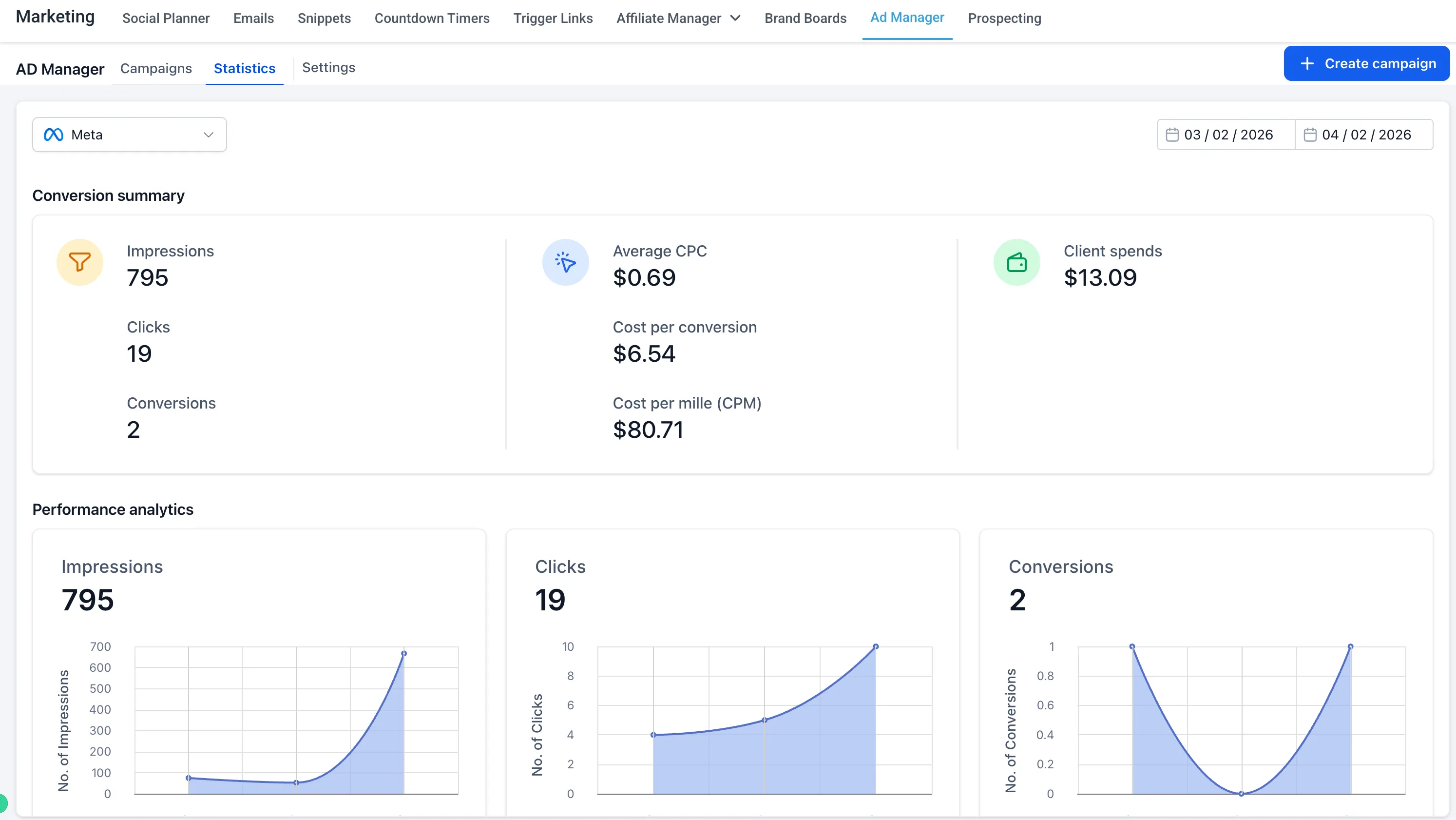
- See performance sooner
- Catch issues earlier in the setup process
- Work more confidently across ad platforms
If you use SMBcrm for lead capture, these Ad Manager updates support a smoother path from campaign setup to performance review.
In Case You Missed It
You can also read Appointment Triggers Now Support Appointment Guests.
Release Images
Need Help Applying This Update?
If you’d like help rolling this out in SMBcrm, visit Support or request a demo.