Advanced Builder UX Updates for Stats, Layout, and Click Feedback
SMBcrm has made several usability improvements to the Advanced Builder to make workflow setup and review easier. These changes affect how stats are displayed, how the builder handles layout when stats are visible, the default AI Builder starting screen, and the visual feedback when clicking workflow nodes.
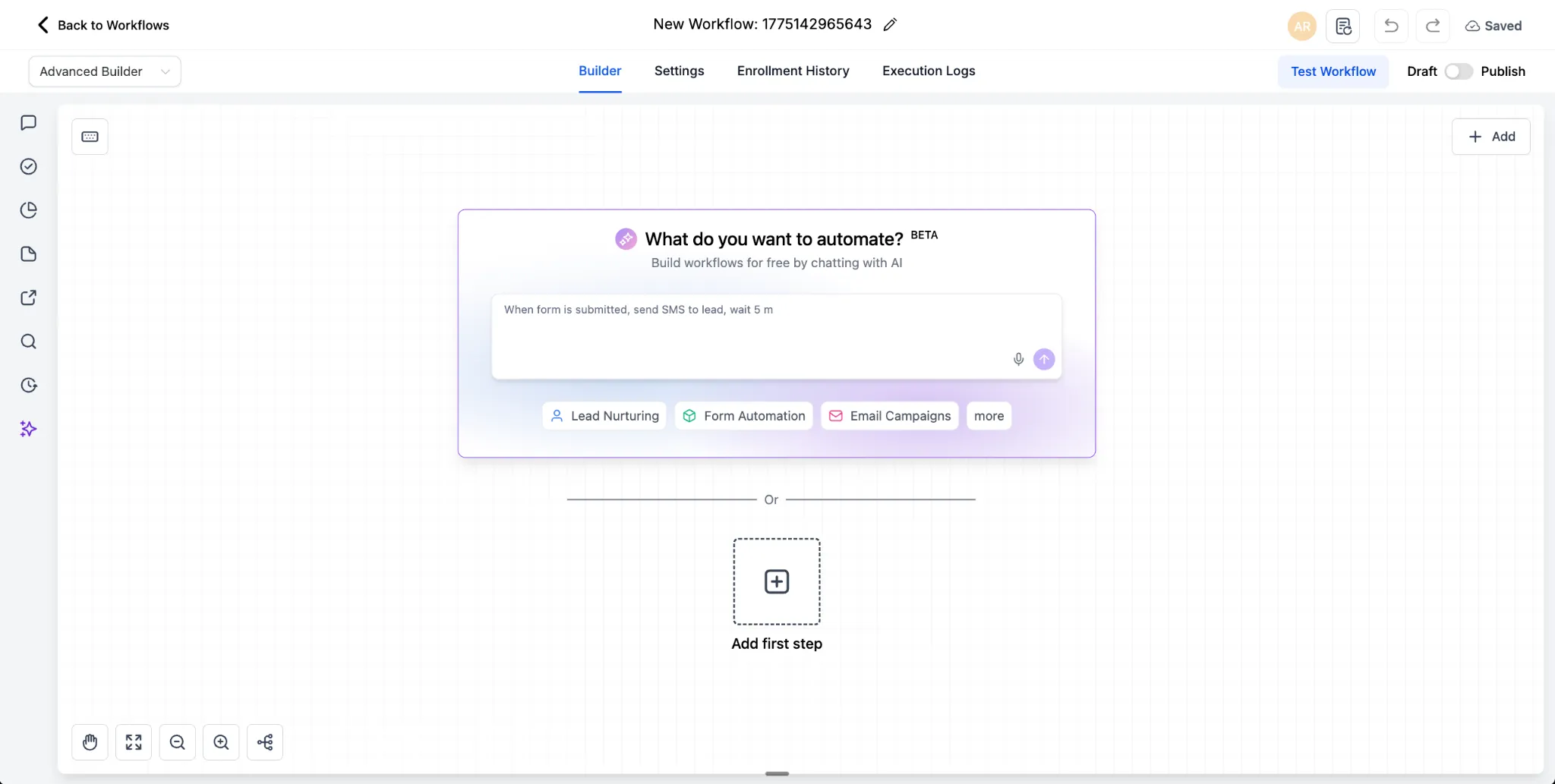
Cleaner default AI Builder screen
The Advanced Builder now opens to a cleaner default AI Builder screen, giving users a clearer starting point when creating a workflow.
More flexible stats controls
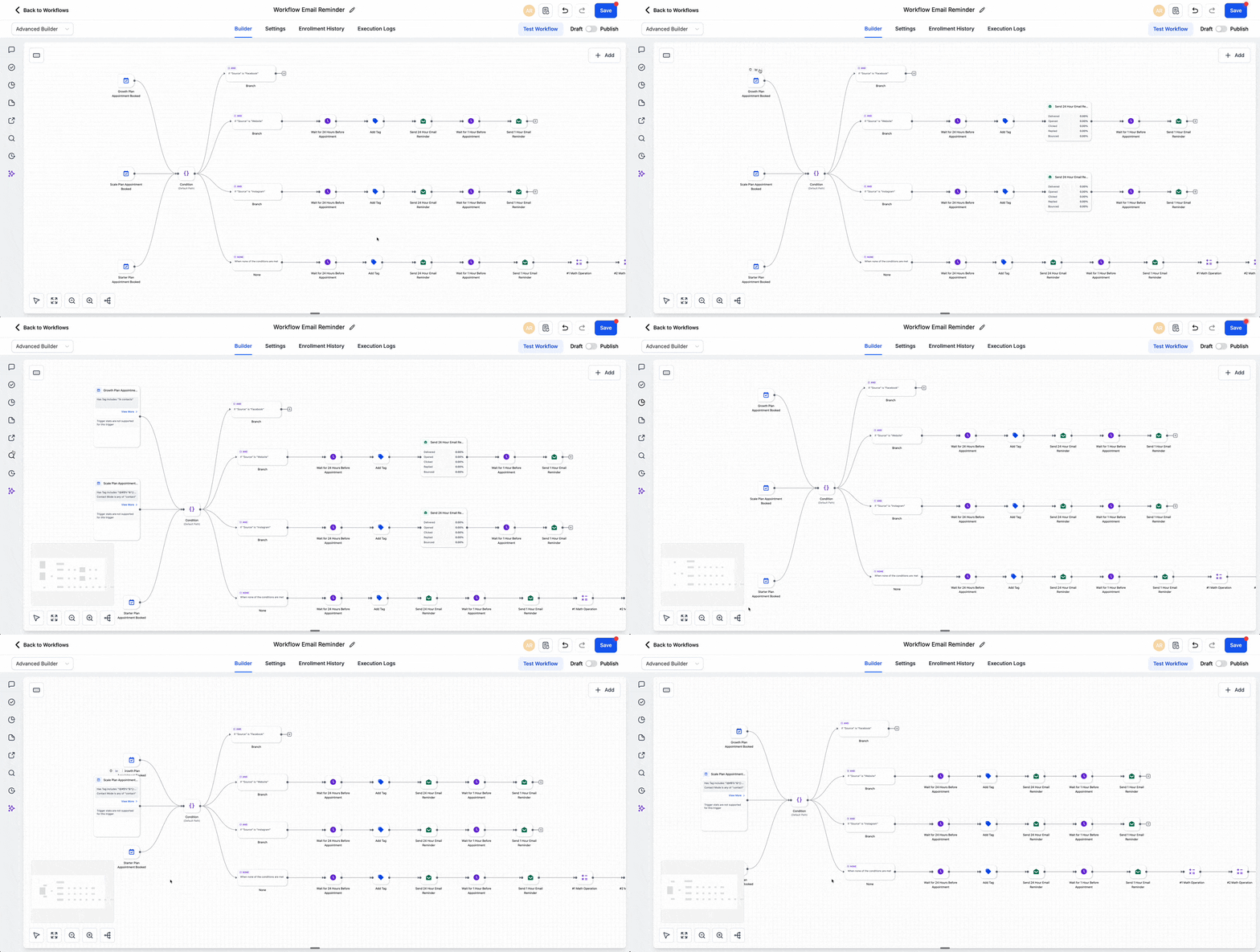
Stats mode is now easier to use inside the builder:
- Individual stats can be toggled
- Stats mode can be turned on in edit mode, not only in read-only mode
- If a workflow is saved with stats toggled on, that view remains saved after reload
These updates make it easier to review workflow performance while working in Automation.
Better layout handling when stats are visible
The builder now adjusts layout more cleanly when stats are shown, including improved handling for overlap and auto layout behavior.
Updated click feedback on workflow nodes
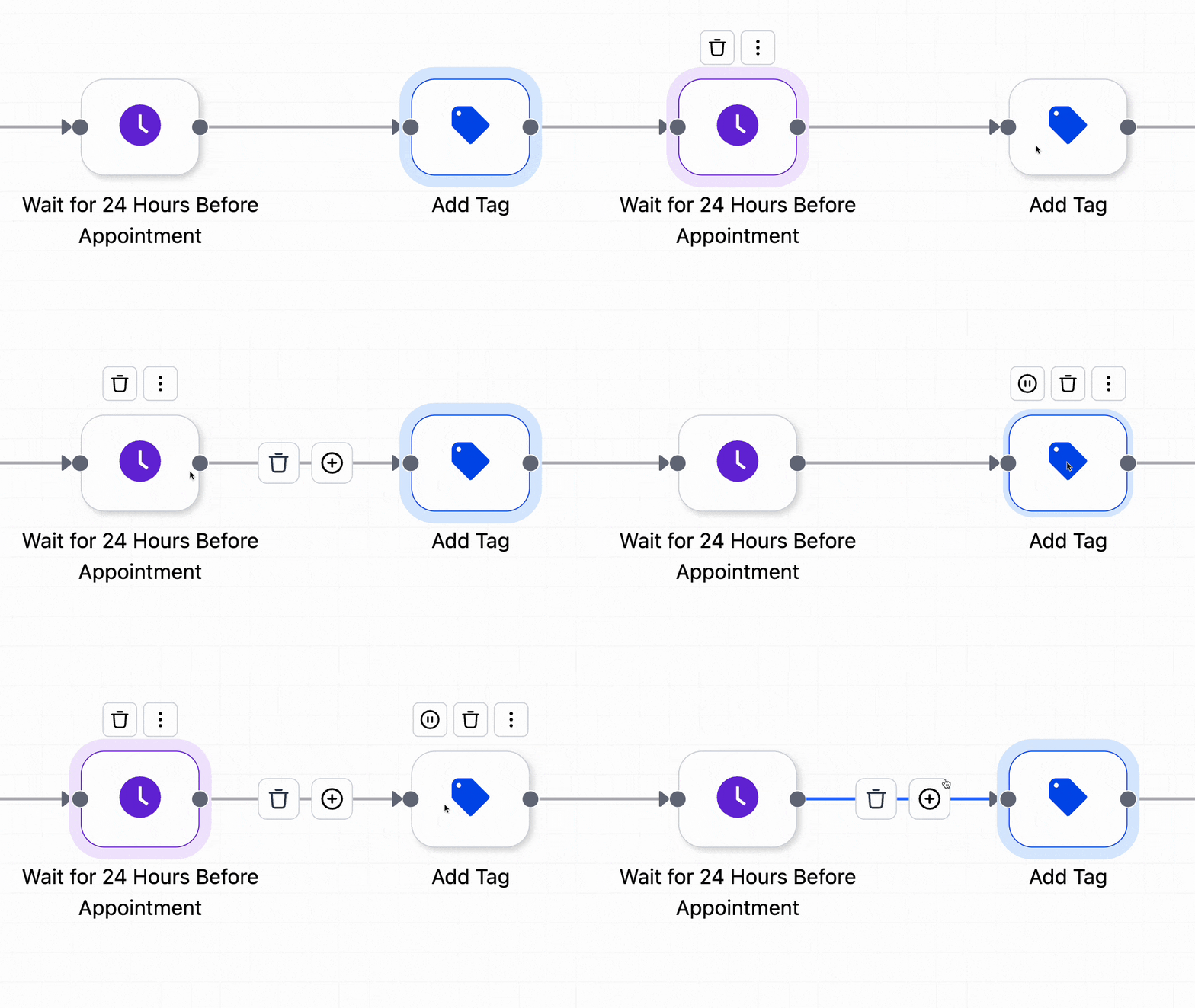
Workflow nodes now show a more polished visual response when clicked, including a drop effect and highlight color. This makes interactions on the canvas clearer and more responsive.
In Case You Missed It
You can also read Workflow Trigger Stats Now Show Enrollments at a Glance for a related update to workflow reporting.
Need Help Applying This Update?
If you’d like help rolling this out in SMBcrm, visit Support or request a demo.