Asana Workflow Actions Now Support Find Project and Find Section
SMBcrm workflows now include two Asana actions that help you look up project data dynamically inside your automations.
These updates make it easier to work with Asana projects and sections without manually storing or hardcoding IDs. If you use automation to create or route tasks, this can simplify setup and reduce maintenance.
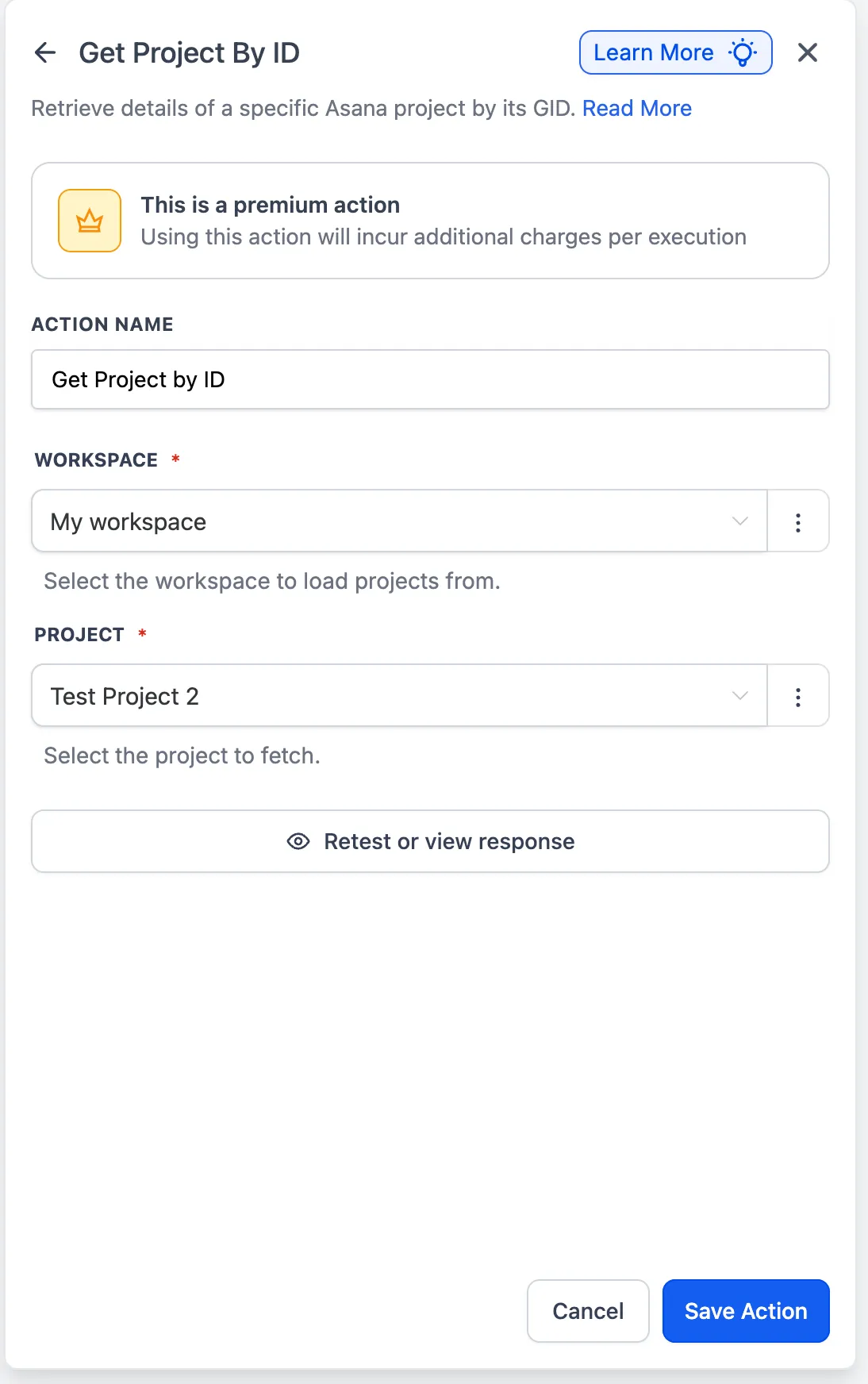
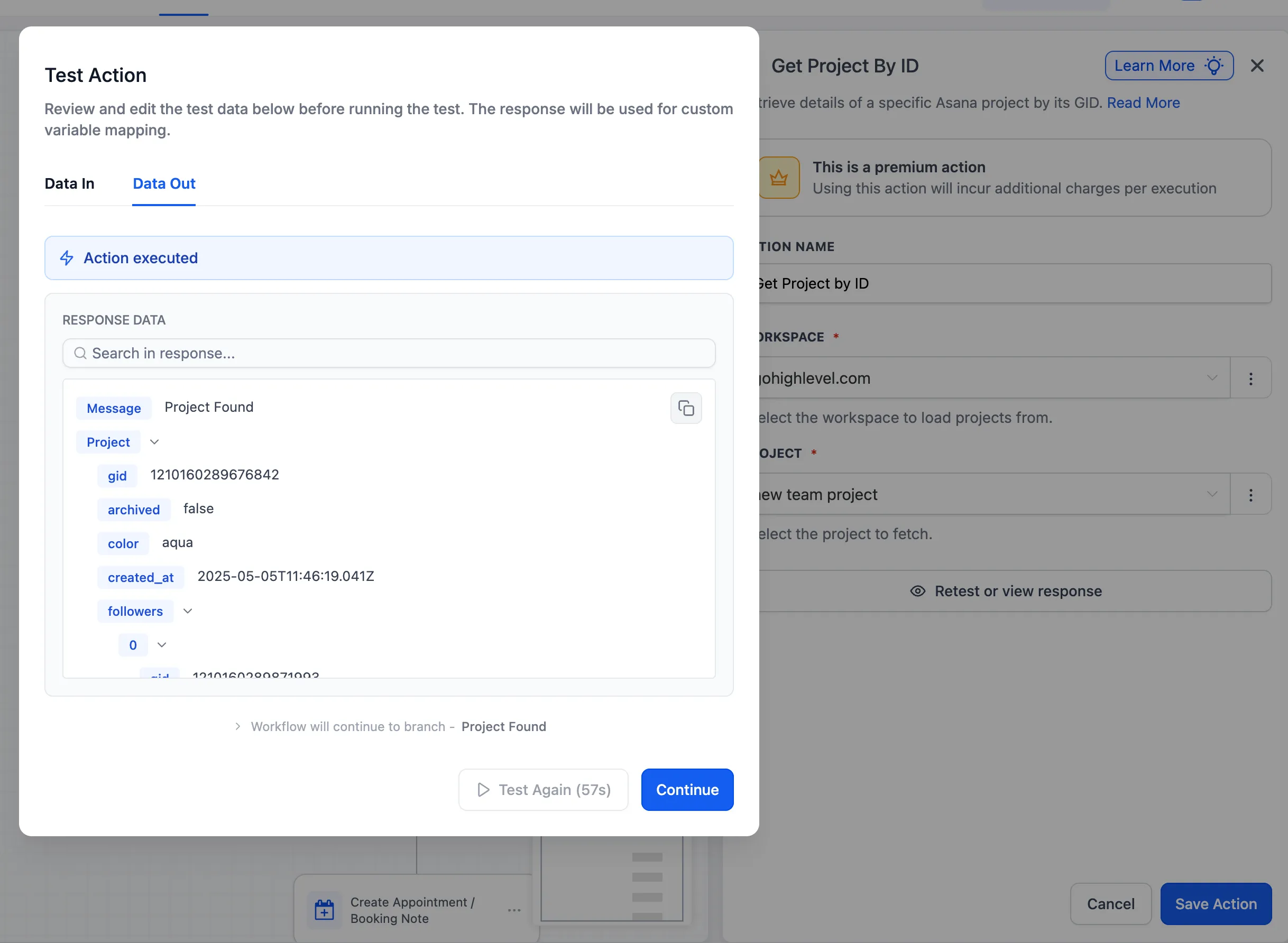
Find Project
The Find Project action lets you search for an Asana project by name and retrieve its project ID.
What it does
- Locates a project by name
- Returns the project ID
- Makes that project data available for downstream workflow steps
Why it matters
Previously, users often had to hardcode project IDs or save them elsewhere for reuse. With this action, workflows can retrieve that information when needed.
Find Section
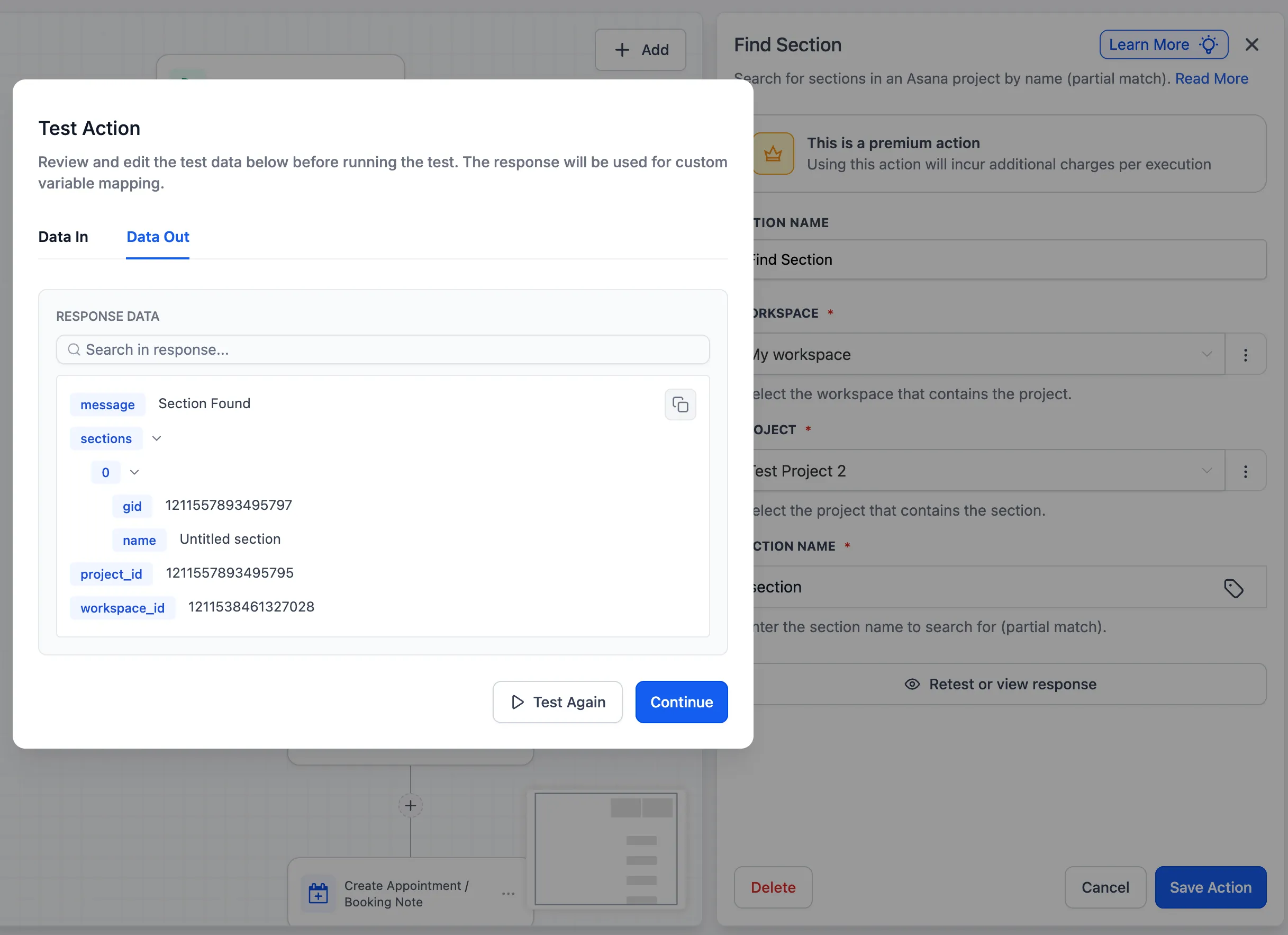
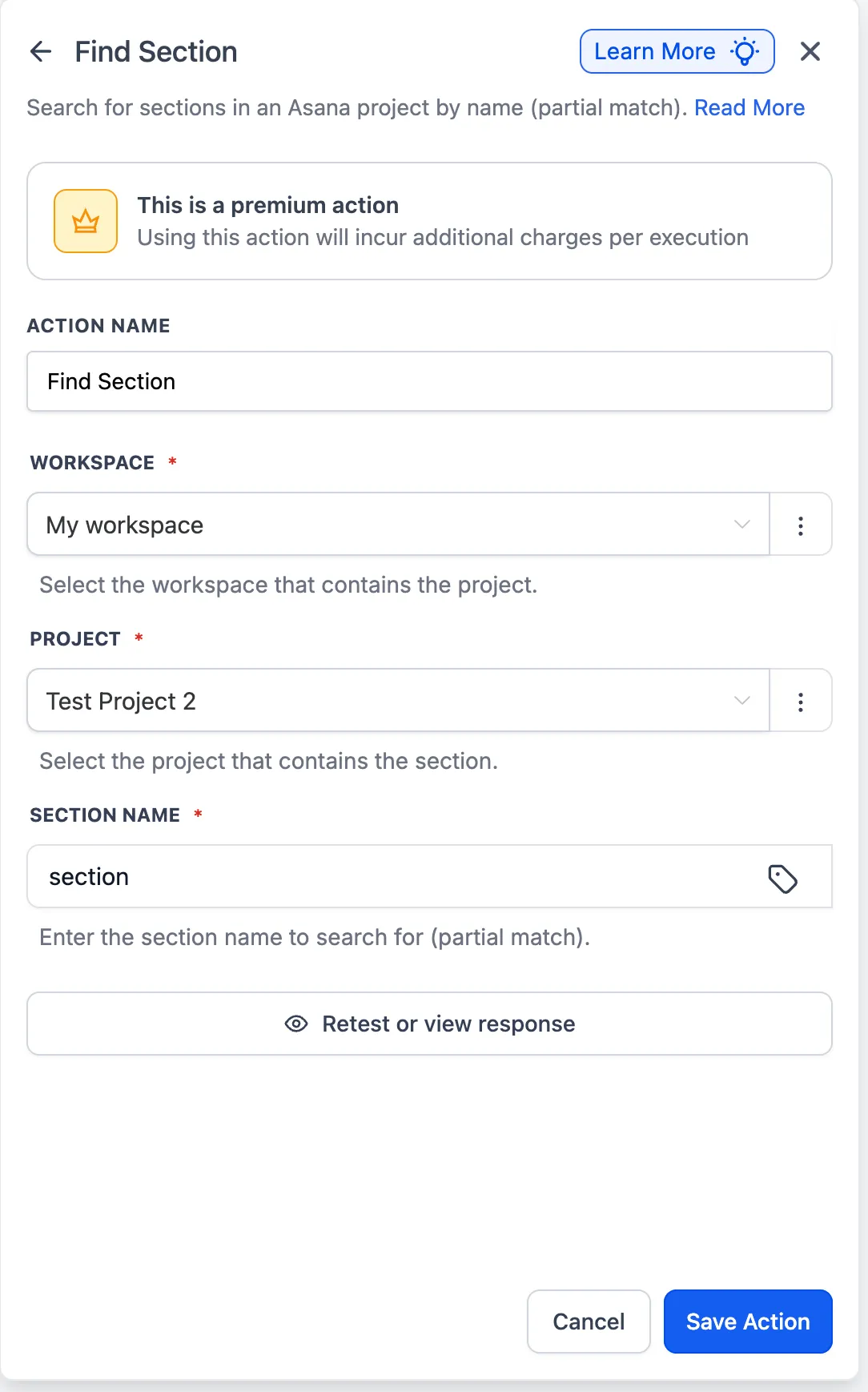
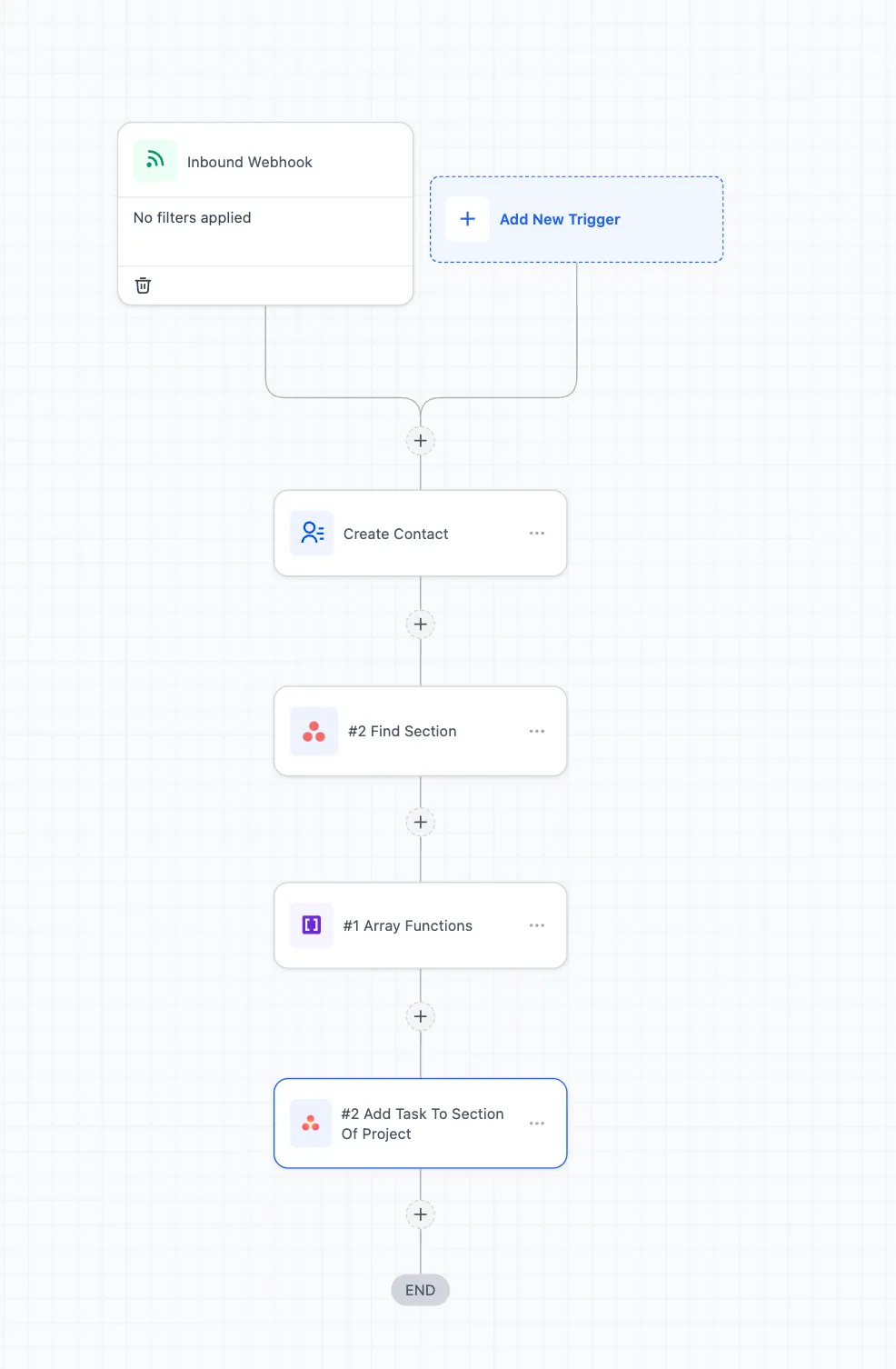
The Find Section action lets you find sections within a selected Asana project and output the section ID for later steps.
What it does
- Fetches sections inside a selected project
- Returns section IDs
- Supports dynamic routing when creating tasks in a specific section
Why it matters
Earlier, creating a task in a specific section required users to hardcode the section ID. With this action, workflows can find the correct section dynamically.
Example Use Cases
- Retrieve a project ID by project name instead of storing the ID in a custom value picker
- Pass a section ID from Find Section into a task creation step so the task is created in the intended section
In Case You Missed It
You can also read Email AI Uses Your Knowledge Base for Better Responses.
Need Help Applying This Update?
If you’d like help rolling this out in SMBcrm, visit Support or request a demo.