Customize Product Details Page Layout on Desktop
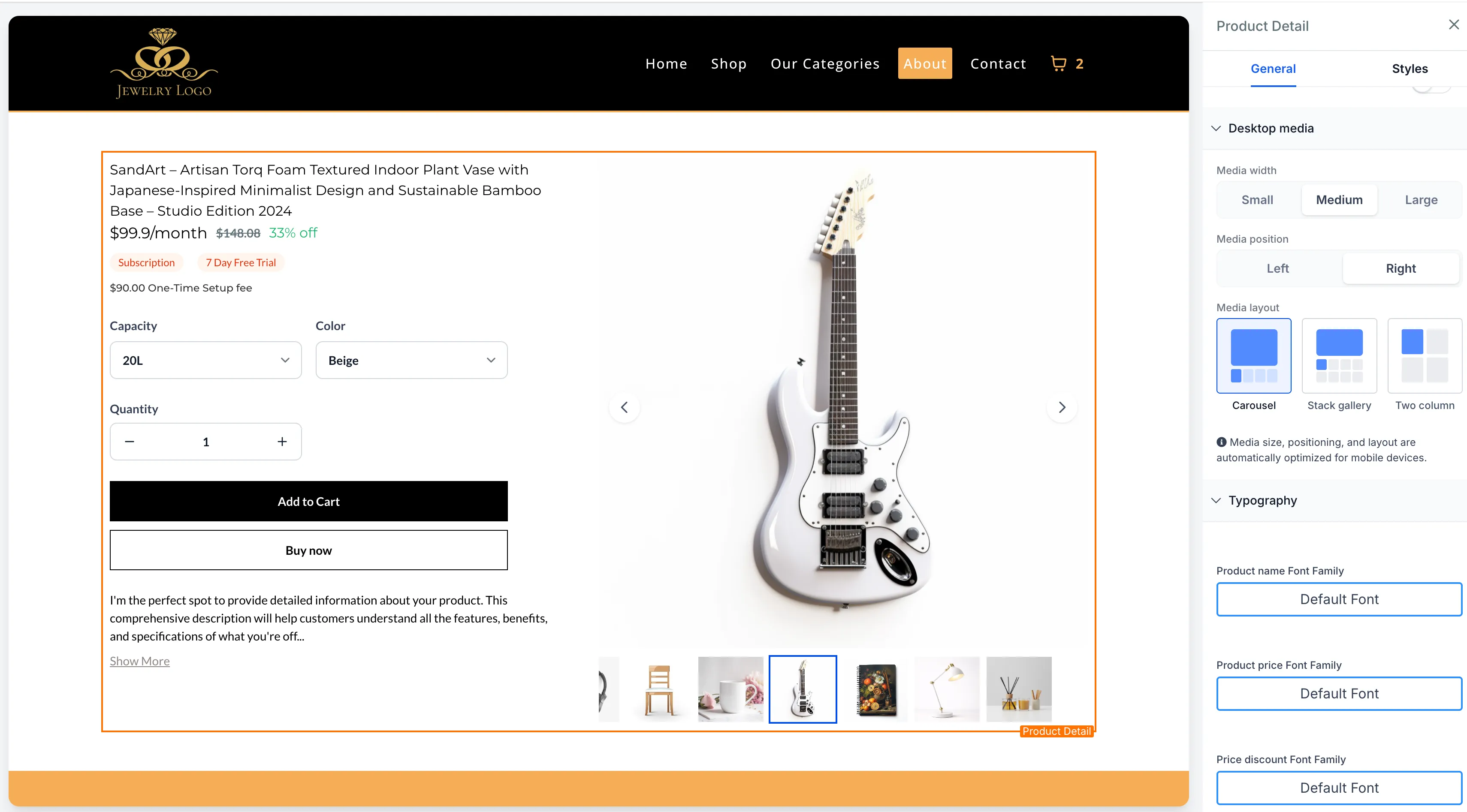
SMBcrm now includes more desktop customization options for the Product Details Page in Store Builder. These settings give you more control over how product media and product information appear on desktop storefronts.
What Changed
You can now adjust the desktop Product Details Page layout in three ways:
-
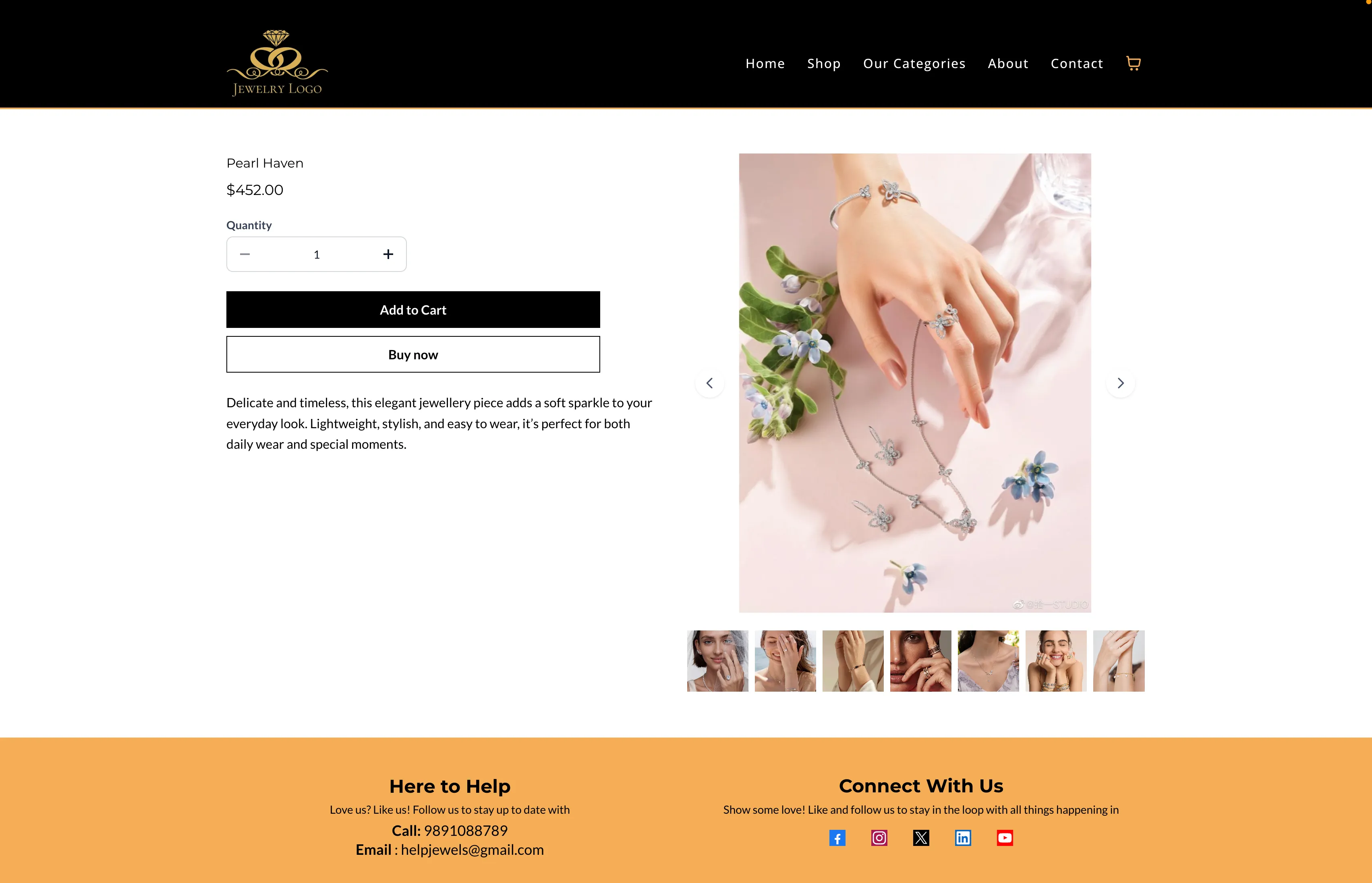
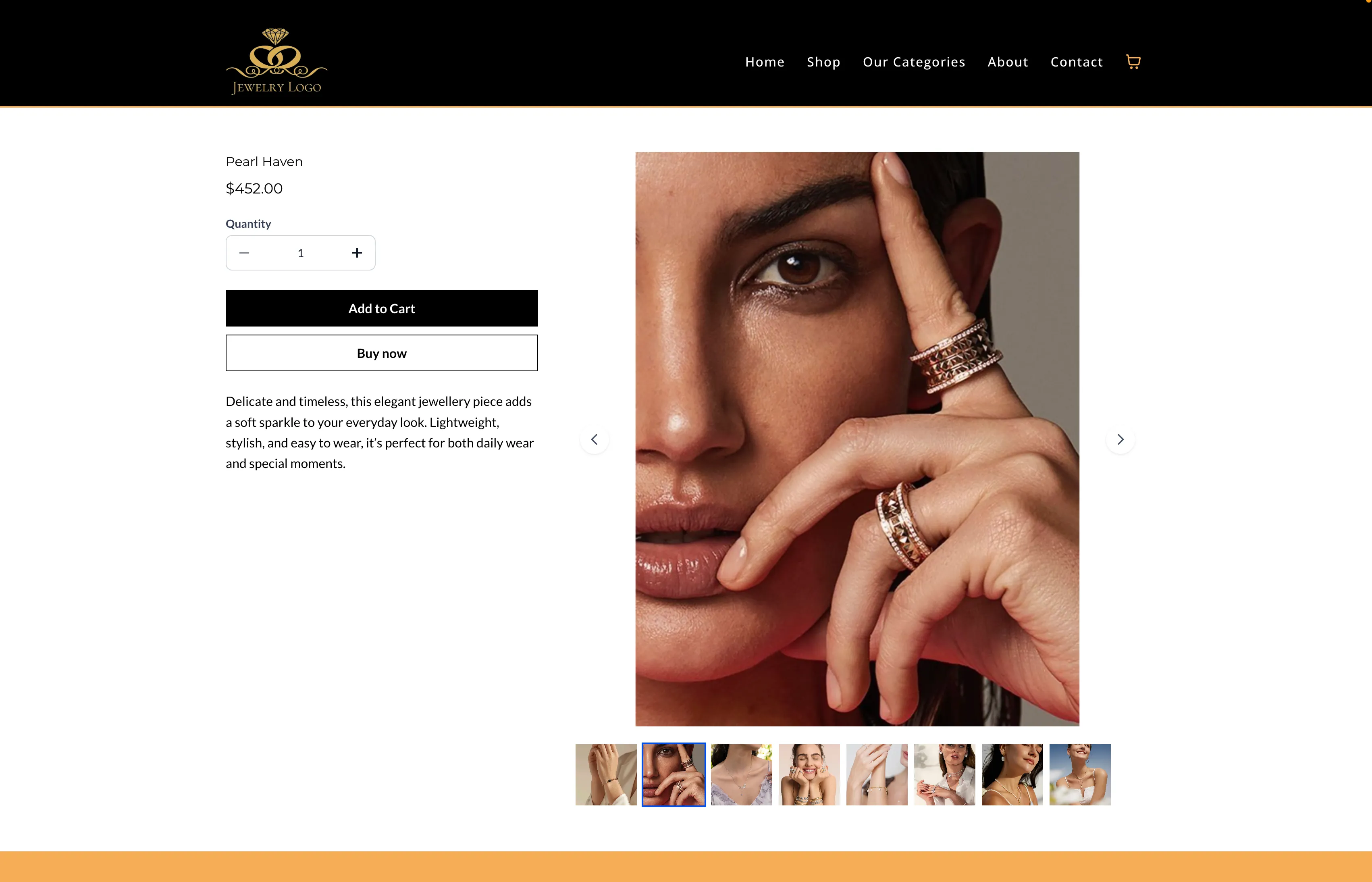
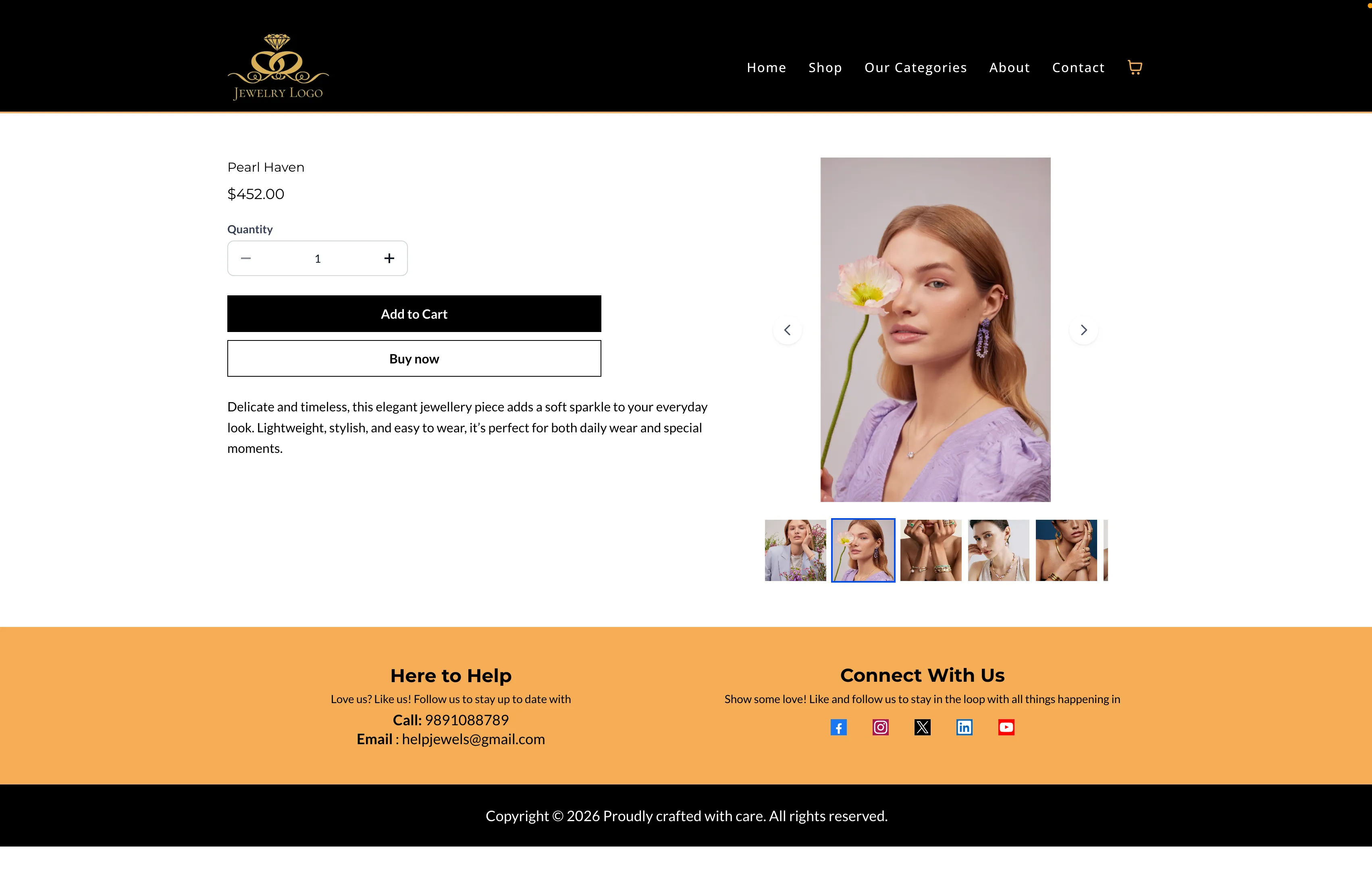
Directional layout alignment The layout now uses directional alignment instead of center-based justification. This creates clearer separation between product images and product information.
-
Media position controls You can place the product media section on the left or right side of the product details on desktop.
-
Desktop image size options You can choose from three preset media widths:
- Small
- Medium
- Large
These options help you tailor product pages to your brand style while keeping responsive behavior across devices.
How to Use It
- Open Store Builder and edit the Product Details Page.
- Select the Product Details element.
- In the Settings panel, find Desktop media options.
- Choose the Media position: left or right.
- Select the Media width: Small, Medium, or Large.
- Save and publish your page.
What to Know
- These settings currently apply to desktop layouts.
- On mobile and tablet, the layout stacks vertically for responsive display.
- Image scaling keeps media within safe boundaries to help prevent distortion at larger sizes.
In Case You Missed It
You can also read about ACH Bank Transfers for US and Canada Accounts Using NMI.
Release Images
Need Help Applying This Update?
If you’d like help rolling this out in SMBcrm, visit Support or request a demo.