Documents Now Transfer During Contact Merges
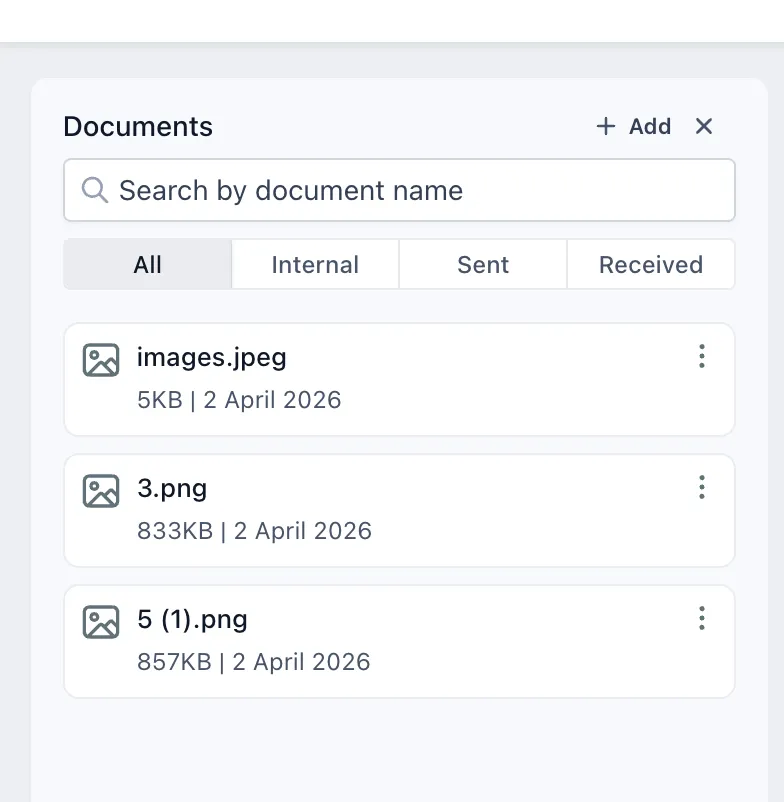
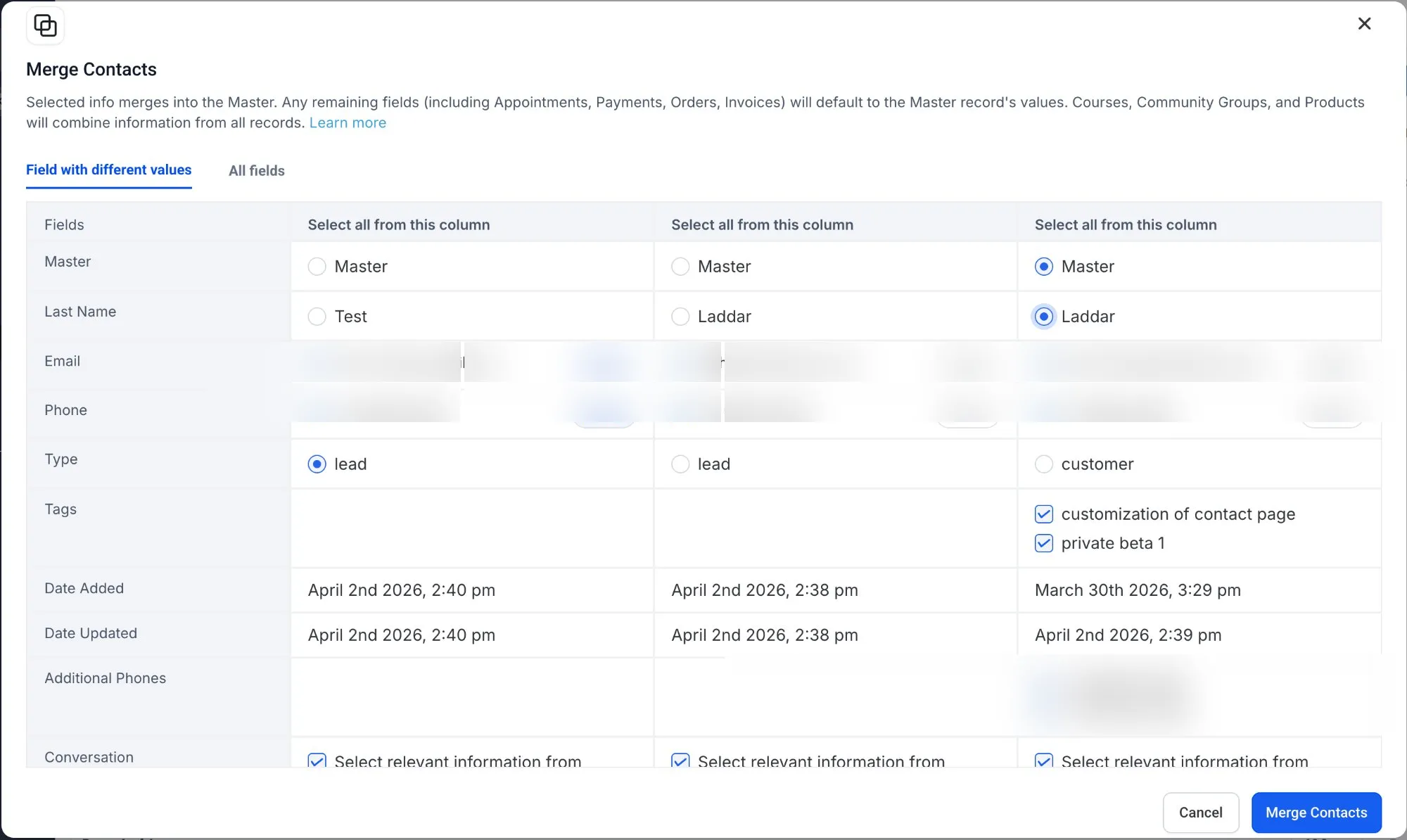
Merging duplicate contacts now keeps associated documents together. Documents attached to secondary contacts are automatically transferred to the primary contact during the merge.
This update helps prevent missing files and reduces the need to manually re-upload documents after cleanup in your CRM.
What Changed
- Documents from secondary contacts now transfer automatically to the primary contact during a merge.
- Files remain accessible from the primary contact record after the merge is complete.
- Manual re-uploading and post-merge document tracking are reduced.
How to Use It
- Go to Contacts.
- Select the contacts you want to merge.
- Choose the primary contact.
- Complete the merge as usual.
- Open the documents section of the primary contact to view the combined files.
Why It Matters
- Important documents stay with the merged contact record.
- Duplicate cleanup takes less manual effort.
- Teams can work from a more complete contact history.
In Case You Missed It
You can also read Appointment Triggers Now Support Appointment Guests.
Release Images
Need Help Applying This Update?
If you’d like help rolling this out in SMBcrm, visit Support or request a demo.