Import Email Templates with AI
You can now turn emails from your inbox or another marketing platform into fully editable templates in Email AI.
This update makes it easier to reuse existing campaigns, bring over proven email designs, and start editing right away inside SMBcrm.
What Changed
Email AI can convert an email into an editable template in minutes. Instead of rebuilding campaigns manually, you can import an existing email and continue editing from there.
This is useful if you want to:
- reuse email templates from another platform
- import emails directly from your inbox
- bring a client’s existing email campaigns into SMBcrm more quickly
- turn past campaigns into editable templates you can improve with AI
If you use SMBcrm for Communication and AI-assisted content workflows, this update can speed up campaign setup and iteration.
How to Use It
- Make sure Email AI is enabled under Labs.
- Go to Marketing → Emails → Templates.
- Click New.
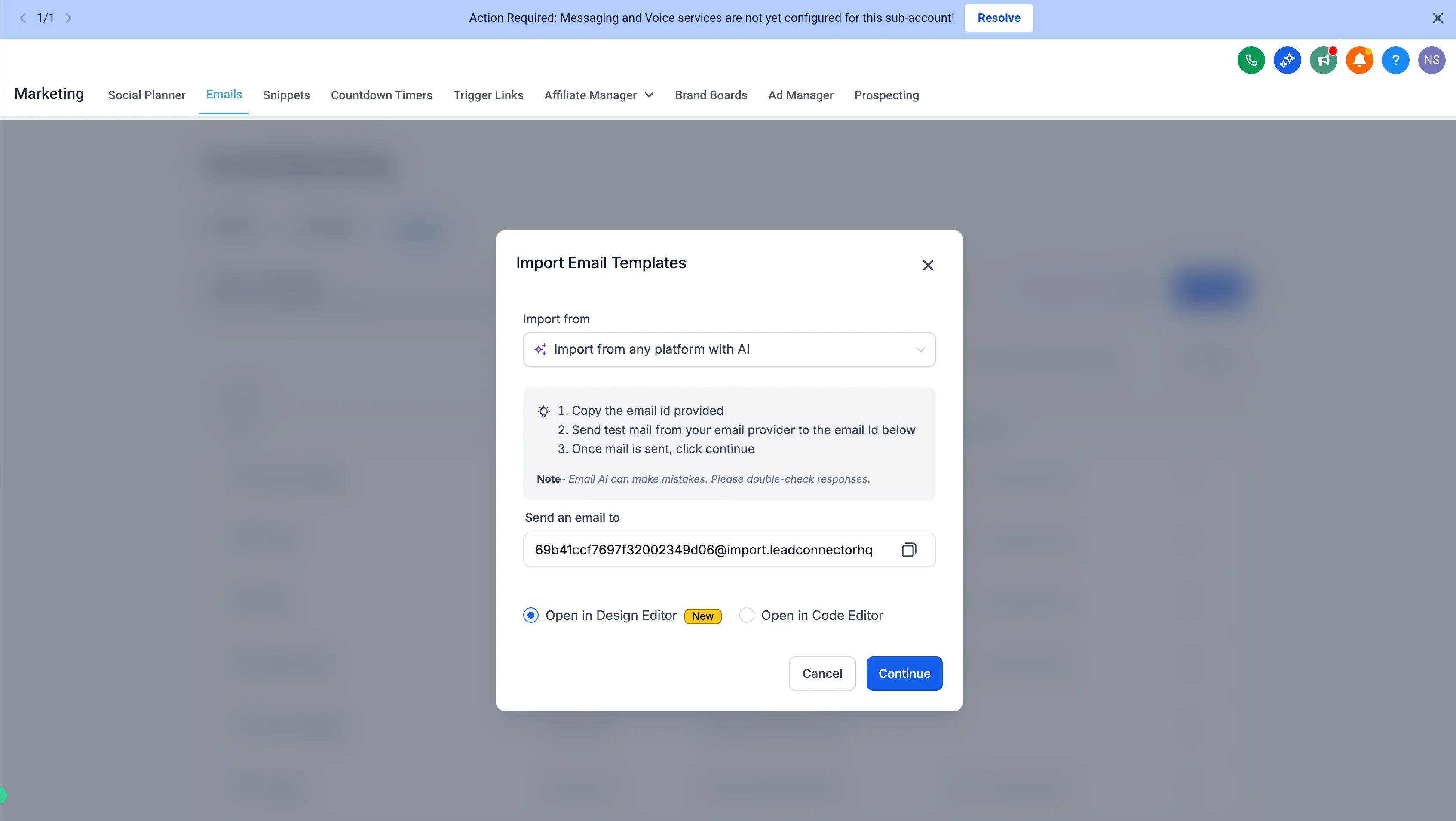
- Select Import.
- Copy the dynamic email ID.
- Send the template as a test email or forward any email from your inbox.
- Choose the editor you want to import it into.
- Click Continue and Create Template to start editing.
Why It Matters
This update reduces the time it takes to move working email campaigns into SMBcrm. Instead of starting over, you can import what you already have, make edits, and optimize from there using AI features.
In Case You Missed It
You can also read Shipping Rates Now Sort by Lowest Price at Checkout.
Need Help Applying This Update?
If you’d like help rolling this out in SMBcrm, visit Support or request a demo.