Mobile Payments Tab in Contacts and Opportunities
The SMBcrm Mobile app now includes a Payments tab inside contact and opportunity records. This makes it easier to handle payment tasks and review payment activity without leaving the record you are working in.
What changed
Payments inside contact records
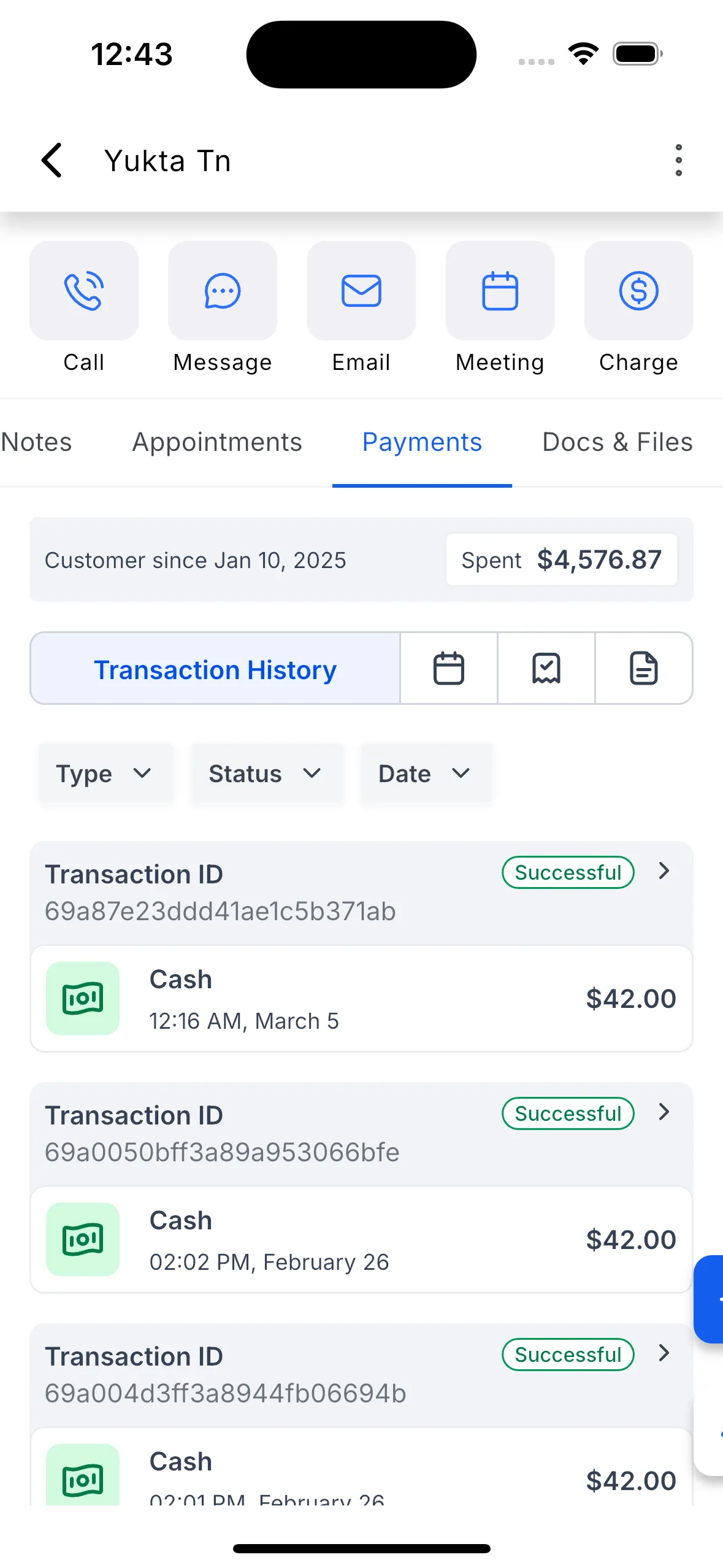
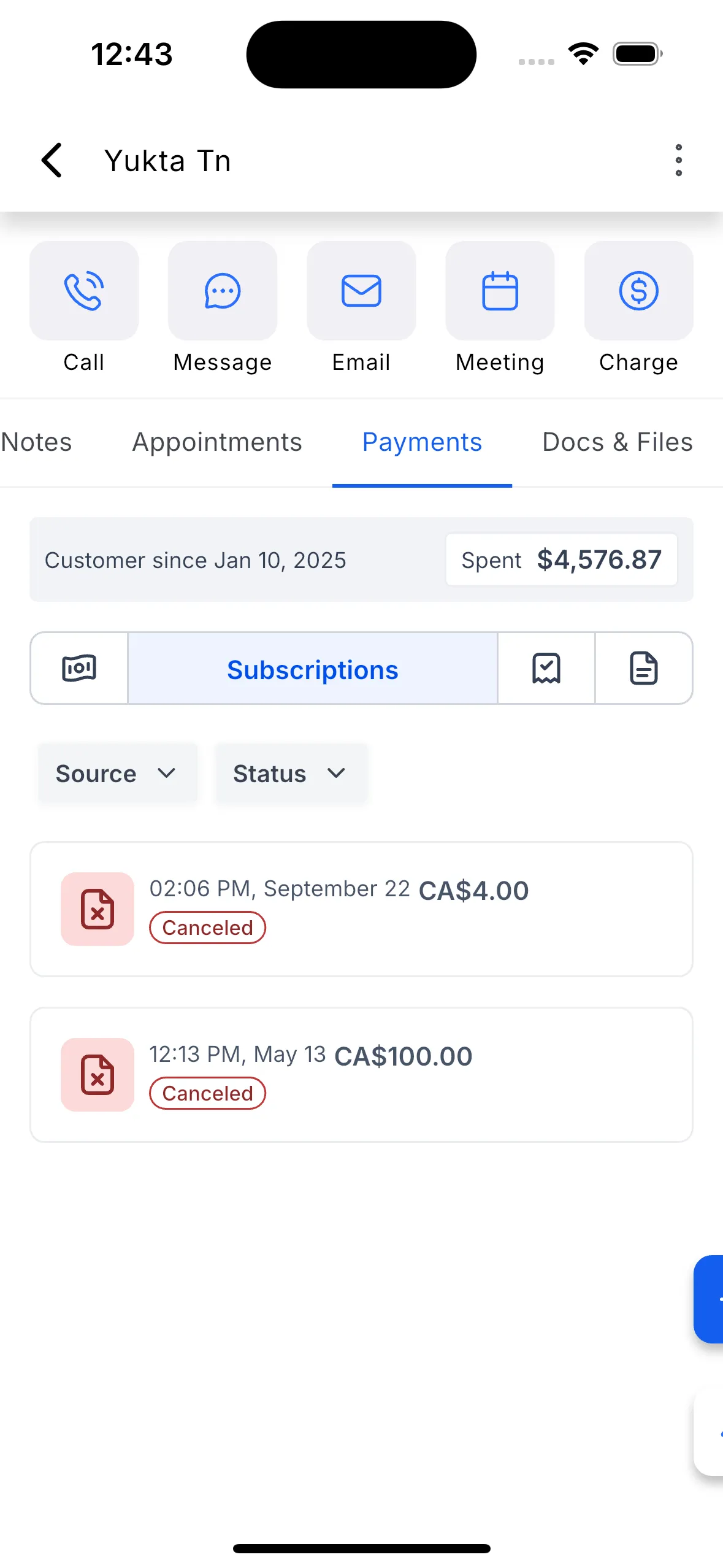
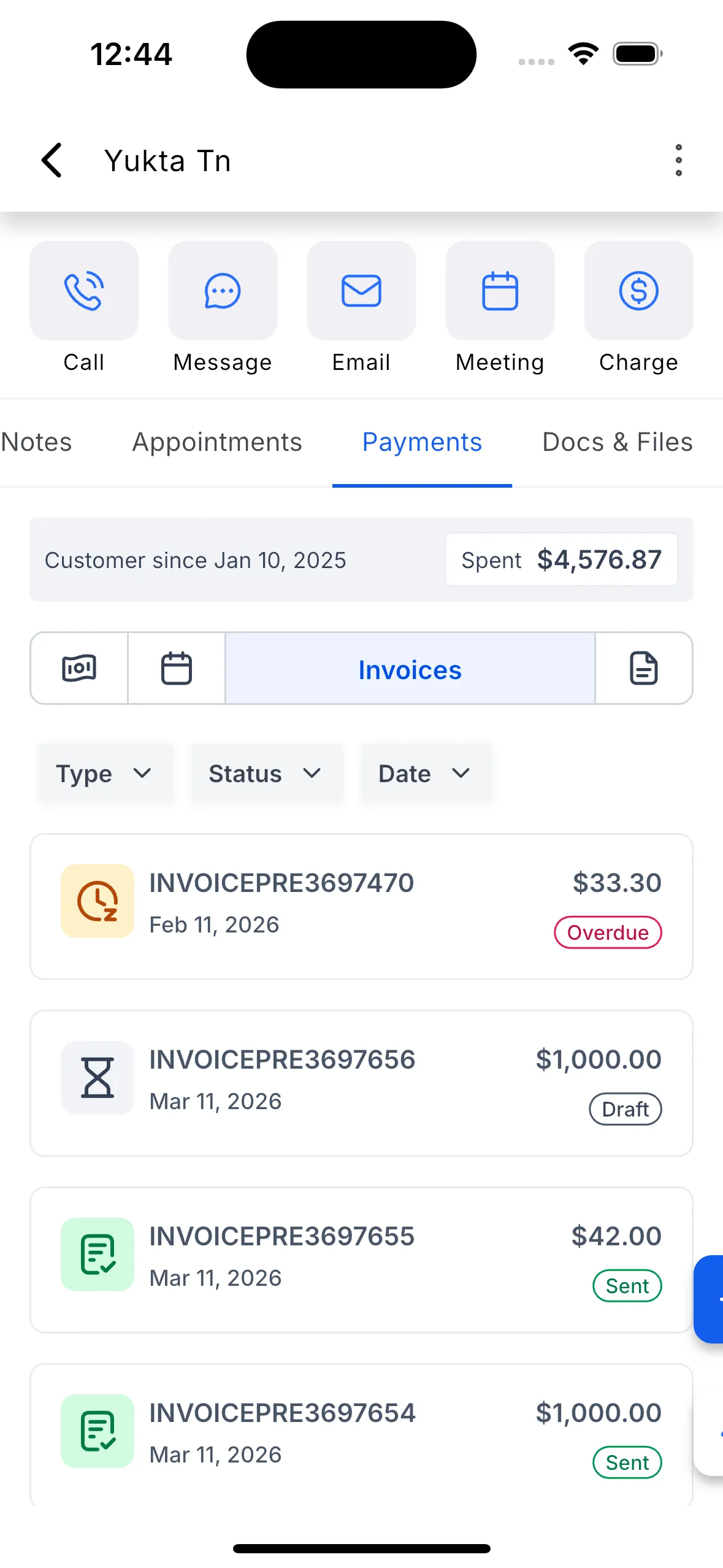
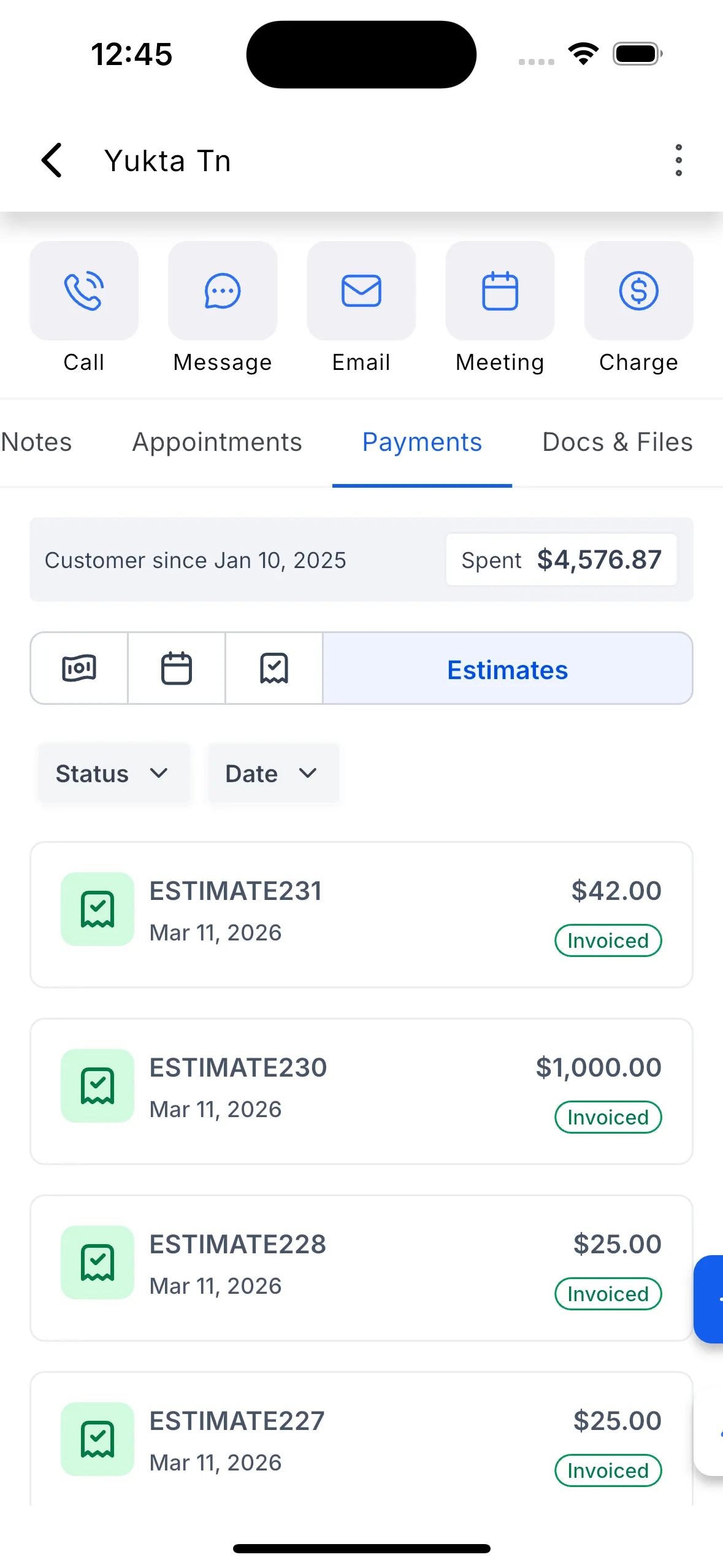
In contact records, the new Payments tab lets you:
- Charge a customer
- Create a new invoice
- Create a new estimate
- Manage cards on file
- Review payment activity
- View customer lifetime value
- View customer start date
You can also use filter chips to switch between payment types, including transactions, invoices, estimates, and subscriptions where applicable.
Payments inside opportunity records
In opportunity records, the Payments tab lets you:
- Create a new invoice
- Create a new estimate
- Review payment activity linked to the opportunity
- Check payment statuses from the same screen
Invoices and estimates created here are linked to the opportunity automatically.
How to use it
From a contact
- Open a contact.
- Tap the Payments tab.
- Tap Actions.
- Choose Charge Now, New Invoice, New Estimate, or Manage Cards on File.
- Use the filter chips to browse transactions, invoices, estimates, or subscriptions.
From an opportunity
- Open an opportunity.
- Tap the Payments tab.
- Tap New Invoice or New Estimate.
- Review linked payment activity and statuses in the same tab.
This update brings Payments & Commerce tools closer to everyday CRM & Sales work on mobile.
In Case You Missed It
You can also read about Set a Default Path for Workflow Branches.
Need Help Applying This Update?
If you’d like help rolling this out in SMBcrm, visit Support or request a demo.