Variant Image Sync on the Product Details Page
Product variant selections can now update the product image on the product details page when an image is assigned to that variant. This makes it easier for shoppers to confirm the option they selected.
What Changed
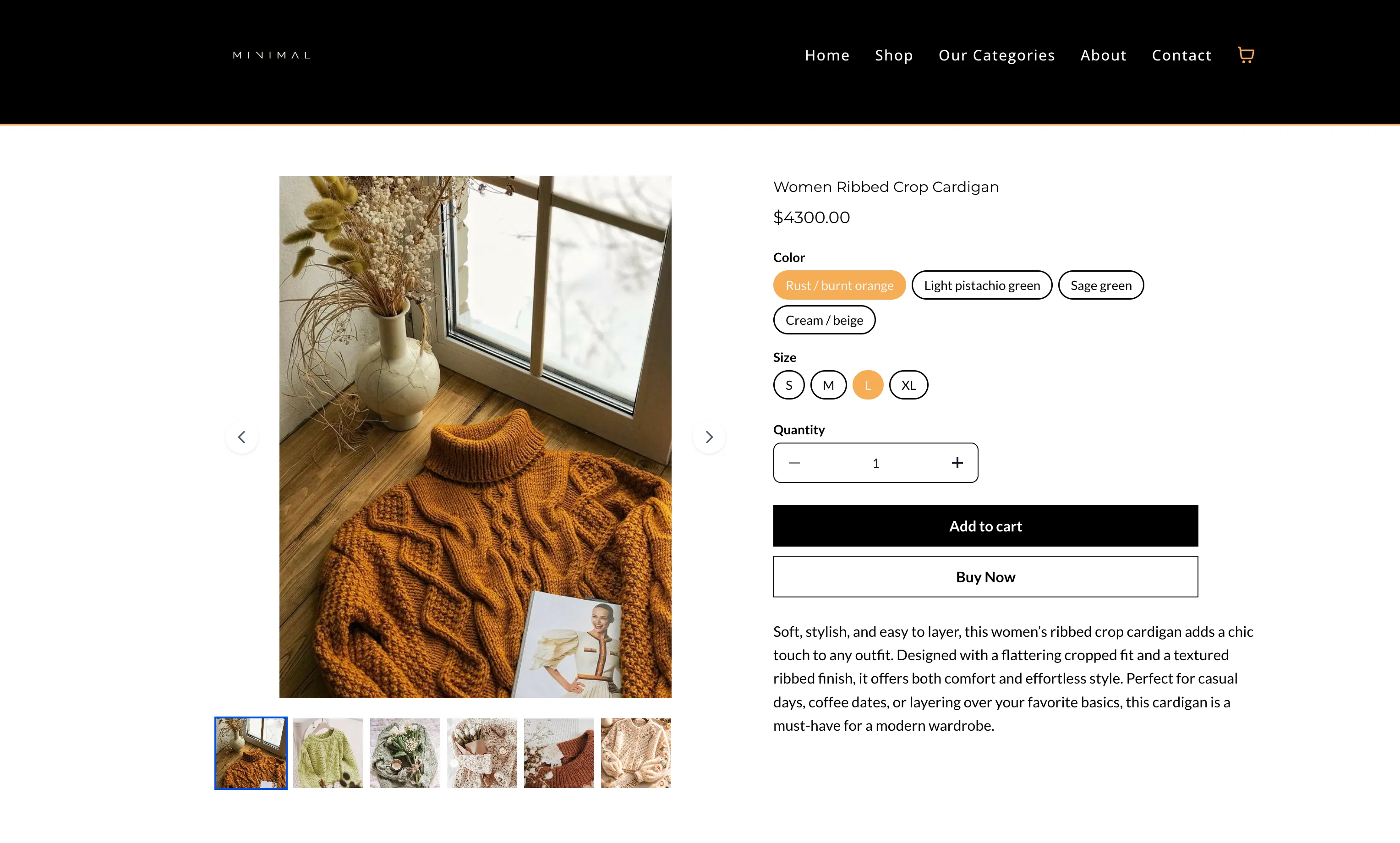
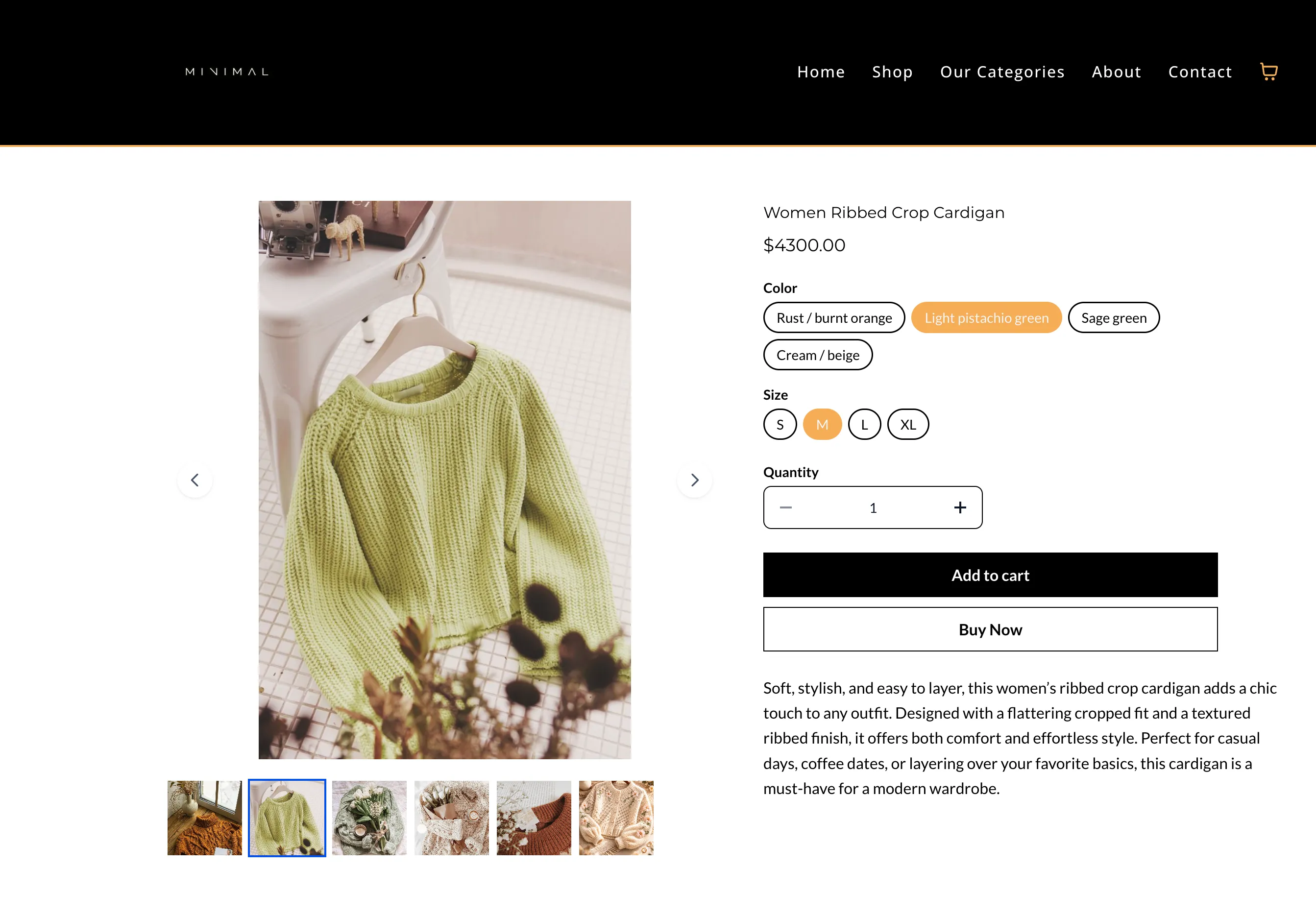
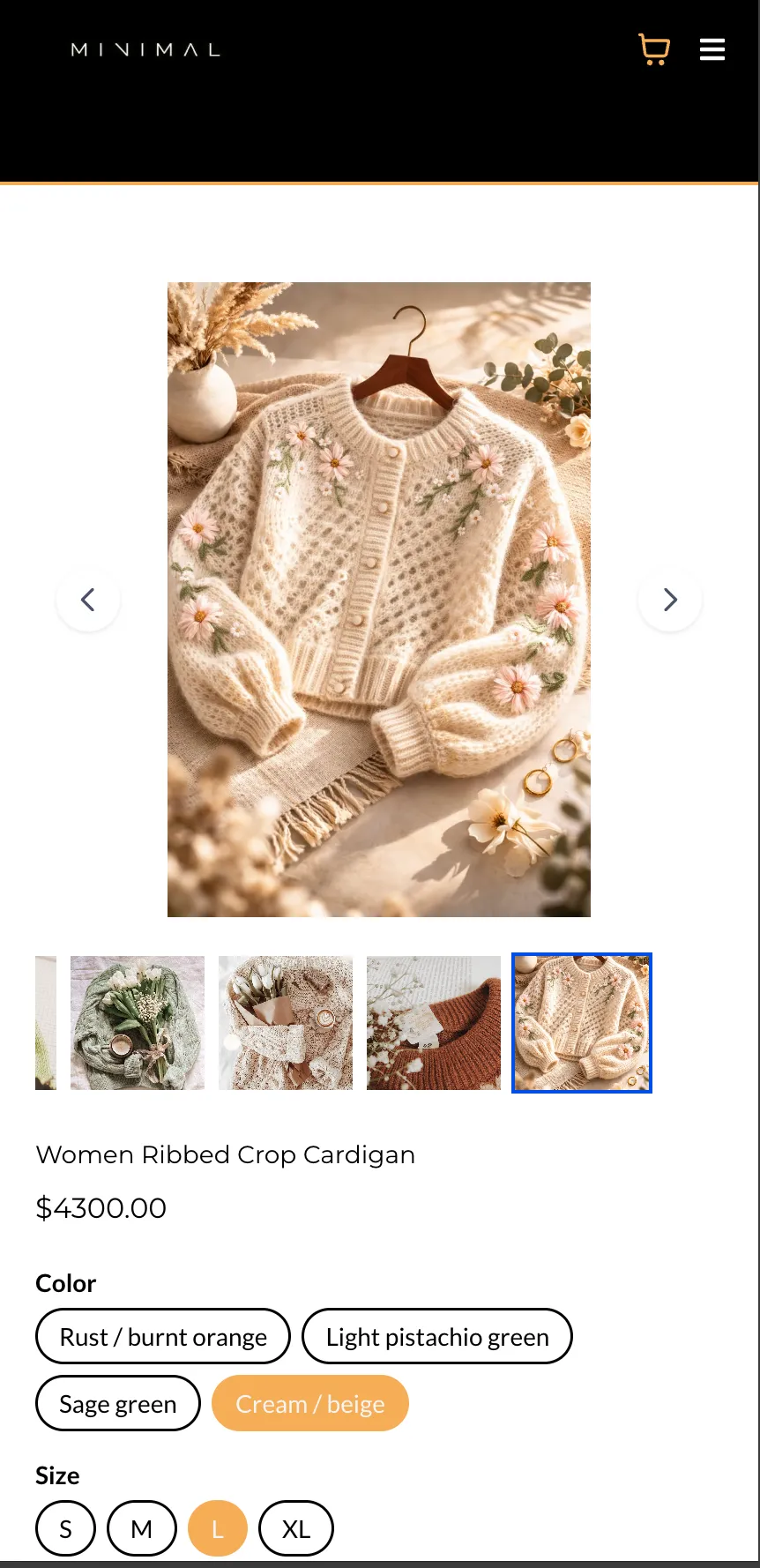
When a shopper selects a variant on the product details page, the product image updates to the image assigned to that variant, if one is available.
The assigned image becomes the active image in the product gallery or carousel.
Layout Behavior
This behavior applies to:
- Stack Carousel
- Stack Gallery
The Two-Column layout works the same as before.
If a variant does not have an assigned image, the displayed image does not change.
In Case You Missed It
You can also read about ACH Bank Transfers for US and Canada Accounts Using NMI.
Need Help Applying This Update?
If you’d like help rolling this out in SMBcrm, visit Support or request a demo.