Workflow Builder Now Includes Find and Replace
SMBcrm now includes Find and Replace inside a single workflow, making it easier to locate and update values across your automation steps.
With this update, you can search for custom values, tags, or text, then replace supported custom values and tags one at a time or across the current workflow. It is designed to speed up edits in larger automation workflows.
What Changed
You can now:
- Search within one workflow by custom values, tags, or text
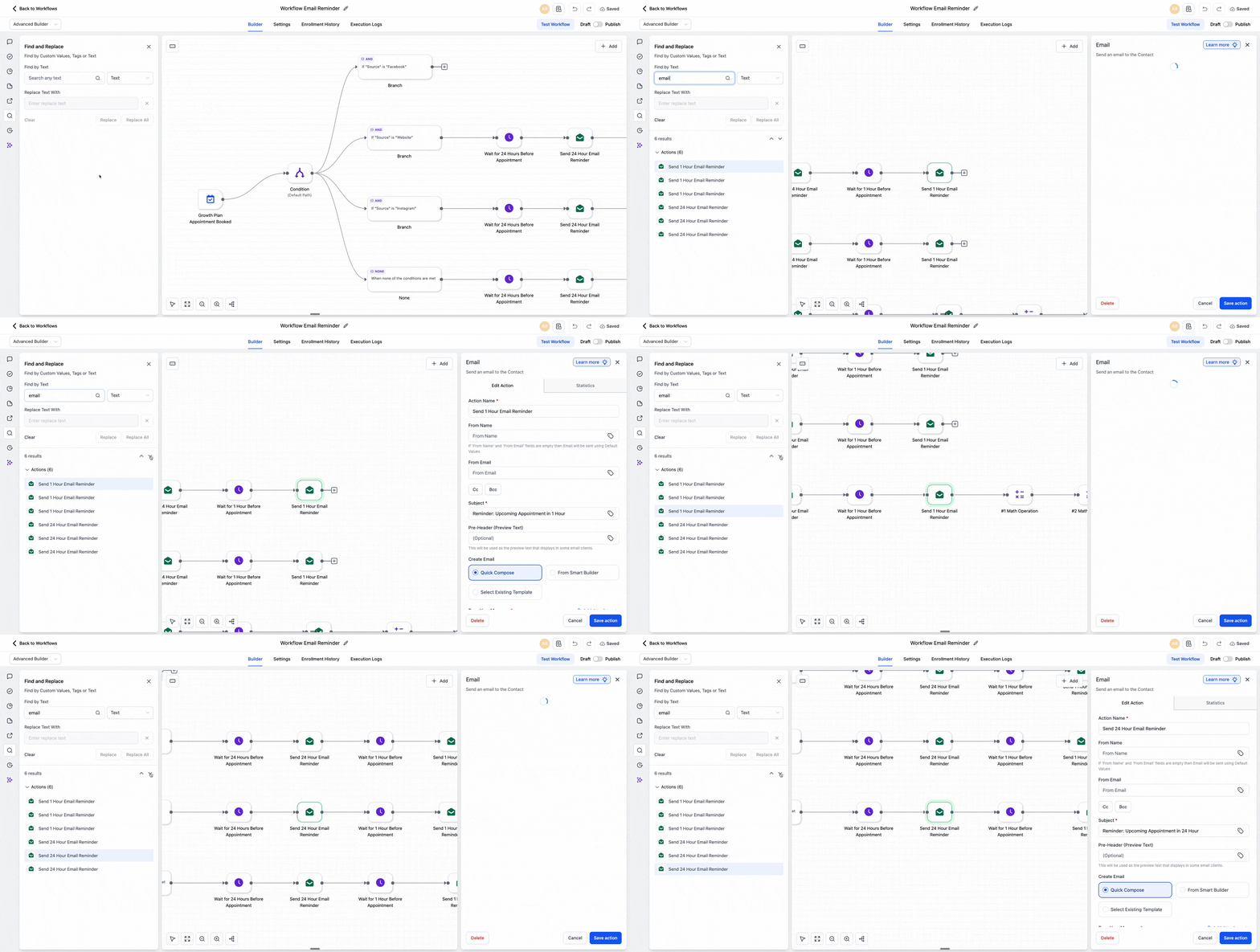
- See matching results instantly
- Jump directly to matching nodes on the canvas
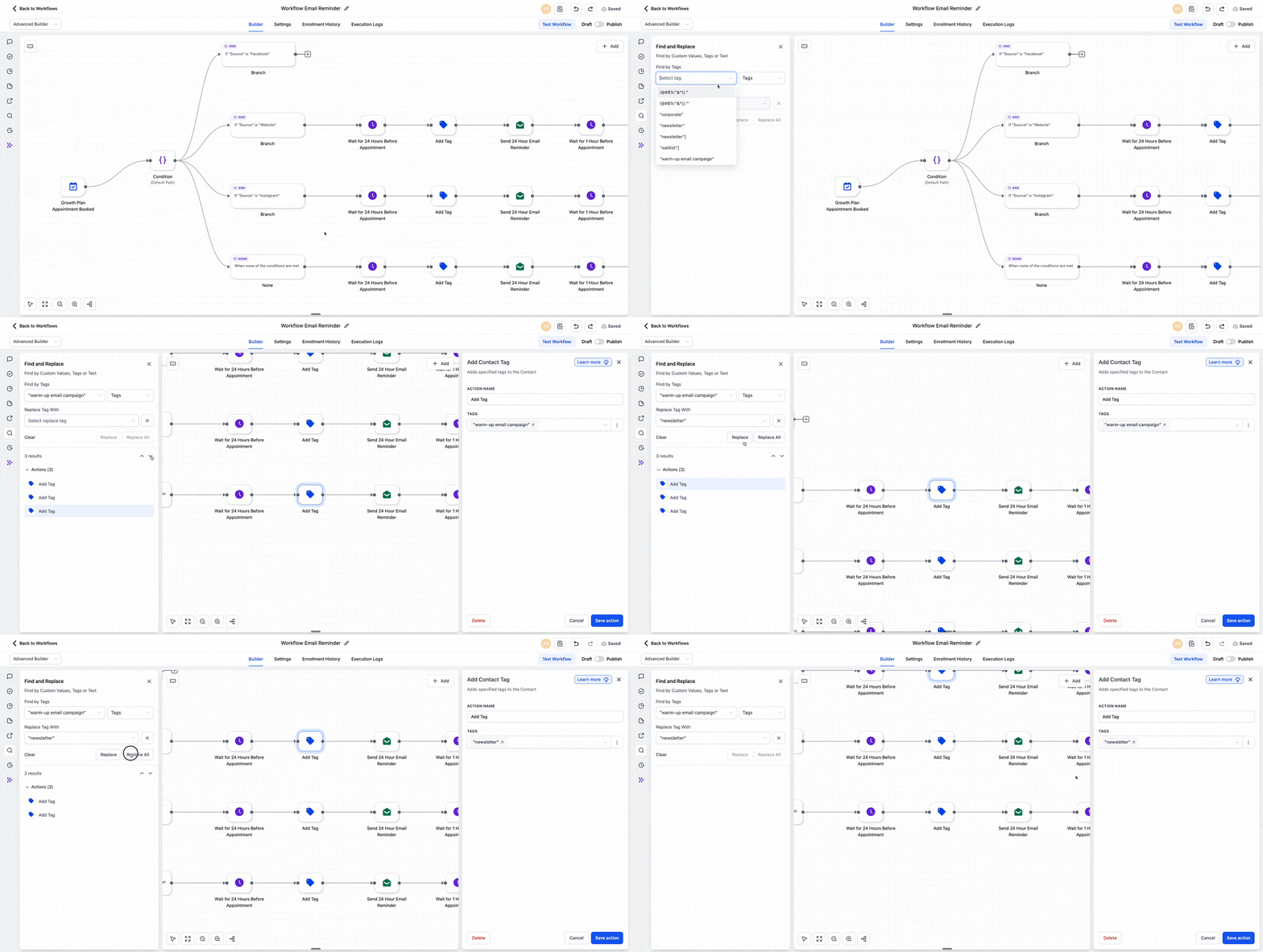
- Replace supported custom values or tags one at a time
- Use Replace All for supported matches within the current workflow
- Undo changes if needed
Find and Replace is available in both the Standard Builder and the Advanced Builder.
How It Works
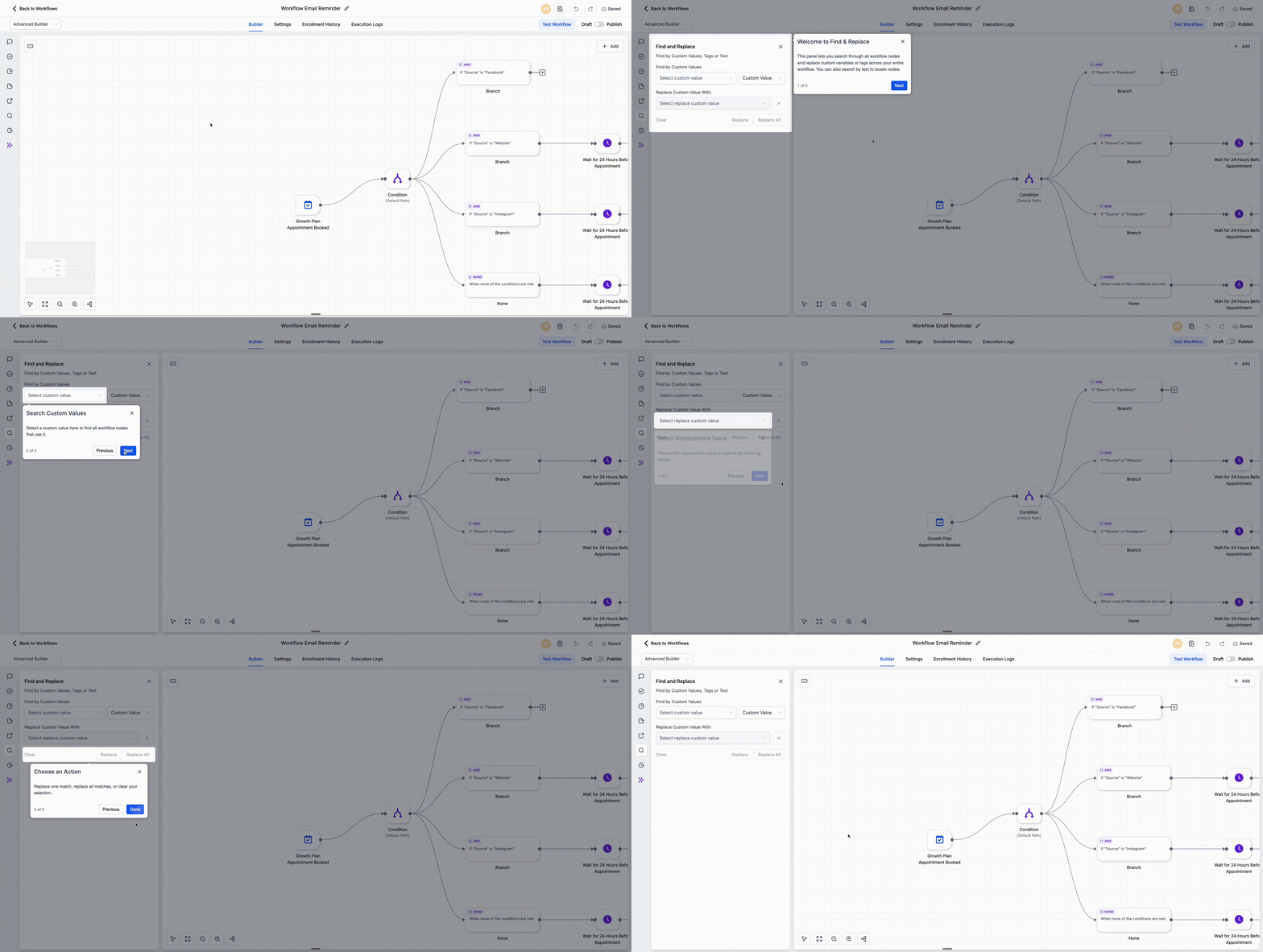
Open a workflow and click the search icon, or use:
- Alt+F on Windows
- Option+F on Mac
From there, choose whether you want to search by custom values, tags, or text. As results appear, the first match opens automatically and the builder moves to that node on the canvas. You can continue moving through the results and the canvas will follow your selection.
If you turn on Replace, you can choose a replacement from the custom value picker and apply it to the current match or all supported matches in that workflow.
Supported Behavior
A few important details:
- Search supports partial matches
- Search is case-insensitive
- Replace supports custom values and tags only
- Replace All applies only within the current workflow
- Step names and trigger names can be found through text search, but they cannot be replaced in this version
- An in-app tutorial is available to help guide users through the feature
Why It Matters
Large workflows can be difficult to review when the same value, tag, or text appears in multiple places. Find and Replace reduces manual searching and helps you make updates more efficiently.
For example, you can:
- Find a tag such as HighPriority and replace it with Urgent across the workflow
- Replace a custom value such as Agency Email with Support Email wherever it appears in email steps
In Case You Missed It
You can also read about Appointment Triggers Now Support Appointment Guests.
Need Help Applying This Update?
If you’d like help rolling this out in SMBcrm, visit Support or request a demo.