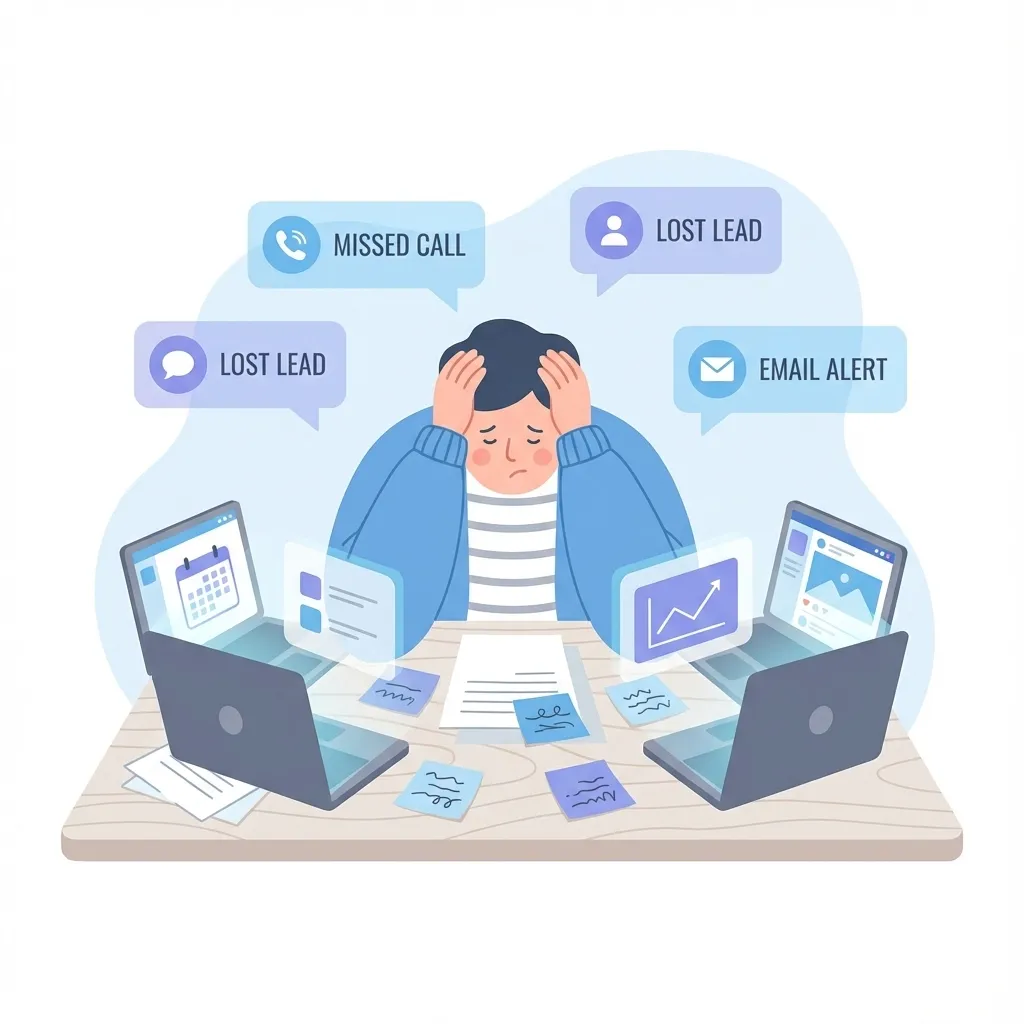
Lead capture tools are software features that collect contact information from potential customers through forms, landing pages, chatbots, and other digital touchpoints. These tools automatically route new leads into your CRM, enabling immediate follow-up and systematic nurturing through your sales pipeline.
The effectiveness of lead capture directly impacts revenue. According to research from InsideSales.com, responding to a lead within 5 minutes makes you 21 times more likely to qualify that lead compared to waiting 30 minutes. This is why modern lead capture goes beyond simple form submission---it requires instant routing, automated responses, and seamless CRM integration.
What Are Lead Capture Tools?
Lead capture tools are the digital mechanisms that transform anonymous website visitors into identifiable prospects in your database. They serve as the entry point for your entire customer relationship management process.
Core functions of lead capture tools:
- Collect contact information (name, email, phone number)
- Gather qualifying data (company size, budget, timeline)
- Route leads to appropriate sales representatives
- Trigger automated follow-up sequences
- Track lead source for marketing attribution
Without effective lead capture, even the best marketing campaigns waste budget on traffic that never converts. Every visitor who leaves your site without providing contact information represents a lost opportunity.
Types of Lead Capture Tools
Web Forms
Web forms remain the foundation of lead capture. They appear on contact pages, blog posts, pricing pages, and throughout your website wherever visitors might be ready to engage.
Best practices for web forms:
- Limit fields to essential information only (each additional field reduces conversions by approximately 4%)
- Use progressive profiling to gather more data over time
- Include clear privacy language to build trust
- Make submit buttons action-oriented (“Get My Free Quote” vs. “Submit”)
Landing Pages
Landing pages are standalone pages designed for a single conversion goal. Unlike general website pages, landing pages remove navigation distractions and focus entirely on capturing leads.
High-converting landing page elements:
- Headline matching your ad or email copy
- Clear value proposition above the fold
- Social proof (testimonials, logos, statistics)
- Single, prominent call-to-action
- Mobile-responsive design
For detailed strategies on optimizing landing pages for lead capture, see our guide to landing page optimization best practices.
Chatbots and Live Chat
Chatbots provide instant engagement with website visitors, qualifying leads through conversational interfaces. They work 24/7 and can handle multiple conversations simultaneously.
Chatbot lead capture workflow:
- Greet visitor based on page context
- Ask qualifying questions naturally
- Capture contact information
- Route qualified leads to sales or book appointments
- Handle common questions to reduce friction
Pop-ups and Slide-ins
When used strategically, pop-ups can capture leads that would otherwise leave your site. Exit-intent pop-ups trigger when visitors move to close the tab, offering one last conversion opportunity.
Effective pop-up triggers:
- Exit intent (cursor moves toward browser close)
- Scroll depth (visitor read 50%+ of content)
- Time on page (engaged visitors only)
- Page-specific (offer relevant to content)
Social Media Lead Forms
Platforms like Facebook and LinkedIn offer native lead capture forms that auto-populate user information. This reduces friction significantly---users can submit leads without leaving the platform.
The Speed-to-Lead Imperative
Speed-to-lead refers to how quickly your team responds to new inquiries. It may be the single most important factor in lead conversion.
Why Response Time Matters
Research consistently shows dramatic drops in conversion rates as response time increases:
| Response Time | Conversion Impact |
|---|---|
| Under 1 minute | Optimal conversion window |
| 1-5 minutes | 21x more likely to qualify than 30-minute response |
| 5-30 minutes | Significant drop in engagement |
| Over 1 hour | Lead likely contacted competitors |
| Over 24 hours | Lead often goes cold entirely |
The Harvard Business Review found that companies contacting leads within an hour were 7 times more likely to have meaningful conversations with decision-makers.
Automating Speed-to-Lead
Manual processes cannot achieve consistent sub-5-minute response times. Automation is essential:
Immediate automation triggers:
- Instant SMS confirmation - Thank the lead and set expectations
- Automated email with next steps - Provide immediate value
- Internal notifications - Alert sales team via SMS, email, or CRM dashboard
- Calendar booking link - Let leads self-schedule while interest is high
- Lead scoring - Prioritize hot leads for immediate human contact
Learn how to build these automations in our guide to CRM workflow automation.
Lead Routing: Getting Leads to the Right Person
Lead routing determines which sales representative receives each new lead. Effective routing ensures fast response and appropriate expertise.
Common Lead Routing Methods
Round-robin distribution: Leads are distributed evenly among available sales reps. Simple but doesn’t account for rep strengths or lead characteristics.
Geographic routing: Leads are assigned based on location. Essential for businesses with territory-based sales teams or local service areas.
Skill-based routing: Leads are matched to reps based on product interest, industry, or deal size. Increases conversion by connecting leads with relevant expertise.
Performance-based routing: Top performers receive more leads. Maximizes conversion but requires careful balance to develop all team members.
Lead Routing Workflow Template
When new lead is captured:
1. Check lead source
2. Evaluate qualifying data (budget, timeline, company size)
3. Determine geographic region
4. Match to available rep with relevant expertise
5. If no match available, assign to general queue
6. Notify assigned rep immediately
7. Start automated nurture sequence
8. Set follow-up reminder for 24 hours
Lead Capture Form Templates
Basic Contact Form
Use for general inquiries and contact pages.
Fields:
- Full name (required)
- Email address (required)
- Phone number (optional)
- Message (optional)
Quote Request Form
Use for service businesses needing project details.
Fields:
- Full name (required)
- Email address (required)
- Phone number (required)
- Service type (dropdown)
- Project timeline (dropdown)
- Brief description (text area)
Content Download Form
Use for gated content like ebooks, guides, and templates.
Fields:
- Email address (required)
- First name (optional---improves personalization)
Note: Keep gated content forms minimal. Every additional field reduces downloads.
Appointment Booking Form
Use when the goal is scheduling a call or meeting.
Fields:
- Full name (required)
- Email address (required)
- Phone number (required)
- Preferred date/time (calendar integration)
- Meeting topic (dropdown)
Lead Capture Best Practices Checklist
Use this checklist to audit and improve your lead capture system:
Form Optimization
- Forms request only essential information
- Submit buttons use action-oriented copy
- Forms are mobile-responsive
- Error messages are clear and helpful
- Success messages confirm submission and set expectations
Landing Page Optimization
- Headline matches traffic source messaging
- Single, clear call-to-action
- No navigation links to distract visitors
- Page loads in under 3 seconds
- Social proof visible above the fold
Automation and Routing
- Leads receive instant confirmation (under 1 minute)
- Internal team notified immediately
- Leads routed to appropriate representative
- Follow-up sequence starts automatically
- Calendar booking option available
CRM Integration
- All lead data flows to CRM automatically
- Lead source tracked for attribution
- Duplicate detection prevents redundant records
- Contact records enriched with available data
- Activity timeline captures all touchpoints
Compliance
- Privacy policy linked on all forms
- Consent checkboxes where required
- Data stored securely
- Opt-out mechanisms available
- Records maintained for compliance audits
Integrating Lead Capture with Your CRM
Lead capture tools only deliver value when properly integrated with your CRM system. Without integration, leads sit in form submissions while sales teams work from outdated information.
Benefits of CRM-Integrated Lead Capture
Unified customer view: Every interaction---from first form submission through closed deal---appears in a single record. Sales reps understand full context before reaching out.
Automated follow-up: CRM workflows trigger based on lead behavior. New leads enter nurture sequences, hot leads get immediate calls, and cold leads receive re-engagement campaigns.
Accurate attribution: Know which marketing channels and campaigns generate the best leads. Make informed decisions about where to invest marketing budget.
Pipeline visibility: Track leads from capture through conversion. Identify bottlenecks where leads stall and optimize your process accordingly.
For a deeper understanding of how CRM systems organize and track leads through the sales process, read our guide on sales pipeline management.
Measuring Lead Capture Performance
Track these metrics to optimize your lead capture system:
Key Performance Indicators
Conversion rate by source: Percentage of visitors who submit lead forms. Compare across traffic sources to identify highest-performing channels.
Cost per lead: Marketing spend divided by leads generated. Essential for budget allocation decisions.
Lead-to-opportunity rate: Percentage of leads that become sales opportunities. Indicates lead quality and sales team effectiveness.
Speed-to-lead: Average time between form submission and first contact. Target under 5 minutes for optimal results.
Form abandonment rate: Percentage of visitors who start but don’t complete forms. High abandonment suggests form optimization needed.
Common Lead Capture Mistakes to Avoid
Asking for Too Much Information
Every additional form field reduces conversions. Start with minimal information and gather more through progressive profiling as the relationship develops.
Ignoring Mobile Users
Over 50% of web traffic comes from mobile devices. Test all forms on mobile and ensure they’re easy to complete on small screens.
Slow Response Times
Leads expect quick responses. If your team can’t respond within 5 minutes, automate initial outreach to bridge the gap.
No Follow-up Sequence
A single form confirmation isn’t enough. Build automated sequences that nurture leads over time until they’re ready to buy.
Poor Lead-to-Sales Handoff
Marketing captures leads, but sales closes deals. Ensure clear processes for qualifying leads and routing them to sales at the right time.
Frequently Asked Questions
What is the difference between lead capture and lead generation?
Lead generation refers to the broader process of attracting potential customers to your business through marketing activities. Lead capture is the specific mechanism that collects contact information from those potential customers. Lead generation brings visitors to your site; lead capture converts them into contacts in your database.
How many form fields should I include?
Research suggests 3-5 fields optimize the balance between conversion rate and lead quality. Each additional field beyond that reduces submissions by approximately 4%. Start minimal and use progressive profiling to gather more information over time.
What is a good lead capture conversion rate?
Conversion rates vary significantly by industry and traffic source. Generally, 2-5% is average for website traffic, while landing pages targeting warm traffic should convert at 10-25%. Focus on improving your own baseline rather than chasing industry benchmarks.
How quickly should I respond to new leads?
Respond within 5 minutes whenever possible. Research shows that leads contacted within 5 minutes are 21 times more likely to become qualified opportunities than those contacted after 30 minutes. Use automation to ensure instant initial response.
Do I need a CRM for lead capture?
While you can capture leads without a CRM, managing and converting them effectively requires one. A CRM ensures no leads fall through the cracks, enables automated follow-up, tracks all interactions, and provides the analytics needed to optimize your process. Learn more about why businesses use CRM.
Build a Complete Lead Management System
Effective lead capture is just the beginning. The real value comes from combining capture tools with automated follow-up, systematic nurturing, and seamless sales handoff.
SMBcrm provides integrated lead capture tools that work with your forms, landing pages, and chat widgets. Every lead flows directly into your CRM with full attribution tracking, triggering automated sequences and notifying your sales team instantly.
The result: faster response times, higher conversion rates, and a complete view of every customer relationship from first touch through closed deal.
Related resources:
- Lead Acquisition Marketing Strategies
- Why Your Business Needs a CRM
- All-in-One CRM for Small Business
Ready to Capture More Leads and Convert Them Faster?
SMBcrm’s built-in lead capture tools, automated follow-up, and CRM tracking work together so no opportunity slips through the cracks.