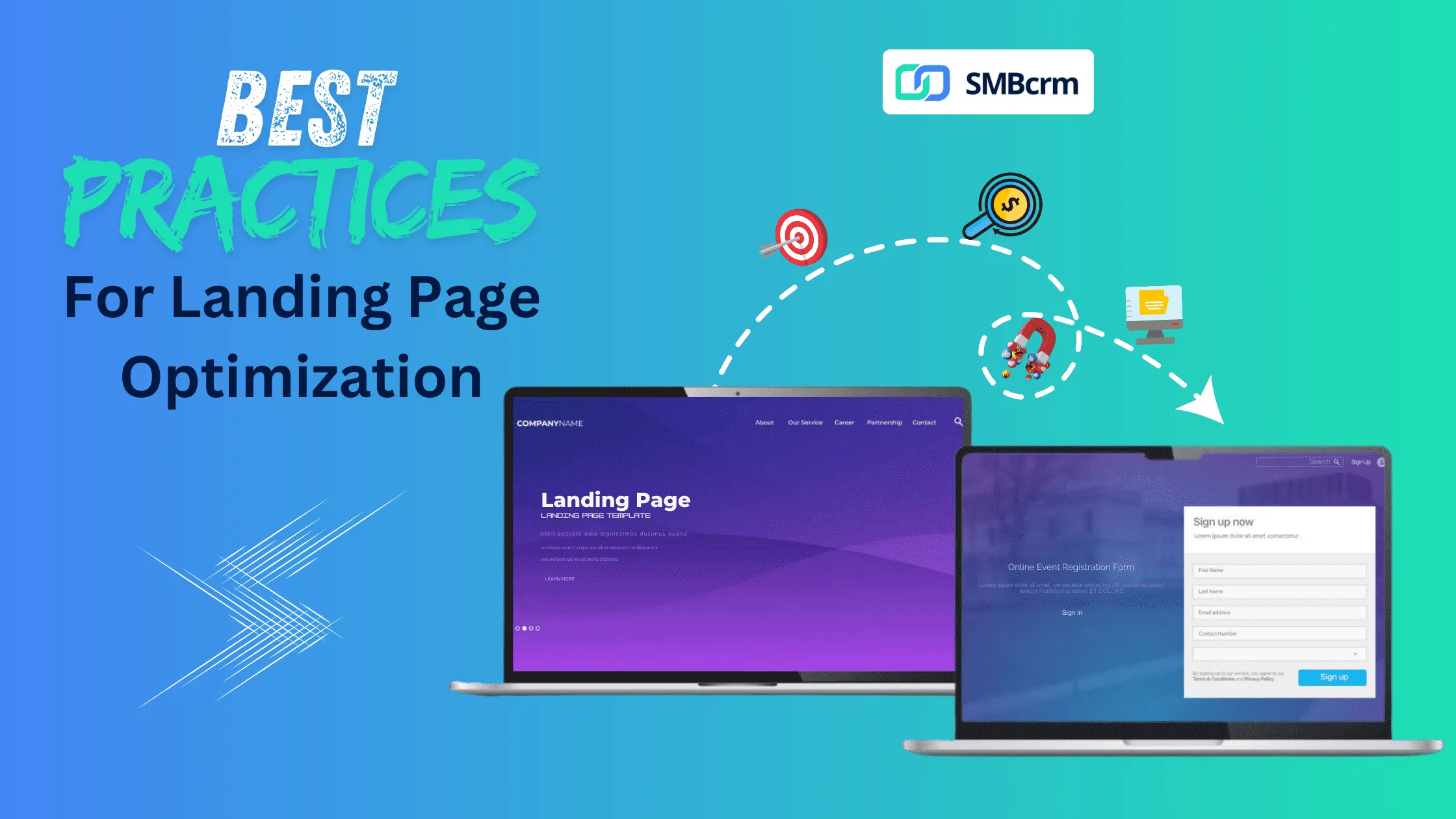
Landing page optimization is the process of improving landing page elements to maximize lead capture and conversion rates. An optimized landing page combines compelling copy, streamlined forms, fast load times, and seamless CRM integration to turn visitors into leads.
The average landing page conversion rate across industries is 5.89%, but top-performing pages achieve 10% or higher. The difference comes down to systematic optimization of every element that influences visitor behavior.
What Makes a High-Converting Landing Page?
A high-converting landing page for lead capture includes these essential elements:
- Single, focused goal - One offer, one action, no distractions
- Compelling value proposition - Clear benefit statement above the fold
- Optimized lead capture form - Minimal friction, strategic field selection
- Fast page load speed - Under 3 seconds on mobile and desktop
- Social proof - Testimonials, reviews, trust badges
- CRM integration - Automatic lead routing and follow-up
Each element works together to guide visitors toward conversion while building trust and reducing friction.
Lead Capture Form Optimization
Your lead capture form is the most critical conversion element on the page. Form optimization directly impacts how many visitors become leads.
Form Length and Field Selection
The optimal number of form fields depends on your offer and audience:
| Offer Type | Recommended Fields | Expected Conversion Impact |
|---|---|---|
| Newsletter signup | Email only | Highest conversion rate |
| Free resource download | Name + Email | High conversion rate |
| Consultation request | Name + Email + Phone + Company | Moderate conversion rate |
| Quote request | 5-7 fields | Lower but more qualified leads |
Key principle: Ask only for information you will actually use. Every additional field reduces conversions by approximately 4-7%.
Form Design Best Practices
Follow these form design principles to maximize completions:
- Place forms above the fold - Visitors should see the form without scrolling
- Use single-column layouts - Multi-column forms increase cognitive load
- Show field labels above inputs - Not inside (placeholder text disappears)
- Add inline validation - Show errors immediately, not after submission
- Make the submit button descriptive - “Get My Free Guide” converts better than “Submit”
Progressive Profiling
Instead of asking for all information upfront, use progressive profiling to gather data over time. Collect basic information (name and email) on first contact, then request additional details in follow-up interactions.
This approach increases initial conversion rates while still building complete lead profiles for your sales team.
Landing Page Copy That Converts
Effective landing page copy addresses visitor intent, overcomes objections, and drives action.
Headline Formula
Your headline should communicate the core benefit in 10 words or fewer. Use this formula:
[Outcome] + [Timeframe or Ease] + [Without Common Objection]
Examples:
- “Generate 2X More Leads Without Increasing Ad Spend”
- “Automate Client Follow-Up in Under 10 Minutes”
- “Grow Your Business Without Hiring More Staff”
Supporting Copy Structure
Structure your body copy to maintain momentum toward conversion:
- Problem statement - Acknowledge the visitor’s pain point
- Solution introduction - Present your offer as the answer
- Benefit bullets - List 3-5 specific outcomes (not features)
- Social proof - Include testimonials or results data
- Call-to-action - Clear next step with urgency element
Copy Length Guidelines
Match copy length to offer complexity:
- Simple offers (newsletter, checklist): 200-400 words
- Medium offers (ebook, webinar): 400-800 words
- Complex offers (demo, consultation): 800-1,500 words
More consideration-required offers need more copy to address objections and build trust.
Page Speed Optimization
Page load speed directly impacts conversion rates. According to Google, 53% of mobile visitors abandon pages that take longer than 3 seconds to load. Each additional second of load time reduces conversions by approximately 7%.
Speed Optimization Checklist
Implement these technical optimizations:
- Compress and resize images (use WebP format)
- Enable browser caching
- Minimize CSS and JavaScript files
- Use a Content Delivery Network (CDN)
- Reduce server response time
- Implement lazy loading for below-fold images
- Remove unused plugins and scripts
Testing Page Speed
Use these free tools to measure and monitor load times:
- Google PageSpeed Insights - Provides mobile and desktop scores with specific recommendations
- GTmetrix - Detailed waterfall analysis of page loading
- WebPageTest - Multi-location testing with filmstrip view
Aim for these benchmarks:
- Mobile load time: Under 3 seconds
- Desktop load time: Under 2 seconds
- Core Web Vitals: All metrics in “Good” range
CRM Integration and Lead Routing
Capturing leads is only valuable if those leads flow seamlessly into your sales process. CRM with workflow automation ensures no lead falls through the cracks.
Essential CRM Integration Features
Your landing page-to-CRM connection should include:
- Instant lead capture - Form submissions create CRM records immediately
- Field mapping - Form fields populate correct CRM fields automatically
- Lead source tracking - Track which campaign, ad, or page generated each lead
- Automated tagging - Apply tags based on form responses or page visited
- Trigger-based workflows - Initiate follow-up sequences automatically
Automated Follow-Up Sequences
The speed of initial contact significantly impacts conversion. Lead capture tools integrated with CRM enable immediate, automated follow-up:
Recommended follow-up timeline:
- Immediate - Confirmation email with promised resource
- 5 minutes - SMS confirmation (if phone collected)
- 24 hours - Educational email expanding on topic
- 48-72 hours - Offer to schedule consultation
- 7 days - Additional value or case study
SMBcrm provides built-in website and funnel builders with native CRM integration, eliminating the technical complexity of connecting third-party tools.
A/B Testing Strategy
Continuous testing is essential for improving conversion rates over time. Focus your testing efforts on high-impact elements.
Elements to Test (In Priority Order)
- Headlines - Highest impact element; test benefit focus and specificity
- Call-to-action - Test button copy, color, size, and placement
- Form fields - Test number of fields and field types
- Social proof - Test testimonial placement and format
- Images - Test hero images and their relevance to offer
- Page length - Test short vs. long copy versions
A/B Testing Best Practices
Follow these principles for valid test results:
- Test one element at a time to isolate impact
- Run tests until you reach statistical significance (typically 100+ conversions per variation)
- Document all tests and results for future reference
- Implement winners and continue testing the next priority element
Landing Page Optimization Checklist
Use this comprehensive checklist before launching any landing page:
Pre-Launch Checklist
Value Proposition
- Headline clearly states main benefit
- Subheadline supports and expands on headline
- Unique value is obvious within 5 seconds
Lead Capture Form
- Form is visible above the fold
- Only essential fields are included
- Submit button uses action-oriented text
- Form includes privacy reassurance
Copy and Content
- Copy addresses target audience pain points
- Benefits are emphasized over features
- Social proof is included (testimonials, reviews, logos)
- Trust badges or certifications are displayed
Design and Layout
- Single-column layout for easy scanning
- Adequate white space around key elements
- No navigation menu (or minimal navigation)
- Mobile-responsive design tested
Technical Performance
- Page loads in under 3 seconds
- Images are compressed and optimized
- CRM integration is tested and working
- Tracking pixels and analytics are configured
CRM Integration
- Form submissions create leads in CRM
- Lead source and campaign tracking is active
- Automated follow-up sequence is configured
- Sales team notification is set up
Landing Page Templates by Industry
Service Business Template
Headline: [Result] for [Audience] in [Location]
Form Fields: Name, Email, Phone, Service Needed (dropdown)
Key Sections:
- Hero with headline and form
- Services list with benefits
- Process overview (3 steps)
- Customer testimonials
- FAQ section
Lead Magnet Template
Headline: Free [Resource Type]: [Specific Benefit]
Form Fields: Name, Email
Key Sections:
- Hero with resource preview image and form
- What you will learn (3-5 bullets)
- Author/company credibility
- Testimonials from previous downloaders
Consultation/Demo Request Template
Headline: [Discover/See/Learn] How [Result] Is Possible
Form Fields: Name, Email, Company, Phone, Best Time to Call (optional)
Key Sections:
- Hero with headline and form
- What to expect from consultation
- Case studies or results examples
- Common questions answered
- Testimonials from clients
Measuring Landing Page Success
Track these key metrics to evaluate performance:
Primary Metrics
| Metric | Definition | Target Benchmark |
|---|---|---|
| Conversion Rate | Form submissions / Total visitors | 5-10%+ |
| Cost Per Lead | Ad spend / Number of leads | Industry dependent |
| Lead Quality Score | Qualified leads / Total leads | 60%+ |
Secondary Metrics
- Bounce Rate - Percentage leaving without action (target: under 70%)
- Time on Page - Average engagement duration (target: 1-2 minutes)
- Scroll Depth - How far visitors scroll (target: 50%+ reach form)
- Form Abandonment - Started but not completed (target: under 20%)
Understanding why CRM is used for tracking these metrics helps connect landing page performance to overall business results.
Common Landing Page Mistakes to Avoid
Avoid these frequent errors that kill conversion rates:
- Too many calls-to-action - Multiple CTAs confuse visitors; focus on one primary action
- Slow load times - Every second delay costs conversions
- Generic headlines - Vague statements do not differentiate your offer
- Asking for too much information - Each field creates friction
- No mobile optimization - Over 50% of traffic is mobile
- Missing social proof - Visitors need validation from others
- Broken CRM integration - Lost leads mean wasted ad spend
- No follow-up automation - Delayed response reduces lead quality
Summary
Landing page optimization for lead capture requires attention to every element: compelling copy, streamlined forms, fast load times, and seamless CRM integration. By implementing the best practices in this guide and continuously testing improvements, you can significantly increase conversion rates and lower your cost per lead.
Start with the pre-launch checklist to audit your current pages, then prioritize optimizations based on potential impact. Focus first on form optimization and page speed, as these typically deliver the fastest improvements.
For businesses ready to streamline their entire lead capture process, SMBcrm combines landing page builders, forms, CRM, and automation in one platform, eliminating the technical complexity of connecting multiple tools.
Frequently Asked Questions
What is a good conversion rate for a landing page?
A good landing page conversion rate ranges from 5-10%, though top performers achieve 15% or higher. Conversion rates vary significantly by industry, offer type, and traffic source. B2B landing pages typically convert at 2-5%, while B2C pages average 5-8%. Focus on improving your own baseline rather than comparing to general benchmarks.
How many form fields should a landing page have?
The optimal number of form fields depends on your offer value and sales process needs. For simple offers like newsletter signups, use 1-2 fields. For higher-value offers like consultations, 4-6 fields can help qualify leads while maintaining reasonable conversion rates. Test different field counts to find the right balance for your specific audience.
How do I connect my landing page to my CRM?
Most landing page builders offer native integrations with popular CRMs, or you can use automation tools like Zapier to connect any form to any CRM. Ensure your integration includes field mapping (matching form fields to CRM fields), lead source tracking, and automated tagging. Platforms like SMBcrm include built-in landing pages and CRM, eliminating integration complexity.
How fast should a landing page load?
Landing pages should load in under 3 seconds on mobile devices and under 2 seconds on desktop. Use Google PageSpeed Insights to test your page speed and identify specific improvements. Compress images, enable caching, and minimize code to achieve optimal load times.
Should landing pages have navigation menus?
Most landing pages perform better without navigation menus. Navigation provides exit paths that distract from the primary conversion goal. If you must include navigation, use a minimal version with only essential links. Test your page with and without navigation to determine the impact on your specific conversion rate.
Build High-Converting Landing Pages with SMBcrm
SMBcrm includes a drag-and-drop landing page builder with built-in forms, CRM integration, and automated follow-up sequences. Capture leads and route them into your pipeline instantly, with no third-party tools to connect.
Start your free trial to build your first optimized landing page, or schedule a demo to see the full lead capture system in action.