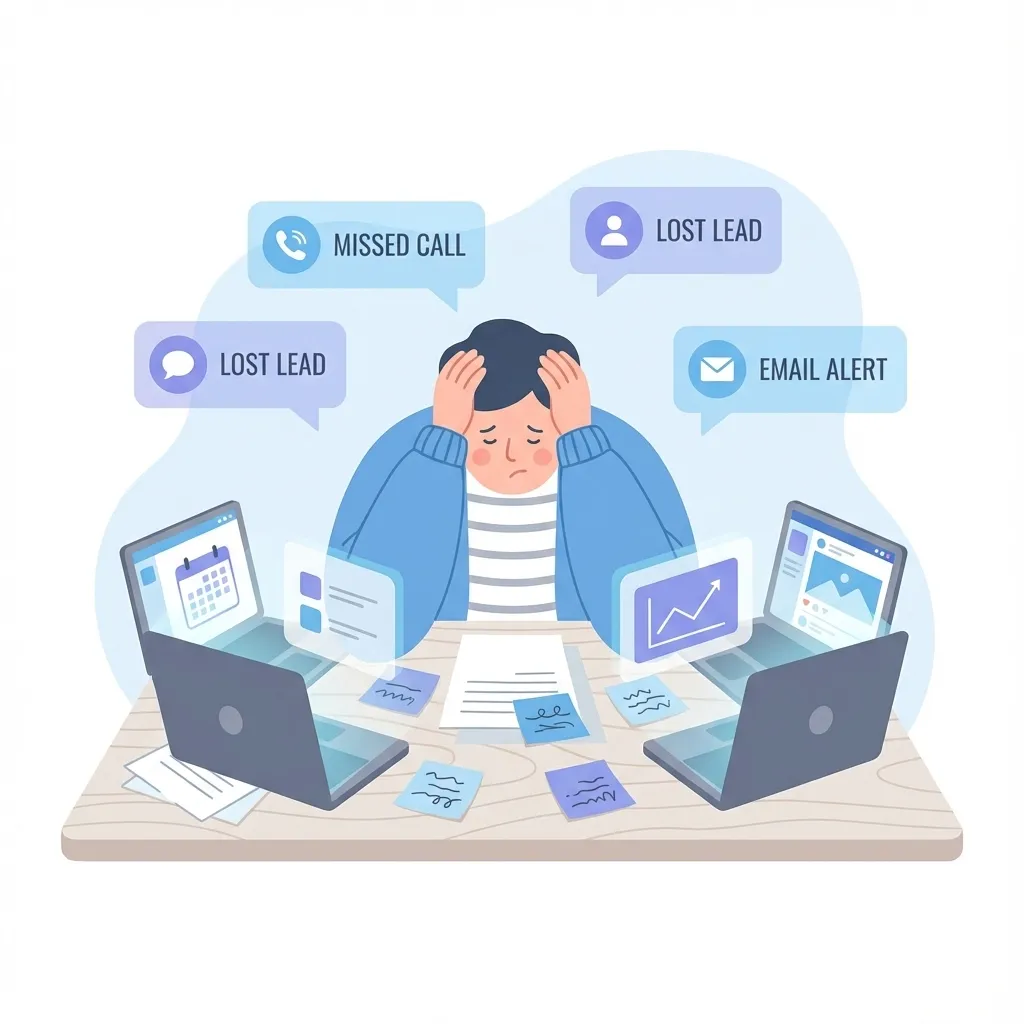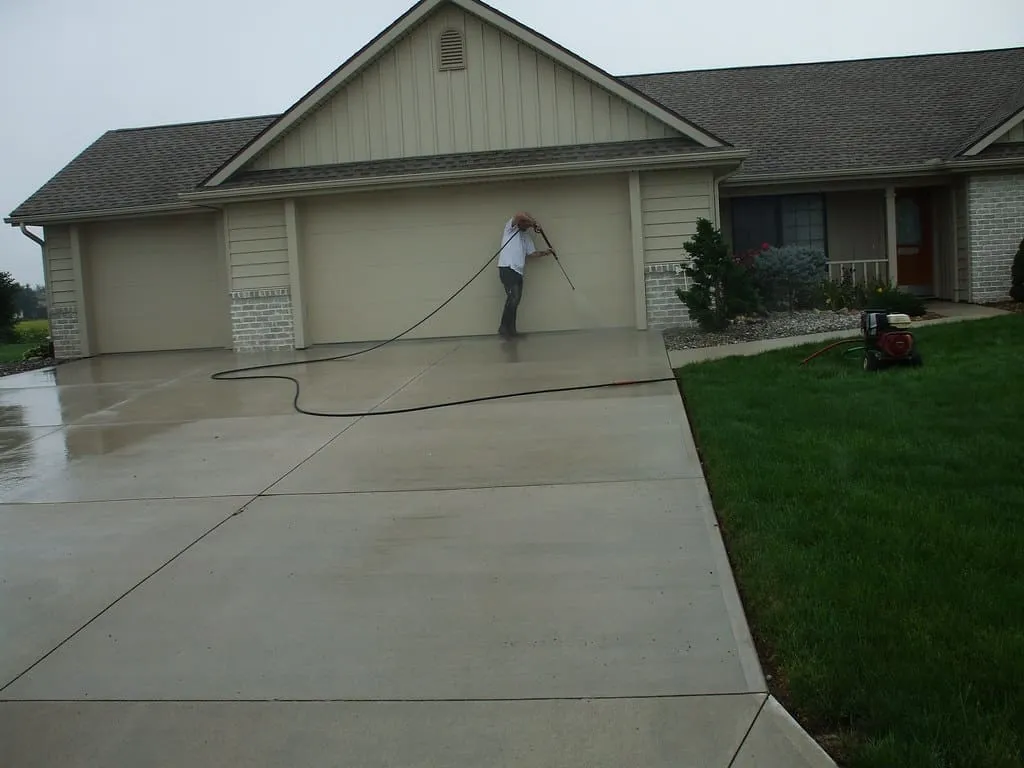
CRM for pressure washing companies is specialized software that manages customer relationships, job scheduling, estimates, and automated follow-ups in one platform. For home service businesses like pressure washing, window cleaning, and landscaping, CRM eliminates the chaos of paper estimates, missed callbacks, and lost leads by creating a streamlined system from first contact to completed job.
Pressure washing companies face unique challenges: seasonal demand fluctuations, on-site estimates, recurring service schedules, and the need to maintain customer relationships between annual cleanings. A purpose-built CRM addresses each of these while helping owners scale beyond what manual processes allow.
Why Pressure Washing Companies Need CRM Software
Home service businesses operate differently from retail or office-based companies. Your sales team is your service crew. Your office is often a truck. And your customers expect fast responses, accurate estimates, and reliable scheduling.
The core problems CRM solves for pressure washing:
| Challenge | Without CRM | With CRM |
|---|---|---|
| Lead response time | Hours or days (lost business) | Under 5 minutes (automated) |
| Estimate tracking | Scattered notes, forgotten follow-ups | Organized pipeline with reminders |
| Scheduling conflicts | Double-bookings, missed appointments | Centralized calendar with crew assignments |
| Customer history | Starting from scratch each year | Complete service records instantly accessible |
| Follow-up consistency | Depends on owner’s memory | Automated sequences never miss |
According to InsideSales.com, responding to leads within 5 minutes makes you 21 times more likely to qualify them. For competitive home services, this speed-to-lead advantage often determines who wins the job.
Essential CRM Features for Home Service Businesses
Not every CRM suits field service operations. Pressure washing companies need specific features that support mobile work, visual estimates, and recurring service models.
Mobile Access for Field Teams
Your crew needs to access customer information, service history, and job notes from the truck or job site. A mobile-friendly CRM ensures technicians can:
- View today’s schedule and job details
- Access customer contact information and gate codes
- Add photos and notes during service
- Update job status in real-time
- Collect payments on-site
Automated Lead Capture and Response
When a homeowner requests a quote from your website, lead capture tools automatically create a contact record and trigger immediate follow-up. This might include:
- Instant text confirmation: “Thanks for your request! We’ll have a quote to you within 24 hours.”
- Automatic email with company information and service details
- Task assignment to your estimator with lead details
- Calendar prompt to schedule the estimate appointment
Pipeline Management for Estimates
Pressure washing jobs move through predictable stages. A CRM pipeline visualizes where every opportunity stands:
Recommended Pipeline Stages for Pressure Washing:
- New Lead - Initial inquiry received
- Estimate Scheduled - Appointment set for on-site quote
- Estimate Sent - Quote delivered to customer
- Follow-Up - Awaiting customer decision
- Won - Job booked and scheduled
- Lost - Customer declined (track reason for improvement)
Scheduling and Job Management
An integrated appointment calendar prevents double-bookings and optimizes route efficiency:
- Online booking: Let customers self-schedule estimate appointments
- Crew assignment: Assign jobs based on location, skill, and equipment
- Route optimization: Group jobs by geographic area
- Automated reminders: Reduce no-shows with text and email confirmations
Invoicing and Payment Collection
After completing a job, invoice software integration enables:
- One-click invoice generation from job details
- Text-to-pay links for immediate payment
- Automatic payment reminders for overdue accounts
- Integration with accounting software
Workflow Automation Templates for Pressure Washing
Workflow automation handles repetitive tasks automatically, ensuring consistent follow-up without manual effort. Here are ready-to-implement workflows for pressure washing operations:
New Lead Response Workflow
Trigger: New contact created from website form
Automated sequence:
- Immediately: Send SMS - “Hi [First Name], thanks for contacting [Company]! One of our specialists will call you within the hour to discuss your pressure washing needs.”
- Immediately: Send email with service menu and pricing guide
- Immediately: Create task for sales rep to call within 1 hour
- If no response in 24 hours: Send follow-up SMS
- If no response in 3 days: Send “Did you still need a quote?” email
Estimate Follow-Up Workflow
Trigger: Pipeline stage changed to “Estimate Sent”
Automated sequence:
- Immediately: Send email with estimate attached and booking link
- 2 days later: Send SMS - “Hi [First Name], wanted to make sure you received our estimate. Any questions I can answer?”
- 5 days later: Send email with limited-time booking incentive
- 10 days later: Final follow-up with testimonials from similar projects
- 14 days later: Move to “Lost” if no response (trigger re-engagement campaign for next season)
Post-Job Review Request Workflow
Trigger: Job status changed to “Completed”
Automated sequence:
- Same day: Send thank-you SMS with satisfaction check
- 2 days later: Send email requesting Google review with direct link
- 7 days later: Send referral request with incentive details
Annual Service Reminder Workflow
Trigger: 11 months after last service date
Automated sequence:
- Month 11: Send email - “It’s almost time for your annual house wash!”
- Month 11 + 1 week: Send SMS with easy re-booking link
- Month 12: Send email with before/after photos from last service
- Month 12 + 2 weeks: Final reminder with seasonal discount
Building Your Pressure Washing CRM: Step-by-Step Setup
Step 1: Import Existing Customer Data
Gather customer information from:
- Past invoices and estimates
- Email contacts
- Phone records
- Old spreadsheets or paper files
Import this data into your CRM with these minimum fields:
- Name
- Phone number
- Email address
- Property address
- Services provided
- Last service date
Step 2: Configure Your Sales Pipeline
Create pipeline stages matching your actual sales process. Start simple (5-6 stages) and add complexity only as needed.
Step 3: Set Up Lead Capture
Connect your CRM to your website through:
- Embedded contact forms
- Click-to-call tracking
- Online scheduling widgets
- Facebook lead form integration
Step 4: Build Automation Workflows
Start with the three highest-impact automations:
- Speed-to-lead response (immediate engagement)
- Estimate follow-up (close more quotes)
- Review requests (build online reputation)
Add additional workflows as you identify repetitive tasks.
Step 5: Train Your Team
Ensure everyone understands:
- How to access and update customer records
- When and how to move opportunities through pipeline stages
- What triggers automations (so they complement, not duplicate, effort)
Measuring CRM Success for Service Businesses
Track these key performance indicators to ensure your CRM delivers results:
Lead Metrics
- Response time: Average time from inquiry to first contact (goal: under 5 minutes)
- Lead-to-estimate ratio: Percentage of leads who receive estimates
- Cost per lead: Marketing spend divided by leads generated
Sales Metrics
- Estimate close rate: Percentage of estimates that convert to jobs
- Average job value: Total revenue divided by number of jobs
- Sales cycle length: Days from first contact to booked job
Customer Metrics
- Customer lifetime value: Total revenue per customer over their relationship
- Repeat customer rate: Percentage of customers who book again
- Referral rate: Percentage of new customers from referrals
Operational Metrics
- Jobs per day: Completed services per crew per day
- Rework rate: Jobs requiring return visits
- Collection time: Days from invoice to payment
Common CRM Mistakes to Avoid
Mistake 1: Overcomplicating the Setup
Start with essential features and expand gradually. A complex CRM nobody uses provides zero value.
Mistake 2: Ignoring Mobile Functionality
If your team cannot access the CRM from job sites, critical information will not get entered. Test mobile usability before committing.
Mistake 3: Skipping Data Migration
Starting with an empty CRM means losing years of customer history. Take time to import existing data, even if imperfect.
Mistake 4: Automating Without Strategy
Automation should enhance customer experience, not replace human connection. Map your ideal customer journey first, then automate supporting tasks.
Mistake 5: Neglecting Ongoing Training
New team members need CRM training. Existing team members need refreshers. Schedule quarterly reviews of CRM usage and best practices.
Frequently Asked Questions
What is the best CRM for pressure washing businesses?
The best CRM for pressure washing combines contact management, pipeline tracking, appointment scheduling, and automation in one platform. Look for mobile accessibility, SMS marketing capabilities, and integration with invoicing and payment tools. SMBcrm provides all these features specifically designed for service businesses.
How much does CRM software cost for small service companies?
CRM pricing varies from free basic options to $300+ per month for enterprise solutions. Most small pressure washing companies find good value in the $50-150/month range, which typically includes contact management, automation, and essential integrations. Calculate ROI based on jobs won through faster response and better follow-up.
Can CRM help with seasonal business fluctuations?
Yes. CRM automation maintains customer relationships during slow seasons through:
- Off-season service reminders (gutter cleaning, holiday lighting)
- Early-bird booking campaigns for peak season
- Referral programs that generate leads year-round
- Re-engagement sequences for past customers
How long does it take to implement CRM for a service business?
Basic setup takes 1-2 weeks, including data import and essential automations. Full implementation with custom workflows and team training typically requires 30-60 days. Start using core features immediately while building out advanced functionality.
Do I need technical skills to use CRM software?
Modern CRM platforms use drag-and-drop interfaces and templates that require no coding. If you can use email and basic smartphone apps, you can operate CRM software. Most providers offer onboarding support and training resources.
Getting Started with CRM for Your Pressure Washing Business
Implementing CRM represents a fundamental shift in how pressure washing companies operate. Instead of reacting to customer needs, you proactively manage relationships from first contact through years of recurring service.
The companies that thrive in home services are not necessarily those with the best equipment or lowest prices. They are the ones who respond fastest, follow up consistently, and make customers feel valued between service visits. If you run a pressure washing, cleaning, or landscaping business, explore our dedicated CRM for Home Services page to see how these tools apply across the industry.
Understanding why businesses use CRM is the first step. The next step is choosing a platform that fits your specific workflow and committing to consistent usage.
SMBcrm provides pressure washing and home service companies with the tools to capture leads, manage pipelines, schedule jobs, and automate follow-up in one integrated platform. Explore SMBcrm features or start a free trial to see how CRM transforms your operations.
Ready to Grow Your Pressure Washing Business?
SMBcrm gives home service companies the CRM, scheduling, invoicing, and automation tools they need — all in one platform.