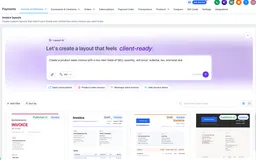
Create Custom Invoice Layouts with AI
Create custom invoice layouts with AI, refine them in a visual editor, and apply published designs to the invoices your customers see.
New features, improvements, and fixes for your CRM.
Showing 31–60 of 230 updates
Create custom invoice layouts with AI, refine them in a visual editor, and apply published designs to the invoices your customers see.
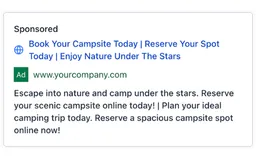
SMBcrm has published customizable templates for websites, funnels, social content, and Facebook, Google, and LinkedIn ads across several industries.

Ask AI now supports two-way voice in the SMBcrm Mobile app, with spoken replies, live transcription, interruptions, and shared chat history.
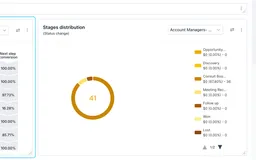
Customize general dashboard widgets with persistent filters, date ranges, comparisons, titles, and themes to make reporting easier to interpret.
Community admins can hold posts and comments that match flagged keywords for review, manage member reports, and improve community search.
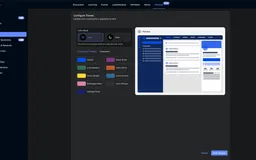
SMBcrm communities and courses now support Dark Mode on the web, with remembered member preferences and separate light and dark brand palettes.
Members can filter and sort community courses by topic, difficulty, language, title, and date on web and in the SMBcrm Mobile app.

GPT-6 Sol and GPT-6 Luna are now available for AI Agent and GPT workflow actions, with cleaner outputs and lower model costs.
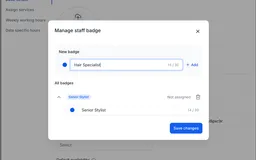
Add reusable role badges to Services staff members. Customers can see the assigned badge when choosing staff on desktop and mobile booking pages.
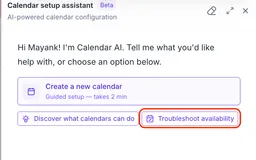
Calendar AI can now explain why a calendar slot or team member is unavailable in Calendars, with clear answers and no setup required.
Manual Tax Zones let businesses group countries or states and apply user-defined tax rates by region when automatic taxes are off or unavailable.
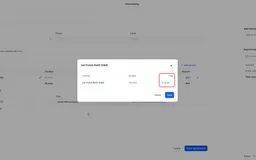
Set a custom service price when creating, editing, or duplicating an appointment, without changing the standard service price for future bookings.
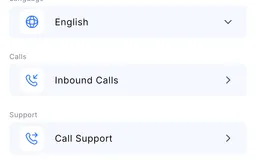
SMBcrm Mobile app users can run a notification diagnosis to check network, permissions, sound, and test delivery before contacting support.
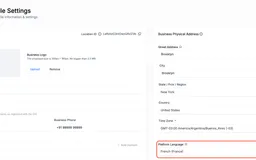
Notification templates for calendars, services, and rentals now use the Business Profile platform language while preserving custom edits.
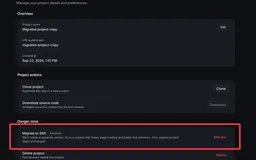
AI Studio can now copy eligible React projects into a draft SSR project, keeping the published site, domains, and original project unchanged.
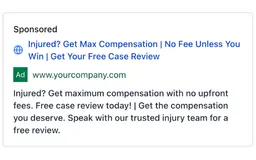
SMBcrm added templates for websites, funnels, social posts, Facebook ads, Google ads, and LinkedIn ads across several industries.
Single-service appointment changes made in connected calendars now sync back to SMBcrm calendar views, appointment lists, and details.
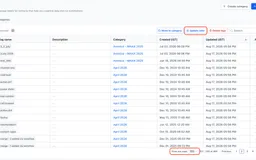
SMBcrm now lets users update colors for up to 100 tags at once and create tag categories directly from the category selector.
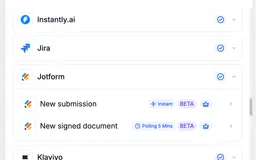
SMBcrm workflows can now react to Jotform submissions and signed documents, plus create Jotform submissions with mapped workflow values.
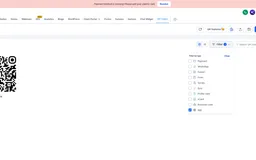
App QR Codes let you use one QR code to send iOS, Android, and other devices to the right app download destination or fallback URL.
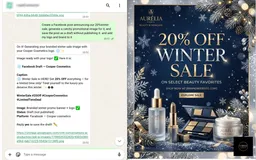
Connect WhatsApp to use Ask AI from a text message, including contact lookups, deal updates, calendar checks, content drafts, and follow-ups.
The Chat Widget color picker now hides unsupported eyedropper controls in Safari and Firefox while keeping standard color tools available.
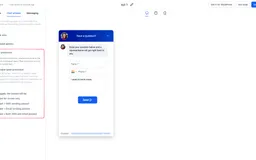
Chat Widget spam protection flags suspicious submissions, keeps contacts for review, and can pause SMS, email, or both by widget.
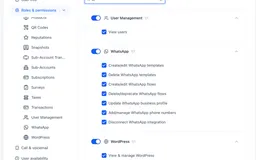
SMBcrm now lets admins control seven WhatsApp actions, including templates, flows, phone numbers, profiles, and disconnect access.
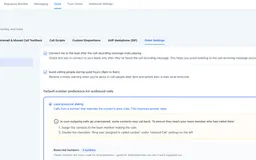
SMBcrm improves local presence dialing with smarter caller ID matching, wider country support, reserved numbers, and fail-safe defaults.
Video testimonials now support workflow triggers, consent-aware filters, custom values, and publishing controls for widget visibility.
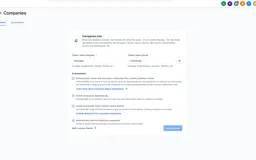
SMBcrm can match contacts to companies by email domain, create a company when needed, enrich company details, and help prevent duplicate records.
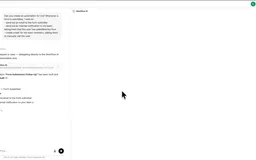
Ask AI can now create and edit workflow drafts from a prompt, including through WhatsApp, before final testing and publishing in the builder.
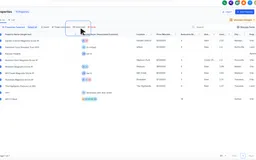
Send bulk emails to contacts associated with selected company or custom object records, then personalize, schedule, and track the campaign.
Admins can now control which team members can view, issue, edit, deactivate, or reveal sensitive details for Gift Cards.