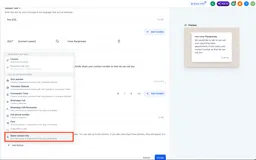
Request Contact Info from WhatsApp Username Users
SMBcrm can request phone numbers from WhatsApp username users through templates or workflows, with duplicate-safe contact capture.
New features, improvements, and fixes for your CRM.
Showing 241–270 of 378 updates
SMBcrm can request phone numbers from WhatsApp username users through templates or workflows, with duplicate-safe contact capture.
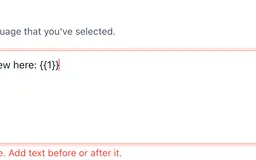
SMBcrm now flags invalid WhatsApp template variables inline, helping users fix placeholder issues before saving and avoid preventable rejections.
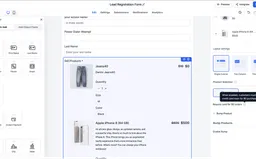
SMBcrm can now skip card entry for eligible $0 product orders in Forms and Surveys while preserving existing paid checkout behavior.
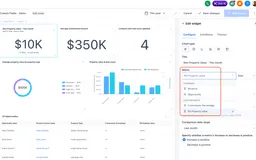
Numeric and monetary custom fields for Contacts and Opportunities can now be aggregated in dashboard widgets, custom reports, and custom metrics.

SMBcrm added new templates for websites, funnels, email, social posts, ads, and workflows to help teams start campaigns faster.
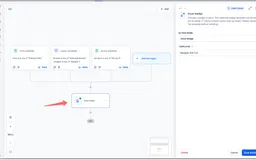
Badges can now be issued from workflows and used as triggers, helping teams automate recognition and follow-up steps around milestones.
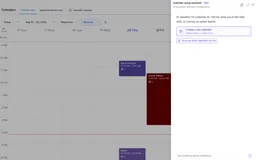
Calendar AI lets users describe the calendar they need, then guides setup for availability, team members, live preview, and a test booking.
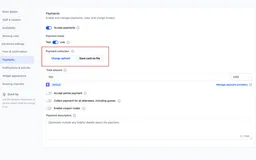
Calendar payments now separate card-on-file collection from free bookings, reducing unnecessary card requests and $0 transactions.
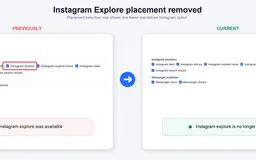
Meta discontinued Instagram Explore as a selectable ad placement, while existing campaigns continue running without user action.
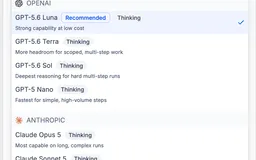
Workflow AI Agent Actions now support Anthropic, Google, and OpenAI models with provider selection, model descriptions, and reasoning effort controls.
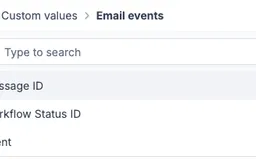
Email Events can now pass a stable Message ID into webhook payloads, helping teams identify which email generated each open or click.
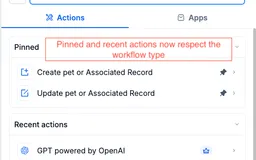
Pinned and Recent workflow shortcuts now show only actions and triggers that apply to the workflow type you have open, reducing wrong selections.
Single-select dropdowns in record automation actions can again use dynamic values, including merge tags from triggers, formatters, and webhooks.
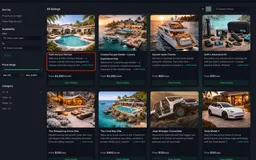
Rental booking updates improve CTA labeling, checkout date visibility, listing details, and cart persistence for a smoother booking flow.
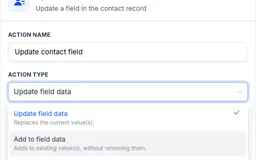
Workflow contact updates can now add selections to multi-dropdown and multiple-checkbox fields without replacing existing contact data.
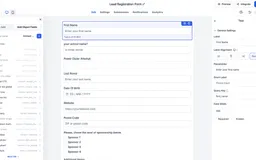
Forms, surveys, and quizzes now support grouped custom field selection, object filtering, search, and bulk placement in the builder.
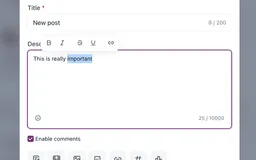
Community updates add a floating text toolbar, faster post-level spammer bans, recording downloads, and improved comment shortcuts.
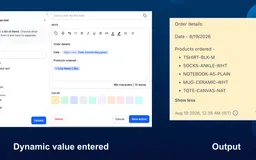
Workflow text fields can now use list-type values with selectable fields, formats, previews, and optional fallbacks before insertion.
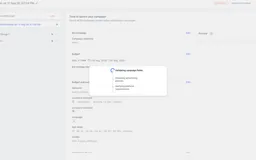
SMBcrm now surfaces Google and LinkedIn ad campaign validation errors together, with clearer guidance for fixing fields before publishing.
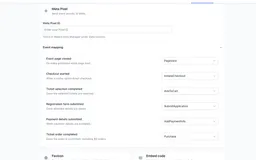
Events Beta users can add Meta Pixel tracking to measure event page visits, RSVP steps, ticket purchases, and purchase data.
QR codes can now be saved to Apple Wallet or Google Wallet, giving users faster offline access for existing and newly created QR codes.
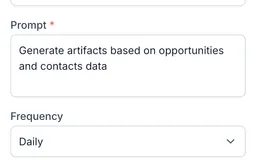
Ask AI scheduled tasks let you save recurring prompts in the SMBcrm Mobile app, review run history, and open completed conversations.
WhatsApp composer and Settings fixes help connected accounts show the right send options and open management pages without repeated refreshes.
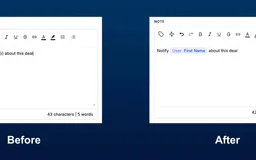
Workflow text fields now show dynamic values as chips, with slash search, quick replacement, and red highlights for invalid values.
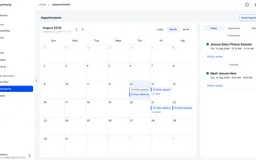
Clients can view, book, reschedule, and cancel eligible appointments from the Client Portal, while businesses control available calendars.
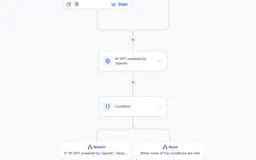
Community admins can route, screen, and approve request-based group access with a workflow trigger tied to membership question answers.
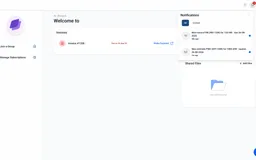
Contacts now receive Client Portal notifications when invoices or estimates are issued, helping them review billing items faster.
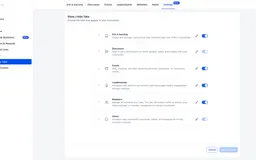
Community admins can reorder, rename, and show or hide tabs so members see navigation that better matches each community's structure and language.
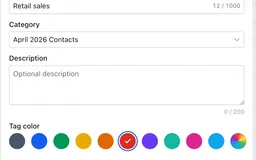
In labs, tag categories and customizable colors help teams organize, identify, and manage tags while existing tags remain usable in No category.
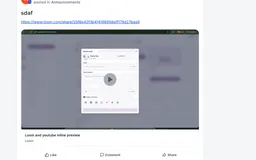
Communities now generate rich previews for supported links and events, helping members watch videos, view details, and RSVP from the feed.