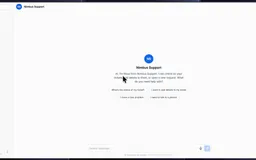
Share Workflow AI Agents With a Hosted Chat Page
Give your workflow AI agent a shareable chat page where verified contacts can ask questions and take action, without a website, widget, or code.
New features, improvements, and fixes for your CRM.
Showing 91–120 of 351 updates
Give your workflow AI agent a shareable chat page where verified contacts can ask questions and take action, without a website, widget, or code.
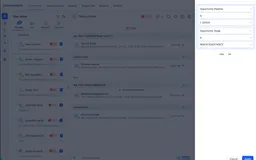
Filter Conversations by channel account, call outcome, contact type, and opportunity details to prioritize follow-ups and manage your inbox.
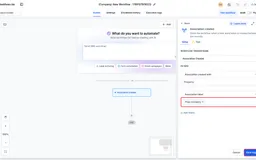
The Association Created trigger starts workflows when CRM records are linked, with filters for the associated object and relationship label.
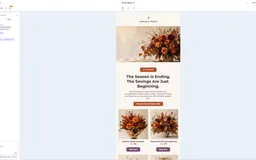
Switch email templates without leaving the Email Builder’s design editor, with a confirmation step before existing content is replaced.
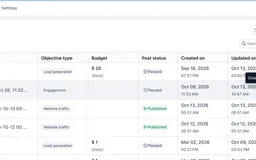
Sync existing Meta campaigns with SMBcrm Ad Manager, edit campaigns in either platform, and review consistent performance metrics in one place.
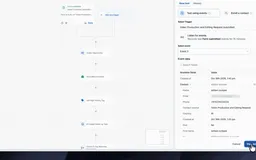
Test individual triggers and actions with real account events, then run an entire workflow and inspect each step’s input, output, and result.
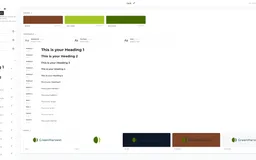
Brand Boards now support a full typography hierarchy, automatic font mapping, saved manual adjustments, and a preview of all text styles.
Affiliates can now recruit at any level in multi-tier campaigns, while commissions remain limited to the campaign's configured payout depth.
Verify email addresses during contact import in SMBcrm, track verification in Bulk Actions, and use status filters to organize valid and invalid contacts.
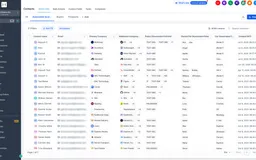
View linked Company and Custom Object records in Contact Smart Lists, then combine association filters with contact criteria to save targeted audiences.
View linked workflows together in Workflow Canvas to trace automation handoffs and shared dependencies. Launch access is limited to agency users and admins.
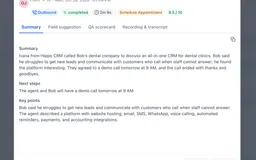
Voice Intelligence in Labs summarizes recorded calls, suggests contact updates and call outcomes, and provides QA scores for review in SMBcrm.
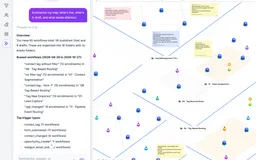
Use the AI assistant in Workflow Maps to explain automations, investigate issues, organize workflows, and request builds or edits with approval controls.
Workflow Maps brings account-wide execution errors into one view so agency users and admins can review failures and open affected steps.
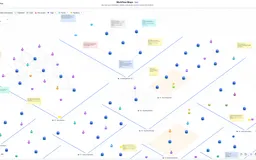
Workflow Maps brings workflows, assets, and contact journeys into one visual interface. Launch access is limited to agency users and agency admins.
Trace a contact’s journey across workflows, inspect runs and steps, and review the last 60 days of history. Launch access is limited to agency roles.
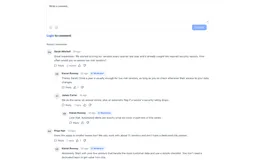
Readers can comment, reply, and react on blog posts. Manage discussions, approvals, and email notifications from the Comments tab in SMBcrm.
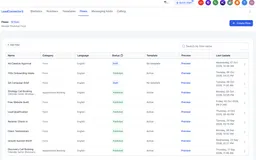
Send existing forms as WhatsApp Flows so customers can respond without leaving the chat, with submissions saved to the right contact in SMBcrm.
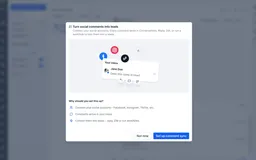
Comments on posts published through Social Planner now appear in Conversations, where teams can reply, send private messages, and capture contacts.
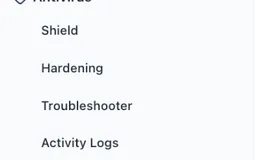
Every WordPress site now opens to one page with a clear menu on the left, and the sites list shows the key numbers for every site in one table.
Reviews AI Agents now offer brand voice settings, quality guardrails, sensitive review holds, and live previews to help teams fine-tune responses.
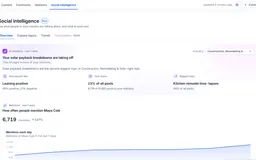
Social Intelligence brings brand monitoring, competitor comparisons, topic tracking, and email alerts to selected SMBcrm users in a limited beta.
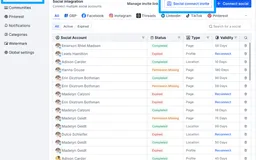
Send password-protected Social Planner invites so clients can connect their social accounts without sharing credentials or accessing your account.
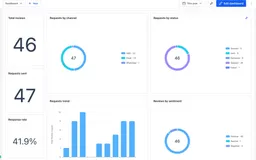
Track review requests, customer feedback, and response performance in SMBcrm dashboards with 16 reputation widgets and configurable filters.
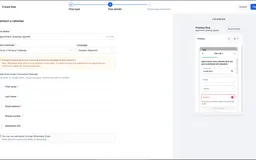
Choose from 13 language options for WhatsApp appointment booking flows, preview the translated experience, and write form flows in any language.
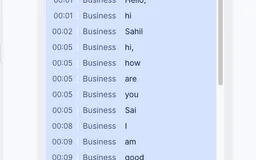
Record WhatsApp calls and review searchable transcripts in Conversations, with speaker identification and a configurable recording announcement.
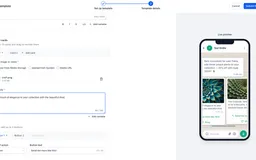
Show 2 to 10 products, offers, or services in one WhatsApp message, with images or video, card-specific buttons, and quick replies for follow-up.
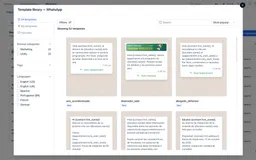
Build WhatsApp messages from 52 ready-made templates in six languages, customize the content, and preview each message before submitting for approval.
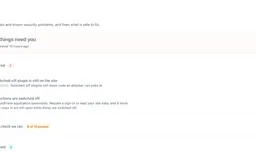
WordPress Antivirus now helps you find harmful files, review security gaps, apply fixes with backup options, and manage site protections.
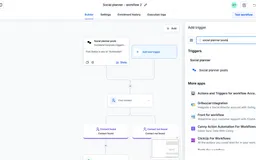
Use Social Planner post statuses to trigger workflows, automate approval notifications, and alert your team when publishing fails.